




New Trade Zone
Trade Zone is now live
Use the new Trade Zone for auctions and instant-price trades so Pokemon and item offers are easy to find.


Leeluckya
Registered User
-
Joined
-
Last visited
Everything posted by Leeluckya
-
tree 52 mins left weavil 1h left shift 1h left primea 1h left
-
400k
-
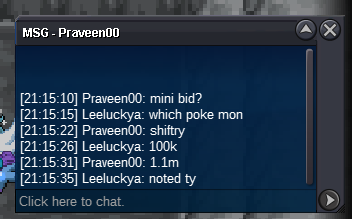
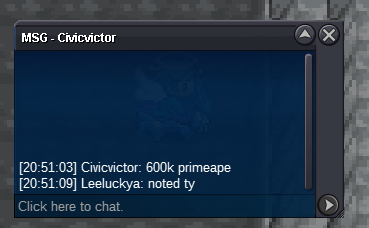
treecko c.o 2m600k bid 200k insta 5m by Losmatador turtwig s.o 3m bid 200k insta 10m by primeape c.o 600k bid 50k insta 2m by civicvictor weavile c.o 1m bid 100k insta 2m by Tianlaoshi shiftry c.o 1m100k bid 100k insta 3m by praveen00
-
treecko c.o 2m400k bid 200k insta 5m by Grayzhang turtwig s.o 3m bid 200k insta 10m by primeape c.o 600k bid 50k insta 2m by civicvictor weavile c.o 1m bid 100k insta 2m by Tianlaoshi shiftry c.o 1m bid 100k insta 3m by Nhokpies
-
treecko c.o 2m bid 200k insta 5m turtwig s.o 3m bid 200k insta 10m leavanny c.o 500k bid 50k insta 1m (6) primeape c.o 550k bid 50k insta 2m (7) primeape c.o 50k bid 50k insta 300k weavile c.o 900k bid 100k insta 2m (1) shiftry c.o 1m bid 100k insta 3m
-
shiftry 1 and primeape 6 really start
-
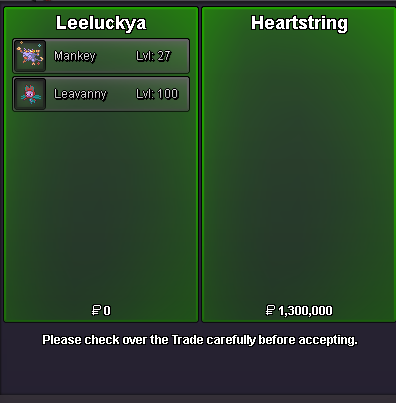
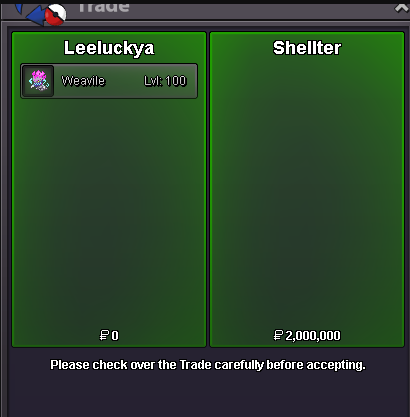
all pokemon 48h left (after start price is met) Accepted Payments: Coin Capsule = 500k IV Reroll Tickets = 600k turtwig c.o 3m 200k bid 200k insta 10m insta sold mankey and leavanny insta sold weavile
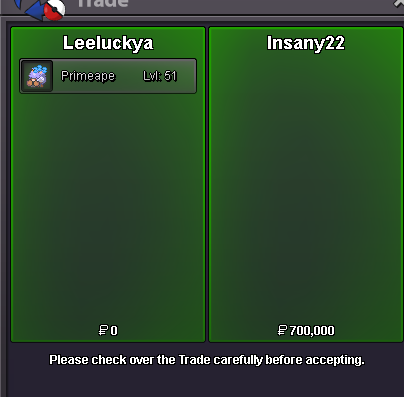
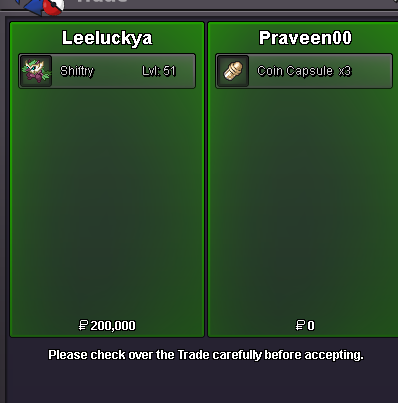
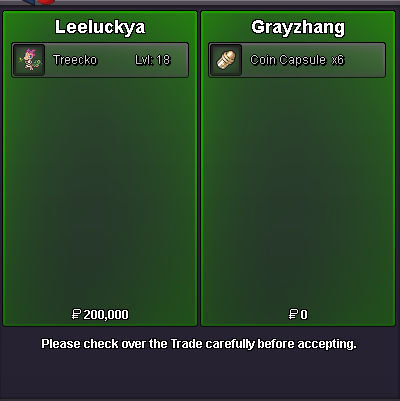
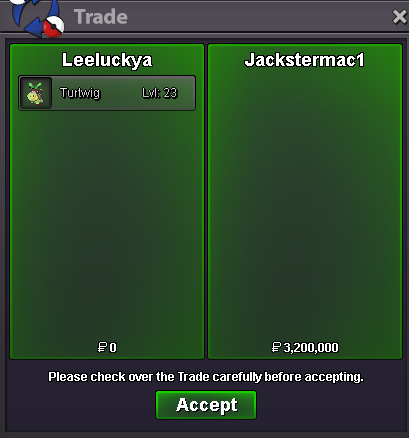
-
2m1.2m15m1.3m1.5m 31def1.5m 31def25m15m grenshiny togepi shiny tyrogue shiny pichu shiny kangaskha


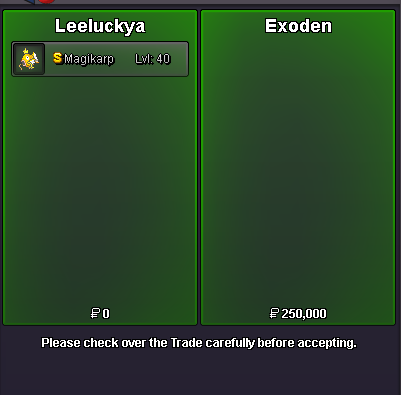
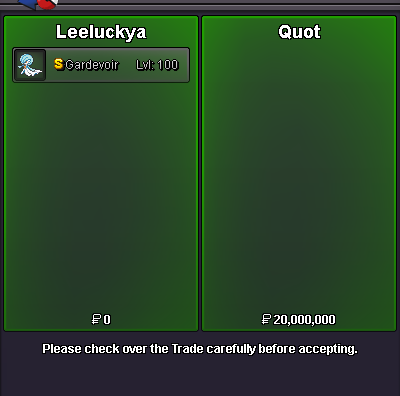
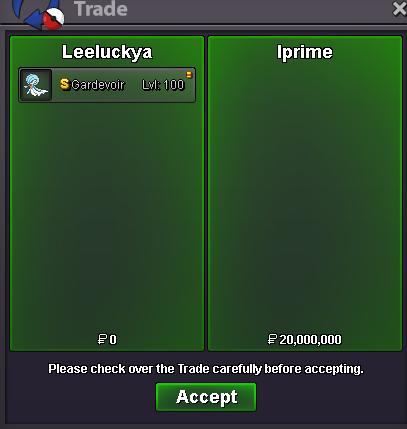
 buy it
 buy frillish 60k




Account
Navigation
Search
Configure browser push notifications
Chrome (Android)
- Tap the lock icon next to the address bar.
- Tap Permissions → Notifications.
- Adjust your preference.
Chrome (Desktop)
- Click the padlock icon in the address bar.
- Select Site settings.
- Find Notifications and adjust your preference.
Safari (iOS 16.4+)
- Ensure the site is installed via Add to Home Screen.
- Open Settings App → Notifications.
- Find your app name and adjust your preference.
Safari (macOS)
- Go to Safari → Preferences.
- Click the Websites tab.
- Select Notifications in the sidebar.
- Find this website and adjust your preference.
Edge (Android)
- Tap the lock icon next to the address bar.
- Tap Permissions.
- Find Notifications and adjust your preference.
Edge (Desktop)
- Click the padlock icon in the address bar.
- Click Permissions for this site.
- Find Notifications and adjust your preference.
Firefox (Android)
- Go to Settings → Site permissions.
- Tap Notifications.
- Find this site in the list and adjust your preference.
Firefox (Desktop)
- Open Firefox Settings.
- Search for Notifications.
- Find this site in the list and adjust your preference.