




New Trade Zone
Trade Zone is now live
Use the new Trade Zone for auctions and instant-price trades so Pokemon and item offers are easy to find.


Cruelgreen
Registered User
-
Joined
-
Last visited
Everything posted by Cruelgreen
-
amateurs
-
logs : gliscor added

-
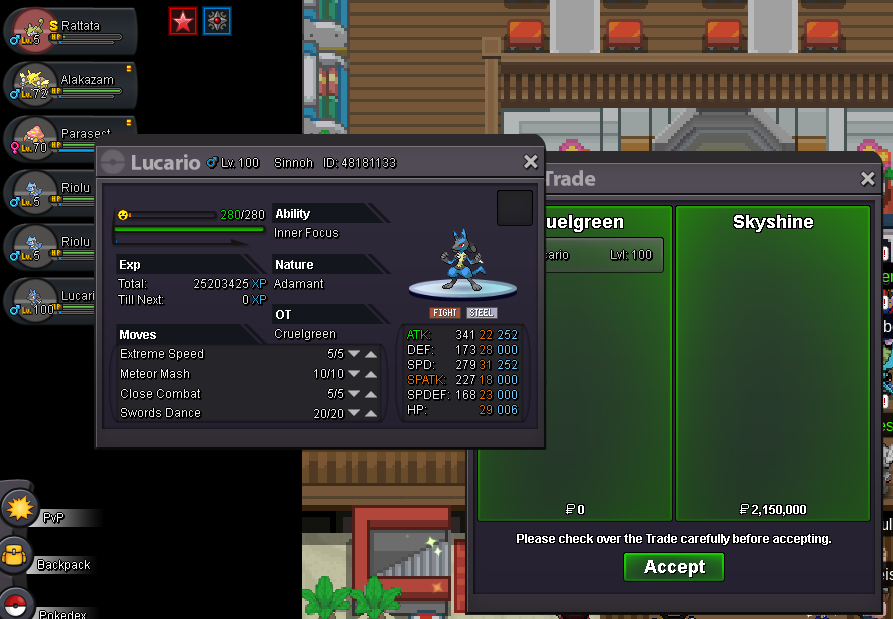
winner is @Skyshine will try to contact with him or you read this pm me in discord*bump* last hours200 coin shop coins for normal 300 for shinyc.o 2m 150k
 insta added : 2.7mwrite to finish "(gmt+2)"what are you laughing at ?c.o 1.8m 47 hour 58 minute from now ends at august 08/02/2020(gmt +3) 06 : 05 : 43 pm
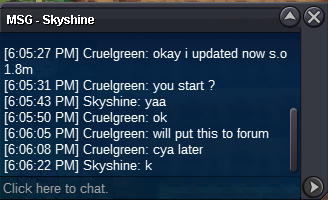 s.o lowered to 1.8mS.O : 1.8M Min bid : 150k time : ends 48 hour after first bid C.o 2m 150k by skyshine İnsta added : 2.7M ends at august 08/02/2020(gmt +3) 06 : 05 : 43 pm payment methods : Money cc : 380k iv reroll : 740k nature reroll : 360k blk medallion : 160k ms : 190k Note : fake offer will be reported Contact : Discord : Nagito#5486 IGN : Cruelgreen
 bisharp price lowered
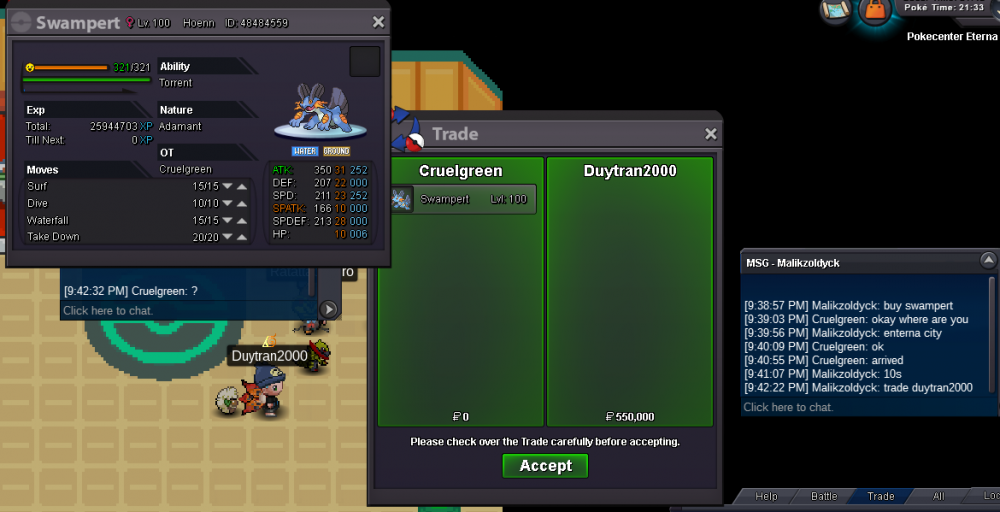
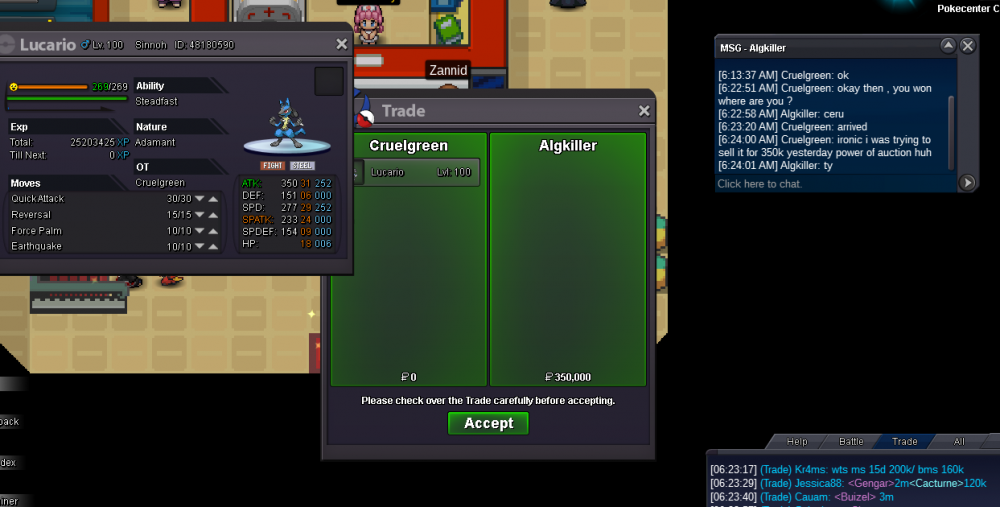 *bump* pvp poke prices updatedlogs :pelipper added / clefable sold
 discord contact was old , updated
 if you are buying / selling item please create your thread in "coins & items"would be easier for you if you and sellers if you write your -budget -wanted ivs -wanted ability -wanted natures -also you can give your discord to easier contact good luck:CharYay:




Account
Navigation
Search
Configure browser push notifications
Chrome (Android)
- Tap the lock icon next to the address bar.
- Tap Permissions → Notifications.
- Adjust your preference.
Chrome (Desktop)
- Click the padlock icon in the address bar.
- Select Site settings.
- Find Notifications and adjust your preference.
Safari (iOS 16.4+)
- Ensure the site is installed via Add to Home Screen.
- Open Settings App → Notifications.
- Find your app name and adjust your preference.
Safari (macOS)
- Go to Safari → Preferences.
- Click the Websites tab.
- Select Notifications in the sidebar.
- Find this website and adjust your preference.
Edge (Android)
- Tap the lock icon next to the address bar.
- Tap Permissions.
- Find Notifications and adjust your preference.
Edge (Desktop)
- Click the padlock icon in the address bar.
- Click Permissions for this site.
- Find Notifications and adjust your preference.
Firefox (Android)
- Go to Settings → Site permissions.
- Tap Notifications.
- Find this site in the list and adjust your preference.
Firefox (Desktop)
- Open Firefox Settings.
- Search for Notifications.
- Find this site in the list and adjust your preference.