




New Trade Zone
Trade Zone is now live
Use the new Trade Zone for auctions and instant-price trades so Pokemon and item offers are easy to find.

Hasanchucha
Registered User
-
Joined
-
Last visited
Everything posted by Hasanchucha
-
u should do auction i think
-
1m 2
-
1m50k
-
do 650k
-
550k
-
Sure thing we will be happy to have u, Let me contact the Guild leader
-
u guys win tho ,now sop msgingok fine ill loose,well the last one win thoi guess i win tho?is the XMAS Charizard MOUNT still left??wtb XMAS Garchomp mount + HW volcarona setSO WHEN I CHECK THE PC I FOUND OUT TWO SLOWBRO WHICH I DONT WANT SO LOOKING FOR THE MOST APPROPRIATE OFFER THEM DONT EXPECT TOO MUCH SO OFFER LESS THO , I CHECK LATER SO WHO OFFER THE MOST WILL GET THEM GOOD LUCK
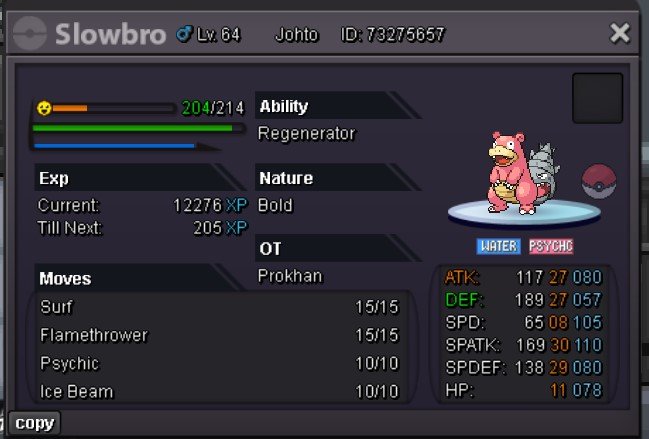
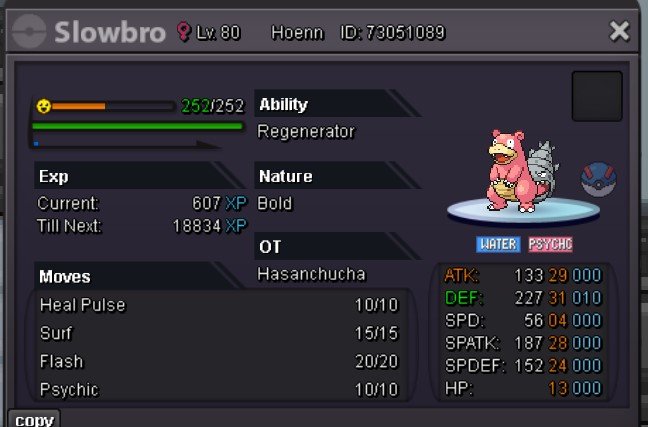 well i do it later tho,6788bumpC.O- 180k MIN. RAISE- 30K NO INSTA TIME LIMIT-ended Winner- Yumeko77
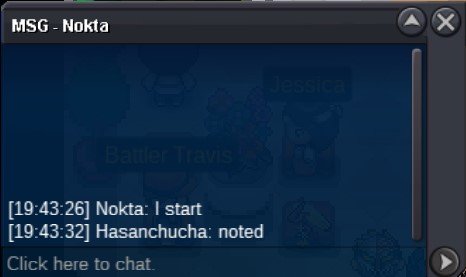
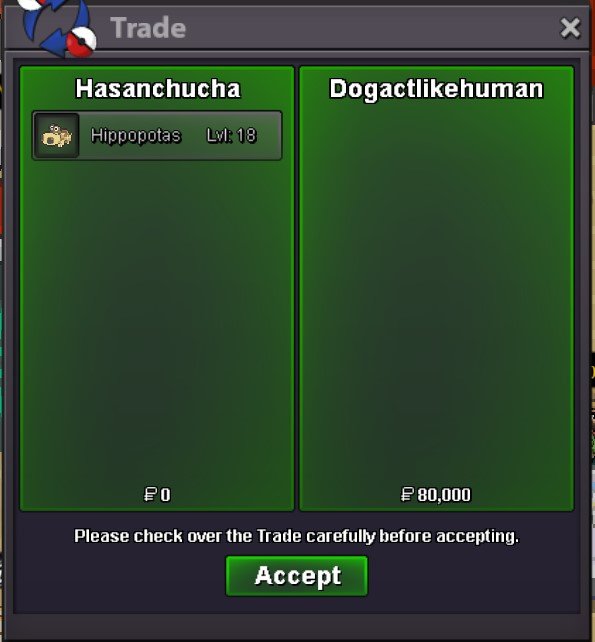
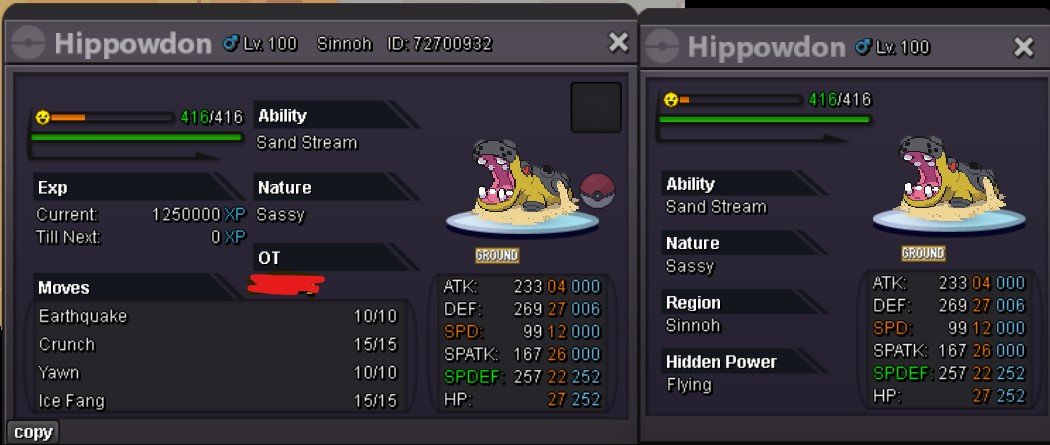 can do 80k for sureur right tho well either ways its my fault u can close the topic now Thankyou for ur support HasanchuchabumpSo i got Soul Bound Thundurus reroll ticket just few minutes ago from pvp chest and when i was about to reroll, i actually rerolled i see the preview of its stats changing but then i log out accidently and when i log in i lost my Souls thundurus ticket and my stats got back to how they were before . i hope either ways can u guys change the stats back to after i reroll or give me my reroll ticket backthankyou for the information now u can close the topic


Account
Navigation
Search
Configure browser push notifications
Chrome (Android)
- Tap the lock icon next to the address bar.
- Tap Permissions → Notifications.
- Adjust your preference.
Chrome (Desktop)
- Click the padlock icon in the address bar.
- Select Site settings.
- Find Notifications and adjust your preference.
Safari (iOS 16.4+)
- Ensure the site is installed via Add to Home Screen.
- Open Settings App → Notifications.
- Find your app name and adjust your preference.
Safari (macOS)
- Go to Safari → Preferences.
- Click the Websites tab.
- Select Notifications in the sidebar.
- Find this website and adjust your preference.
Edge (Android)
- Tap the lock icon next to the address bar.
- Tap Permissions.
- Find Notifications and adjust your preference.
Edge (Desktop)
- Click the padlock icon in the address bar.
- Click Permissions for this site.
- Find Notifications and adjust your preference.
Firefox (Android)
- Go to Settings → Site permissions.
- Tap Notifications.
- Find this site in the list and adjust your preference.
Firefox (Desktop)
- Open Firefox Settings.
- Search for Notifications.
- Find this site in the list and adjust your preference.