




New Trade Zone
Trade Zone is now live
Use the new Trade Zone for auctions and instant-price trades so Pokemon and item offers are easy to find.

Go1denp1kachu
Registered User
-
Joined
-
Last visited
Everything posted by Go1denp1kachu
-
Before 5th Gym After 5th Gym (Had to train more outside since i couldn't beat Janine)


-
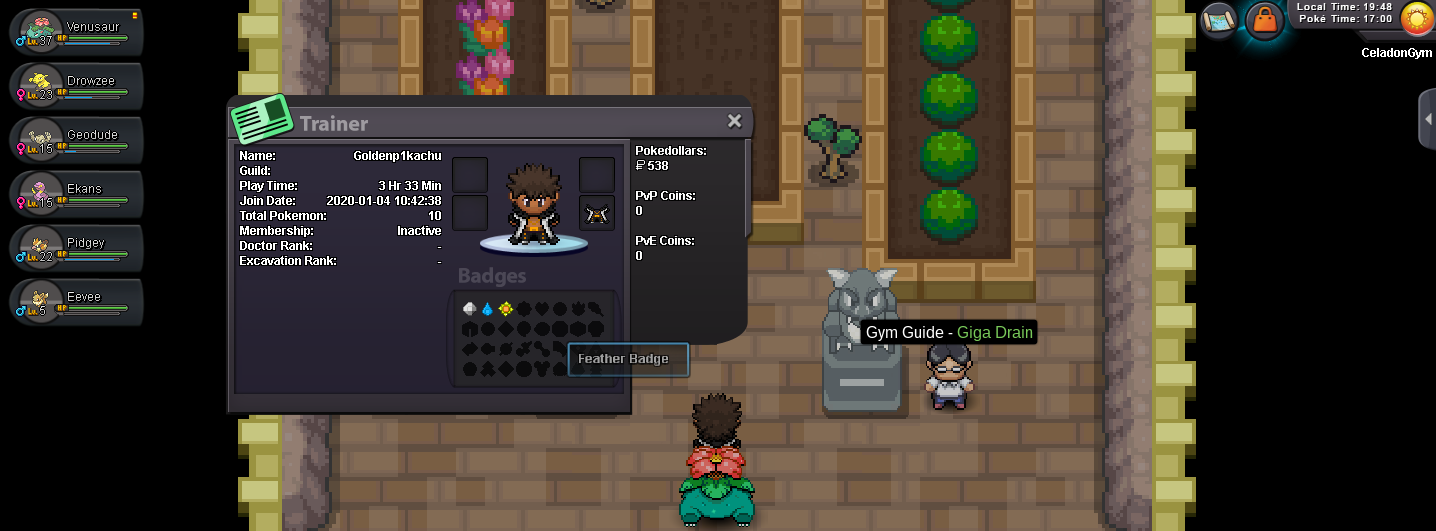
Before 4th Gym! After 4th Gym!

-
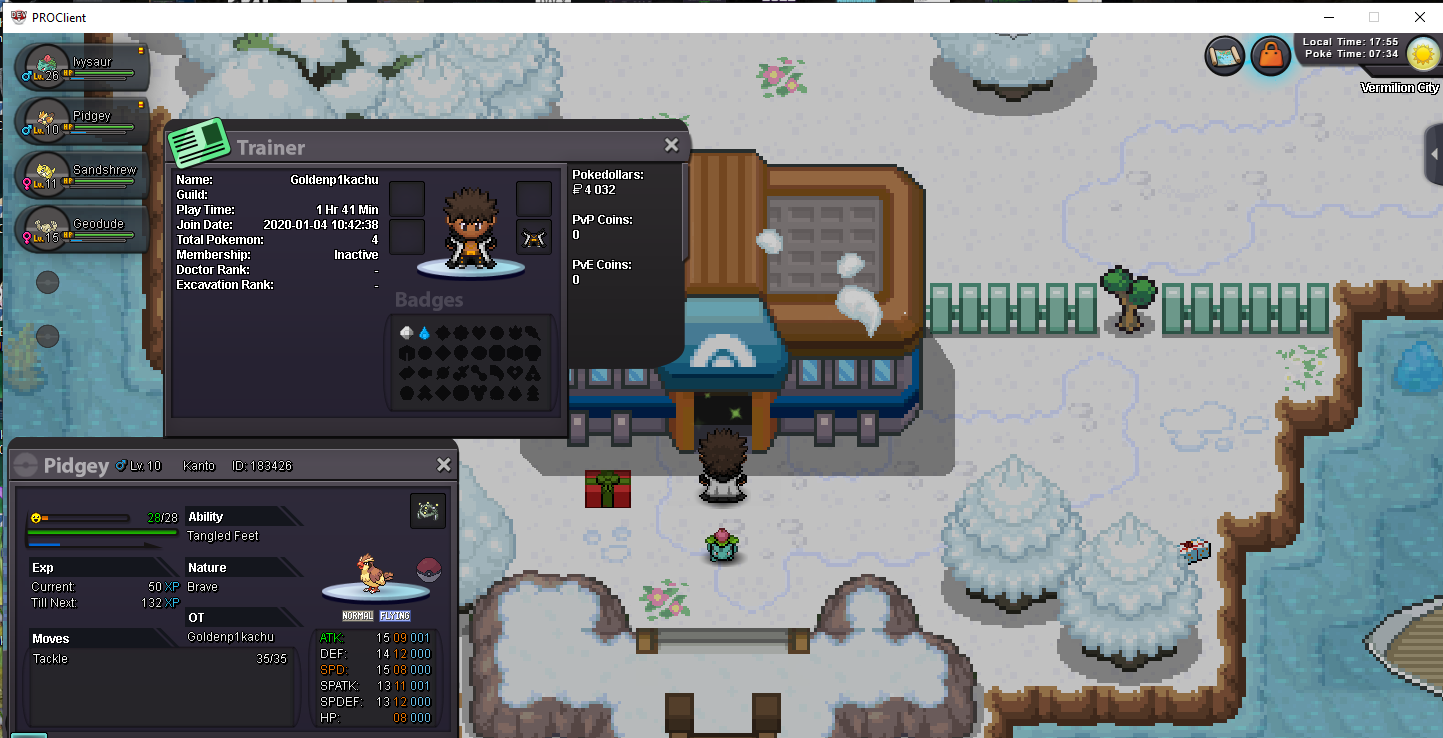
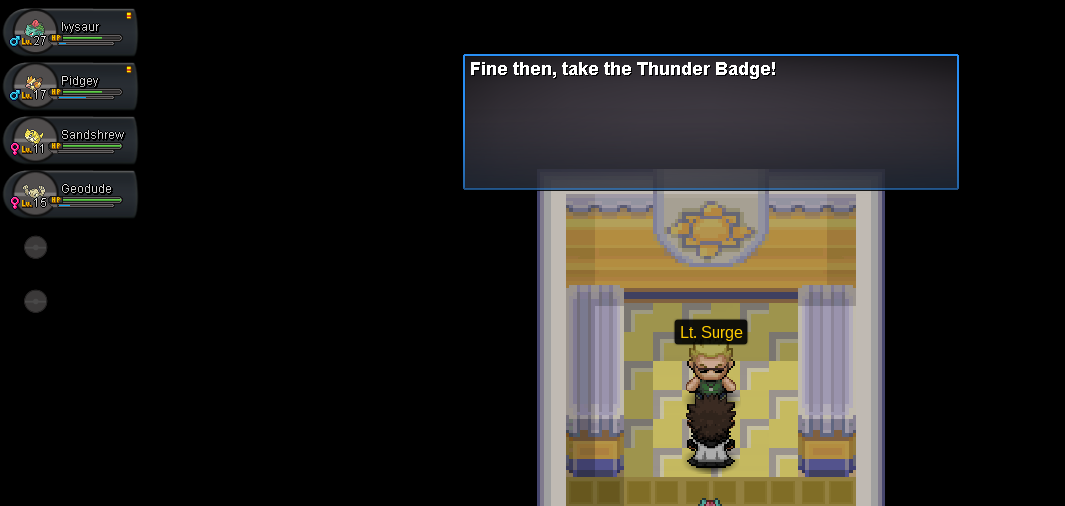
Before 3rd Gym: After 3rd Gym: EXP Share working perfect aswell
-
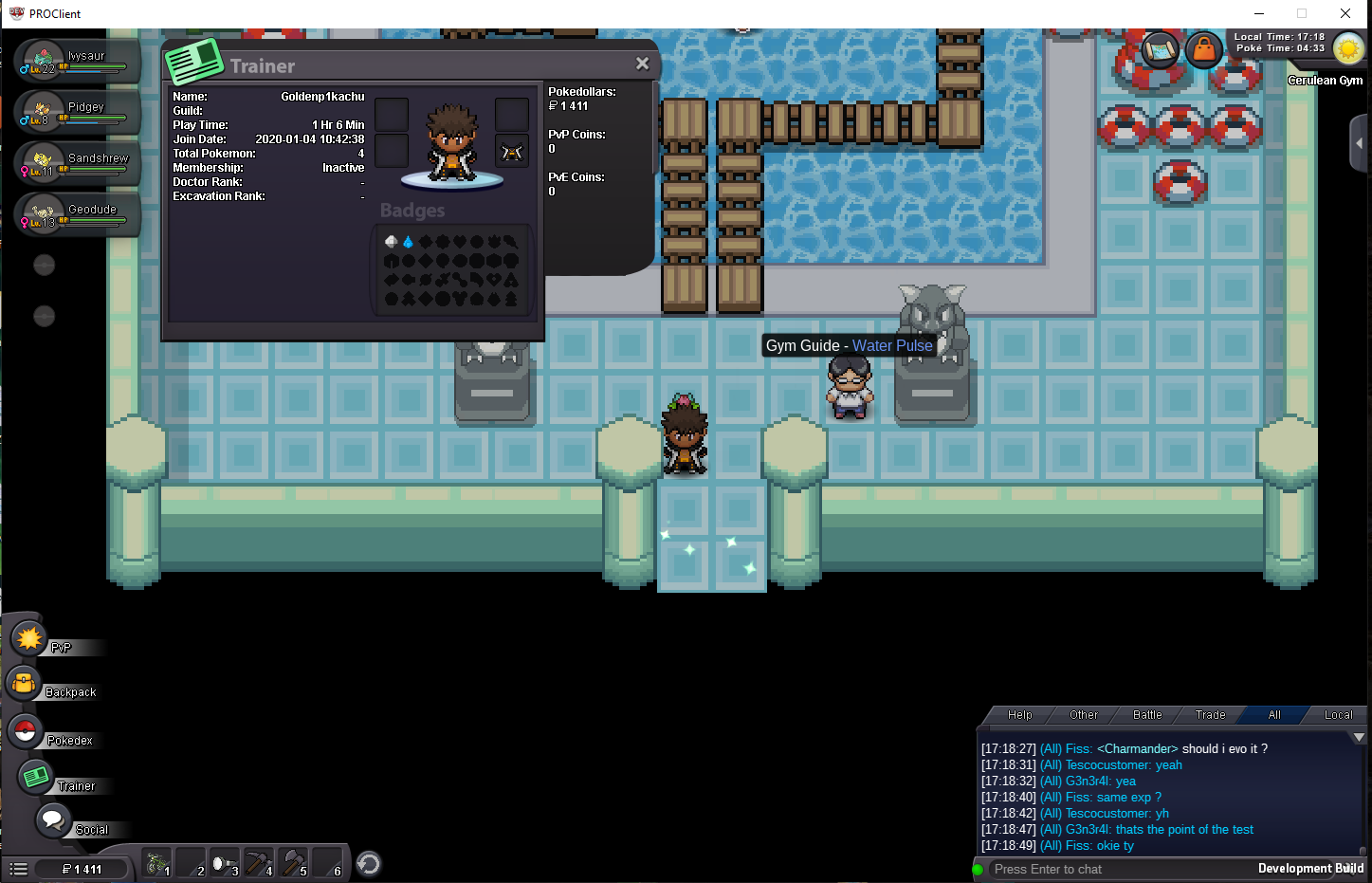
Before and after 2nd Gym!

-
48
-
Smelly
-
-
Well im waiting in VC to settle this!
-
Banana hammock
-
46
-
Hello there dear staff. I saw a message where it said; Doing Story services, quest services on other accounts might result in you getting falsely banned for mass account or other related offenses. Do it at your own risk. My suggestion to this would be: Make channel that only staff can see where the story service provider could enter his accounts and what account he is doing service for. This would prevent falsely banned accounts and the work for you to handle the appeals around these bans. It could be very simple like: Story Service Provider: (So staff knows which accounts that belongs to the one who provides with service) Acc 1 - Acc 2 - Acc 3 - Acc 4 Account that gets the serviceservice: (So staff knows which account that is getting the service) GoldenNoobachu Please Let me know what you think about this! Kind Regards, GP
-
Pretty sure it is time
-
Time to ruin a win
-
Heavily +1
-
-
Meant my place aye? Much Love
-
-
Won't let you tho
-
-
Instead of wasting time here on a loss get in for some VC & Dungeon Speed Run now!
-
But i didn't finish as lowest scorer
-
-
-
🤔
-
Thanks for bumping my win appreciate it!
