




New Trade Zone
Trade Zone is now live
Use the new Trade Zone for auctions and instant-price trades so Pokemon and item offers are easy to find.

Peterbusteraib
Registered User
-
Joined
-
Last visited
Everything posted by Peterbusteraib
-
Hello, I had started a second account "Concentration" in order to store my pokémon event shiny etc, but I did not know the existence of the lock by region. Since I don't have much time to play anymore, I would like to know if it is possible to reverse the trades on which I have traded my locked pokemons. Thank you for your time and work on the game. Regards, Peterbusteraib
-
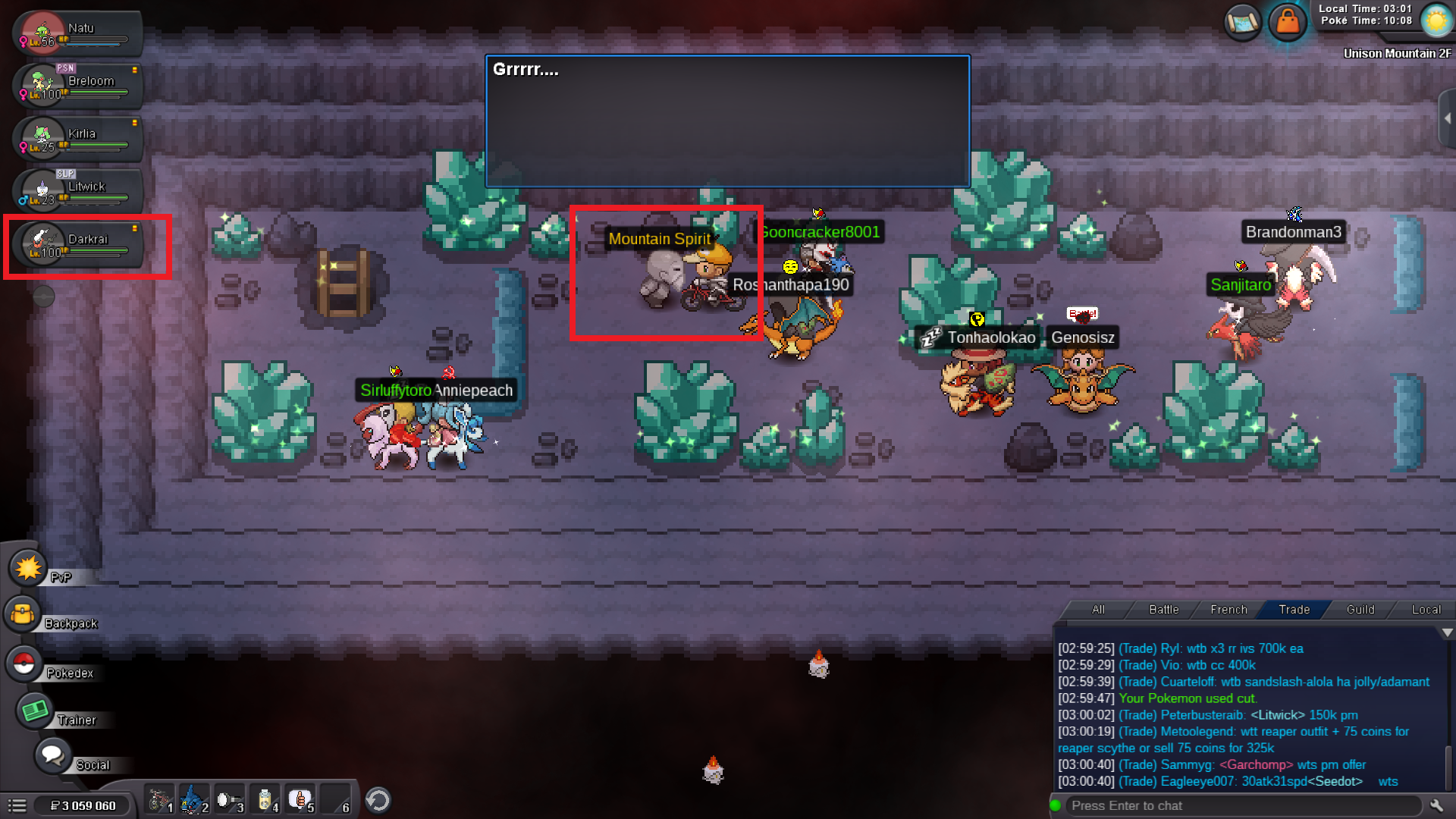
Hello to all, Since last year the Halloween npc's don't disappear which is a bit constraining. As you can see on the screen I have Darkrai which indicates that my quest is well validated. Keep me informed if a solution to this bug is possible. Have a nice day. Peterbusteraib :^) (Gold Server)
-
Event Form : Easter event Time investment : 5 hours but chill Possibly interest to join staff either as pixel artist or coin shop icon creator : Yes HERALIBUR - Rock / Bug : It was inspired by : Hope you like it ! :^)



-
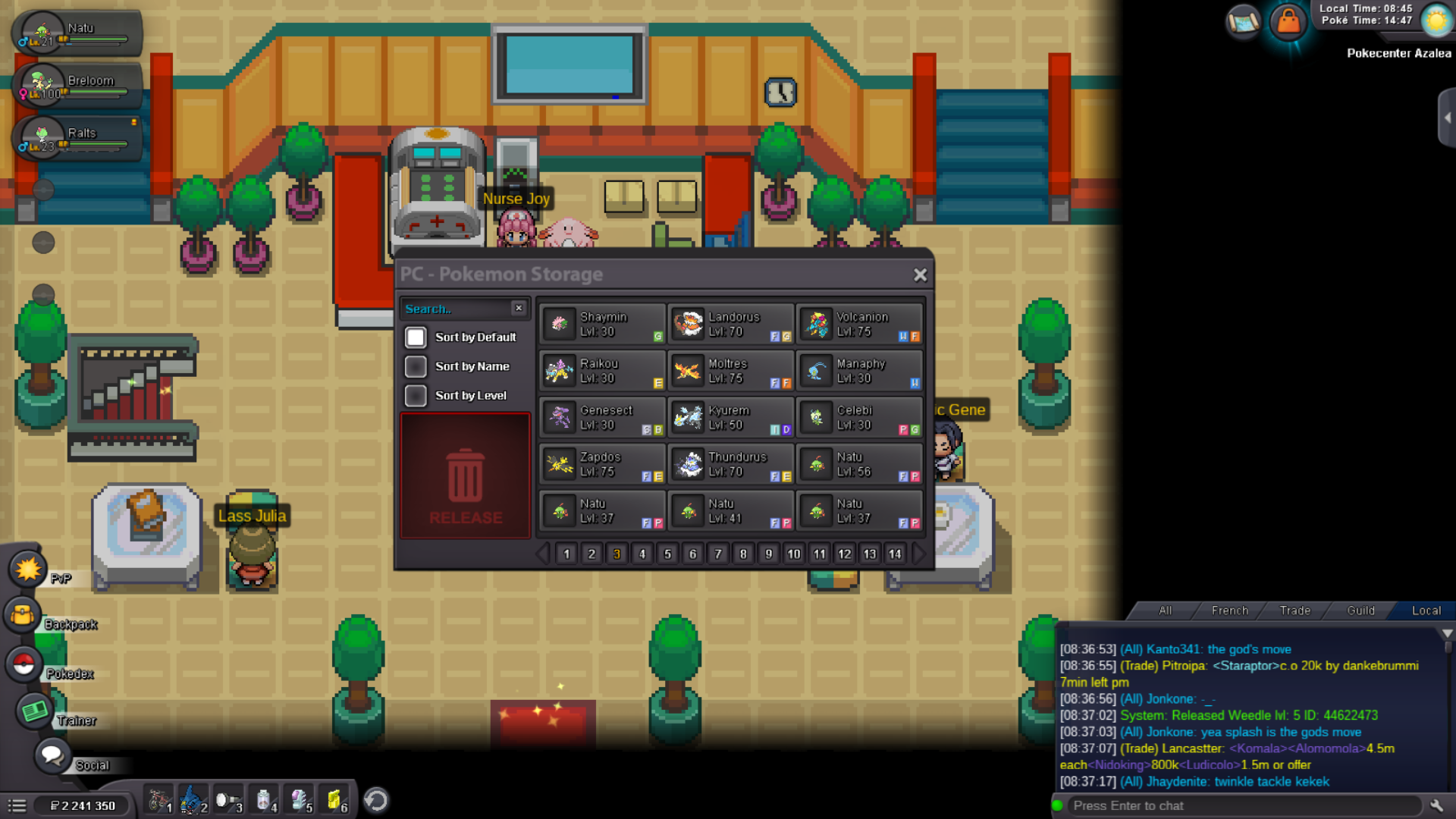
Hello, I accidentally released my Weedle shield dust 31 spd Jolly. ID : 44622473 I would like to get it back if possible. Thanks, have a good day. Peterbusteraib // Gold server
-
Solt to Exoforce : 500K
-
BUMP
-
noted, auction ends 13h58 GTM+0 9 March
-
Start offer 500k Insta 2m min raise 100k Ends of the auction 48h after first bid Only dollars and CC , CC value 400k Wts this dratini with my OT

