New Trade Zone
Trade Zone is now live
Use the new Trade Zone for auctions and instant-price trades so Pokemon and item offers are easy to find.
(1).png.0ea5322196e140924d73a222a0fea815.png)

Rachelgardner
Registered User
-
Joined
-
Last visited
Everything posted by Rachelgardner
-
Start
-
2m5 Clodsire
-
Start
-
5m
-
Start Clodsire
-
3m
-
start
-
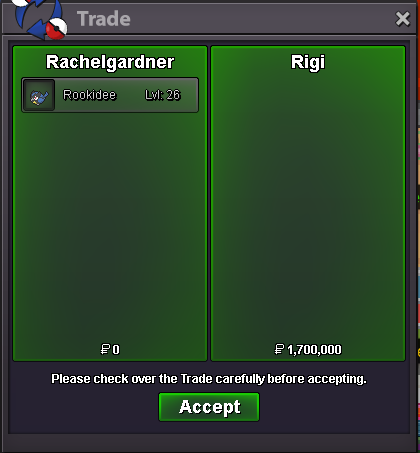
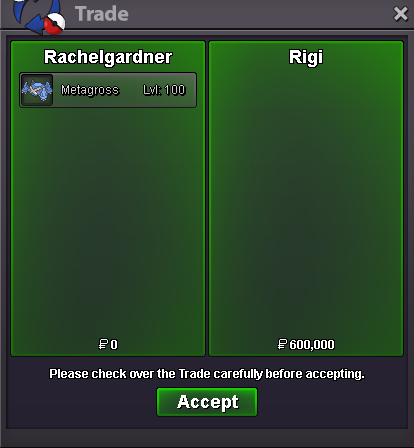
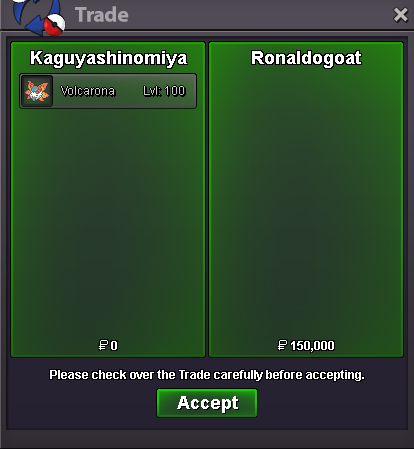
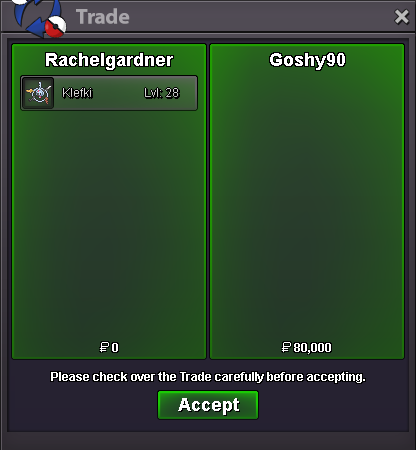
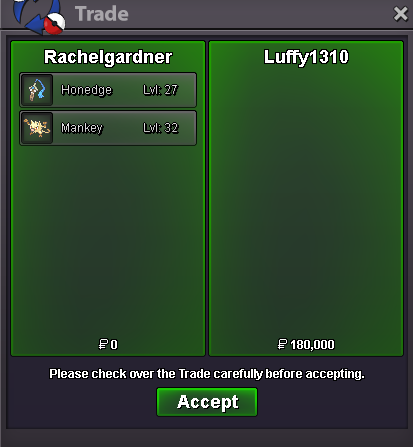
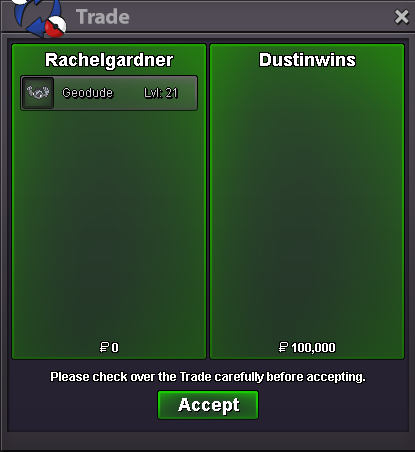
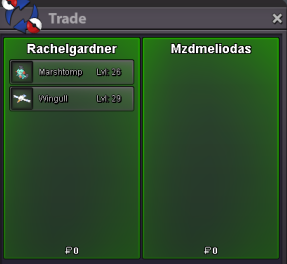
3m222k1m801kHi, I had a Wingull and I gave it to player name: mzdmeliodas to train its level and evs along with Marshtomp, and they returned both to me. I think I evolved it into Pelipper after that, but now when I look for it again, it's gone. I'm not sure if I accidentally deleted it, could you please check exactly where it is? Below is the only image I have: Thanks so much for helping.
Account
Navigation
Search
Configure browser push notifications
Chrome (Android)
- Tap the lock icon next to the address bar.
- Tap Permissions → Notifications.
- Adjust your preference.
Chrome (Desktop)
- Click the padlock icon in the address bar.
- Select Site settings.
- Find Notifications and adjust your preference.
Safari (iOS 16.4+)
- Ensure the site is installed via Add to Home Screen.
- Open Settings App → Notifications.
- Find your app name and adjust your preference.
Safari (macOS)
- Go to Safari → Preferences.
- Click the Websites tab.
- Select Notifications in the sidebar.
- Find this website and adjust your preference.
Edge (Android)
- Tap the lock icon next to the address bar.
- Tap Permissions.
- Find Notifications and adjust your preference.
Edge (Desktop)
- Click the padlock icon in the address bar.
- Click Permissions for this site.
- Find Notifications and adjust your preference.
Firefox (Android)
- Go to Settings → Site permissions.
- Tap Notifications.
- Find this site in the list and adjust your preference.
Firefox (Desktop)
- Open Firefox Settings.
- Search for Notifications.
- Find this site in the list and adjust your preference.