




New Trade Zone
Trade Zone is now live
Use the new Trade Zone for auctions and instant-price trades so Pokemon and item offers are easy to find.
(1).png.0ea5322196e140924d73a222a0fea815.png)

Rachelgardner
Registered User
-
Joined
-
Last visited
Everything posted by Rachelgardner
-
-
i release my Volcanion a few years ago, can you restore it ---Thanks so much---
-
7m
-
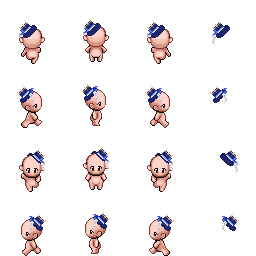
Fontaine Hat:
-
1m7
-
1m1
-
5124
-
Start
-
1m5
-
3m4
-
21m5
-
I may have misremembered, I'm really sorry for bother you
-
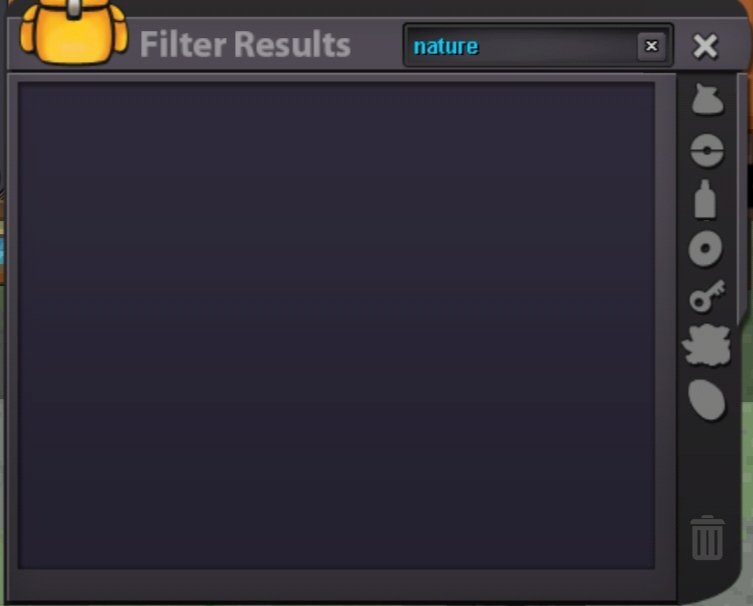
I bought it from NPC Pvp Coin Master in Vermi city yesterday
-
I use pvp coin to buy nature reroll but till now I still can't find it
-
600k
-
Start
-
Start
-
Buy Tyrantrum
-
-
3m garchomp
-
2m4 Gar
-
2m Garchomp
-
start
-
2m1
-
Bump

