New Trade Zone
Trade Zone is now live
Use the new Trade Zone for auctions and instant-price trades so Pokemon and item offers are easy to find.

Nhattri
Registered User
-
Joined
-
Last visited
Everything posted by Nhattri
-
-
@Gracee I'm online now and add your dc , please accept
-
@Gracee i'm online now, can we meet at vermi?
-
-
7m
-
6m2
-
4m1
-
3m7
-
2m2
-
@Rhulk Congrats on winning the auction! If you don’t really need him, I’d be interested in buying him from you.
-
4m2
-
3m5
-
2m4
-
Milotic no offer so i will close topic now
-
1m1
-
Can I start at 1m ?
-
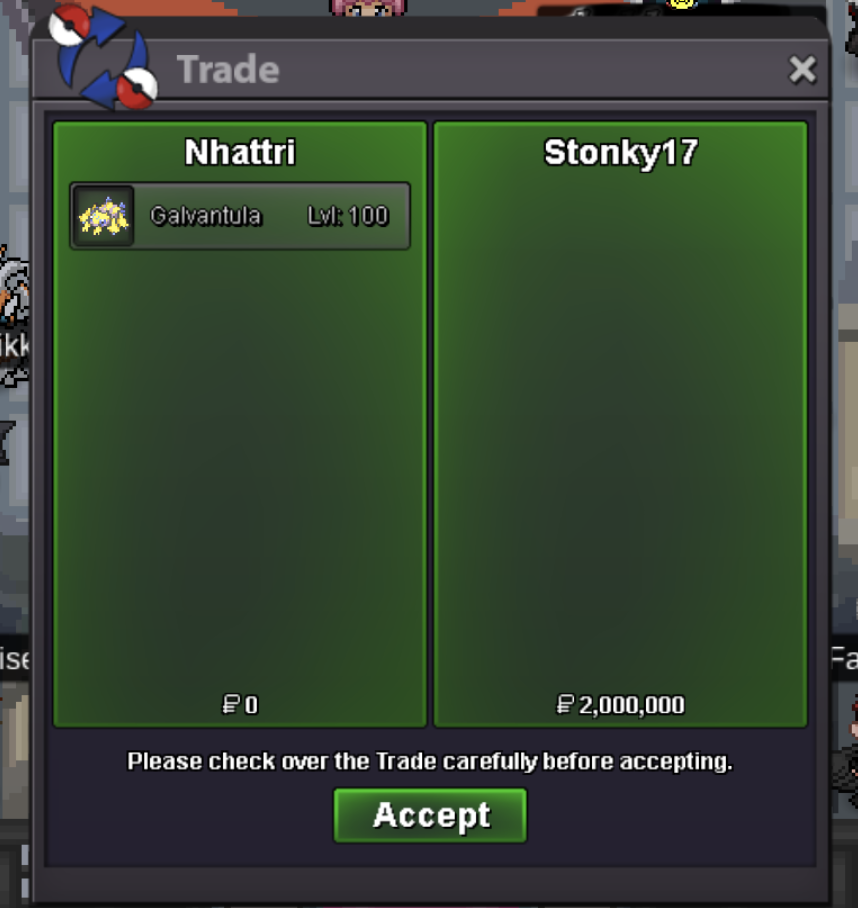
Done Galvantula
-
@Stonky17 where re u?, contact me to set up trade
-
Do u online now my friend?
-
@Artic yes. I still want to trade my friend
-
hi @Artic, Could I trade blue susanno for amidamaru ?
-
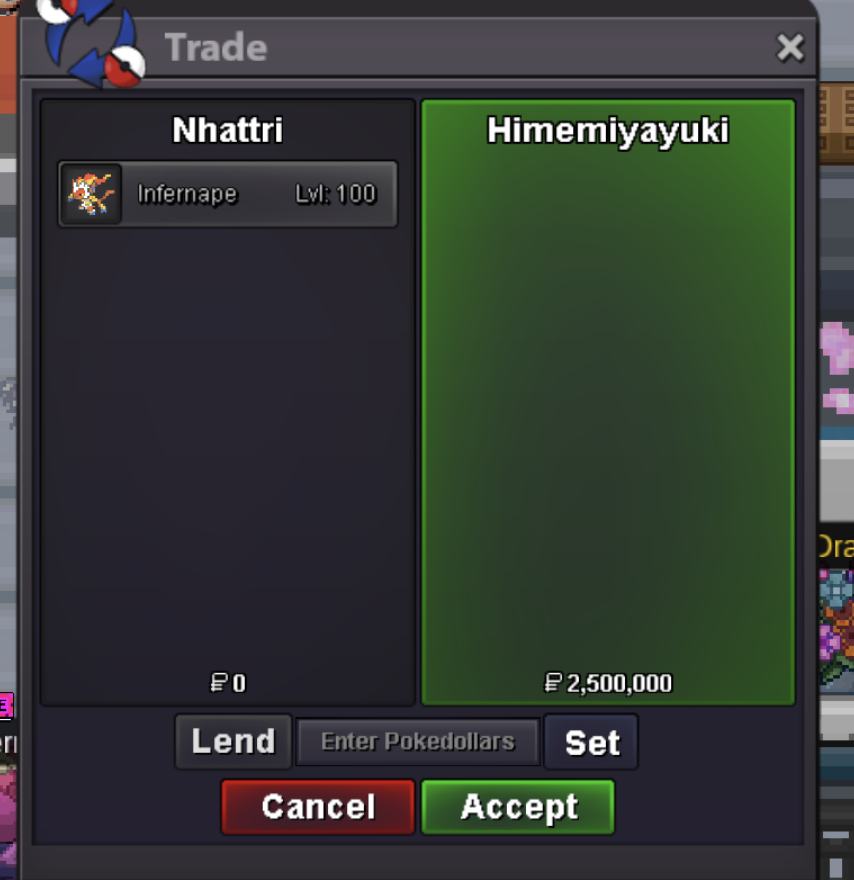
Done Infernape
-
@Stonky17 tell me your server, I can online after 8 hours
-
@Stonky17 and @Himemiyuki pm me for set up trade
-
@Rudedingo22 hello are you online now?