




New Trade Zone
Trade Zone is now live
Use the new Trade Zone for auctions and instant-price trades so Pokemon and item offers are easy to find.

Dkgsa1212
Registered User
-
Joined
-
Last visited
-
Amazing idea and would let more people who are willing to PvP but lack the guidance of basic team building that is relevant to meta, sure theres the ‘How to build a team’ post, but the average population just cant comprehend what everything means and what works in the current meta, because as we know, meta shifts and changed so frequently.
-
hey mate, I need moltres quest dont, but only the magby hunt part is left
-
IGN Dkgsa1212 Timezone GMT+3
-
4.5m gible
-
Bump
-
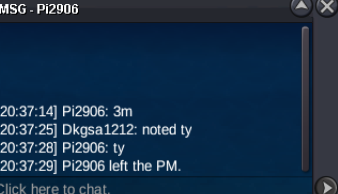
3m bid by Pi2906
-
Auction Details: Start Price: 2m End Point: 72 hours (after start price is met) Insta Price: 10M Minimum Raise: 200K Accepted Payments: Pokedollars, Coin Capsules (x1 Coin Capsule = 500k), IV Reroll Tickets (x1 IV Reroll Ticket = 725K) Important Reminders: This is a Cross Server auction. You may bid from any server, and I will transfer to your preferred server upon winning. If you intend to purchase with an alt account, specify the account alongside your bid. If a bid is received in the final 15 minutes of the auction, the end point will be delayed by 15 minutes from that bid, and will be delayed by 15 minutes for each new bid thereafter, until the current offer has been held for a full 15 minutes.

-
2.6m
-
What are you trying to repel? Your first pokemon should be at the levek of the repel you want, your first is natu lvl8, and everything there is above lvl8
-
2m
-
2.1
-
1.9
-
-
last 5h.
-
Bump

