New Trade Zone
Trade Zone is now live
Use the new Trade Zone for auctions and instant-price trades so Pokemon and item offers are easy to find.
.jpeg.58c986795cb2c5b0911780e13772cda5.jpeg)

Itsmedux
Registered User
-
Joined
-
Last visited
-
-
Itsmedux changed their profile photo
-
hi i will buy the torkoal i will pay cash now if your online i can only wait 1hour from now
-
-
hi are you online i will buy the deerling
-
+1 to this
-
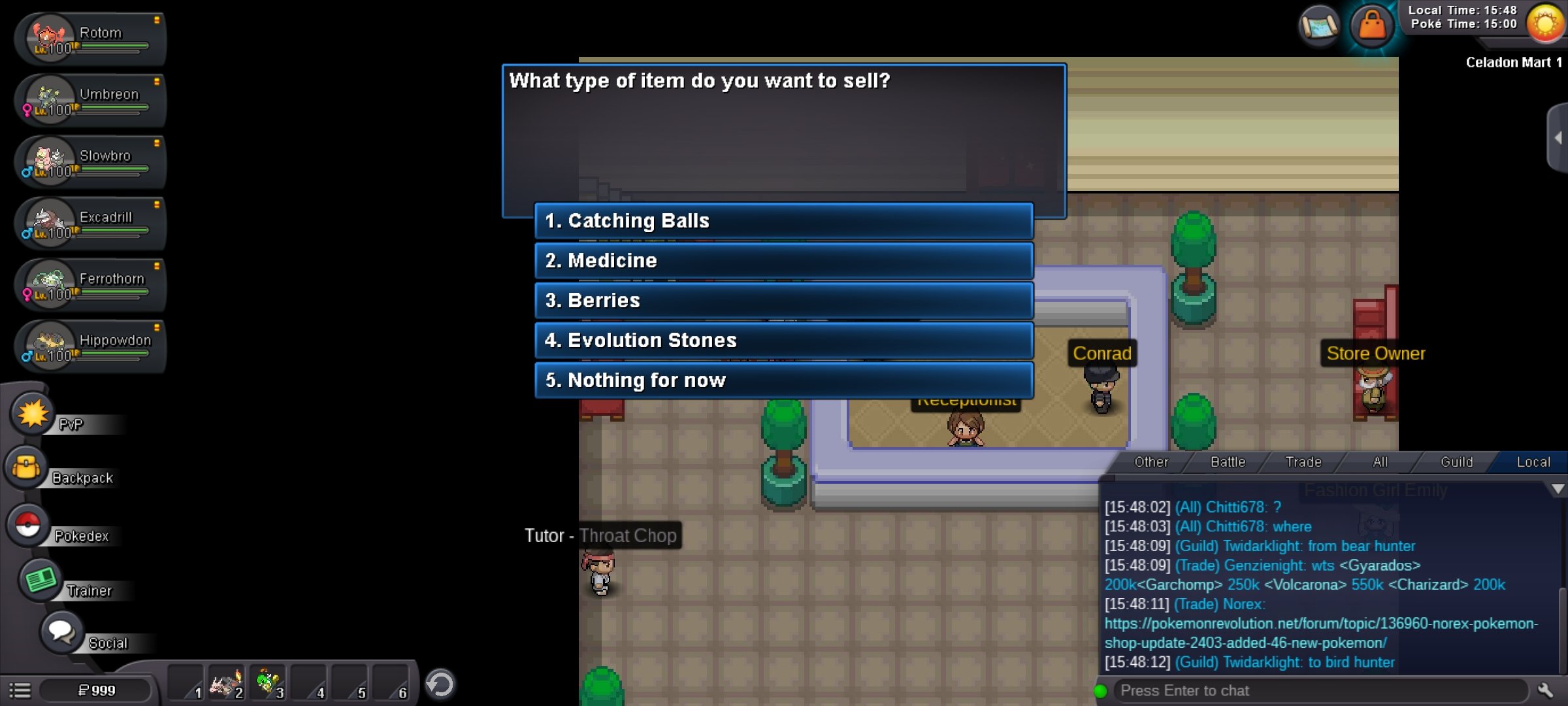
hi sorry for the late reply that's what i want to sell it to the item buyer for half of its price but its not showing the option to sell the jetski
-
try if you like pm me on game ign: itsmedux
-
Hello, a month or so ago I decided I'd go back to grinding on this game,I played this game around 4 years ago or so. I remembered numerous of things from the game including that Jet Skii's were faster than other mounts, so we'd need to buy those. I ended up paying for a Jet Skii but to my surprise it is slower now than before is there anyway to refund them or sell them on npc
-
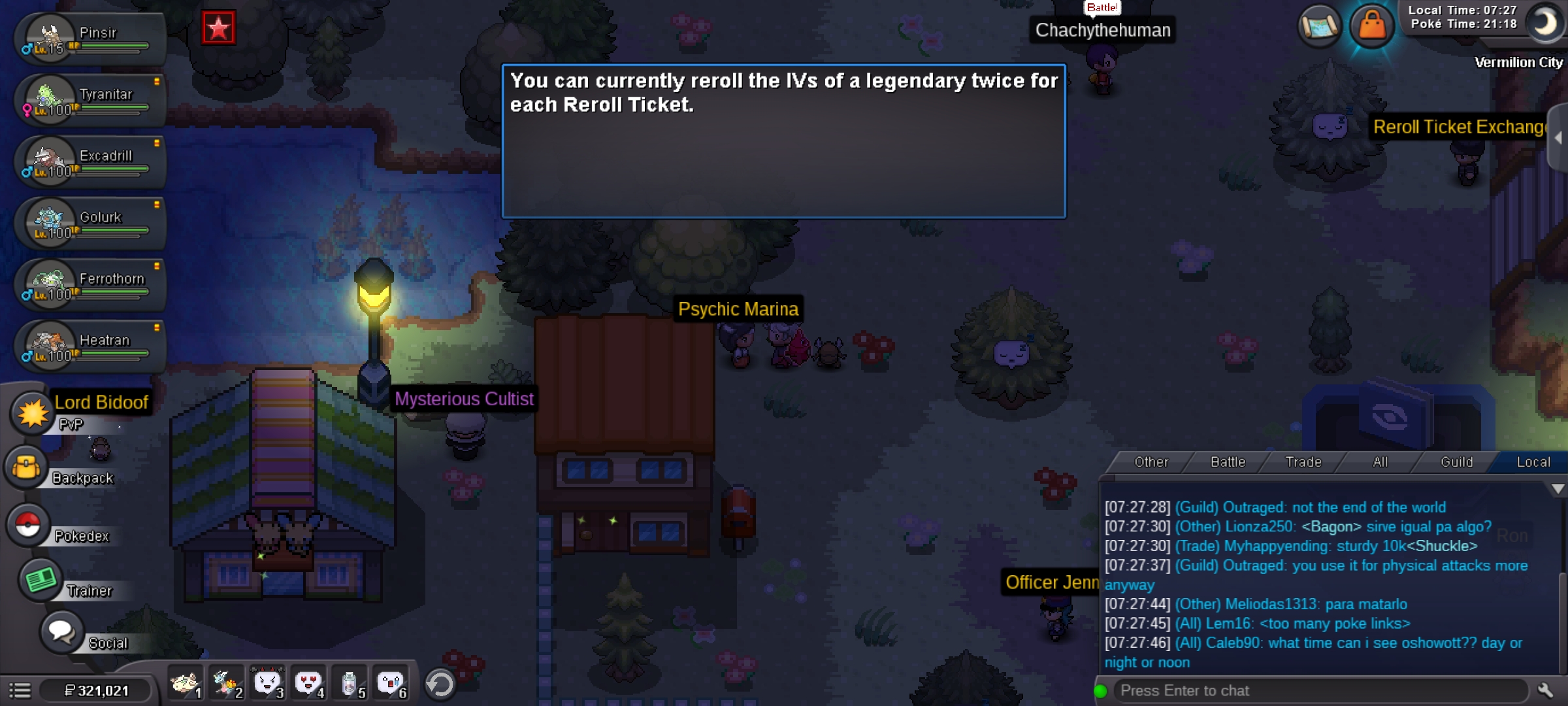
i already bought 1 iv reroll so it will not be totally wasted please locked this thread ty
-
hi i wanna ask to restore the mysterious ticket i lost because of lag i thought i click the 50k one but when the lag settle i suddenly realize i use my mysterious reroll it should also have a popup warning that if you use it will expire on an hour to prevent future mistake now my mysterious ticket is use without i.v reroll 😞 hoping for it to be restore