New Trade Zone
Trade Zone is now live
Use the new Trade Zone for auctions and instant-price trades so Pokemon and item offers are easy to find.

Illbelucifer
Registered User
-
Joined
-
Last visited
Everything posted by Illbelucifer
-
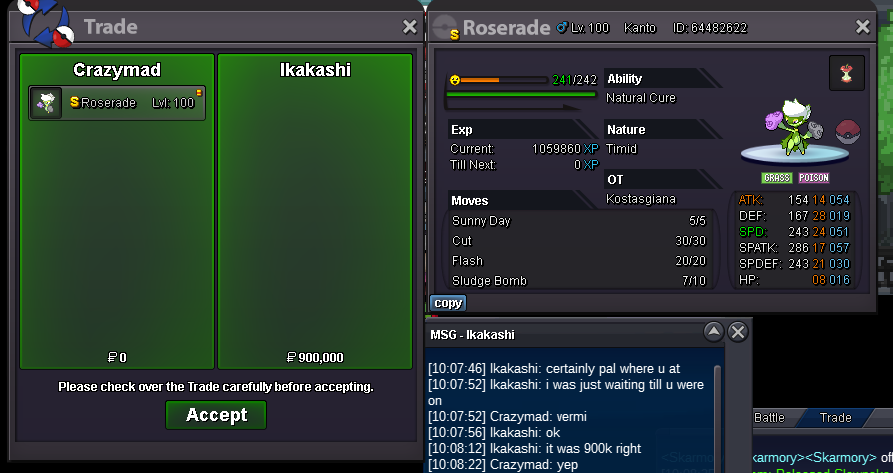
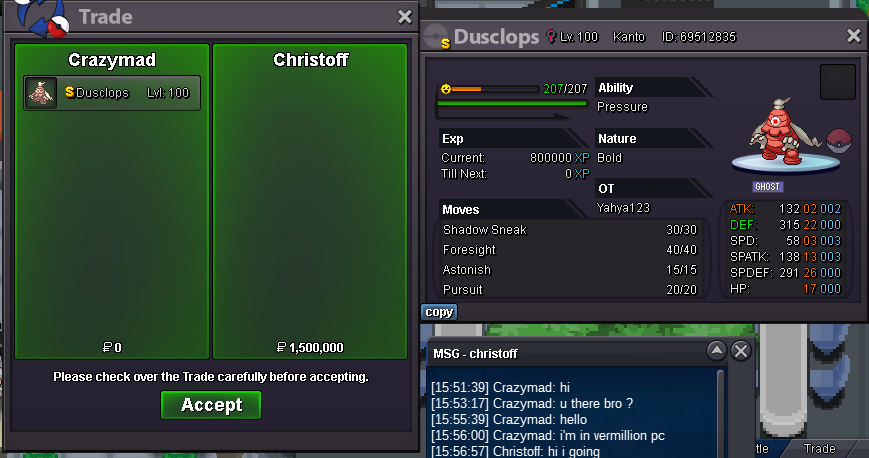
Congratulations! @Christoff you won dusclops with 1m5 and @Ikakashiyou won roserade with 900k . when u guys ready to trade message me.
-
-
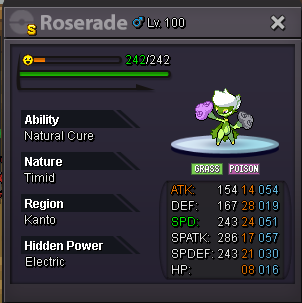
Roserade started at 10:40 pm gmt+05:30 ends tomorrow at same timedusclops started at 10:00 pm gmt+05:30 ends tomorrow at same timewelcome back to mad's auction , todays auction pokes are shiny bold pvpable dusclops and shiny timid roserade Dusclops s.o - 1m5 min bid - 200k insta - 5m ---------------------------------------------------------------------------------------------------------------------------------- Roserade s.o - 500k min bid -50k insta - 1m5 Each ends after 24hrs from start with respective start timing ! good luck guys ❤️ thanks for bidding, see you soon with another intresting pokes auction with your very own auctioneer MaD. till then take care and bye bye 🙂

 sure, i'm online nowSure I'm getting on. Ign - Crazymad24hrs been completed 5mins ago and that time it was my max bid 3m5. And if still not enough then 3m73m53m12m1m5i can offer 1m as s.o if you likestartohk my bad ok i'll remove them, and thanks200k