New Trade Zone
Trade Zone is now live
Use the new Trade Zone for auctions and instant-price trades so Pokemon and item offers are easy to find.

Vernandit
Registered User
-
Joined
-
Last visited
-
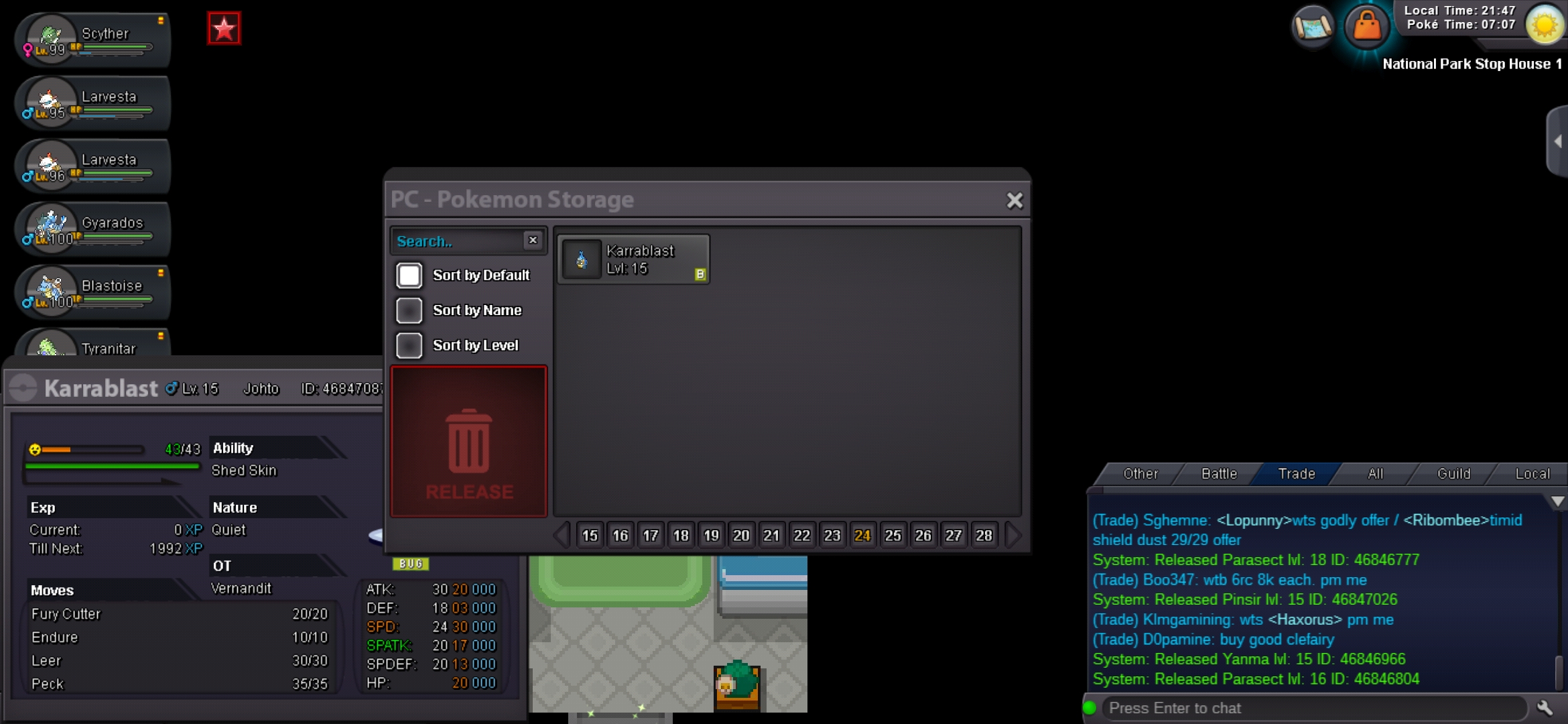
Sorry to disturb again, i accidentally release my pinsir when im about to clean my pc after i finish my bcc, ID : 46847026 i play on gold server, sorry for my dumbass
-
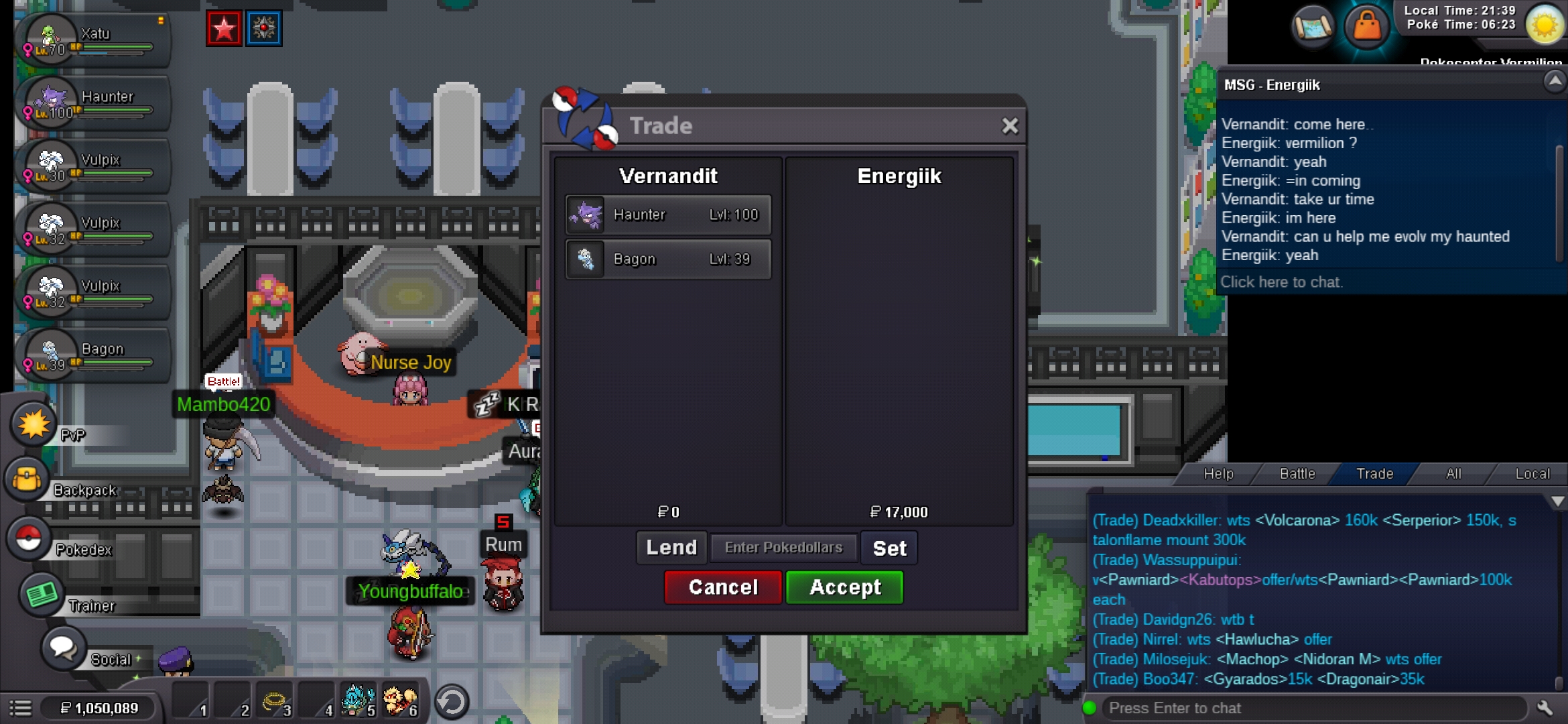
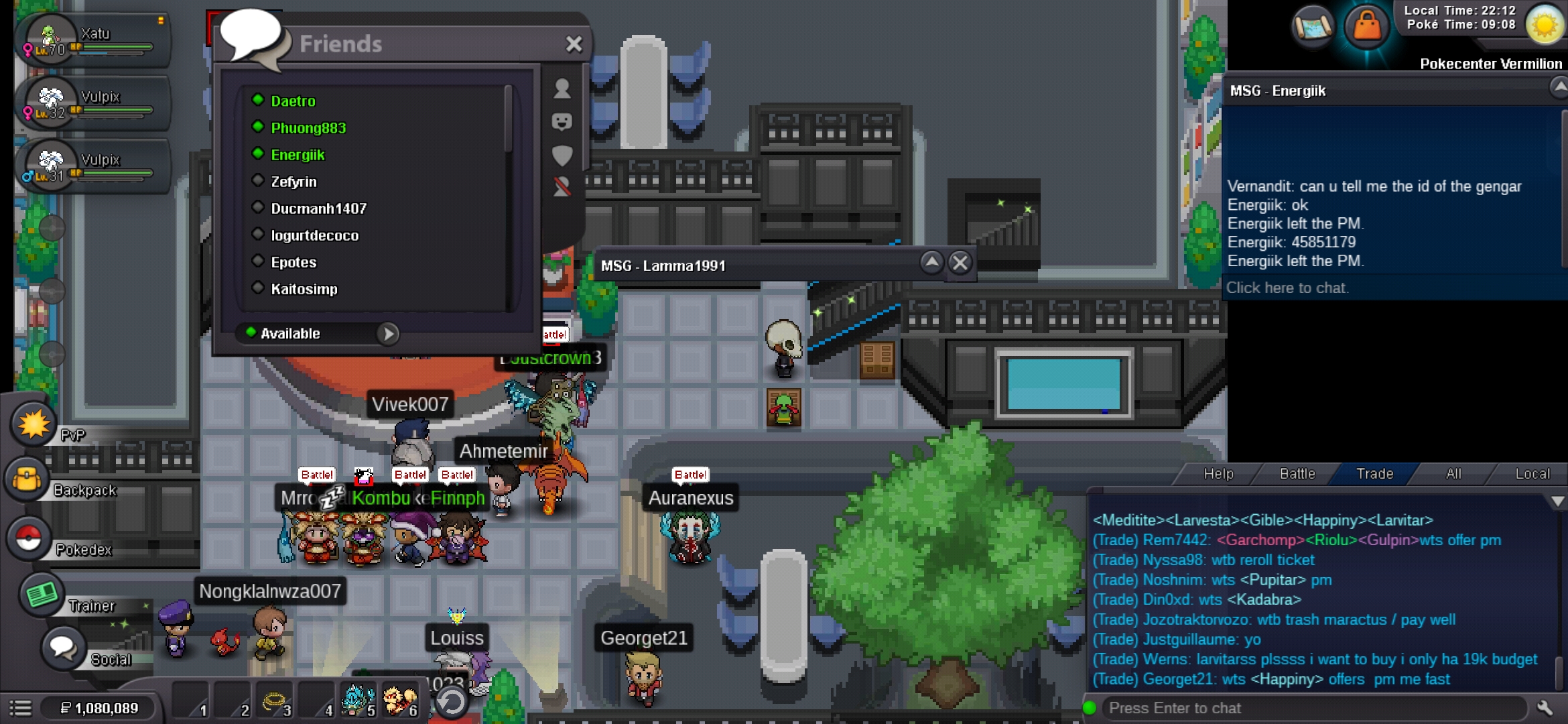
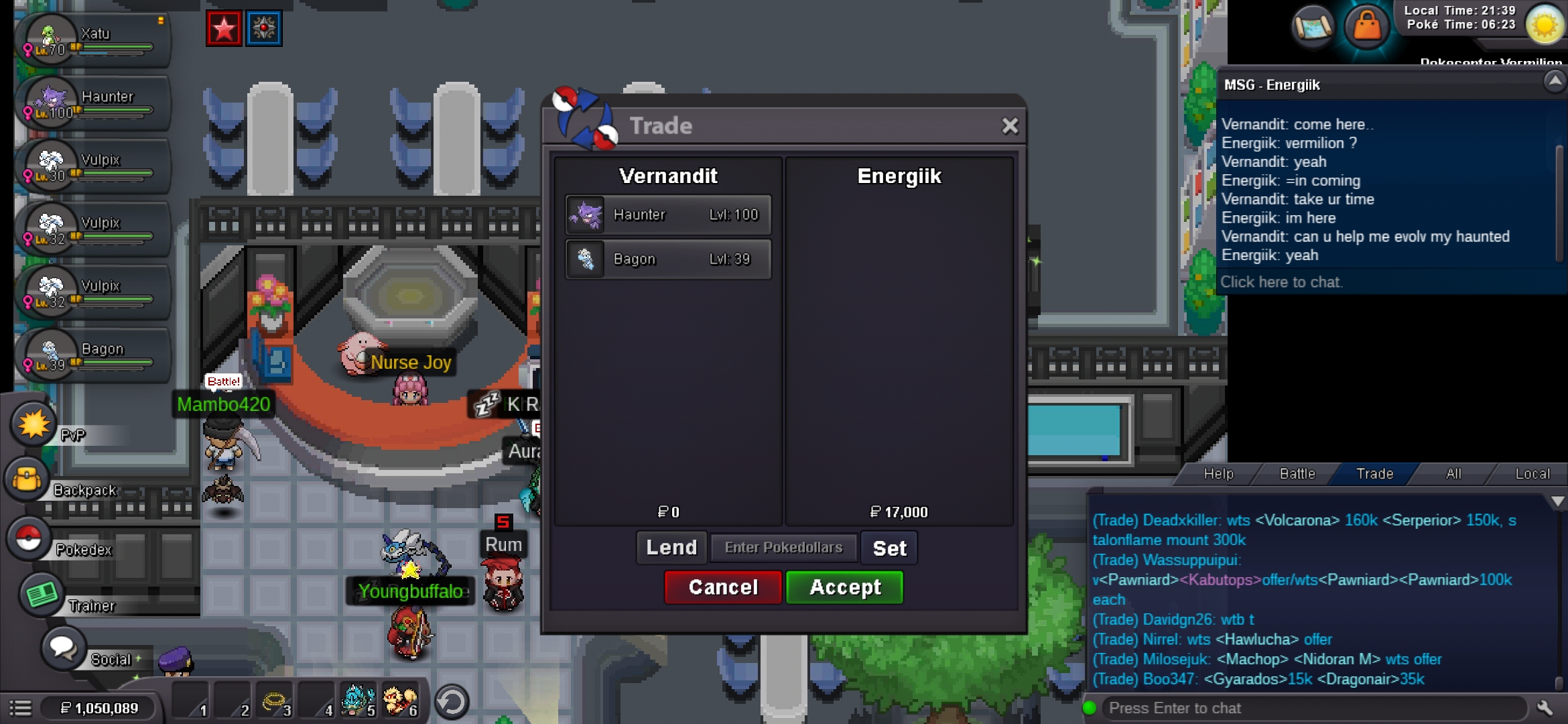
I was asking to evolve haunter into gengar to my customer but i forgot that gengar is from johto region so the gengar is locked in his pc, can u help me take it back? Sorry for my dumbass ID : 45851179 Gold Server
-
I was asking to evolve haunter into gengar to my customer but i forgot that gengar is from johto region so the gengar is locked in his pc, can u help me take it back? Sorry for my dumbass ID : 45851179 Gold Server
-
This is the 2 times i've been losing my pokemon in my personal pc, i lose my pikachu with good iv and ability but i dont have the id or the screenshot, can u just restore all of my pikachu? And fix that [heck] bug please, hope u understand thank u
-
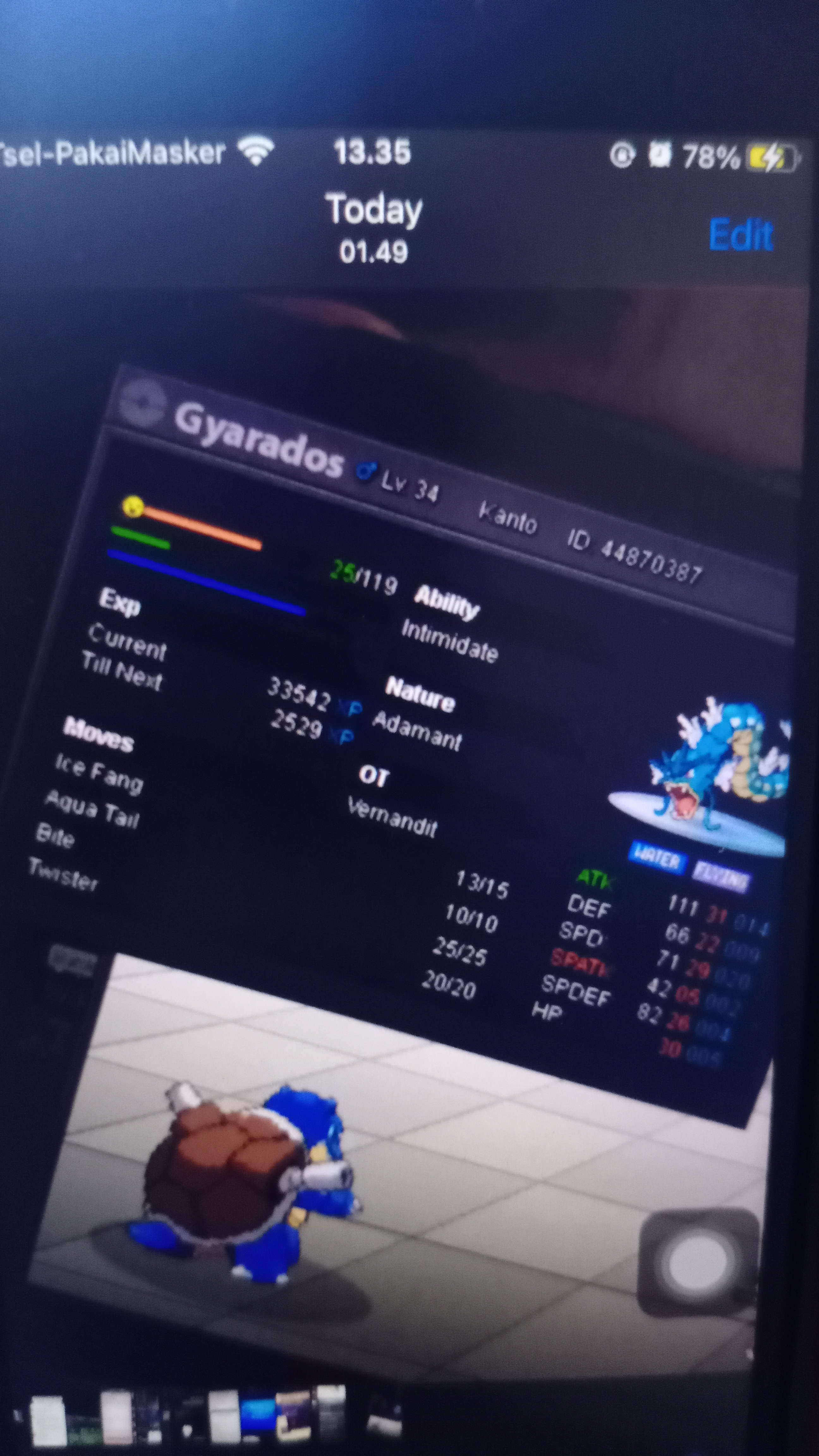
Hello, my name is vernandit and im playing at gold server, i lose my gyarados when im on a quest to get mount so i move my gyarados to my personal pc and after i completed my mission and back to my pc, i cant see my gyarados there, can someone help me with this? I have a screenshot of the id and the last level of my gyarados, the id is : 44870387. Sorry for my bad english and thanks for your help .