




New Trade Zone
Trade Zone is now live
Use the new Trade Zone for auctions and instant-price trades so Pokemon and item offers are easy to find.

Codyy
Suspended
-
Joined
-
Last visited
-
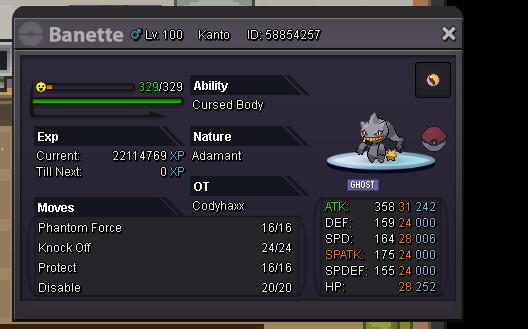
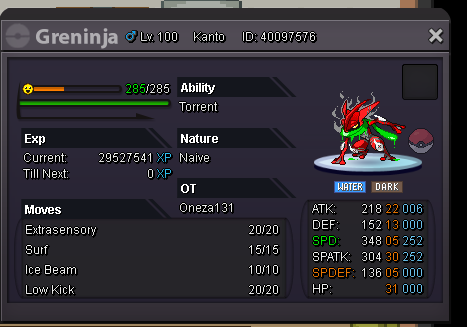
I want buy shiny kyogre Discord : Codyy#3429 Im able to change serversSorry accidentally created another oneBuy warturtle 250kSolosis Riolu OshawottMaybe try refreshing your game? Works with me whenever i can’t find any momsThank you very much, Epithet. I hope you have a good day 😉Server: Sliver You know I love to flex 😉 Anyone ever seen a godly banette? This banette is a boss eater. I got all these 😮 sadly not my ot 😞 But my banette is still the best 😮
 But whenever I go to the download page, there is a IOS download there? Do I need google chrome to download pro? Or it just don't work on IOS.Hello! I have a question, I want to download pro on my IOS device, But I don't know how? Do we need google chrome or safari? Because I try doing it but it didn't let me. Do we need a login? Like a google play or a apple id to install pro on our IOS device? Thank you, staff members and people.
