




New Trade Zone
Trade Zone is now live
Use the new Trade Zone for auctions and instant-price trades so Pokemon and item offers are easy to find.

Gh0st2602
Registered User
-
Joined
-
Last visited
Everything posted by Gh0st2602
-
3m
-
Fk u 1.8m
-
669k
-
-
1m
-
100m (10cc) and guess what I don't even need the diff money 👀
-
-
^
-
^
-
S.o : 200k Min Bid : 100k Insta : 3.5m Time : 2 Days after starting bid Cc : 500k Rr : 450k
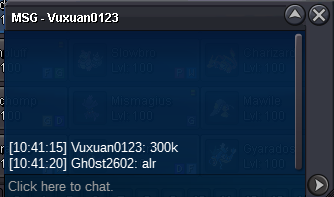
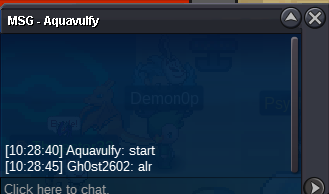
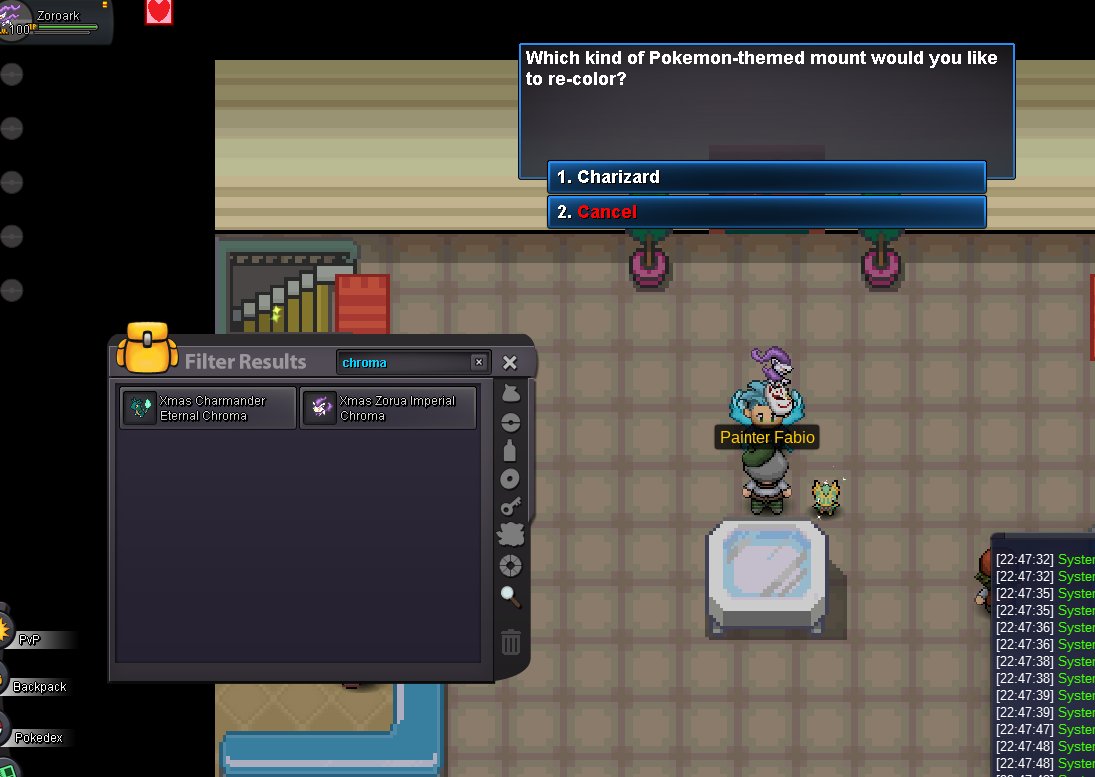
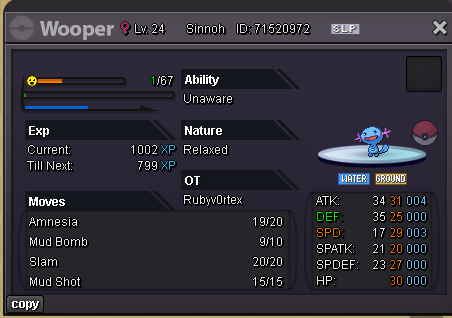 am online ingame13m11m10mhttps://pokemonrevolution.net/forum/forum/221-2fa-email-recover-assistance/ create a post in there.13.512m1.6mTrading between characters is only possible if we can open two characters of the same account at the same time, which will also allow us to hunt with more than one character. We need to find an alternative for this.ye solved my bad xdnvm got it i can change it to normal 😅 sry for the trouble



Account
Navigation
Search
Configure browser push notifications
Chrome (Android)
- Tap the lock icon next to the address bar.
- Tap Permissions → Notifications.
- Adjust your preference.
Chrome (Desktop)
- Click the padlock icon in the address bar.
- Select Site settings.
- Find Notifications and adjust your preference.
Safari (iOS 16.4+)
- Ensure the site is installed via Add to Home Screen.
- Open Settings App → Notifications.
- Find your app name and adjust your preference.
Safari (macOS)
- Go to Safari → Preferences.
- Click the Websites tab.
- Select Notifications in the sidebar.
- Find this website and adjust your preference.
Edge (Android)
- Tap the lock icon next to the address bar.
- Tap Permissions.
- Find Notifications and adjust your preference.
Edge (Desktop)
- Click the padlock icon in the address bar.
- Click Permissions for this site.
- Find Notifications and adjust your preference.
Firefox (Android)
- Go to Settings → Site permissions.
- Tap Notifications.
- Find this site in the list and adjust your preference.
Firefox (Desktop)
- Open Firefox Settings.
- Search for Notifications.
- Find this site in the list and adjust your preference.