




New Trade Zone
Trade Zone is now live
Use the new Trade Zone for auctions and instant-price trades so Pokemon and item offers are easy to find.


Eetaachee
Registered User
-
Joined
-
Last visited
Everything posted by Eetaachee
-
Yeah, I will agree. But Dota 2 skins when?
-
Start
-
501k I will transfer if I win
-
3.5m
-
800k
-
700k ez, too much fun
-
500k will transfer if win
-
400k
-
Added GG Arms
-
Vday Raichu Set sold.
-
Can you come Vermi?
-
Ah, I am at work now. ;-; Pro not installed in phone. Let me install then.
-
I can be on in 5hrs, is that ok?
-
I am in gold now and can sell it if you are still interested
-
Insta
-
Start
-
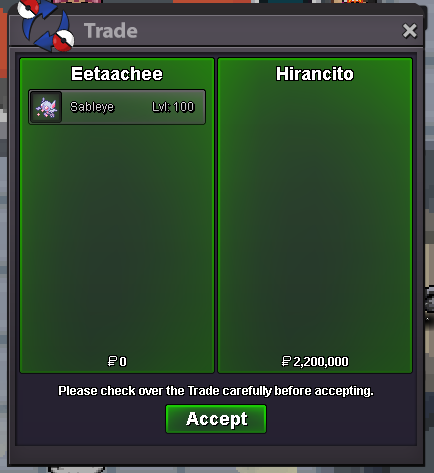
SOLD.
-
You won mate. Let me know when you are online.
-
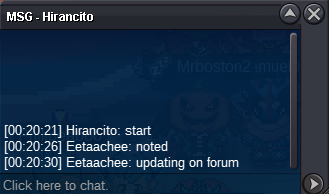
Started
-
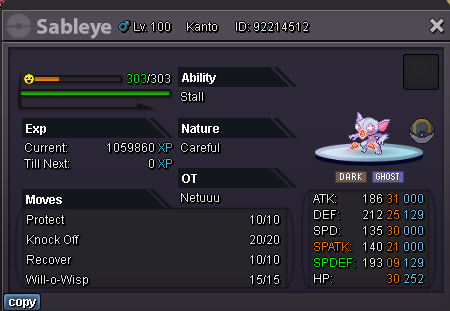
C.O. 2.2m by Hirancito Min Bid 100k Ends in 24hours from start point End Point - 12:21am 1/7/24 GMT +5.30 IST Accept CC (400k), Pokedollars and Reroll Ticket (500k)

-
Wtb GG Arms?
-
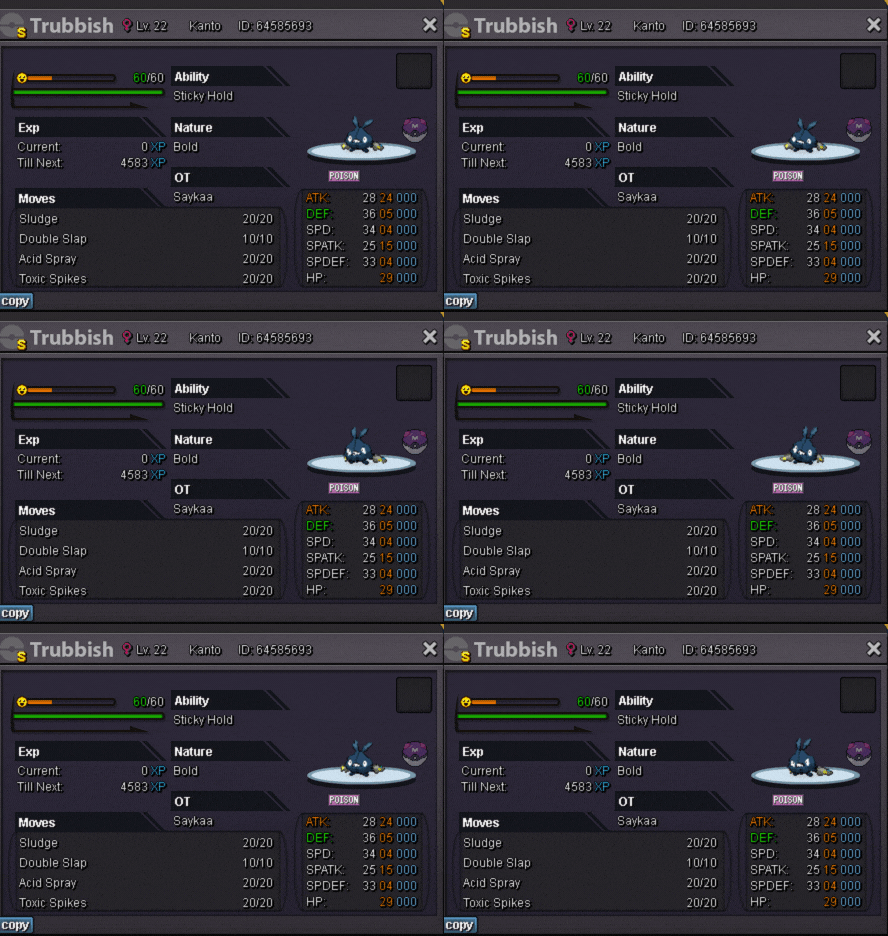
Thanks for such a cute animated card 🥰
-
Hey, sorry, I forgot to update it. I am in silver rn and the vday raichu set is not available for sell anymore. I do have GG arms (Star Wars) tho for sell. I will update it soon once I return to Gold coming weekend.
-
You rock! Have a great summer ahead!
-
I did not have any pic of it, just lvl 23 I remember. @Torarudean can have image of it as I bought it from her shop for 150k. But she has removed the natu stats image, so Tora please help here, my poor Natu is missing.

