New Trade Zone
Trade Zone is now live
Use the new Trade Zone for auctions and instant-price trades so Pokemon and item offers are easy to find.


Syn1x
Registered User
-
Joined
-
Last visited
Everything posted by Syn1x
-
Can be closed one gem by wishi was left think it was the pokeball there, tyvm again lyn1311
-
Tyvm i try it
-
I get back and look if i anything missing but the pokemon like Meta tyra absol in the first Part dont spwan again, same on gravler in Part 2 with mega glurak x fight
-
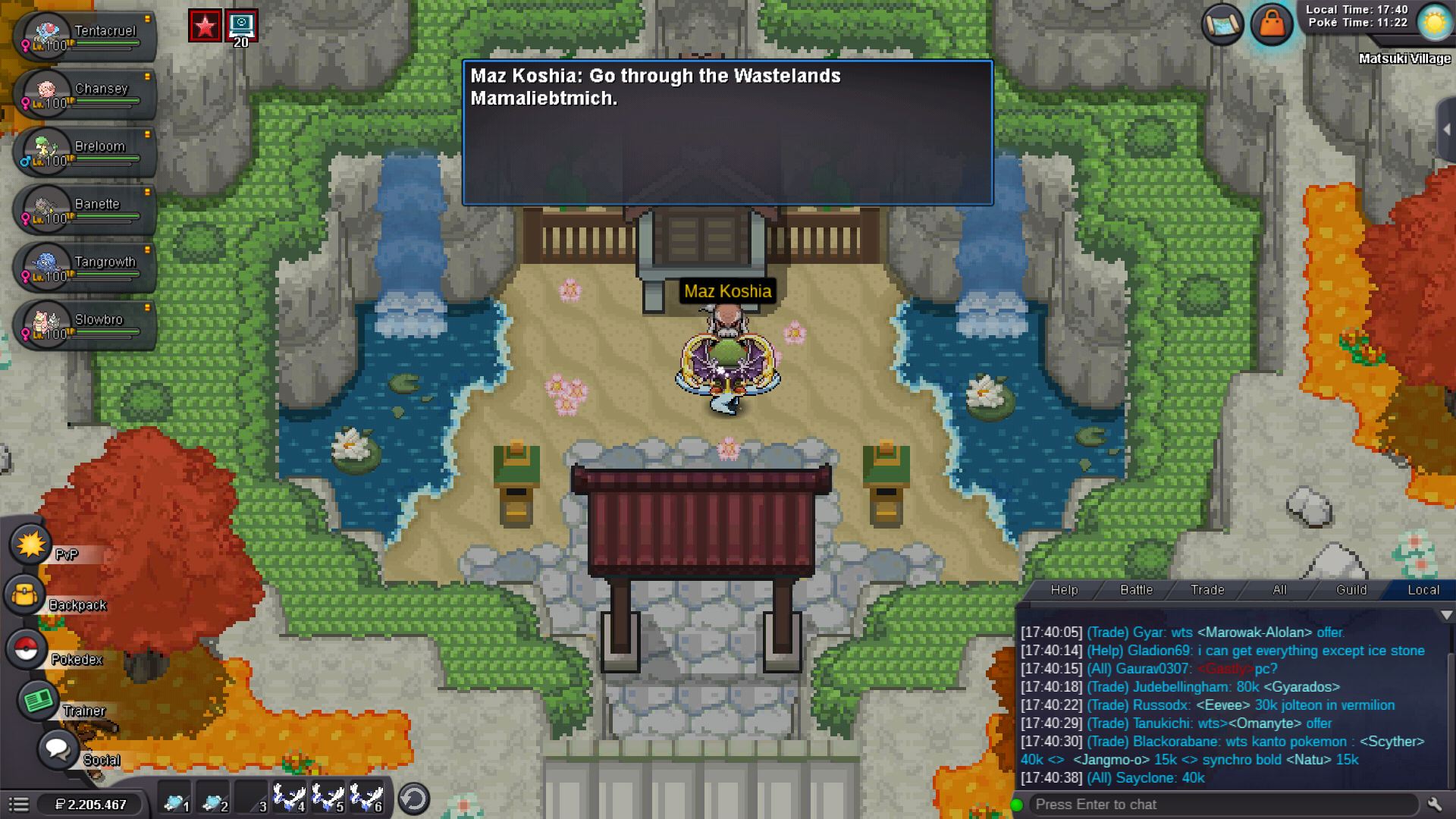
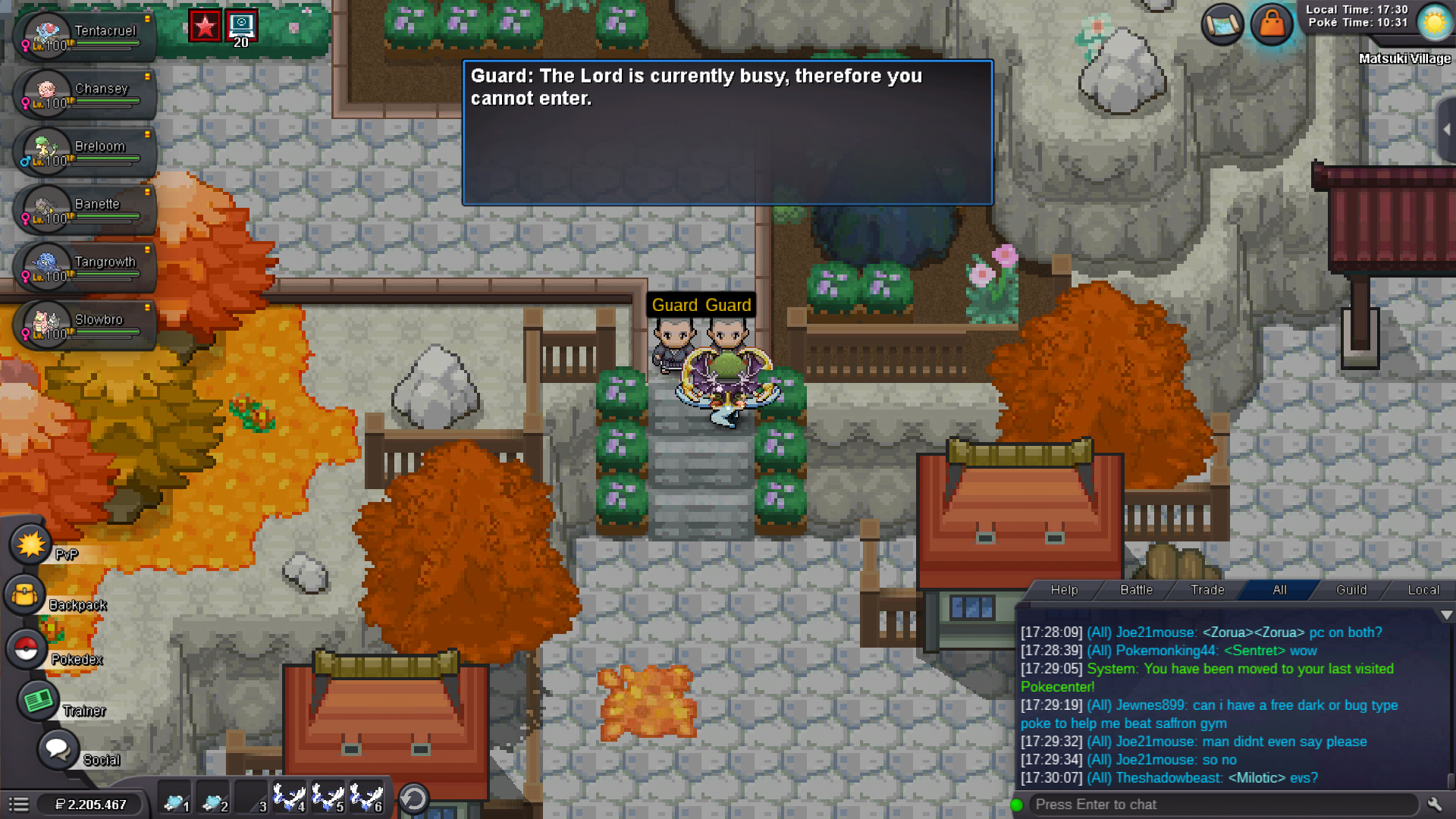
Hello, I won today the fishing contest and make the Keldeo quest step by step, i disconnect in the last battle (Wald Master) and was spawn in the Pc. I go again to the Boss and win now i have all 3 clothes and all 3 gems but the guards let me trough the castle... the maz koshia say me go trough waistlend. Dont know what is going on, maybe can a mod here help me
 Can be closed
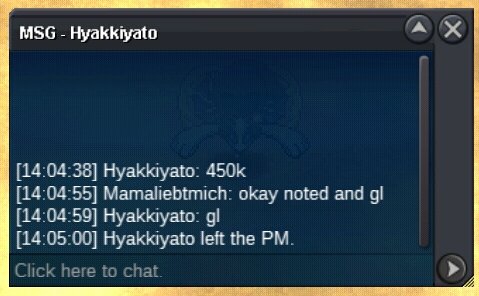
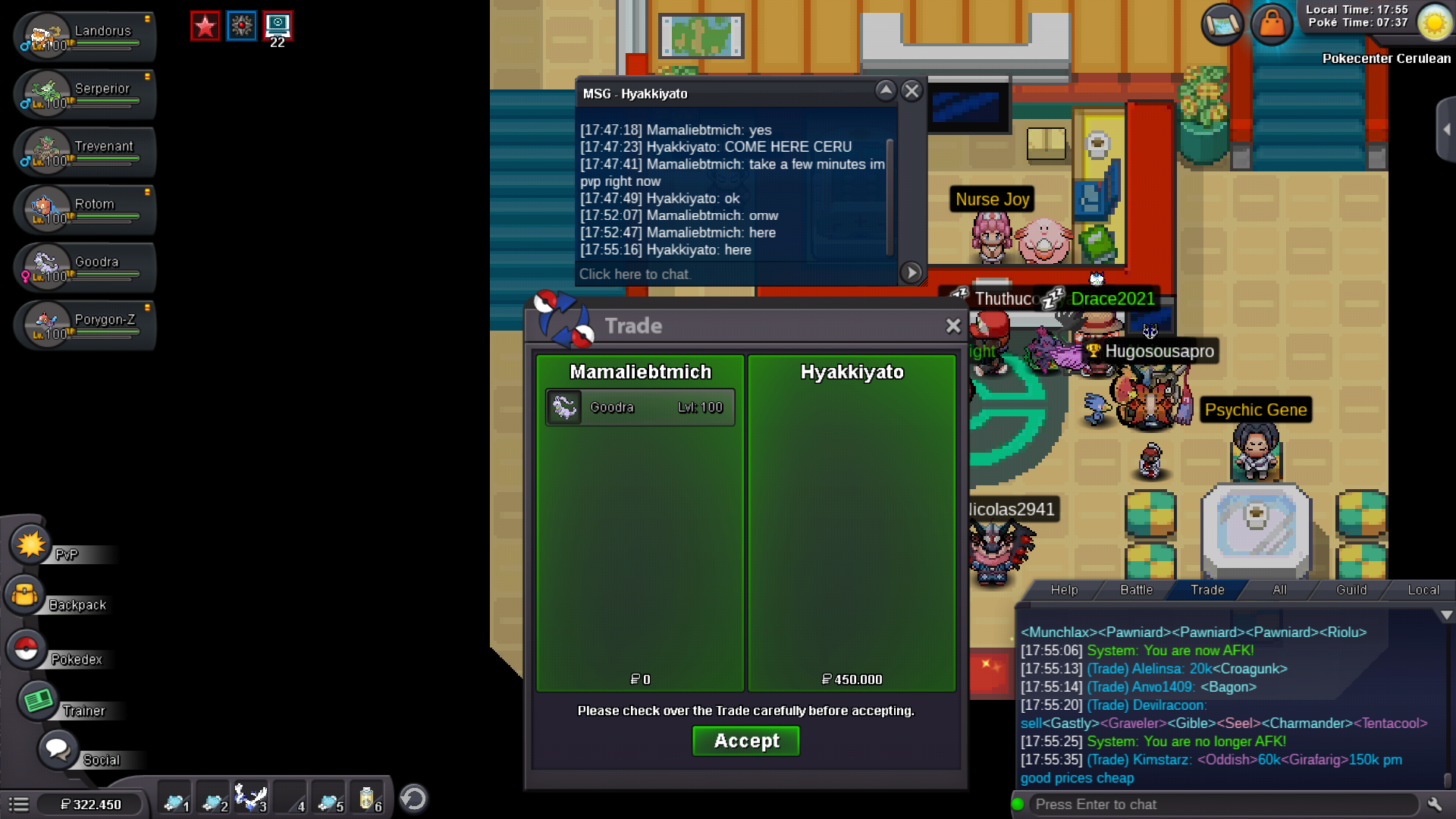 bumpHey ty i coming online right nowbumpStart by Rob05 (21p.m)
 s.o 400k mind bid 50k no insta 3 days after start (finished saturday 21:00 p.m) gmt +2 Items iv rr 700k nature rr 350k cc 400k
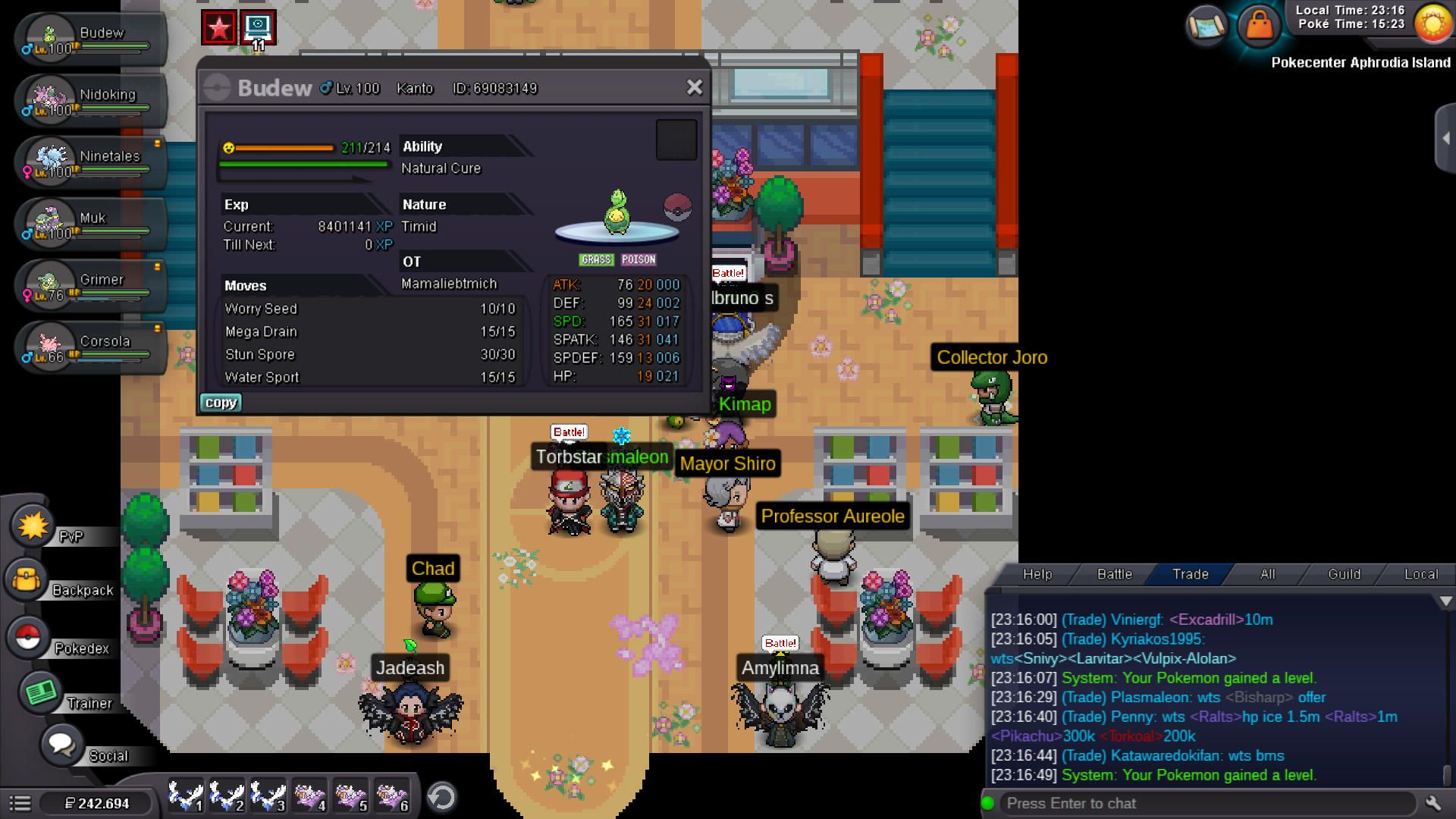
 My bad was to lateHey Nerox, i try it now in daytime and it works, ty for ur help and fast answer Nice evening dearHello, i try to evolve my budew today, i try it like 4-5 level and kill it and trained Happyness new doesnt work to. Hope u can help me Thanks for ur attention
 700k
700k