




New Trade Zone
Trade Zone is now live
Use the new Trade Zone for auctions and instant-price trades so Pokemon and item offers are easy to find.

Matea07
Registered User
-
Joined
-
Last visited
Everything posted by Matea07
-
All auction are ended now. discord tag Matea07#5219 contact me for the trade thank you
-
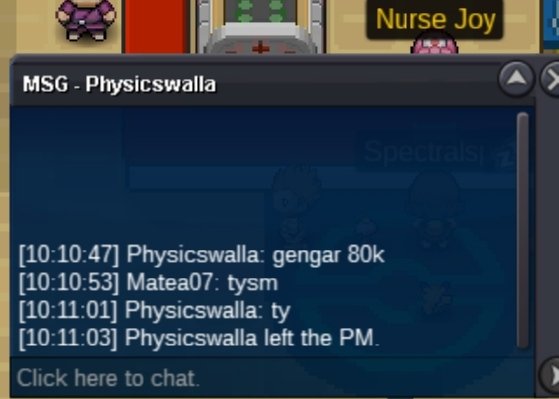
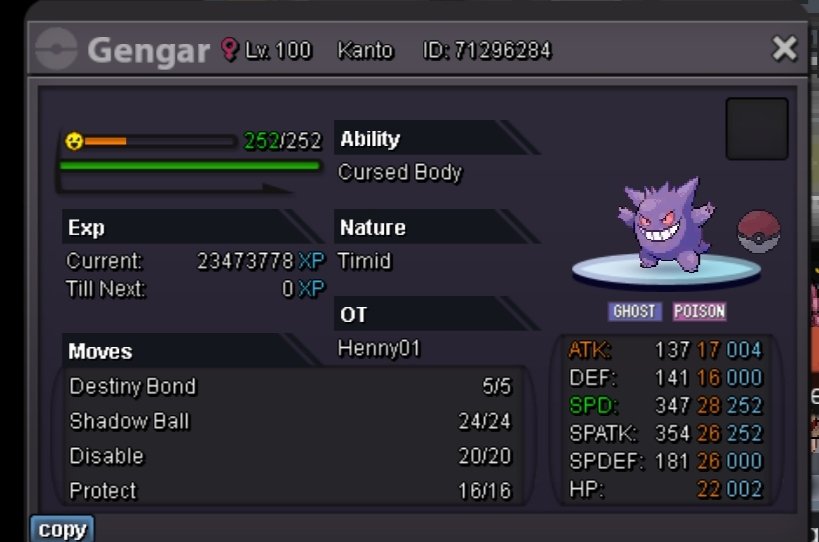
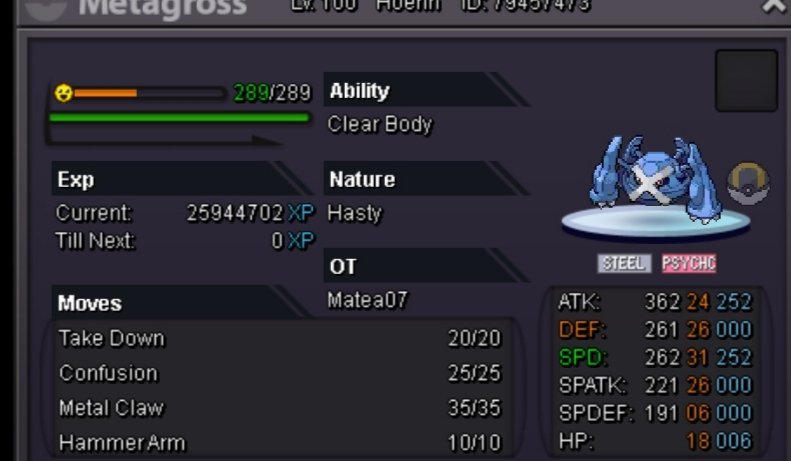
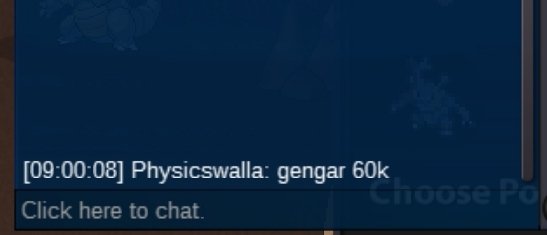
Gengar auction ended @Raikaisa665 won by 90k. Lopuny and metagross initial auction period is over, how ever as per rules auction will end after 15mins from the last bid if no one outbid them
-
As per rules metagross auction ends time will be extended with 15mins
-
Under one hr auction now
-
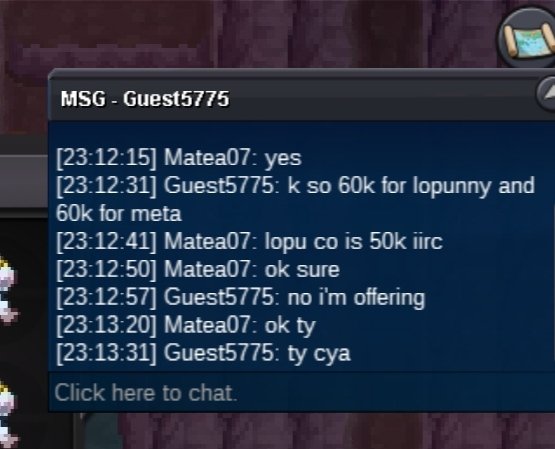
C.o for Gengar is now 50k. So Metagross c.o is 70k and Lopunny is 60k
 Mete c.o 50k Lopunny 50k Gengar- 30k as of now
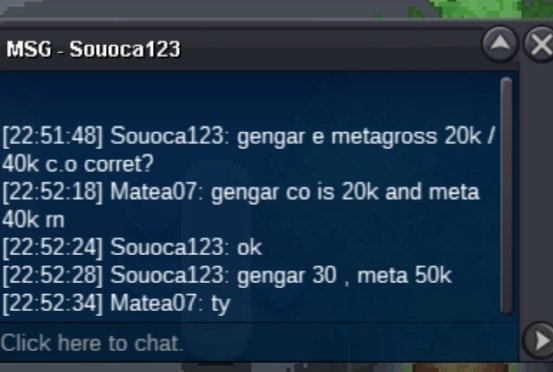 Mete c.o 30k Lopunny 20k Gengar- 20k
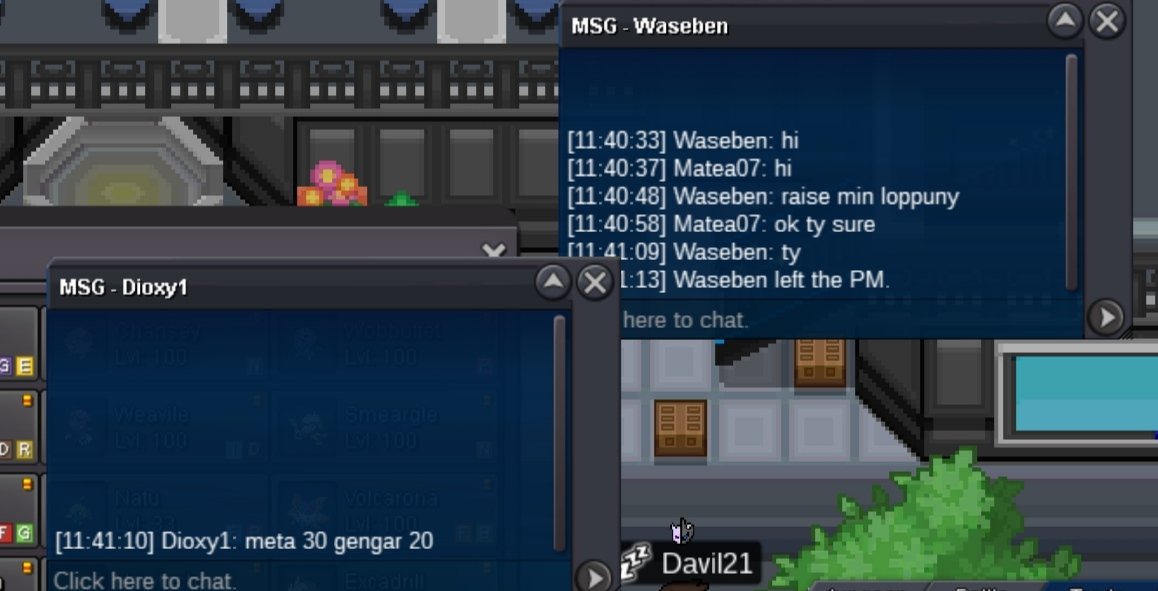 Metagross start at 11:12 am IST by @Sayan12345678 other two started by @Saruron11:13am so. Metagross auction will ends in 11:12am 6/april IST, Lopuny and gengar ât 11:13am 6, april 2023 ist24 hrs auction s.o 10k each Min raise 10k each. Insta. Metagross 600k Gengar 120k Lopuny - 300k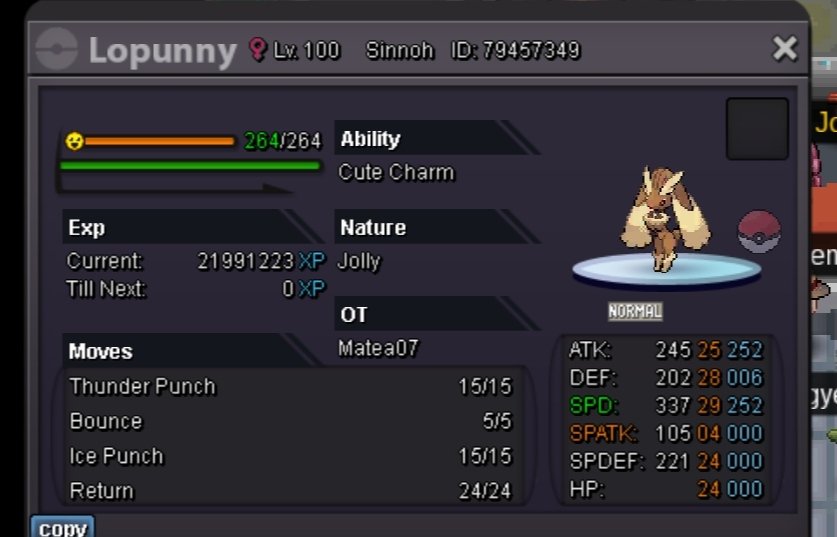
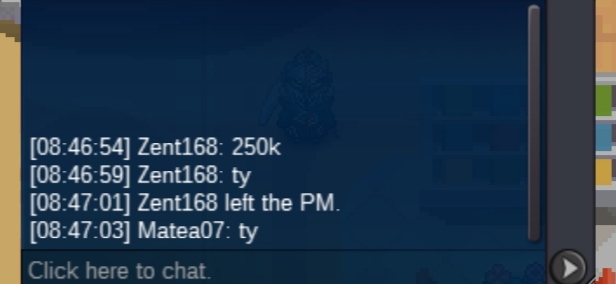
 200k both manectric and kazamyour name is Qutub MinarWe did the trade and the ss i got are all black out idk why so i cannot provide the trade picture.Auction is already over.bump400,001 by Itzspooky.
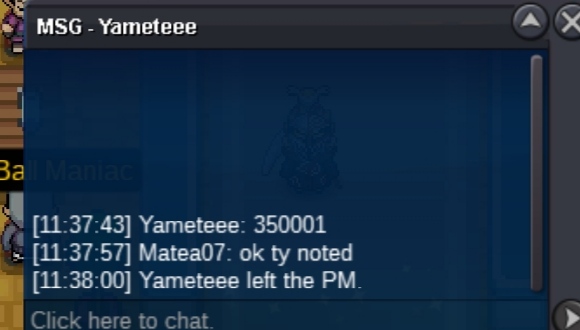
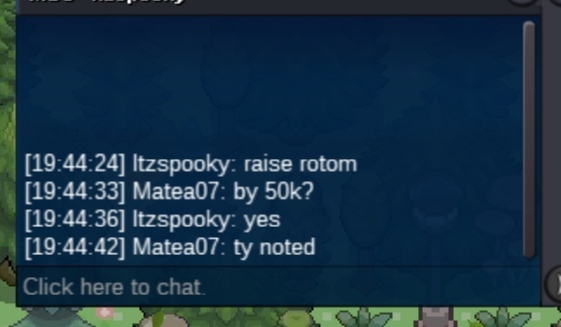 Wait i am sorry the last bid in invalid as c.o was 350,001400k by tuttestelledan around 26 hrs left
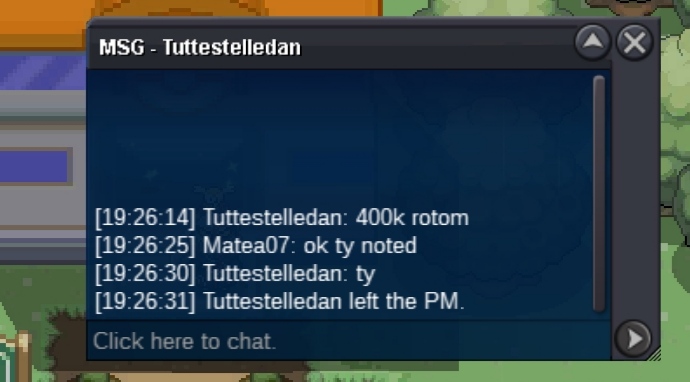 350,001 by Yemetee
 Auction started by hvh265 with 200k. Auction will end on 11:20pm 24th march Ist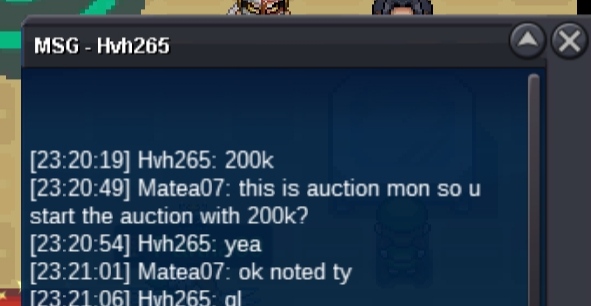


Account
Navigation
Search
Configure browser push notifications
Chrome (Android)
- Tap the lock icon next to the address bar.
- Tap Permissions → Notifications.
- Adjust your preference.
Chrome (Desktop)
- Click the padlock icon in the address bar.
- Select Site settings.
- Find Notifications and adjust your preference.
Safari (iOS 16.4+)
- Ensure the site is installed via Add to Home Screen.
- Open Settings App → Notifications.
- Find your app name and adjust your preference.
Safari (macOS)
- Go to Safari → Preferences.
- Click the Websites tab.
- Select Notifications in the sidebar.
- Find this website and adjust your preference.
Edge (Android)
- Tap the lock icon next to the address bar.
- Tap Permissions.
- Find Notifications and adjust your preference.
Edge (Desktop)
- Click the padlock icon in the address bar.
- Click Permissions for this site.
- Find Notifications and adjust your preference.
Firefox (Android)
- Go to Settings → Site permissions.
- Tap Notifications.
- Find this site in the list and adjust your preference.
Firefox (Desktop)
- Open Firefox Settings.
- Search for Notifications.
- Find this site in the list and adjust your preference.