




New Trade Zone
Trade Zone is now live
Use the new Trade Zone for auctions and instant-price trades so Pokemon and item offers are easy to find.


Supraa
Registered User
-
Joined
-
Last visited
Everything posted by Supraa
-
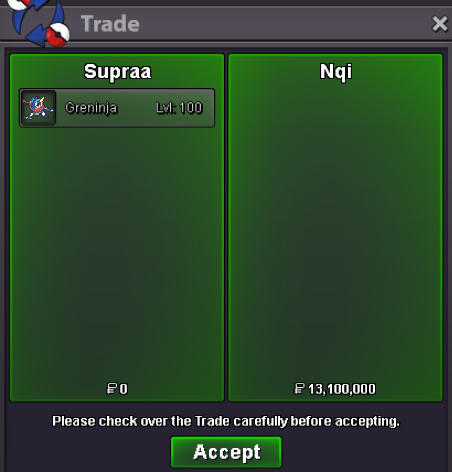
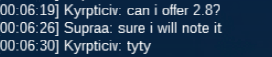
Im online rn ill wait for u in Murky pc just trade me there then my ingame name is "Supraa"Congrats u won the Auction. Let me know ur ingame Name and when ure available to trade 🙂c.o 13.1m by MavyWavy Min bid. : 100k No Insta 48Hrs after first Bid. ended
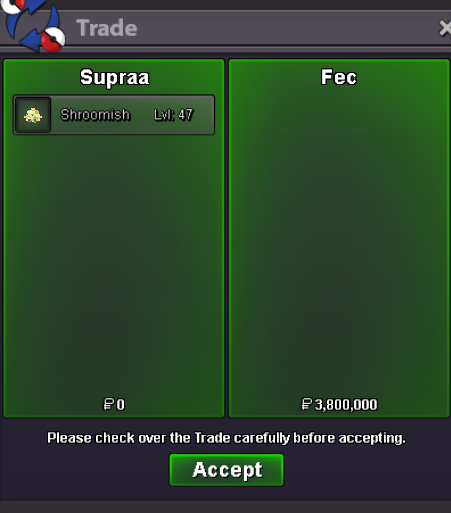
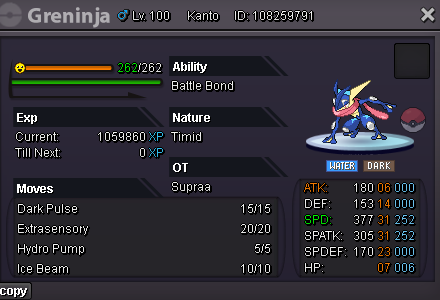 Auction Ended, sold to Fec for 3.8m. Waiting for trade.C.O : 3.8m by Fec Min Bid. 100k No Insta 48 Hours after first Bid 15mins +
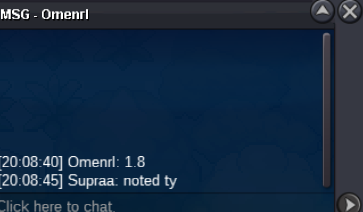
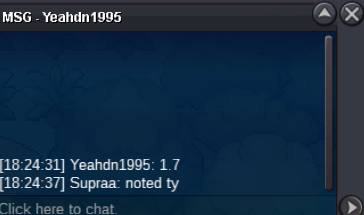
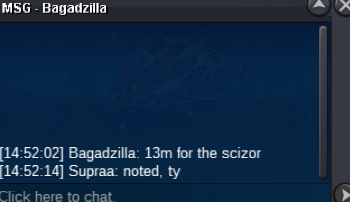
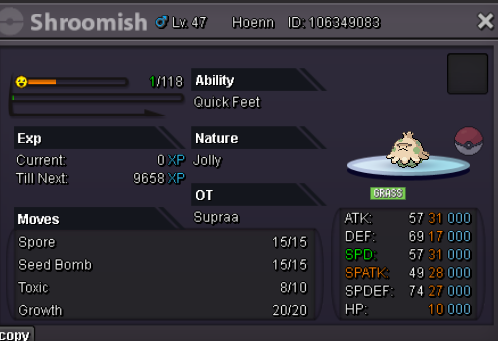 1.5minsta14m13m12.4m6.7mIf ure ready to negotiate, i would give 20mKK, let me know where to meet and when 🙂Congrats! Which server and what is ur ingame name?Auction started, 48hrs from now48Hrs after first Bid! C.O : 25m by vesperwing Min. Bid : 200k No Insta Accepted Payments: - IV Reroll 500k each - Coin Capsule 400k each - Pokedollars Time left : https://countingdownto.com/?c=5725202
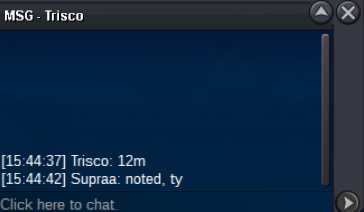
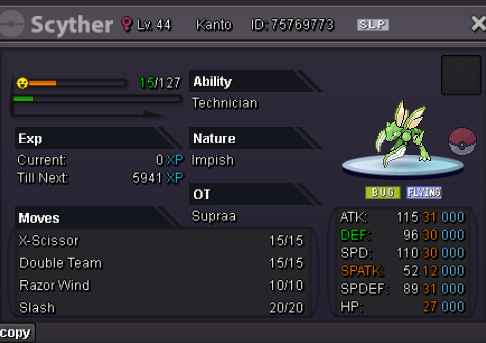 16m
16m



Account
Navigation
Search
Configure browser push notifications
Chrome (Android)
- Tap the lock icon next to the address bar.
- Tap Permissions → Notifications.
- Adjust your preference.
Chrome (Desktop)
- Click the padlock icon in the address bar.
- Select Site settings.
- Find Notifications and adjust your preference.
Safari (iOS 16.4+)
- Ensure the site is installed via Add to Home Screen.
- Open Settings App → Notifications.
- Find your app name and adjust your preference.
Safari (macOS)
- Go to Safari → Preferences.
- Click the Websites tab.
- Select Notifications in the sidebar.
- Find this website and adjust your preference.
Edge (Android)
- Tap the lock icon next to the address bar.
- Tap Permissions.
- Find Notifications and adjust your preference.
Edge (Desktop)
- Click the padlock icon in the address bar.
- Click Permissions for this site.
- Find Notifications and adjust your preference.
Firefox (Android)
- Go to Settings → Site permissions.
- Tap Notifications.
- Find this site in the list and adjust your preference.
Firefox (Desktop)
- Open Firefox Settings.
- Search for Notifications.
- Find this site in the list and adjust your preference.