




New Trade Zone
Trade Zone is now live
Use the new Trade Zone for auctions and instant-price trades so Pokemon and item offers are easy to find.


Lyn1311
Registered User
-
Joined
-
Last visited
Everything posted by Lyn1311
-
^^
-
-
^^
-
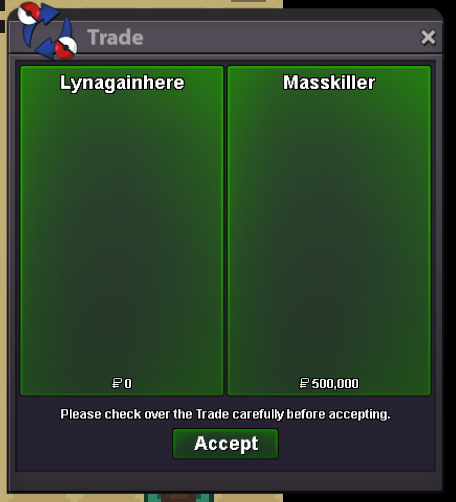
Another Gengar Chess Done! Hard mode, Thnx Much, Glhf!
-
-
Yes of course. iam doing service both server
-
^^
-
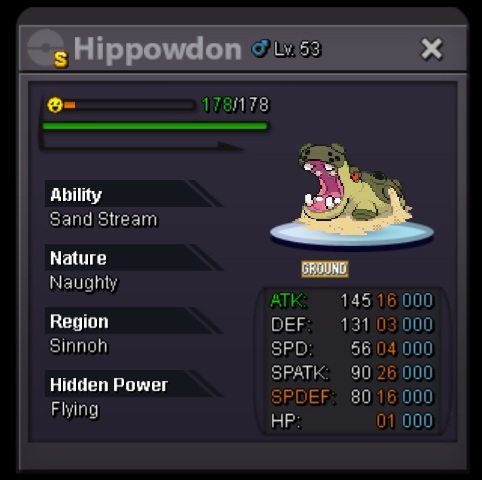
Shiny Sand Stream Hippowdon Start 2m Co 3.2m Min Bid 100k No insta Time 3 day [0:03:02:52] Black Friday Sale (tickcounter.com) Accepted Payment - Pokedollar - Iv rr 650k (max 10 iv rr)
-
Open Again! Get your Gengar Outfit Service Here before Hallo ends!
-
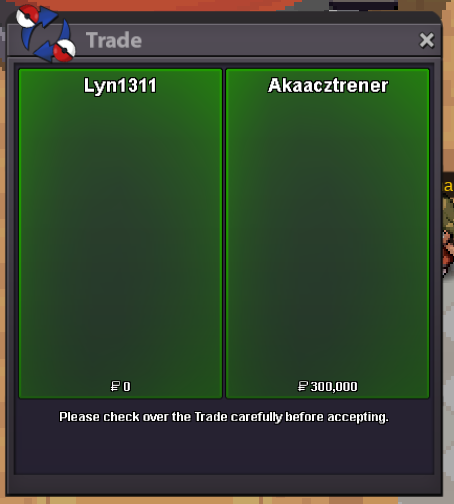
Another service done! Mega Absol quest. Thnx Much!
-
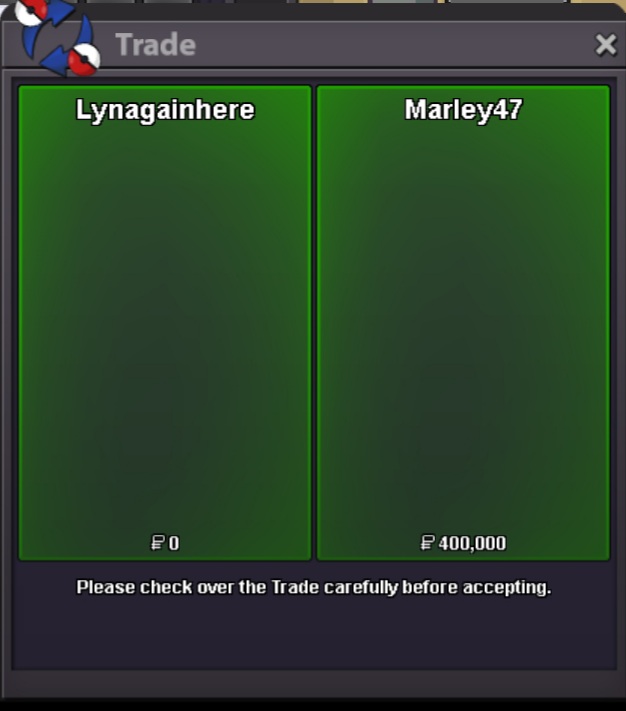
Another service done! Mega Blaziken quest (gold server). Thnx Much!
-
Hi, iam sorry idnt sell story service anymore, only legend, mega and some quest
-
Service Shop Open Again! Up!!
-
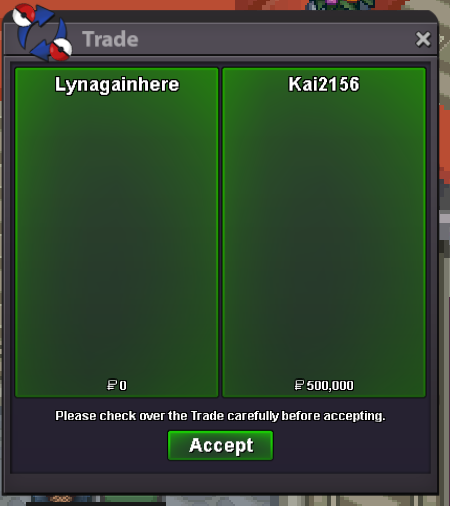
Gengar Chess Service Hard for IV lock. Thnx Much, Glhf!
-
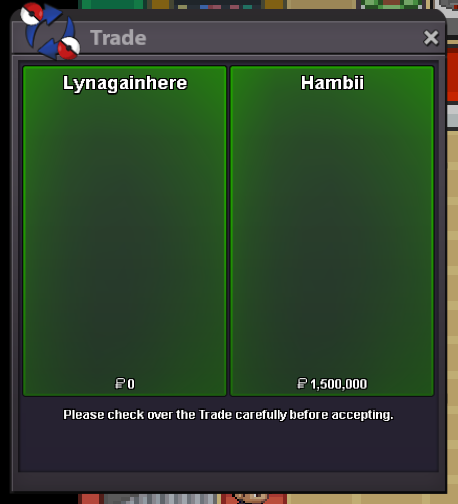
Another Gengar Chess done, Full service. Thnx Much, Glhf!
-
^^
-
yes xD, i just explaining what happen and just clearing i did not make any delay time for some 10k lol, unhappy yes but complaint no. like i said ,I know i am on fault and i know what i done wrong, also accepting the punishment. you can close this thread 🙂
-
After beat charizard boss, talk to golem for gems After washi boss go up and take gems After beat forest boss he will give u gems If u fail beating forest boss or dc or else, the 3 key lever is changed, if earlier u to need press pumpkin lever, then now there is chance u need to press other lever, can be same too tho
-
-
-
^^
-
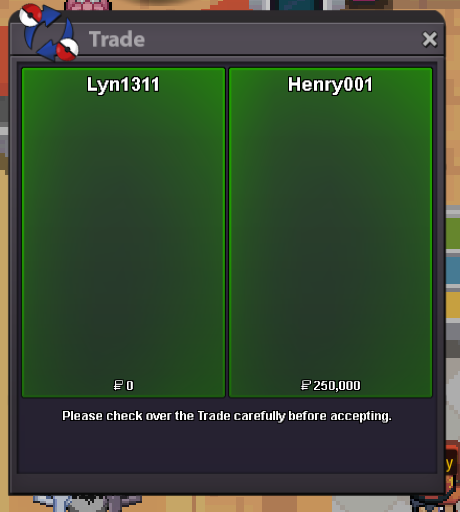
Another quest done! Zekrom half done. Thnx Much, Glhf!
-
Auction is done, Thnx Much for participating, to winner please pm me ingame or dc Lyn1311#6556 to claim poke Thnx Much! @Puppyhun @Lavkush @Ayuku @Mrunknownreal1 @Kaanalim
-
noted thnx
-
Torkoal modest end. Drilbur h.a c.o 200k end in 13 min ish
