




New Trade Zone
Trade Zone is now live
Use the new Trade Zone for auctions and instant-price trades so Pokemon and item offers are easy to find.

Uxxelmon
Registered User
-
Joined
-
Last visited
Everything posted by Uxxelmon
-
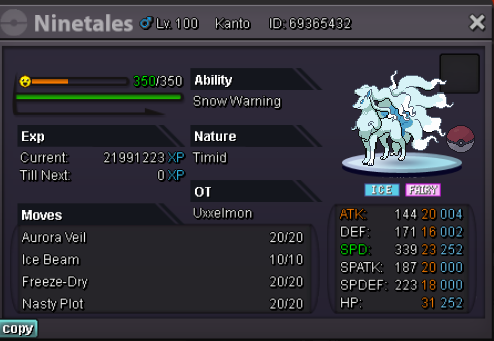
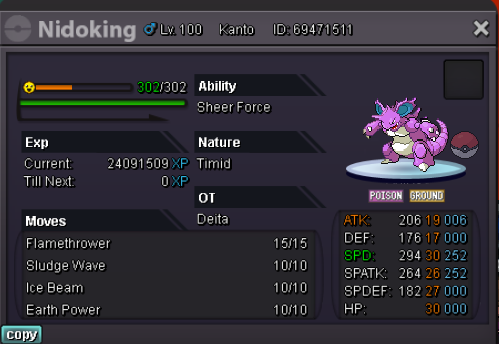
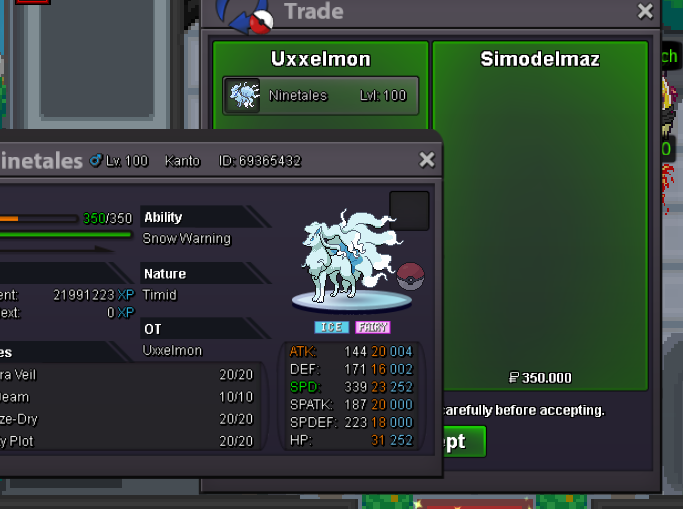
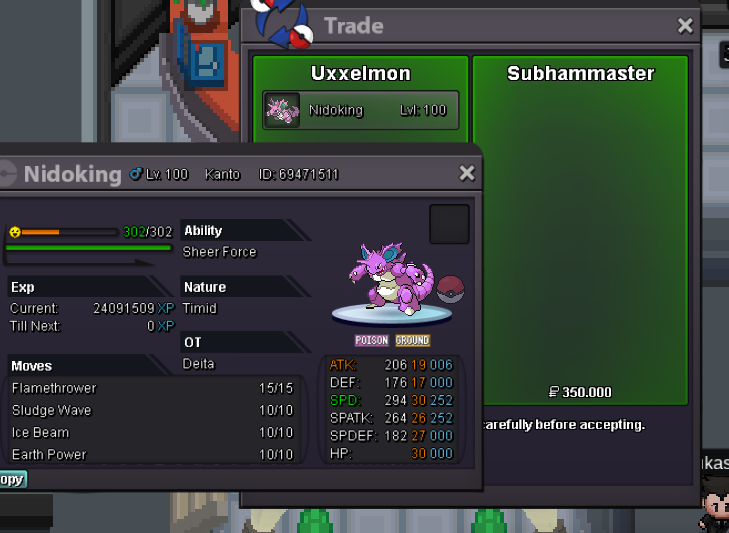
@Subhammaster @Simodelmaz you won, pls contact me.
-
around 40 min left
-
The following rules are meant for each mon: s.o.: 200k min bid: 50k Insta: 600k 24 hours after first bid accept pokedollars only
 Hi, wanna sell this cool hlw pika, light ball included! Start: 300k min bid: 25k Insta: 650k end point: 24 hours after first bid accept pokedollars only trade done with main account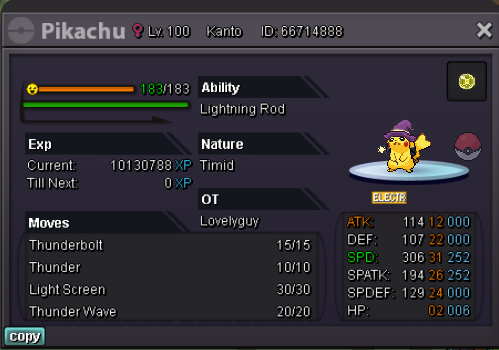
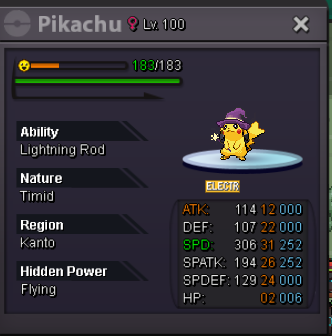
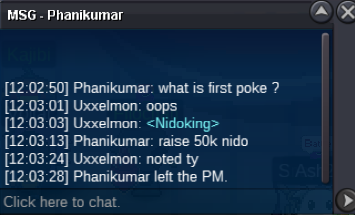
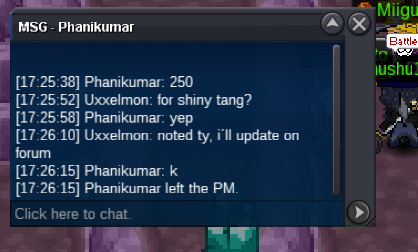
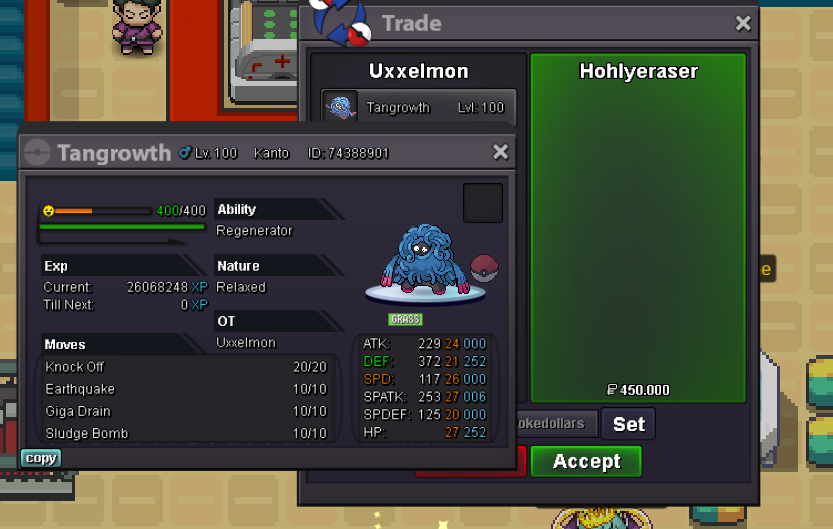
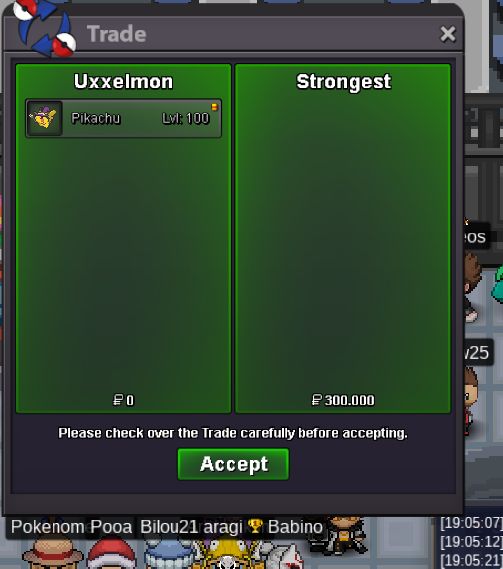 @Phanikumar you won, pls contact me via pm or on discord: Fck Off I´m SALTY#3063Around 1 hour leftWanna sell this shiny tangrowth: s.o. 10k min bid 10k insta 500k 24 hours after first bid accept pokedollars only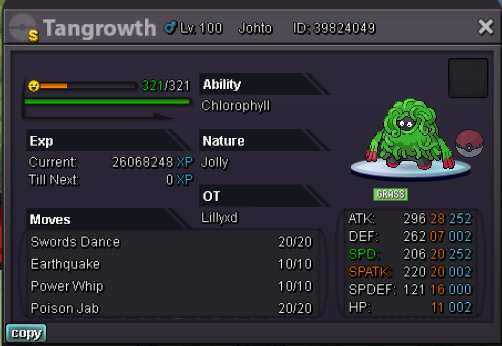
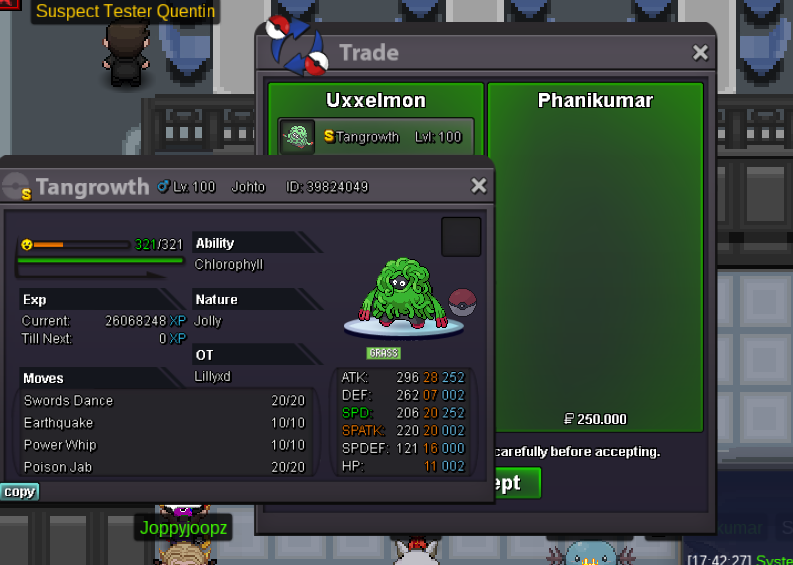 Sassy Tangrowth sold insta relaxed c.o. 450k, around 2h left
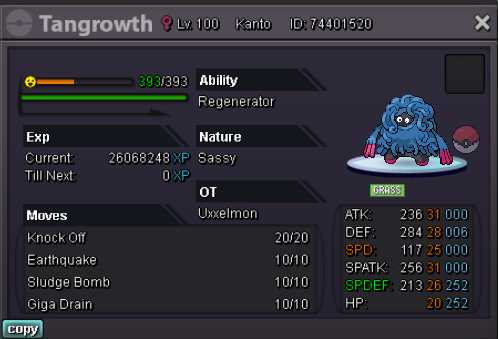
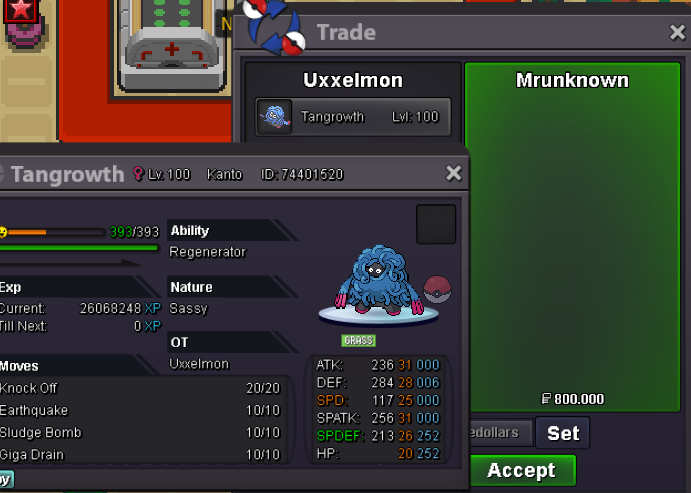 no ty xDbumpPlease make clear which of the mons you like to start.Hi, I´m selling these two mons, the following auction rules are meant for EACH. s.o. 200k min. bid 50k insta 800k auctions end 24 hours after first bid accept pokedollars, cc (360k), iv reroll (670k) Good luck! tangrowth 1 (hp bug) tangrowth 2 (hp ghost)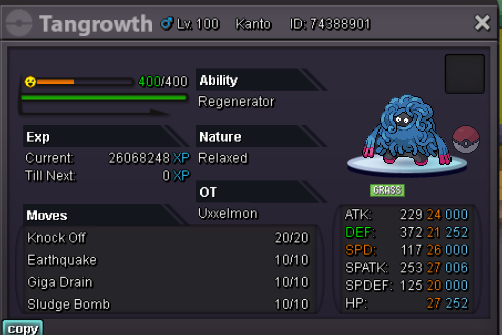
 +15mHi, im going to sell my hlw togekiss. Please offer via pm in forum or discord: Fck Off I´m SALTY#3063 I´m also accepting trade offers for other pvpable rare-tier event forms. Plese keep in mind that this is NOT an auction. Ty 🙂
 187k23k21k20k1111 pokedollars

Account
Navigation
Search
Configure browser push notifications
Chrome (Android)
- Tap the lock icon next to the address bar.
- Tap Permissions → Notifications.
- Adjust your preference.
Chrome (Desktop)
- Click the padlock icon in the address bar.
- Select Site settings.
- Find Notifications and adjust your preference.
Safari (iOS 16.4+)
- Ensure the site is installed via Add to Home Screen.
- Open Settings App → Notifications.
- Find your app name and adjust your preference.
Safari (macOS)
- Go to Safari → Preferences.
- Click the Websites tab.
- Select Notifications in the sidebar.
- Find this website and adjust your preference.
Edge (Android)
- Tap the lock icon next to the address bar.
- Tap Permissions.
- Find Notifications and adjust your preference.
Edge (Desktop)
- Click the padlock icon in the address bar.
- Click Permissions for this site.
- Find Notifications and adjust your preference.
Firefox (Android)
- Go to Settings → Site permissions.
- Tap Notifications.
- Find this site in the list and adjust your preference.
Firefox (Desktop)
- Open Firefox Settings.
- Search for Notifications.
- Find this site in the list and adjust your preference.