New Trade Zone
Trade Zone is now live
Use the new Trade Zone for auctions and instant-price trades so Pokemon and item offers are easy to find.

Odrickblaze4
Registered User
-
Joined
-
Last visited
-
it was not saturday, it was friday
-
-
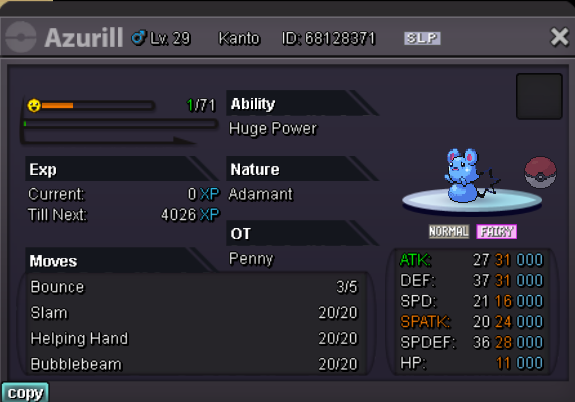
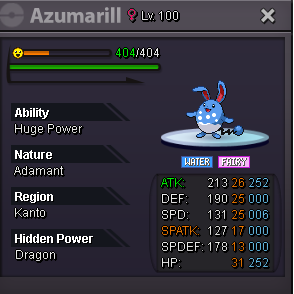
Hello I got this this azumarill that is really good for sale. money or cc=375k Make your offer
-
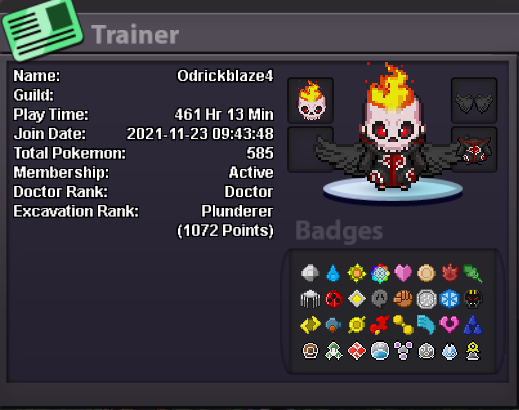
Hi Sim told me to write here ° what can you contribute to Eternity? Good Vibes, i'm really active in help chat and want to start PVP ° what is your real life and ingame name? RLN: Xavier // IGN: OdrickBlaze4 ° how old are you and where are you from? 27 years old and I'm from Canada. ° discord tag? how often are you online there? XavierG#3040 and I'm online everyday. ° screenshot of your trainercard
-
What's your Player name (IGN)? OdrickBlaze4 Number of hours played? 375 What's your favorite Pokemon? sharpedo What country are you from? Canada How old are you? 27 Server Silver
-
Hello i need help to return a pokemon traded to help a friend in game but the pokemon is region locked and I cant return it back. Can someone help us?