




New Trade Zone
Trade Zone is now live
Use the new Trade Zone for auctions and instant-price trades so Pokemon and item offers are easy to find.

Kyzduyen
Suspended
-
Joined
-
Last visited
Everything posted by Kyzduyen
-
Magikarp family sold Magikarp family
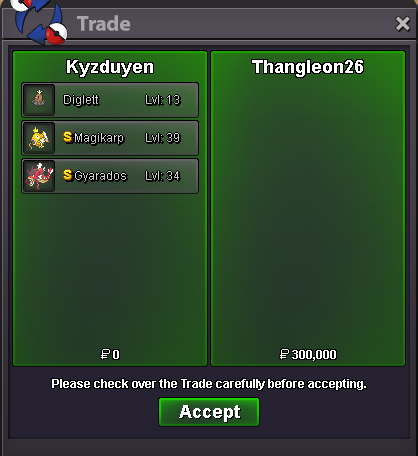
-
sold Slakoth family
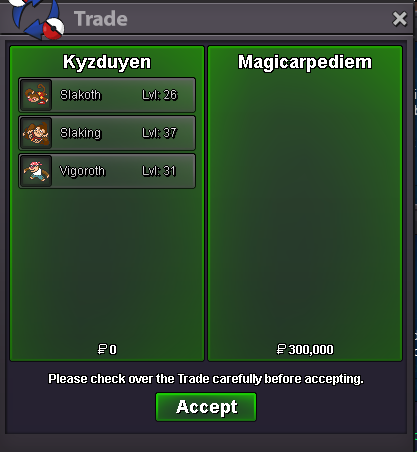
-
sold golduck v-day
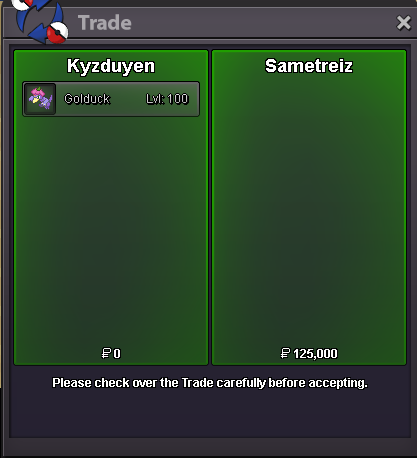
-
sold shiny lopunny

-
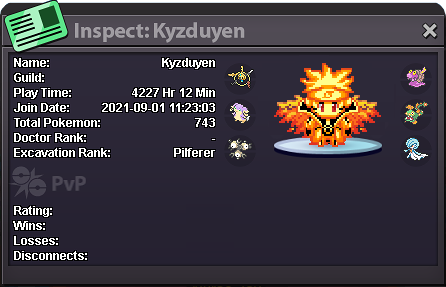
💖Kyzduyen Shop💖 "Ở đây có shiny và form đẹp!" "Here there is shiny and form! " Wish List Boss Team Discord: Kyzduyen Coin Capsule = 500k Reroll Ticket = 600k Nature Reroll Ticket = 275k Rare Candy = 6k XD form box Rare "mà rẻ" 500k+ "Shop đồng giá 30k" 30k/each for collectors Set/couple "Bộ sưu tập" "Cải trang team boss xinh xĩu" Form boss team Sold list Accepted pokemon exchange If buy more , can get discount
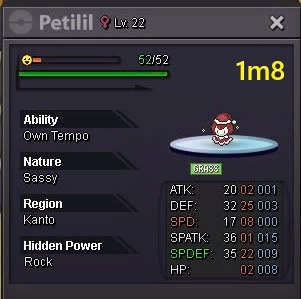
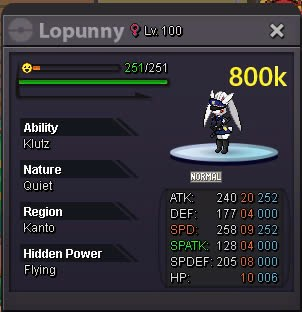
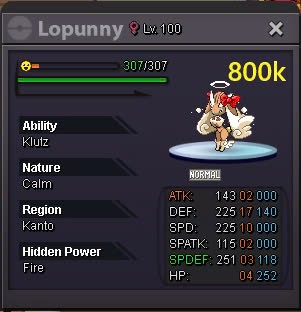
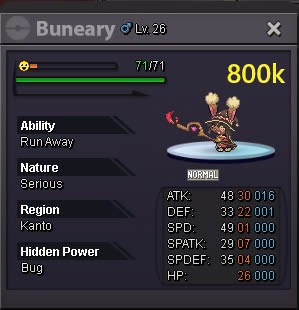
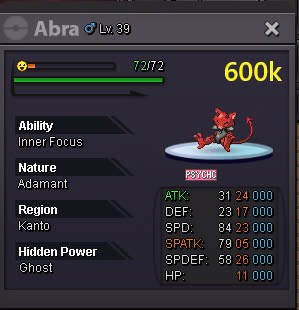
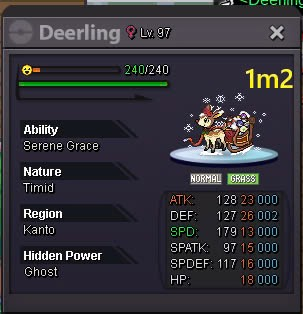
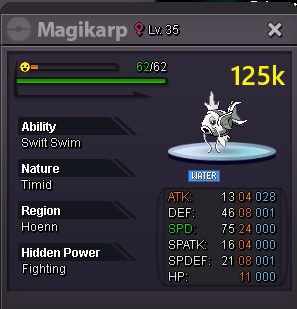
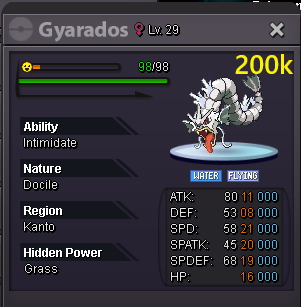
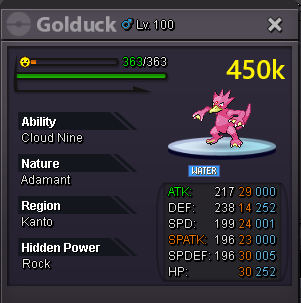
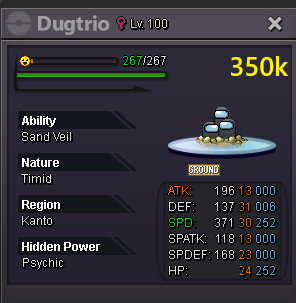
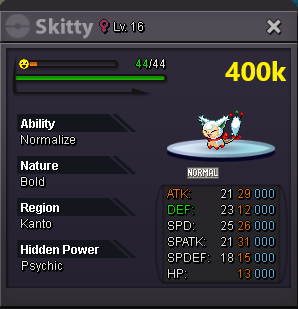
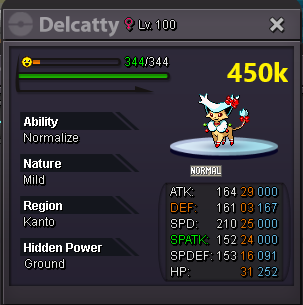
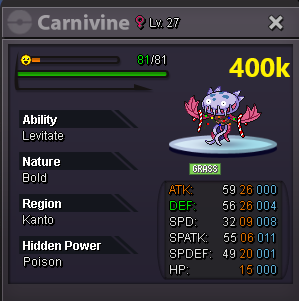
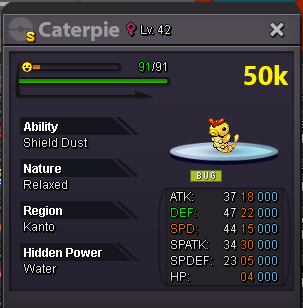
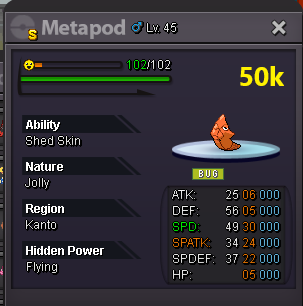
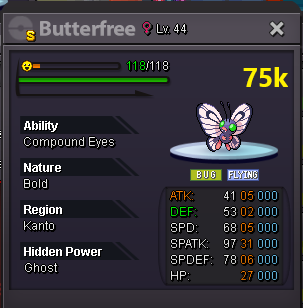
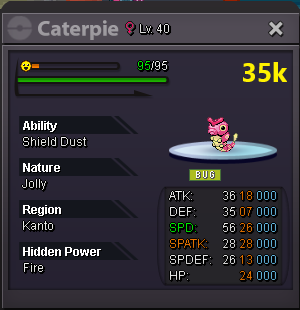
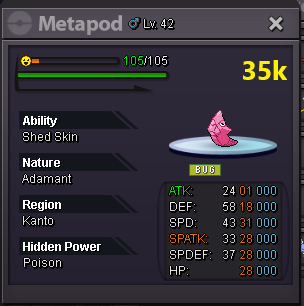
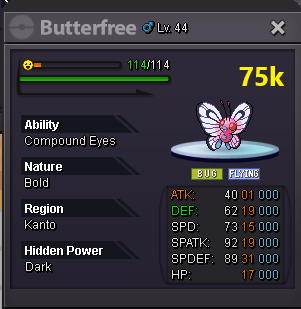
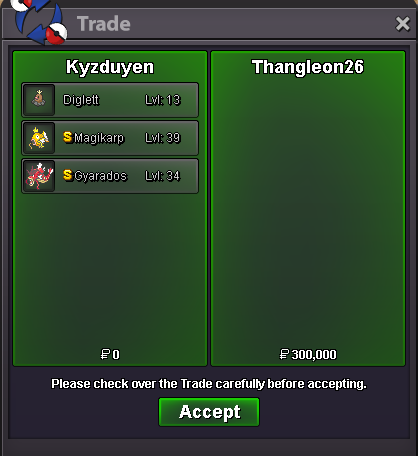
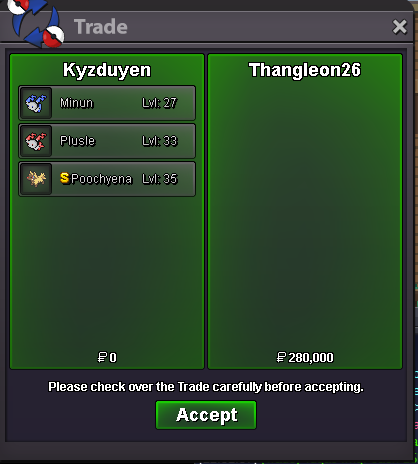
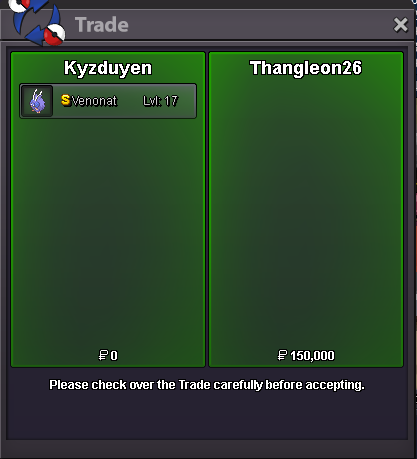
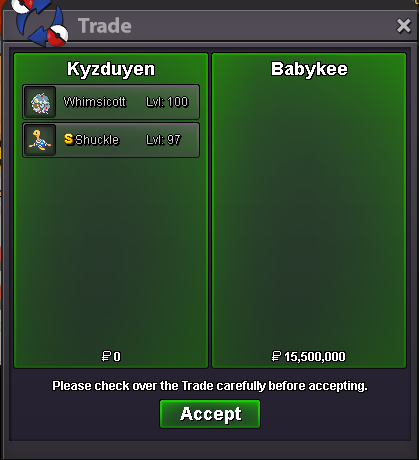
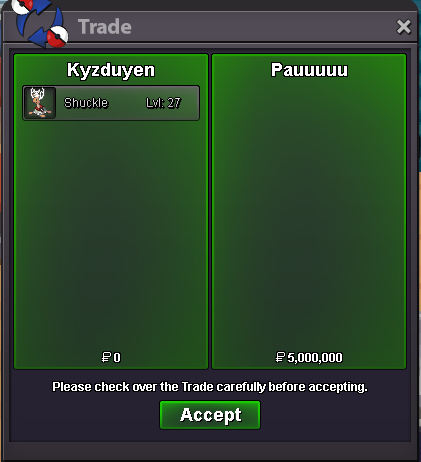
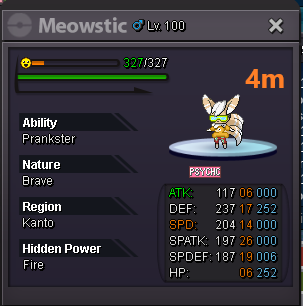
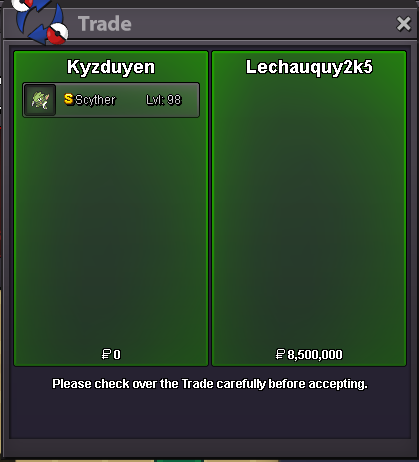
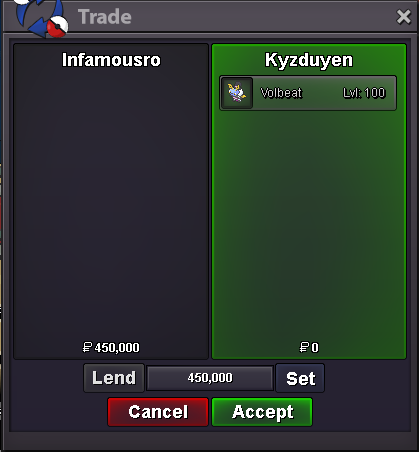
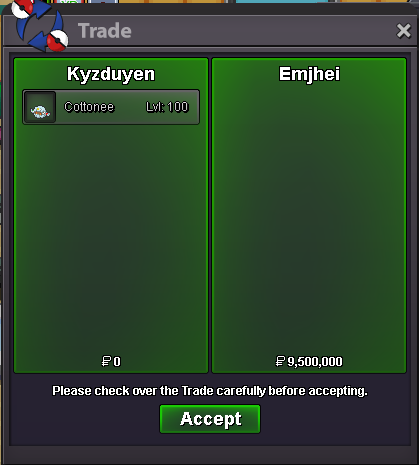
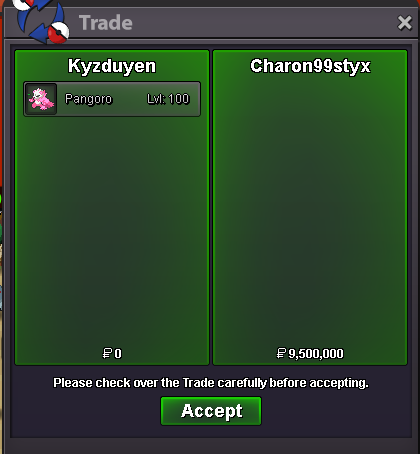
-
both of them 350k/each
-
2.2
-
-
.
-
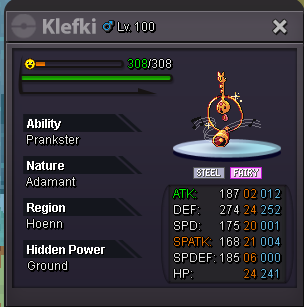
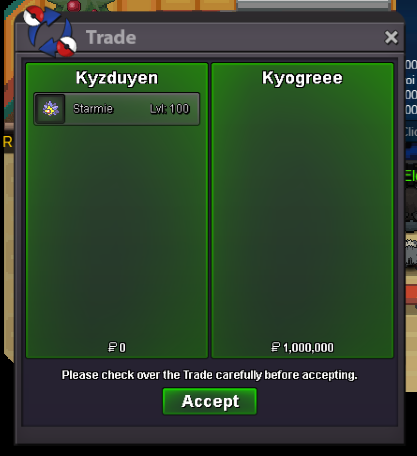
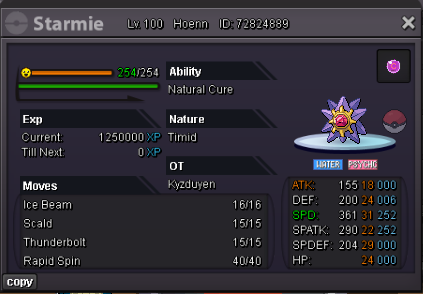
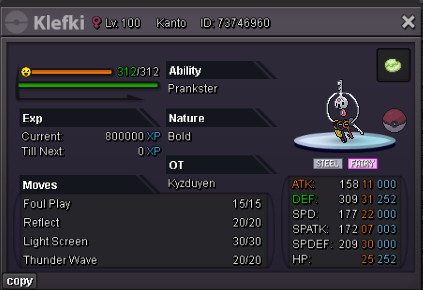
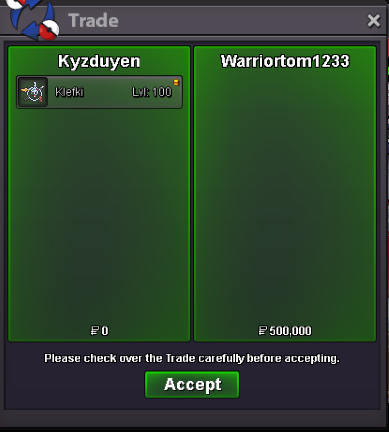
end.Klefki 350k by Vokhanghystarmie sold 1m by kyogreee
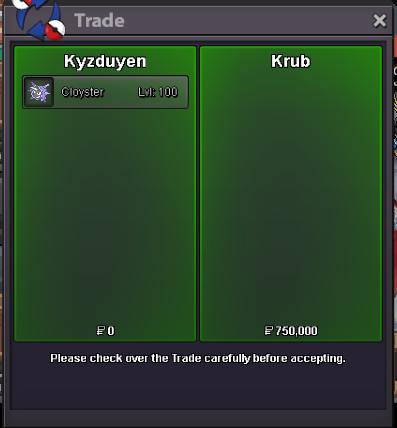
 Cloyter 350k by Lieshanyen350k cloyter by Lieshanyen
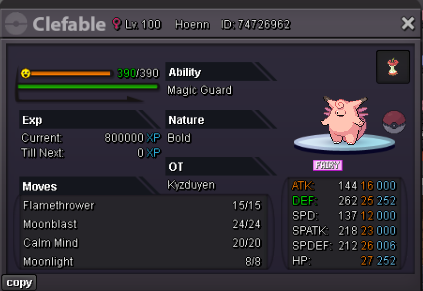
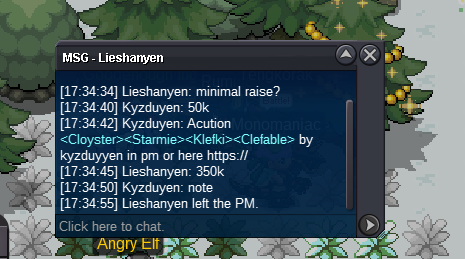 Each pokemon has: S.O. = 50K Min. Raise = 50K Duration = 24 Hours Insta = None Accepted Payments: Pokedollars Coin Capsule = 450K IV RR = 500K Nature RR = 250K Each pokemon has a different timer Starts after the first bid Timers: Cloyster = Sold Starmie = Sold Klefki = Sold Clefable = waiting Discord: lavies_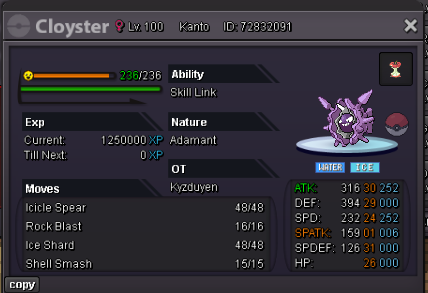
 im buy mawvile pls1m1im vermi, i will buy for 800hello i want to buy jumpluff for 600k?2.1When does the auction end?Pancham 6m


Account
Navigation
Search
Configure browser push notifications
Chrome (Android)
- Tap the lock icon next to the address bar.
- Tap Permissions → Notifications.
- Adjust your preference.
Chrome (Desktop)
- Click the padlock icon in the address bar.
- Select Site settings.
- Find Notifications and adjust your preference.
Safari (iOS 16.4+)
- Ensure the site is installed via Add to Home Screen.
- Open Settings App → Notifications.
- Find your app name and adjust your preference.
Safari (macOS)
- Go to Safari → Preferences.
- Click the Websites tab.
- Select Notifications in the sidebar.
- Find this website and adjust your preference.
Edge (Android)
- Tap the lock icon next to the address bar.
- Tap Permissions.
- Find Notifications and adjust your preference.
Edge (Desktop)
- Click the padlock icon in the address bar.
- Click Permissions for this site.
- Find Notifications and adjust your preference.
Firefox (Android)
- Go to Settings → Site permissions.
- Tap Notifications.
- Find this site in the list and adjust your preference.
Firefox (Desktop)
- Open Firefox Settings.
- Search for Notifications.
- Find this site in the list and adjust your preference.