




New Trade Zone
Trade Zone is now live
Use the new Trade Zone for auctions and instant-price trades so Pokemon and item offers are easy to find.

Immortalx
Suspended
-
Joined
-
Last visited
Everything posted by Immortalx
-
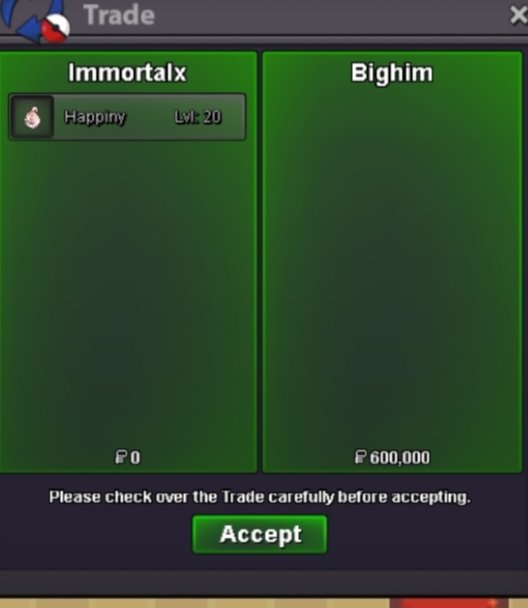
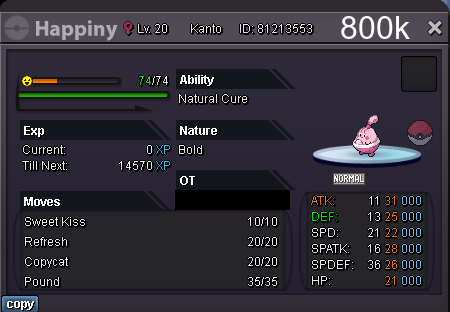
I am online and dont use discord sorry@Bhimosotake it for 600k cause ur 1st customer 🙂 i am online now vermi@Bhimosotake it for 600k cause ur 1st customer 🙂 i am online now vermiWelcome to my shop! Acceptable payment in addition to cash: IV reroll - 520k Coin capsule - 360k Rare candy - 7k Untrained Trained Shiny/event Build forum shop service done by Dynamica.
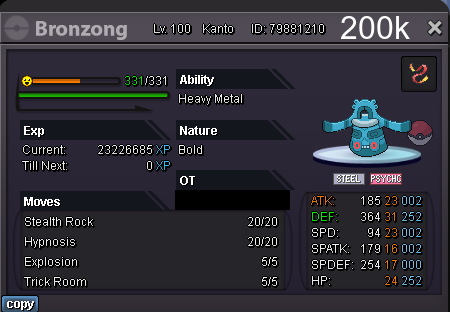
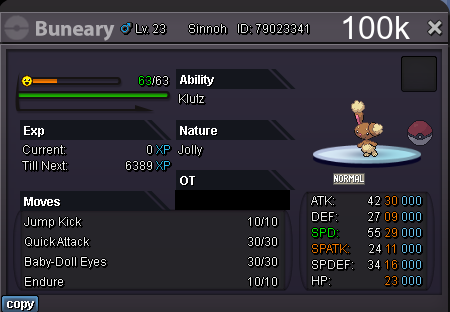
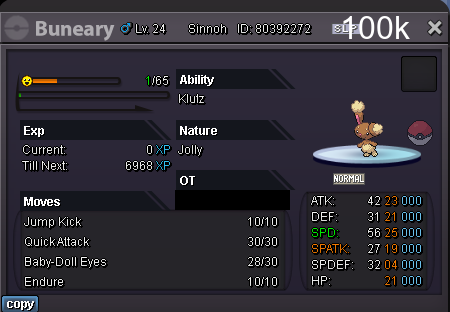
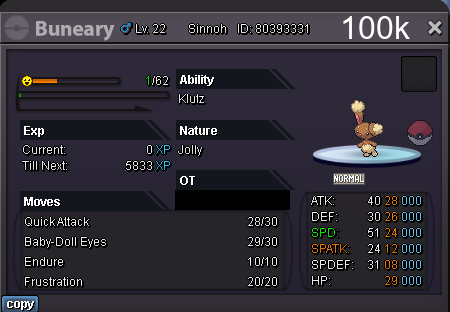
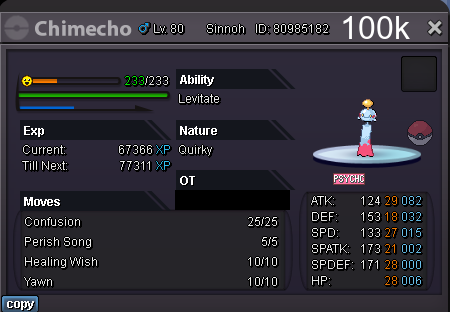
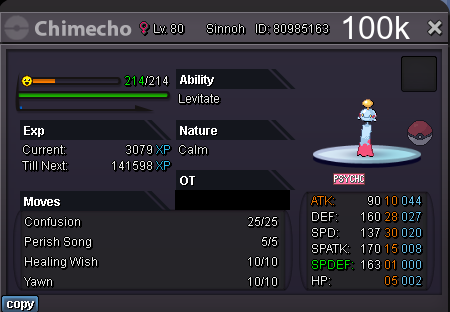
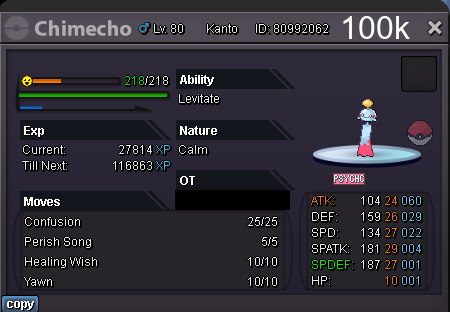
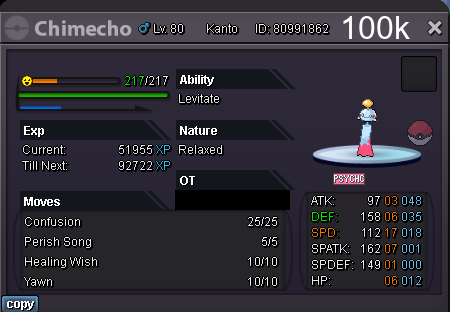
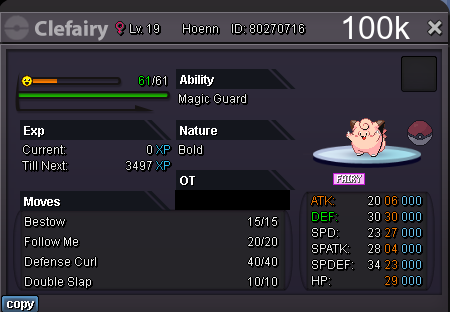
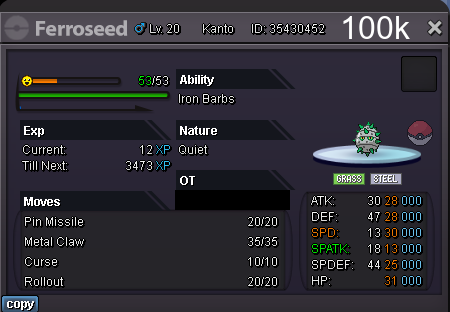
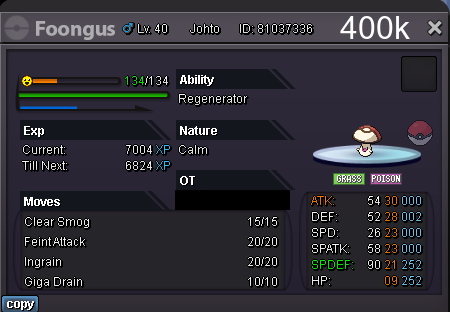
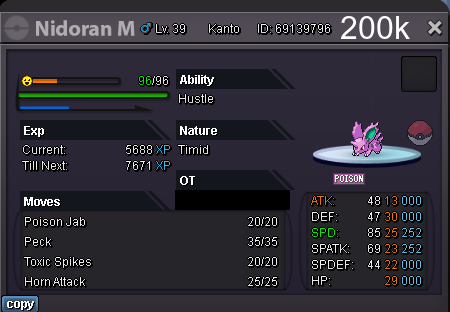
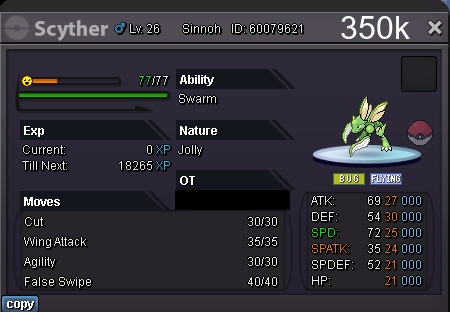
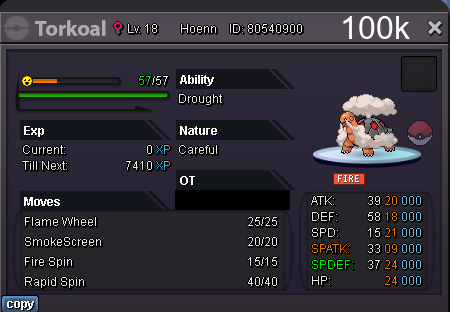
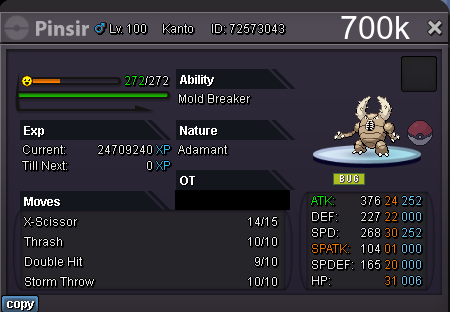
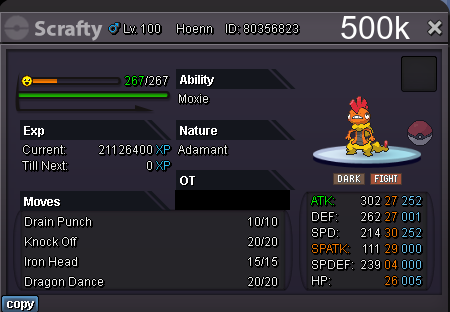
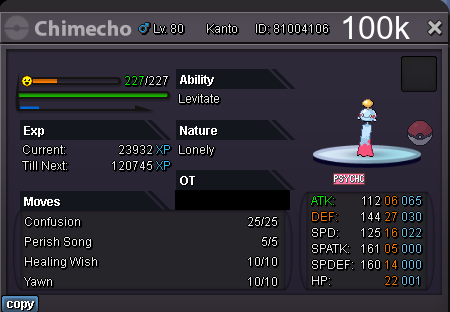 @Mbktransfer will be very helpful thanks@Mbkcan u transfer this post in special or shiny section pleaseSo. 1m /min bid 150k/accept cc 350k/accept iv rr 500k /rc 7k/ insta 6m end 4 may 12:50 am indian time 🙂 enjoy
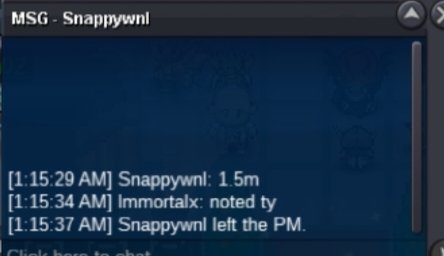
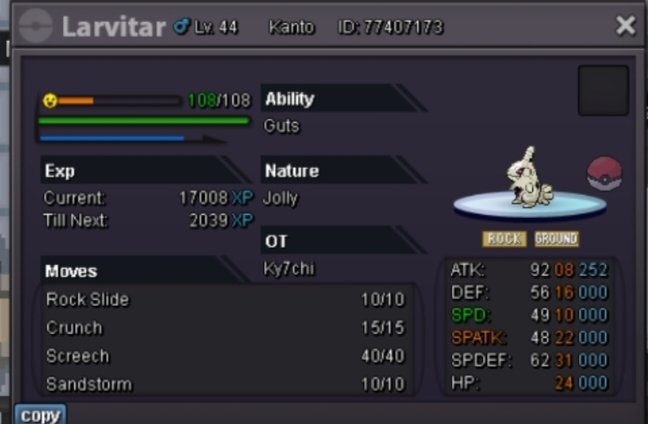 Start bothI am on now vermillion my account name momster1U wanna accept my offer?Ok thanks but togakiss dont needAlr ty I will use money thenSence ur inactive it means no720k1m and 150k i will buy it2m+cc tyrantarStarwar bisharp 1m?125k smegla and 130k ferrathronSmergal 65kSmegla 60kShucker


Account
Navigation
Search
Configure browser push notifications
Chrome (Android)
- Tap the lock icon next to the address bar.
- Tap Permissions → Notifications.
- Adjust your preference.
Chrome (Desktop)
- Click the padlock icon in the address bar.
- Select Site settings.
- Find Notifications and adjust your preference.
Safari (iOS 16.4+)
- Ensure the site is installed via Add to Home Screen.
- Open Settings App → Notifications.
- Find your app name and adjust your preference.
Safari (macOS)
- Go to Safari → Preferences.
- Click the Websites tab.
- Select Notifications in the sidebar.
- Find this website and adjust your preference.
Edge (Android)
- Tap the lock icon next to the address bar.
- Tap Permissions.
- Find Notifications and adjust your preference.
Edge (Desktop)
- Click the padlock icon in the address bar.
- Click Permissions for this site.
- Find Notifications and adjust your preference.
Firefox (Android)
- Go to Settings → Site permissions.
- Tap Notifications.
- Find this site in the list and adjust your preference.
Firefox (Desktop)
- Open Firefox Settings.
- Search for Notifications.
- Find this site in the list and adjust your preference.