




New Trade Zone
Trade Zone is now live
Use the new Trade Zone for auctions and instant-price trades so Pokemon and item offers are easy to find.

Gen1king
Suspended
-
Joined
-
Last visited
Everything posted by Gen1king
-
2
-
charizard 2 ends 18:01 gmt +2 27/5
-
which one ?
-
charizard 2 Ended 300k
-
auction done can close
-
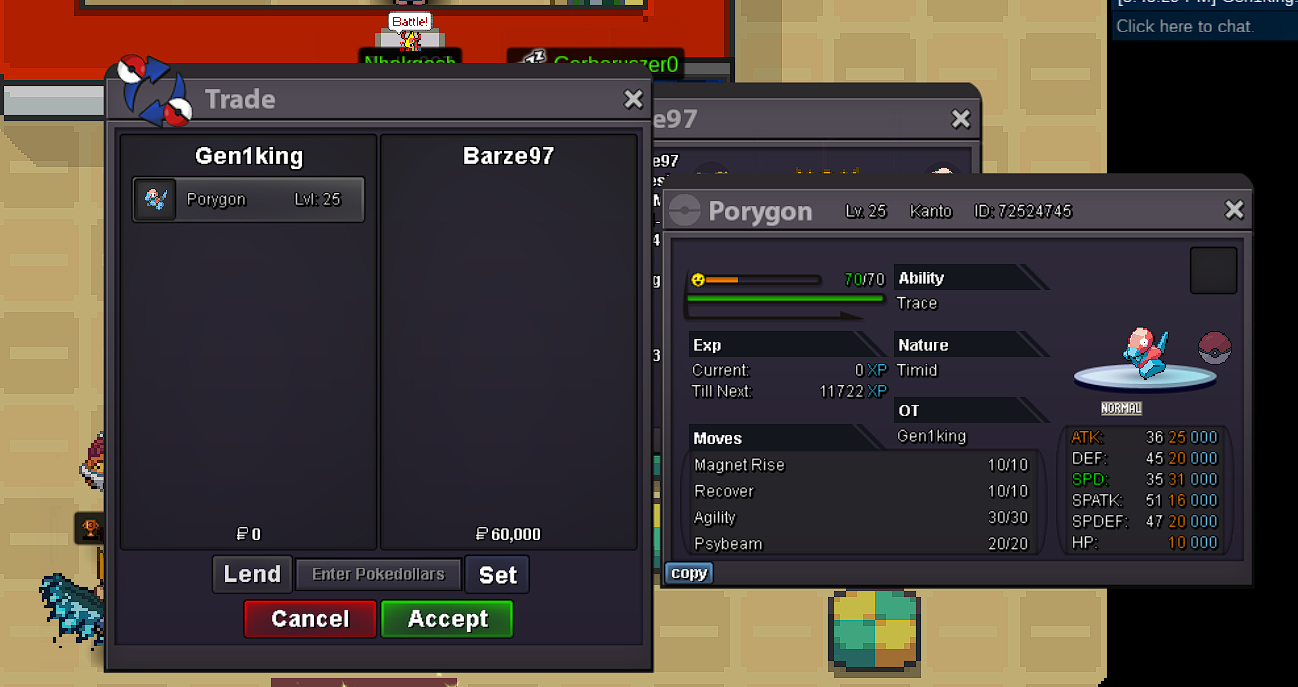
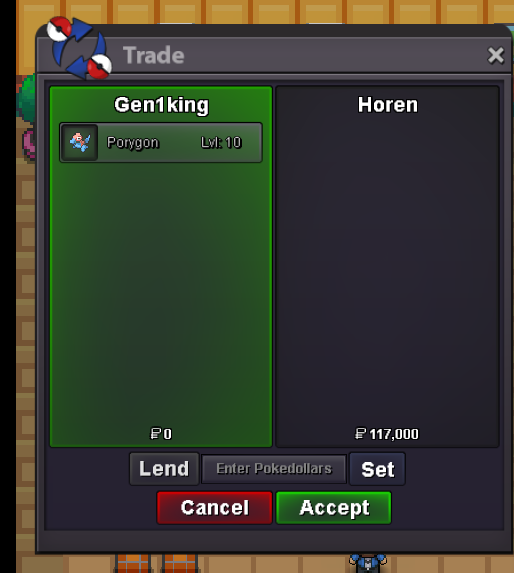
@Barze97 auction over u won pory2. pm me in game to get ur poke. ign gen1kingclose prices negotiable since its my first attempthe bidded last minute before auction ended. and his bid was last for 15 mins plus. no worries mate ❤️ @Solivagantand porygon 2 20hours leftPorygon 1 is over guys @Horen won itauction ended bro @Horen u won. pm me in game to get your pokeporygon 1 ends. 23:42 gmt + 2 5/24porygon 1 porygon 2 Hello doing auction for these 2. 50k each start. duration 24 hours since first bid min raise 1k each no insta
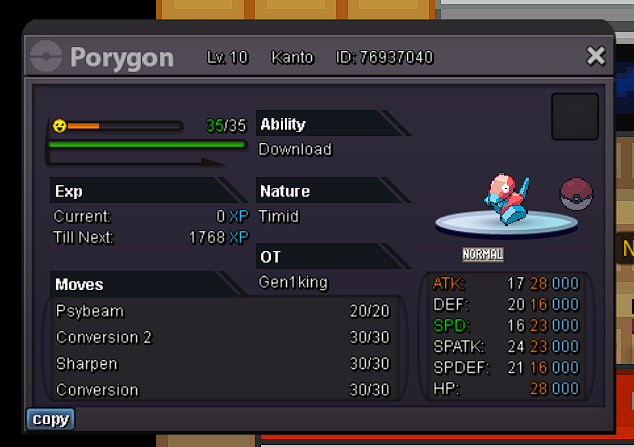
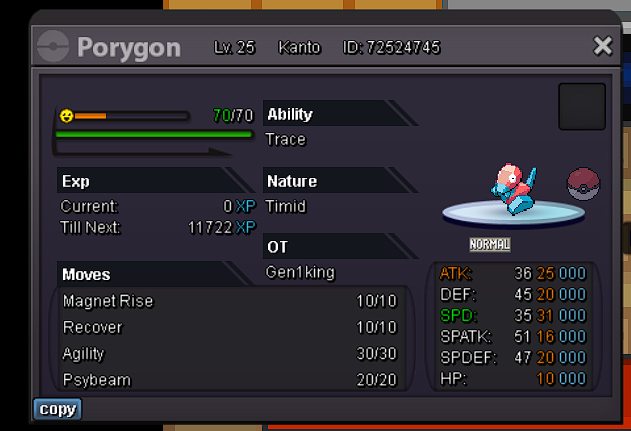 @Sale01 gen1king my ingame name . u can contact me to get the poke. i ll also send u pm hereLOL what happened here? xd so many replies50k start. no insta no min raise 24 hours since first bid gl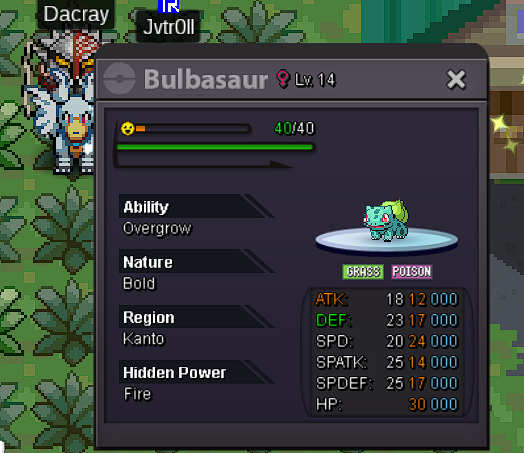
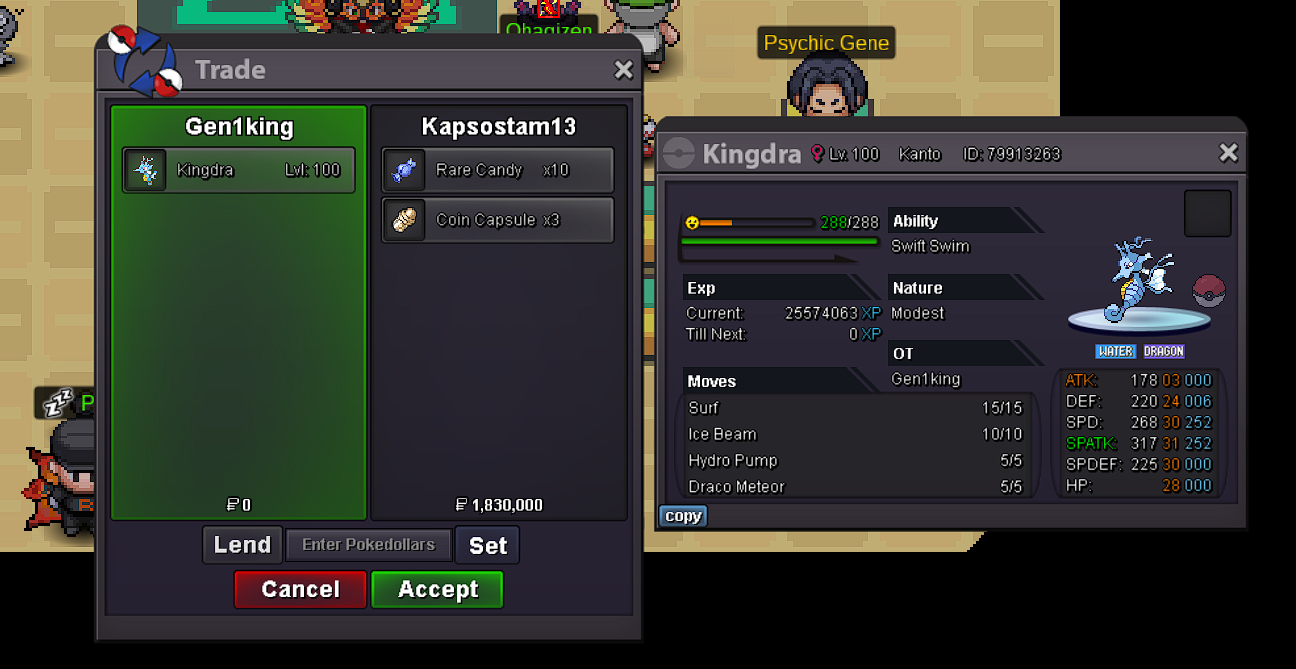
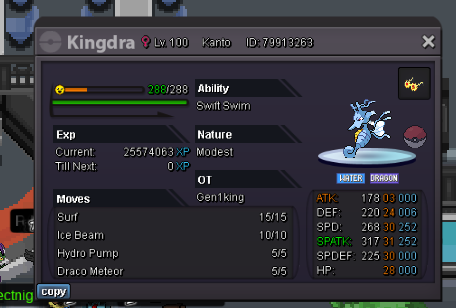
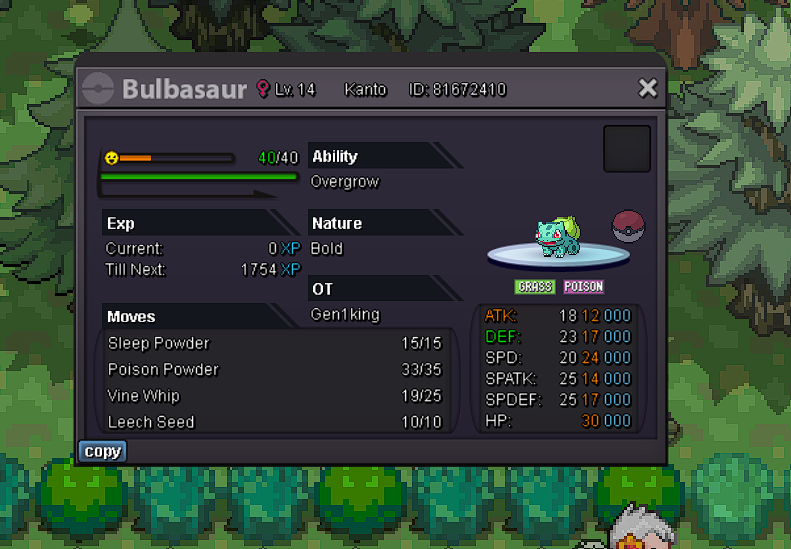 1m700kok come online gold since u are up nowBrother i am literally online since 08:00 am till now . now its 12:16pm . time zone gmt + 2 . i am tired. u are nowhere. please a moderator show up and tell me what we doWe struggle meeting each other. i also added you in Discord


Account
Navigation
Search
Configure browser push notifications
Chrome (Android)
- Tap the lock icon next to the address bar.
- Tap Permissions → Notifications.
- Adjust your preference.
Chrome (Desktop)
- Click the padlock icon in the address bar.
- Select Site settings.
- Find Notifications and adjust your preference.
Safari (iOS 16.4+)
- Ensure the site is installed via Add to Home Screen.
- Open Settings App → Notifications.
- Find your app name and adjust your preference.
Safari (macOS)
- Go to Safari → Preferences.
- Click the Websites tab.
- Select Notifications in the sidebar.
- Find this website and adjust your preference.
Edge (Android)
- Tap the lock icon next to the address bar.
- Tap Permissions.
- Find Notifications and adjust your preference.
Edge (Desktop)
- Click the padlock icon in the address bar.
- Click Permissions for this site.
- Find Notifications and adjust your preference.
Firefox (Android)
- Go to Settings → Site permissions.
- Tap Notifications.
- Find this site in the list and adjust your preference.
Firefox (Desktop)
- Open Firefox Settings.
- Search for Notifications.
- Find this site in the list and adjust your preference.