New Trade Zone
Trade Zone is now live
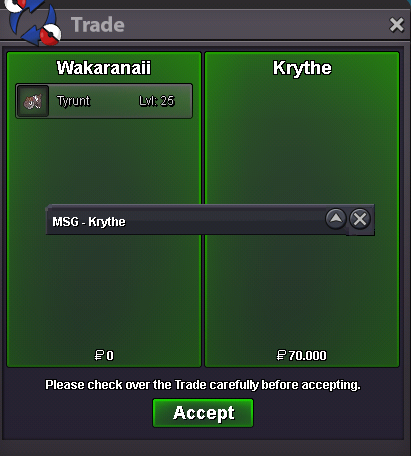
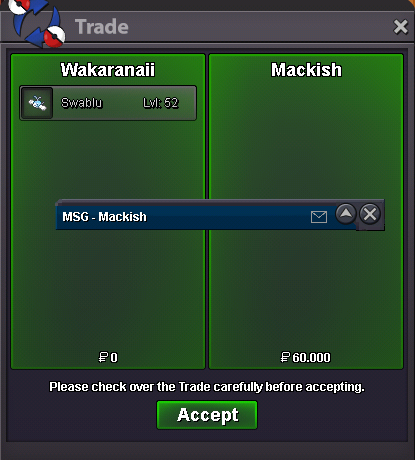
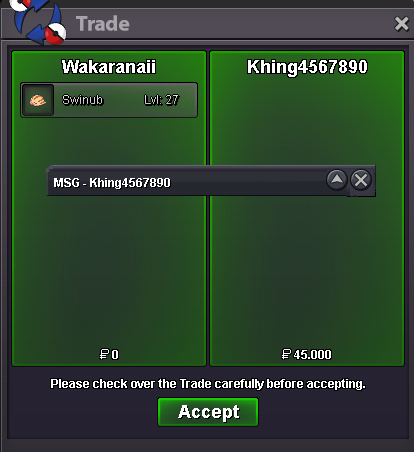
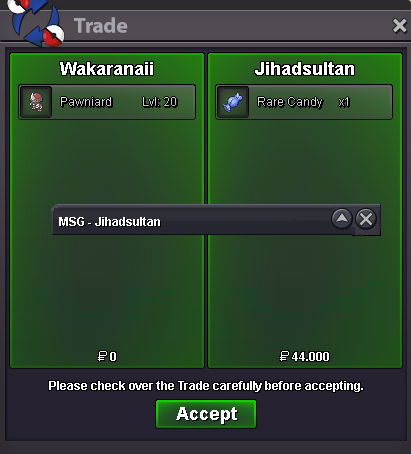
Use the new Trade Zone for auctions and instant-price trades so Pokemon and item offers are easy to find.


Moemoekyuuun
Suspended
-
Joined
-
Last visited
Everything posted by Moemoekyuuun
-
-1 I think the laughing emoji is a way to respond to someone's post without getting off topic/criticizing someone doing a trade or auction that you think the price or record for is incorrect. As you said above,no comment oot🙃
-
+1$Change notes so people don't get confused, you write start 8m and start offer 700kStar or start? I confuse If 700k i started50444.001555.555k234.567k🙃+50kI think this is the craziest rule, how can we know the seconds in the forum, whereas here it only says the time is minutes without seconds unlike in games there are hours, minutes and seconds. And what irritates me the most is when receiving offers under 1 minute in games and forums. INGAME : when we receive an offer under 1 minute, we must immediately post it to the forum before the time expires so that it can be said to be a valid offer, but what if someone has a connection problem and is a few minutes late when the offer time in the game should be valid and fixed continued, but because we had a problem when we wanted to post it to the forum and it was too late to post it finally we were accused of poorly handling the auction and if we didn't post the bidder's bid at that time, maybe he would object and report me and get accused again of not honoring all bids. Forum : When you receive an offer under 1 minute how can you determine if it's over or not while on the forum it's not written hours minute and seconds, if you continue an offer that should not be valid because the end time is not known for sure minutes and seconds you will be penalized and vice versa Also, if you don't accept the offer because you doubt the end of the auction, you will be penalized too. I just want you to rework the rules better than that or delete the rules, and if you still want to keep those rules then i suggest you should add hours, minutes and seconds of posting on the forums,because it will really help the auctioneer in determining whether it should continue or end. That is all from me and I hope this can be seen Thank you...
Account
Navigation
Search
Configure browser push notifications
Chrome (Android)
- Tap the lock icon next to the address bar.
- Tap Permissions → Notifications.
- Adjust your preference.
Chrome (Desktop)
- Click the padlock icon in the address bar.
- Select Site settings.
- Find Notifications and adjust your preference.
Safari (iOS 16.4+)
- Ensure the site is installed via Add to Home Screen.
- Open Settings App → Notifications.
- Find your app name and adjust your preference.
Safari (macOS)
- Go to Safari → Preferences.
- Click the Websites tab.
- Select Notifications in the sidebar.
- Find this website and adjust your preference.
Edge (Android)
- Tap the lock icon next to the address bar.
- Tap Permissions.
- Find Notifications and adjust your preference.
Edge (Desktop)
- Click the padlock icon in the address bar.
- Click Permissions for this site.
- Find Notifications and adjust your preference.
Firefox (Android)
- Go to Settings → Site permissions.
- Tap Notifications.
- Find this site in the list and adjust your preference.
Firefox (Desktop)
- Open Firefox Settings.
- Search for Notifications.
- Find this site in the list and adjust your preference.