New Trade Zone
Trade Zone is now live
Use the new Trade Zone for auctions and instant-price trades so Pokemon and item offers are easy to find.


Elyasumene
Registered User
-
Joined
-
Last visited
Everything posted by Elyasumene
-
-
-
Auction can be closed , ty for all
-
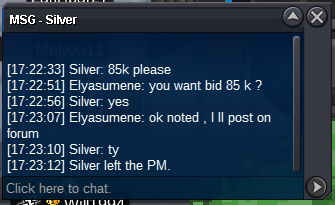
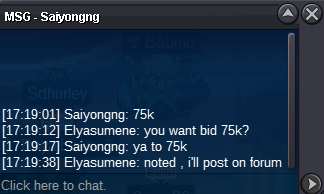
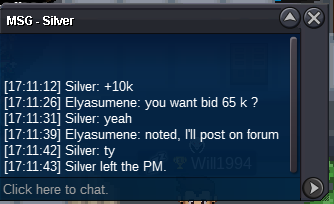
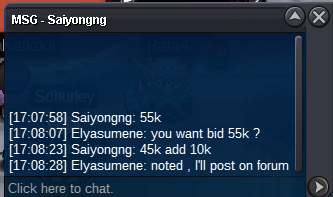
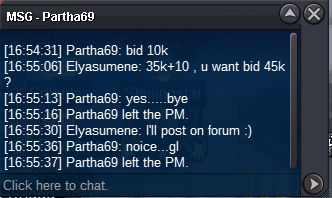
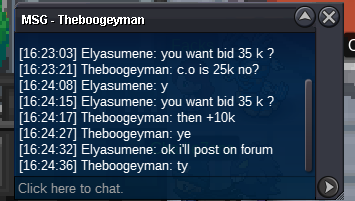
Hey @Leeluckya , I've tried to private message you at midnight but no response , also I invite you to make the exchange around 5 p.m. on 05/11Hi, I'm auctioning the following pack of 6 pokemon. Starting offer for the pack is 50k Min bid for the pack is 5k No insta . Auction ends 4h after the first bid. Accept only pokedollar
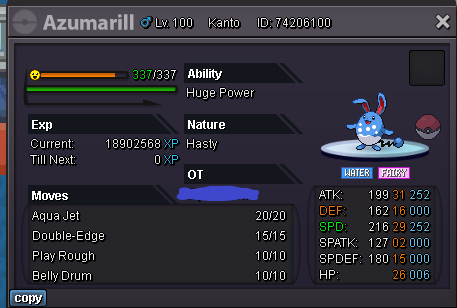


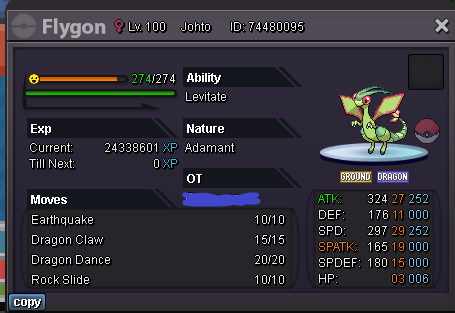
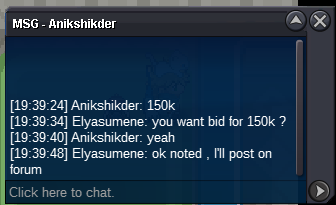
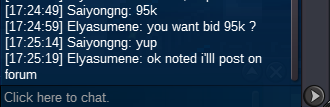
 20k
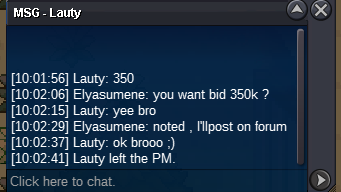
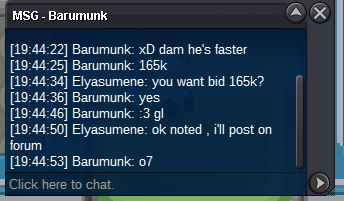
20k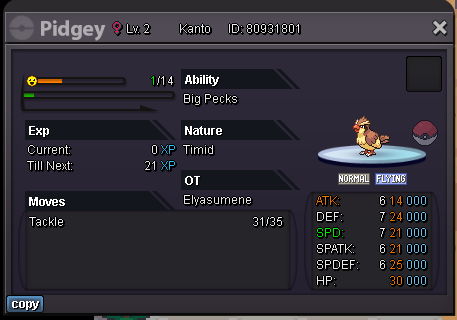 Hi , I want to buy your Flabebe PM me in game or on Forum 🙂@Lolurface I'm online atm , but I'm working tomorrow can we set the trade for tomorow night ?220k eevee200 k eeveeHi , start eeveeHave a good game and Happy halloween ! Post can be closed
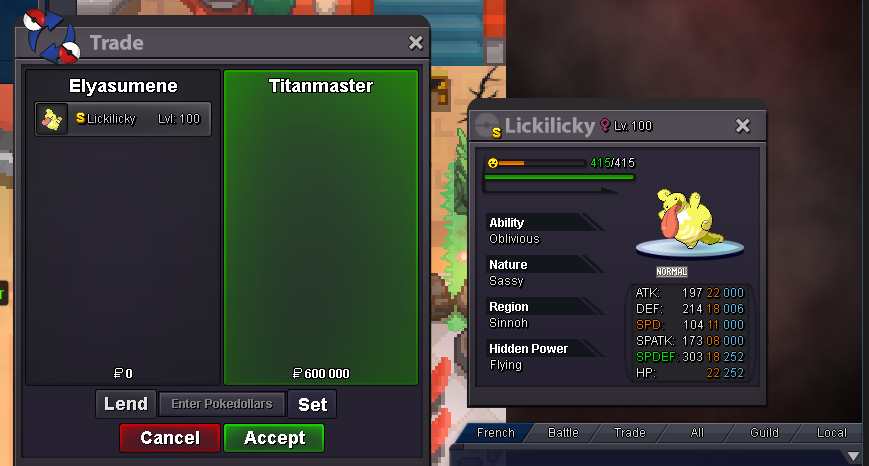 Auction is over Congratulations to Titanmaster I invite you to contact me for trade
Account
Navigation
Search
Configure browser push notifications
Chrome (Android)
- Tap the lock icon next to the address bar.
- Tap Permissions → Notifications.
- Adjust your preference.
Chrome (Desktop)
- Click the padlock icon in the address bar.
- Select Site settings.
- Find Notifications and adjust your preference.
Safari (iOS 16.4+)
- Ensure the site is installed via Add to Home Screen.
- Open Settings App → Notifications.
- Find your app name and adjust your preference.
Safari (macOS)
- Go to Safari → Preferences.
- Click the Websites tab.
- Select Notifications in the sidebar.
- Find this website and adjust your preference.
Edge (Android)
- Tap the lock icon next to the address bar.
- Tap Permissions.
- Find Notifications and adjust your preference.
Edge (Desktop)
- Click the padlock icon in the address bar.
- Click Permissions for this site.
- Find Notifications and adjust your preference.
Firefox (Android)
- Go to Settings → Site permissions.
- Tap Notifications.
- Find this site in the list and adjust your preference.
Firefox (Desktop)
- Open Firefox Settings.
- Search for Notifications.
- Find this site in the list and adjust your preference.