New Trade Zone
Trade Zone is now live
Use the new Trade Zone for auctions and instant-price trades so Pokemon and item offers are easy to find.

Omenrl
Registered User
-
Joined
-
Last visited
Everything posted by Omenrl
-
in light of some recent (quite unfortunate) events, I had an idea for the system of reloading IV’s. Just my opinion but I feel like if someone pays the reroll ticket and applies the presented IV roll, then that roll should always be available. In lieu of the reload IV’s showing the previous 3 useless rolls from the last time you took out a mortgage to do a doublelock service, it should show the previous 3 you applied. We already pay for the service. This prevents getting totally screwed over from a simple human error and I just genuinely see no way this change could negatively affect the game.
-
Pass tyif you are talking about this one it is listed for 500k
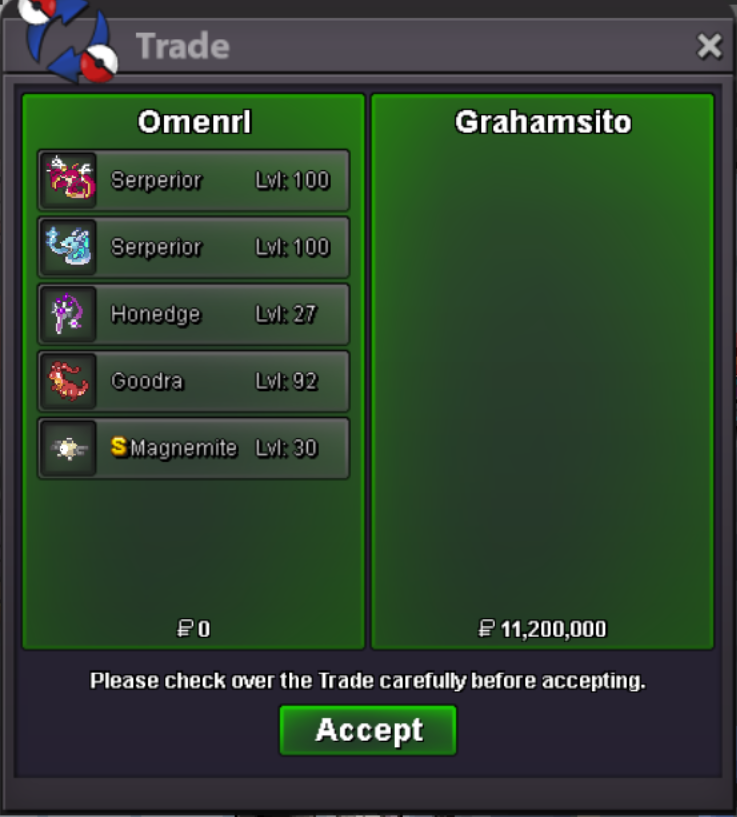
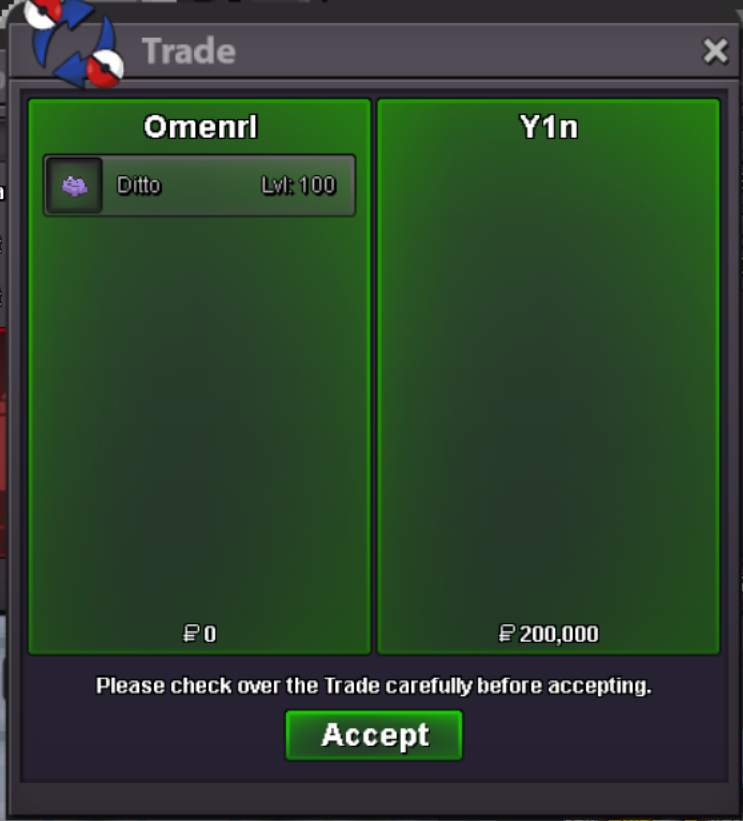
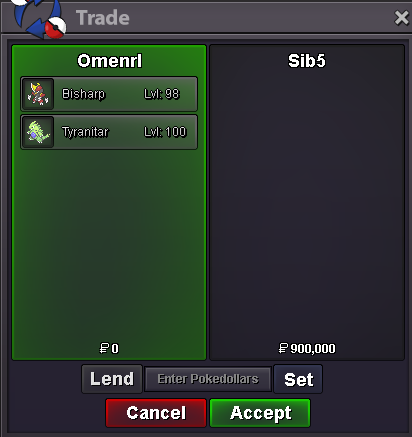
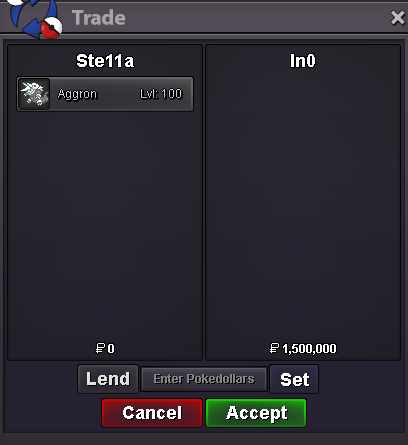
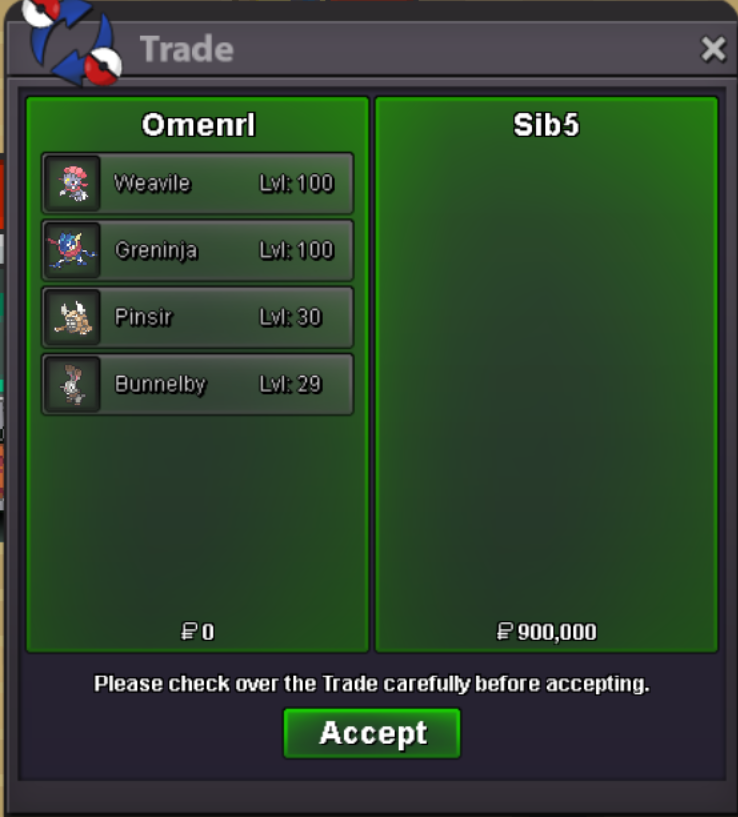
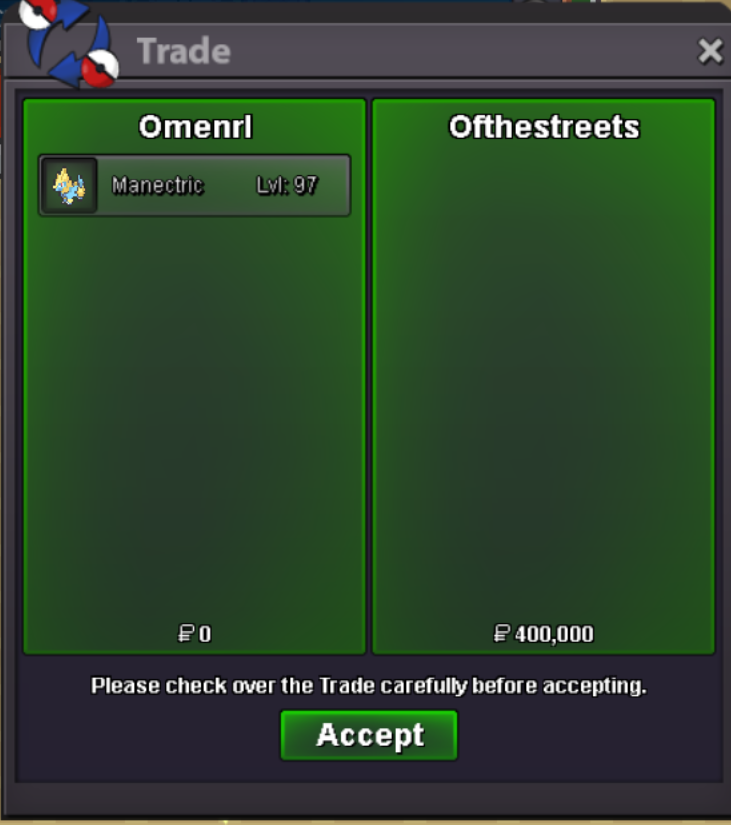
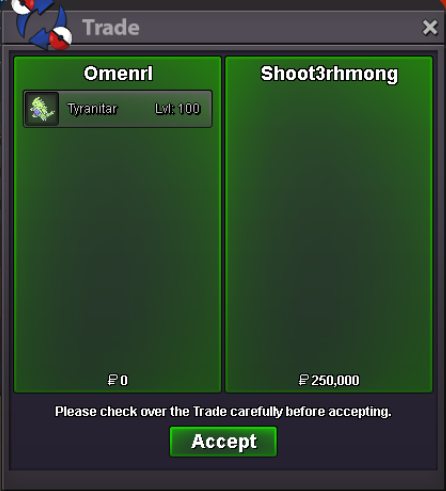
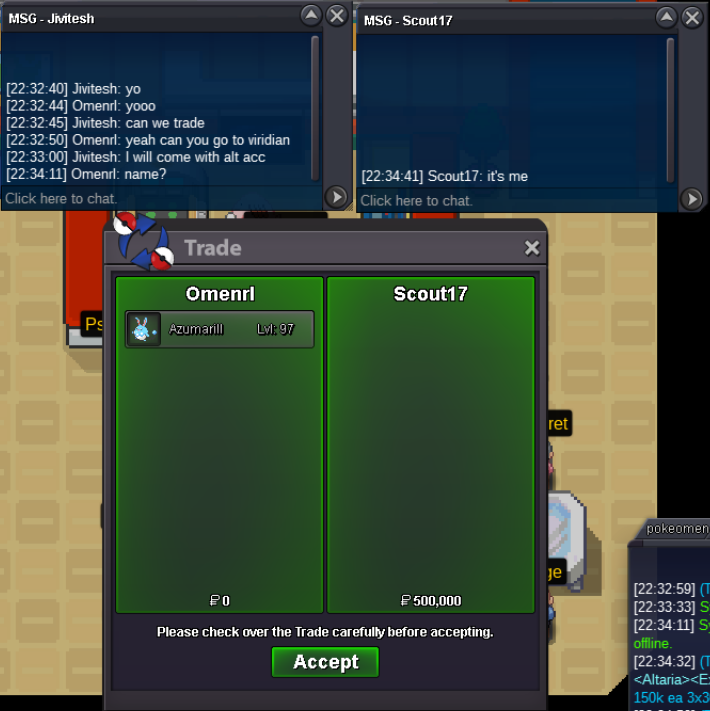
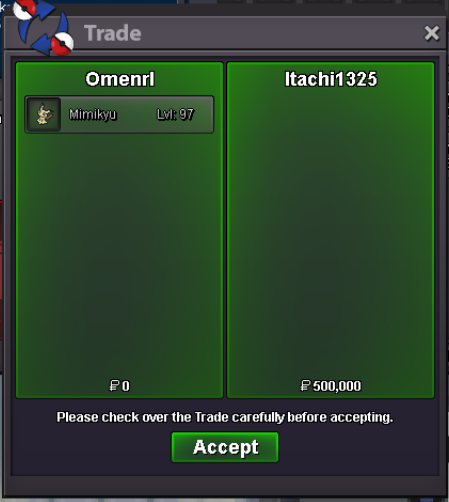
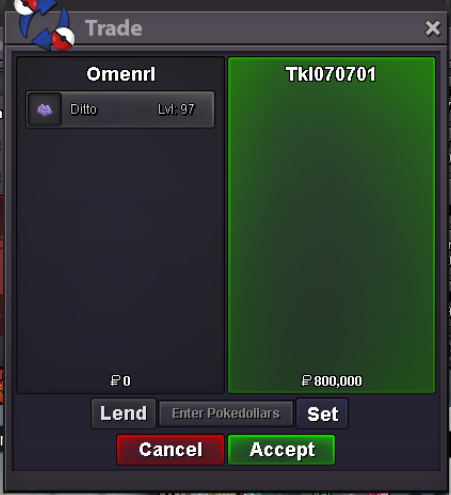
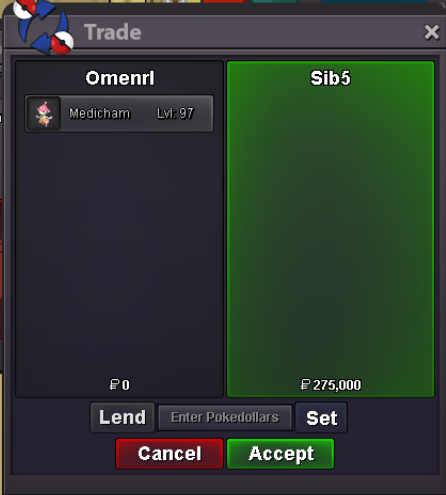
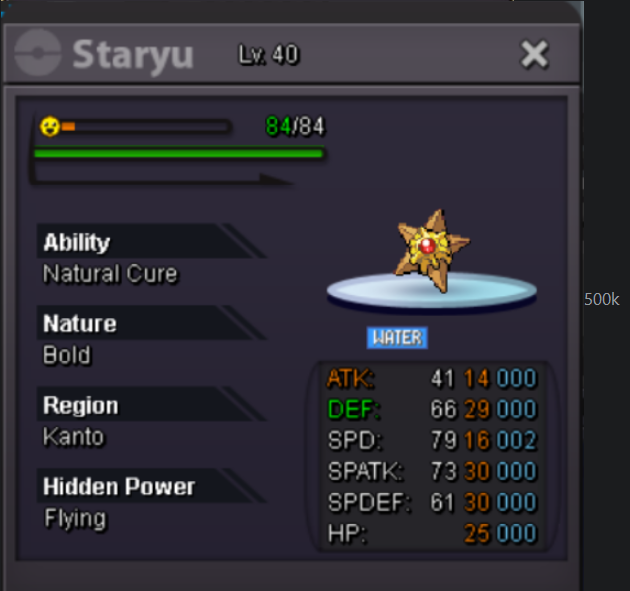 can you come online now?can you come online now?Praying for you @Ruthlessslayer@Z4ngad0only your trade left, let me know when you’re availableAdd me on discord - Omen#4893 🙂WINNERS: Azumarill: @Jivitesh500k Ditto: @Tkl070701 800k Gallade: @Z4ngad0 250k Medi: @Raknar3 275k Mimikyu: @Itachi1325 500k Ttar: @Shoot3rhmong 250k I’ll deal with doing the trades tomorrow, thank you everyone for participating 🙂
Account
Navigation
Search
Configure browser push notifications
Chrome (Android)
- Tap the lock icon next to the address bar.
- Tap Permissions → Notifications.
- Adjust your preference.
Chrome (Desktop)
- Click the padlock icon in the address bar.
- Select Site settings.
- Find Notifications and adjust your preference.
Safari (iOS 16.4+)
- Ensure the site is installed via Add to Home Screen.
- Open Settings App → Notifications.
- Find your app name and adjust your preference.
Safari (macOS)
- Go to Safari → Preferences.
- Click the Websites tab.
- Select Notifications in the sidebar.
- Find this website and adjust your preference.
Edge (Android)
- Tap the lock icon next to the address bar.
- Tap Permissions.
- Find Notifications and adjust your preference.
Edge (Desktop)
- Click the padlock icon in the address bar.
- Click Permissions for this site.
- Find Notifications and adjust your preference.
Firefox (Android)
- Go to Settings → Site permissions.
- Tap Notifications.
- Find this site in the list and adjust your preference.
Firefox (Desktop)
- Open Firefox Settings.
- Search for Notifications.
- Find this site in the list and adjust your preference.