New Trade Zone
Trade Zone is now live
Use the new Trade Zone for auctions and instant-price trades so Pokemon and item offers are easy to find.

Omenrl
Registered User
-
Joined
-
Last visited
Everything posted by Omenrl
-
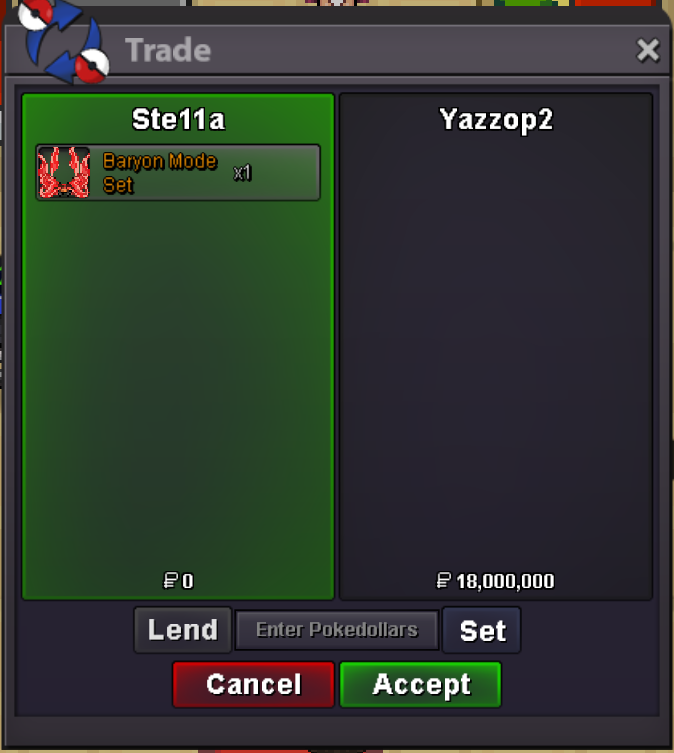
gg @Yazzop2(had to trade from alt)
-
sorry, time was up
-
bump, 25 minutes left !!
-
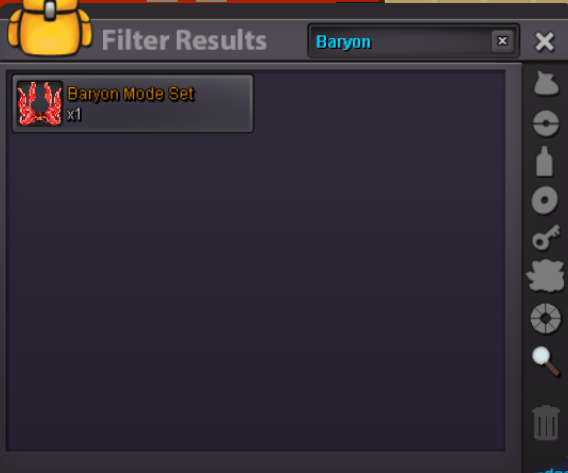
Bump 🙂 less than 24 hours leftauction started by @Yazzop2@Yazzop2hello, as stated starting offer is 17m. If you want to start it there you can but 15m won’t be accepted as a start.Starting Offer: 17m Insta: 40m Min Bid: 500k Duration: 72 hours after start offer is met Timer: https://countingdownto.com/?c=6180876 Accepted Currencies: Pokedollars only GOOD LUCK 🙂
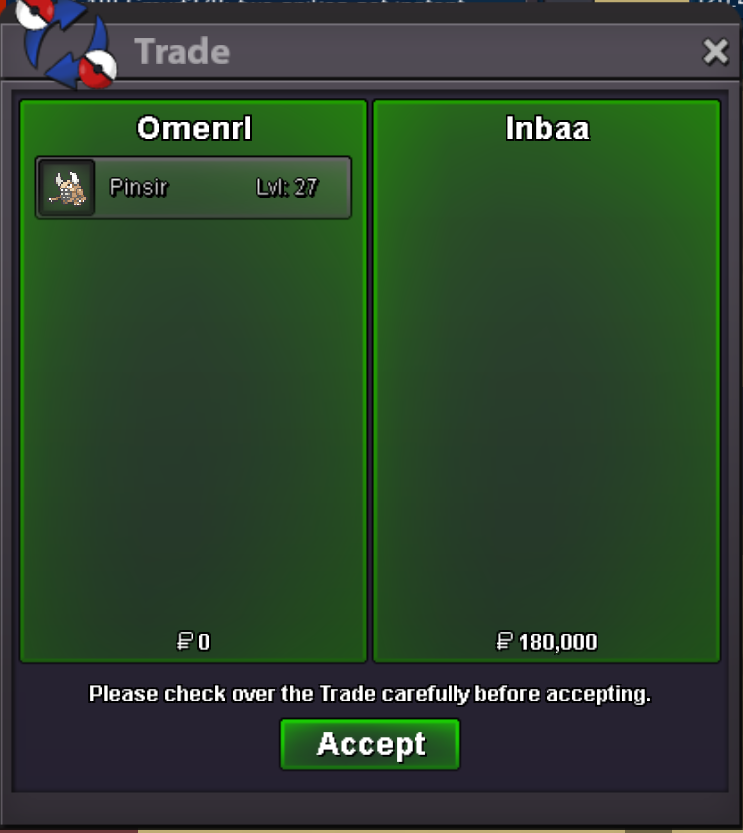
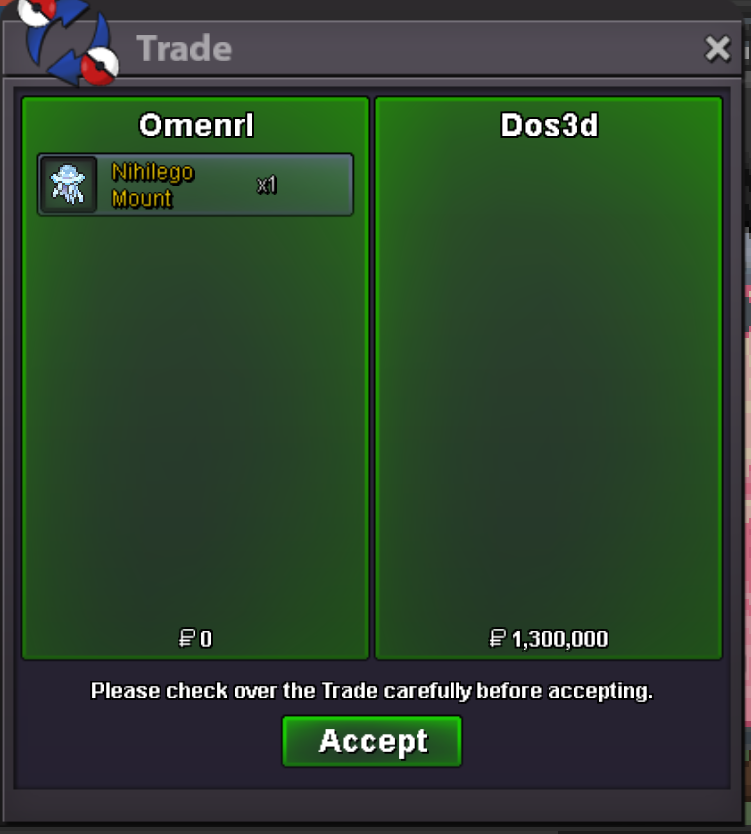
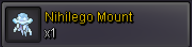
 1,8m honedge1.6 for the sword1.4m honedge will transfer@Dos3dplease pm me on disc, Omen#4893. That is the easiest way to connect with me and we can meet to tradeStartAuction Time: 72 Hours after start price is met Timer: https://countingdownto.com/w4/display/hmh94pxu Start Price: 1m Min. Raise: 100k Accepted Currencies: - Poke Dollars - Coin Capsule = 480k - IV Reroll = 520k - Nature Reroll = 260k Note: The 15 Minute Rule will apply if needed GOOD LUCK 🙂

Account
Navigation
Search
Configure browser push notifications
Chrome (Android)
- Tap the lock icon next to the address bar.
- Tap Permissions → Notifications.
- Adjust your preference.
Chrome (Desktop)
- Click the padlock icon in the address bar.
- Select Site settings.
- Find Notifications and adjust your preference.
Safari (iOS 16.4+)
- Ensure the site is installed via Add to Home Screen.
- Open Settings App → Notifications.
- Find your app name and adjust your preference.
Safari (macOS)
- Go to Safari → Preferences.
- Click the Websites tab.
- Select Notifications in the sidebar.
- Find this website and adjust your preference.
Edge (Android)
- Tap the lock icon next to the address bar.
- Tap Permissions.
- Find Notifications and adjust your preference.
Edge (Desktop)
- Click the padlock icon in the address bar.
- Click Permissions for this site.
- Find Notifications and adjust your preference.
Firefox (Android)
- Go to Settings → Site permissions.
- Tap Notifications.
- Find this site in the list and adjust your preference.
Firefox (Desktop)
- Open Firefox Settings.
- Search for Notifications.
- Find this site in the list and adjust your preference.