




New Trade Zone
Trade Zone is now live
Use the new Trade Zone for auctions and instant-price trades so Pokemon and item offers are easy to find.

Omenrl
Registered User
-
Joined
-
Last visited
Everything posted by Omenrl
-
Start
-
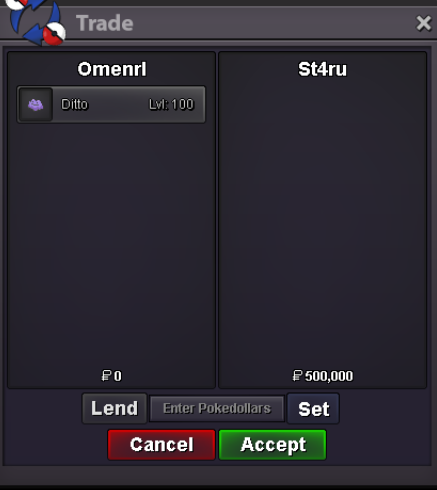
700k aron
-
Auction Details: Start Offer 500k Min Bid: 20k Insta: 2m Duration: 72 hours after first bid Accepted Currencies: - Pokedollars - IV Reroll = 520k - Nature Reroll = 260k - Coin Capsule = 450k Auction Timer: https://countingdownto.com/?c=5916216 Happy bidding everyone
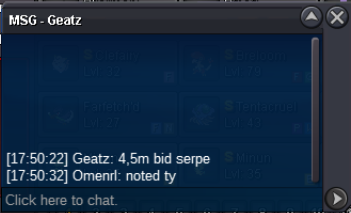
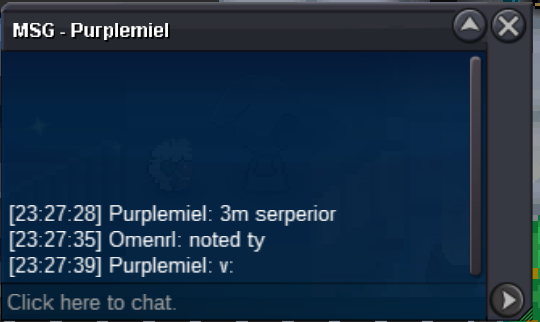
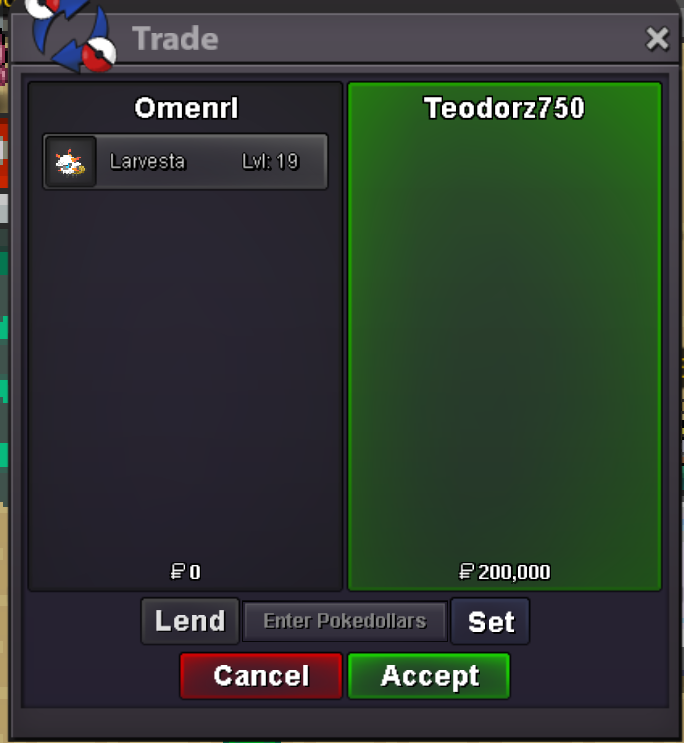
 okay are you on right now?Can do, think you have me on discord. Pm me there and we will figure out when to meetTitle says it all please contact me on discord Omen#4893i will transfer now and pm in gamecongrats! gold server correct?15 minute rule applies1m125kAuction Details: Start Offer 1.5m Min Bid: 50k Insta: 8m Duration: 48 hours after first bid Accepted Currencies: - Pokedollars - IV Reroll = 520k - Nature Reroll = 260k - Coin Capsule = 450k Auction Timer: 15 minutes from last bid This is a cross server auction, so as per rules I will transfer to whichever server necessary to give to the winner. Happy bidding everyone 🙂
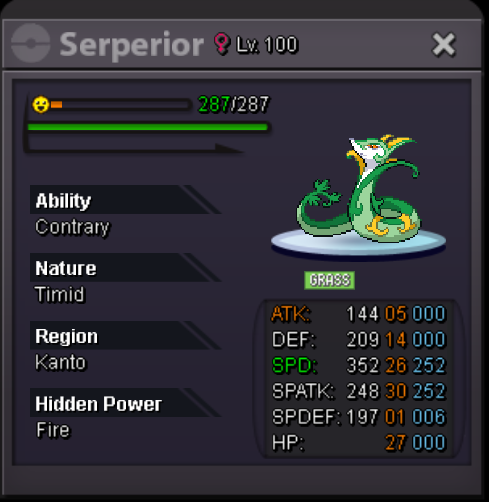 Also yes - again please pm on disc easiest way to contact meSure is - if you wanna buy please pm me on discord: Omen#4893Btw will transfer from gold if I win


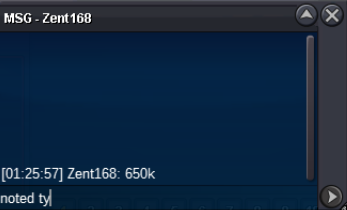
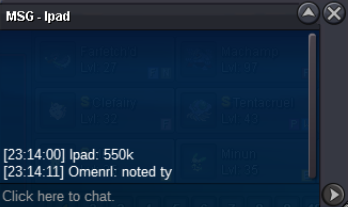
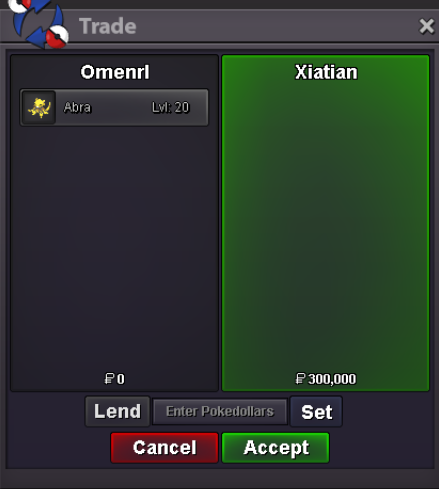

Account
Navigation
Search
Configure browser push notifications
Chrome (Android)
- Tap the lock icon next to the address bar.
- Tap Permissions → Notifications.
- Adjust your preference.
Chrome (Desktop)
- Click the padlock icon in the address bar.
- Select Site settings.
- Find Notifications and adjust your preference.
Safari (iOS 16.4+)
- Ensure the site is installed via Add to Home Screen.
- Open Settings App → Notifications.
- Find your app name and adjust your preference.
Safari (macOS)
- Go to Safari → Preferences.
- Click the Websites tab.
- Select Notifications in the sidebar.
- Find this website and adjust your preference.
Edge (Android)
- Tap the lock icon next to the address bar.
- Tap Permissions.
- Find Notifications and adjust your preference.
Edge (Desktop)
- Click the padlock icon in the address bar.
- Click Permissions for this site.
- Find Notifications and adjust your preference.
Firefox (Android)
- Go to Settings → Site permissions.
- Tap Notifications.
- Find this site in the list and adjust your preference.
Firefox (Desktop)
- Open Firefox Settings.
- Search for Notifications.
- Find this site in the list and adjust your preference.