New Trade Zone
Trade Zone is now live
Use the new Trade Zone for auctions and instant-price trades so Pokemon and item offers are easy to find.

Omenrl
Registered User
-
Joined
-
Last visited
Everything posted by Omenrl
-
tart
-
start milotic
-
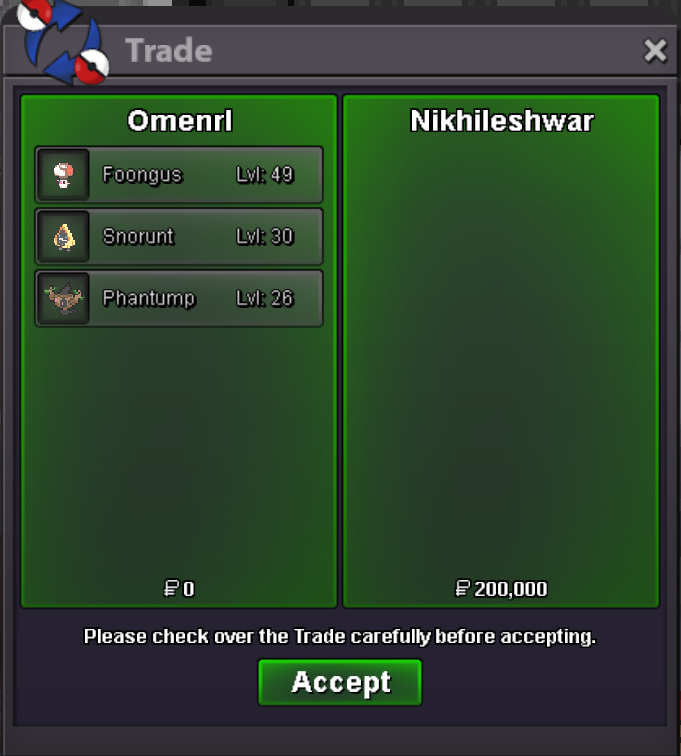
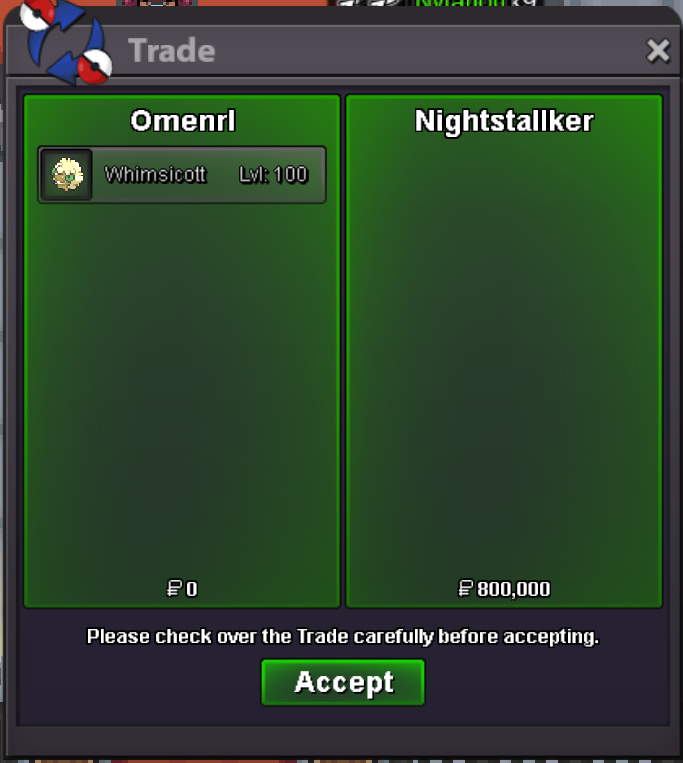
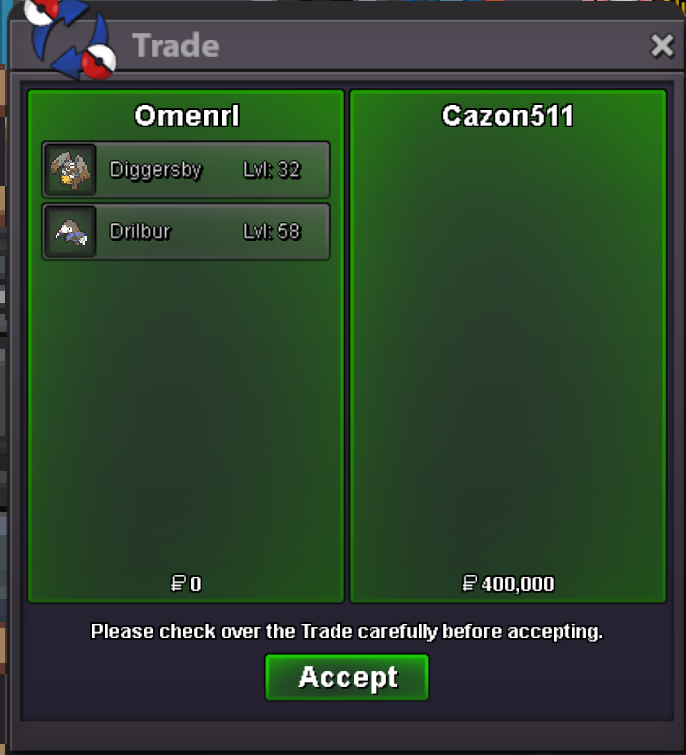
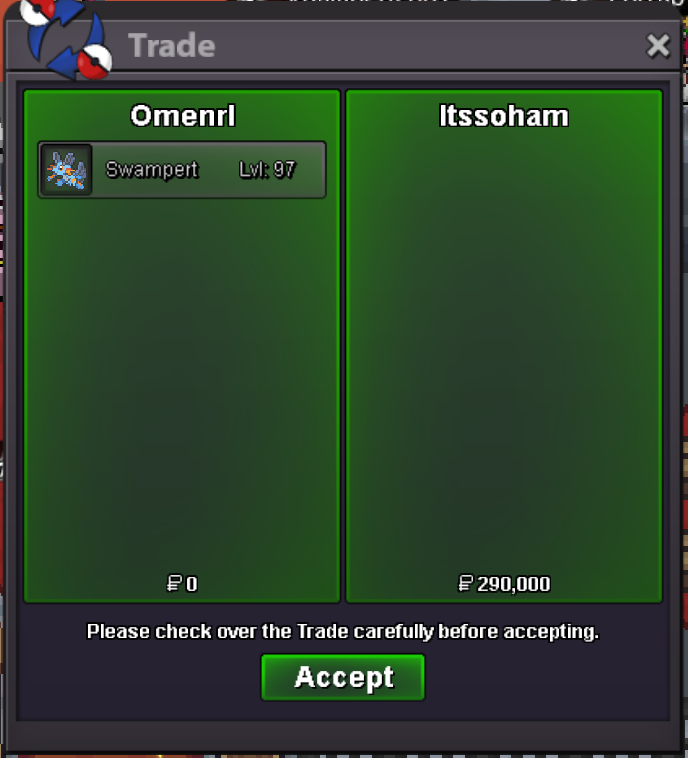
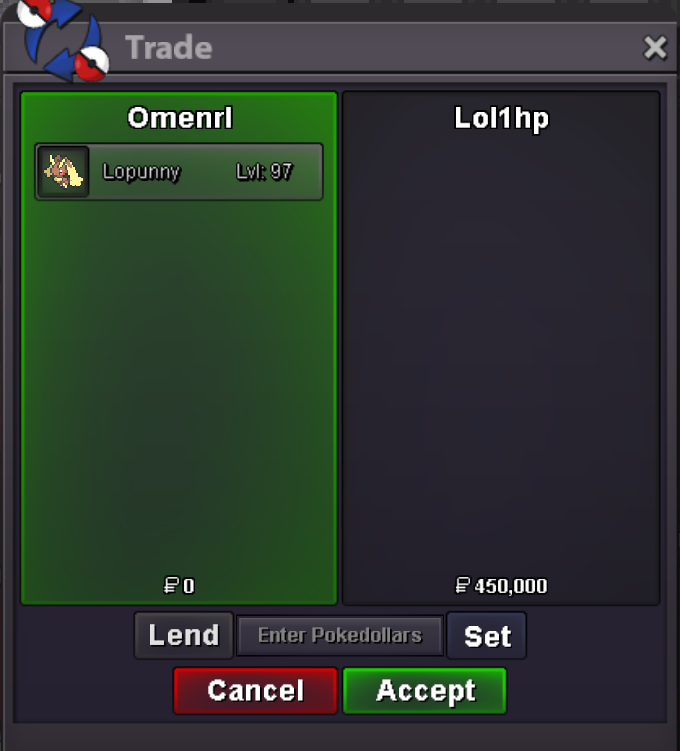
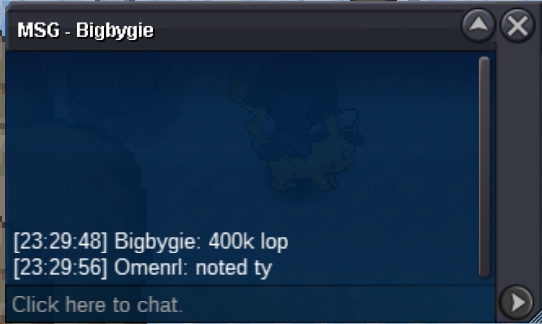
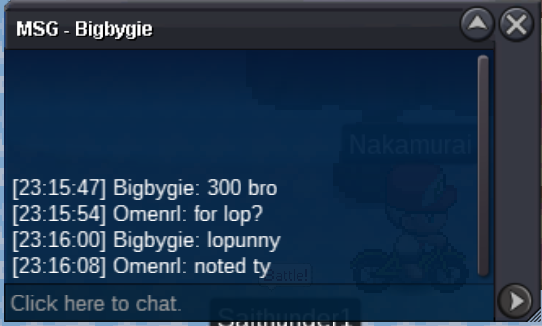
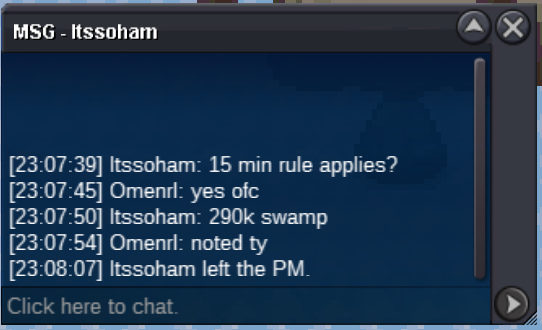
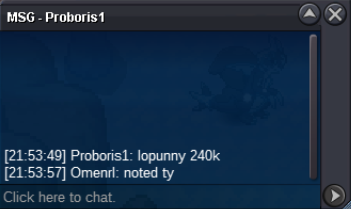
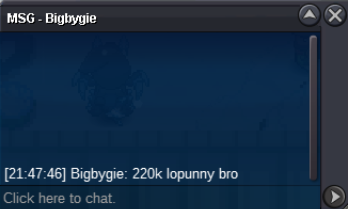
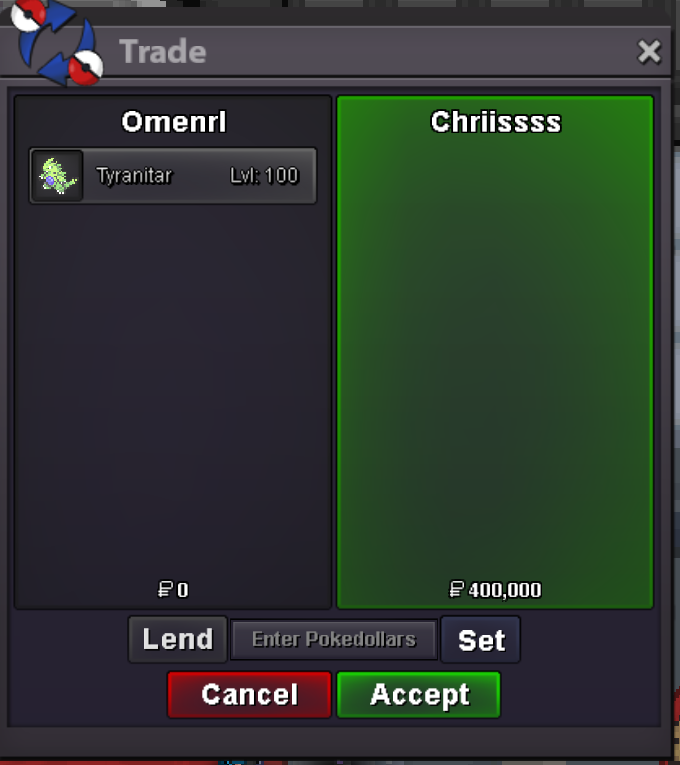
winner winner chicken dinner, pm me in game or on discord Omen#4893 to claim your mons @Lol1hp @Tgbnamish @Itssohamstart@Tgbnamishyouve won chariBump last day 🙂*****NOT A BUNDLE***** Auction Rules: This is not a bundle auction If needed the 15 minute rule will apply Only the listed accepted currencies will be valid All pokes will be 48 hours from start bid This is a Gold server auction. Players from silver are welcome to bid but they are responsible for the server transfer Any false bids will be reported to the moderators. HAVE FUN. Accepted Currencies: - Pokedollars - Coin Capsule = 450k - IV Reroll = 520k - Nature Reroll = 260k SOLD.: 450k @Lol1hp Min Bid: 20k Insta: 1.5m Auction Timer: https://countingdownto.com/?c=5986219 SOLD.: 250k @Tgbnamish Min Bid: 20k Insta: 1m Auction Timer: https://countingdownto.com/?c=5986171 SOLD.: 250k @Tgbnamish Min Bid: 20k Insta: 1m Auction Timer: https://countingdownto.com/?c=5986084 SOLD: 290k @Itssoham Min Bid: 20k Insta: 1m Auction Timer: 15 minute rule HAVE FUN BIDDING 🙂
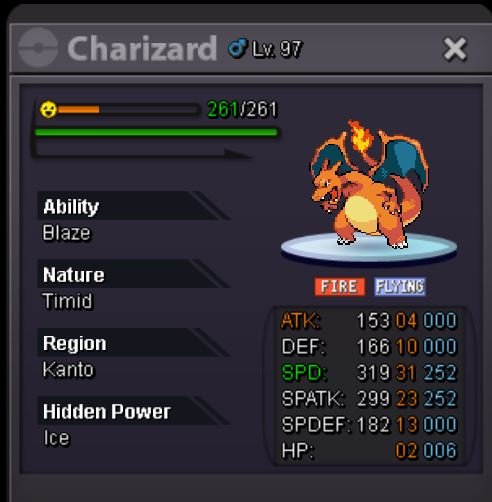
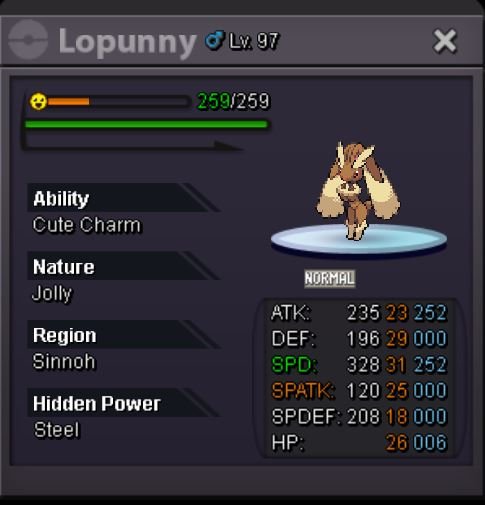
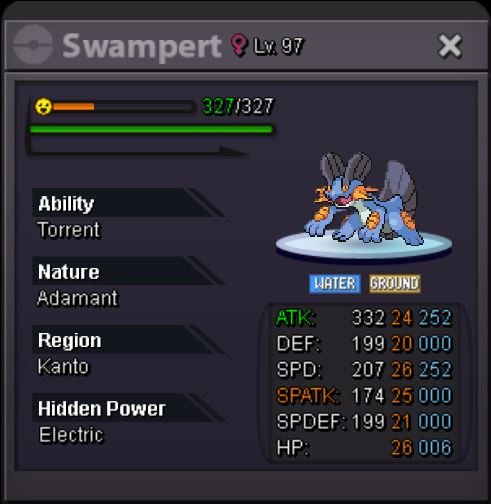
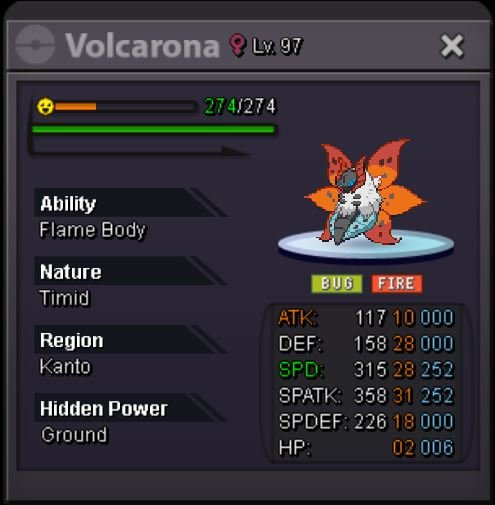 Can do, please add me on discord Omen#4893 and we can figure out a time to meet
Account
Navigation
Search
Configure browser push notifications
Chrome (Android)
- Tap the lock icon next to the address bar.
- Tap Permissions → Notifications.
- Adjust your preference.
Chrome (Desktop)
- Click the padlock icon in the address bar.
- Select Site settings.
- Find Notifications and adjust your preference.
Safari (iOS 16.4+)
- Ensure the site is installed via Add to Home Screen.
- Open Settings App → Notifications.
- Find your app name and adjust your preference.
Safari (macOS)
- Go to Safari → Preferences.
- Click the Websites tab.
- Select Notifications in the sidebar.
- Find this website and adjust your preference.
Edge (Android)
- Tap the lock icon next to the address bar.
- Tap Permissions.
- Find Notifications and adjust your preference.
Edge (Desktop)
- Click the padlock icon in the address bar.
- Click Permissions for this site.
- Find Notifications and adjust your preference.
Firefox (Android)
- Go to Settings → Site permissions.
- Tap Notifications.
- Find this site in the list and adjust your preference.
Firefox (Desktop)
- Open Firefox Settings.
- Search for Notifications.
- Find this site in the list and adjust your preference.