New Trade Zone
Trade Zone is now live
Use the new Trade Zone for auctions and instant-price trades so Pokemon and item offers are easy to find.


Medu5a
Registered User
-
Joined
-
Last visited
Everything posted by Medu5a
-
i start
-
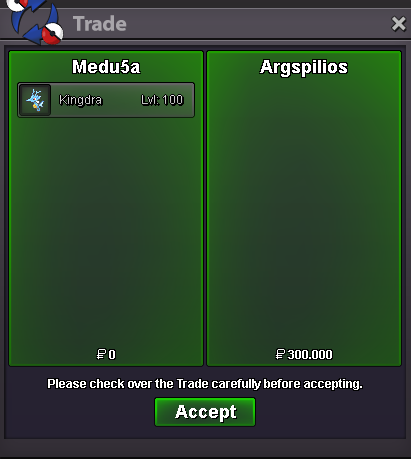
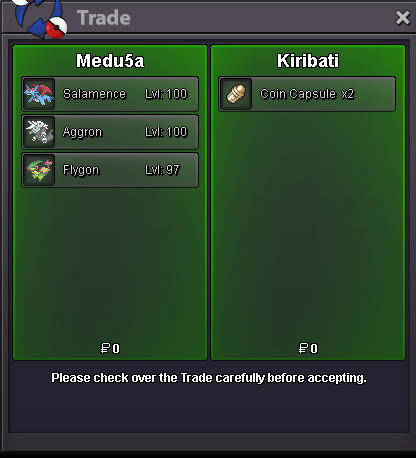
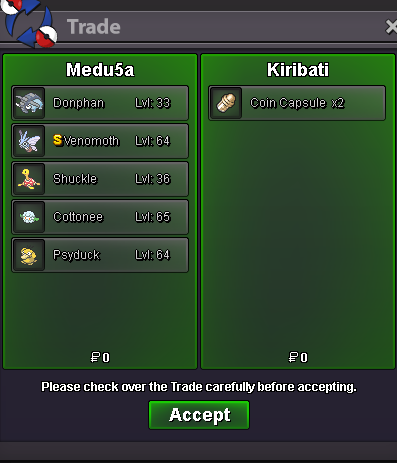
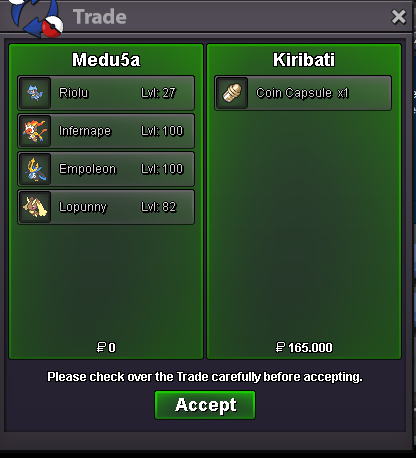
Hello i am online i was having problems last weeks thats why i am wasent online sorry my friend let me know if you are online now10k ea15k eaKarra - rotom 30k ea 70k carbi200k volca 120k metaHey bro the photo is not unabaiable maybe post it as photo and no link? ThanksWhaiting for the shiny-event and pink! Nice shopHave sold i am sorry same as the last commend i didHave sold already i am sorry for this i just had no time for remove it somthing personal happend i am sorry agian my friendUpBlissey it’s at 90k ?Noted you wini will be online again at 2 days somthing happend who ever wins gz i will pm you at 2 days sorry for i ''dumb'' this post but i have leting evryone know i will be not able see the action! Good luck evryone
Account
Navigation
Search
Configure browser push notifications
Chrome (Android)
- Tap the lock icon next to the address bar.
- Tap Permissions → Notifications.
- Adjust your preference.
Chrome (Desktop)
- Click the padlock icon in the address bar.
- Select Site settings.
- Find Notifications and adjust your preference.
Safari (iOS 16.4+)
- Ensure the site is installed via Add to Home Screen.
- Open Settings App → Notifications.
- Find your app name and adjust your preference.
Safari (macOS)
- Go to Safari → Preferences.
- Click the Websites tab.
- Select Notifications in the sidebar.
- Find this website and adjust your preference.
Edge (Android)
- Tap the lock icon next to the address bar.
- Tap Permissions.
- Find Notifications and adjust your preference.
Edge (Desktop)
- Click the padlock icon in the address bar.
- Click Permissions for this site.
- Find Notifications and adjust your preference.
Firefox (Android)
- Go to Settings → Site permissions.
- Tap Notifications.
- Find this site in the list and adjust your preference.
Firefox (Desktop)
- Open Firefox Settings.
- Search for Notifications.
- Find this site in the list and adjust your preference.