




New Trade Zone
Trade Zone is now live
Use the new Trade Zone for auctions and instant-price trades so Pokemon and item offers are easy to find.

Exzxay
Registered User
-
Joined
-
Last visited
Everything posted by Exzxay
-
bump
-
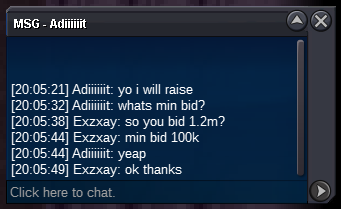
bumpauction started. end date: 31.01.2023 17:46 gmt+1 (5:46 pm gmt+1)Hi and welcome to my auction! Current offer: 3m Starting offer:1m Min bid: 100k Payment: cc = 350k, iv rr= 600k and cash End date: 3 days after start =>31.01.2023 17:46 gmt+1 (5:46 pm gmt+1) Insta: 6m You can add me on Discord: Exzxay#1809 and ingame: Exzxay if you want to get updates for the auction. If the winner is from gold he has to transfer to silver.
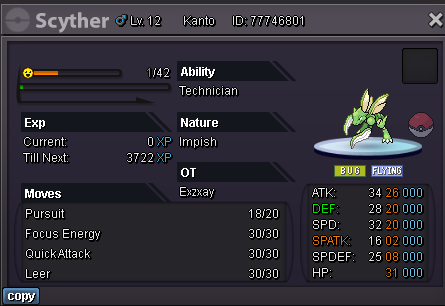
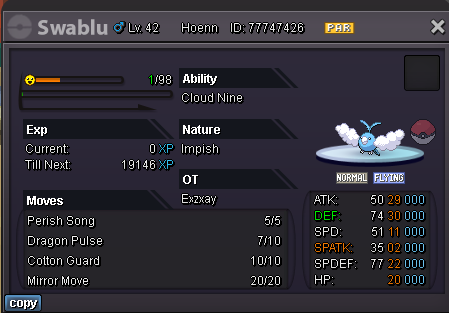
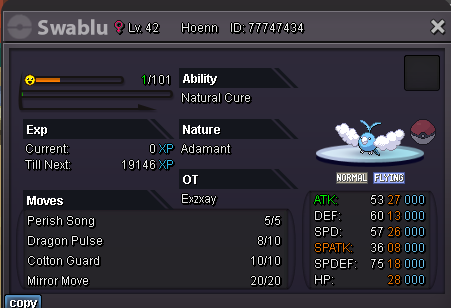
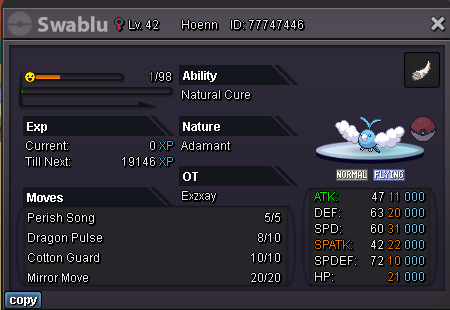
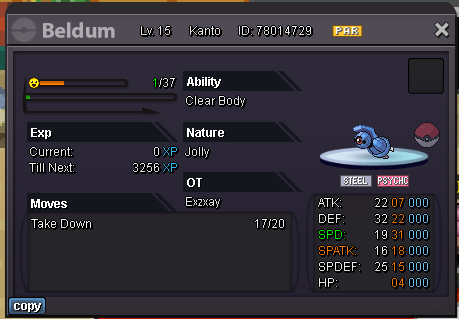
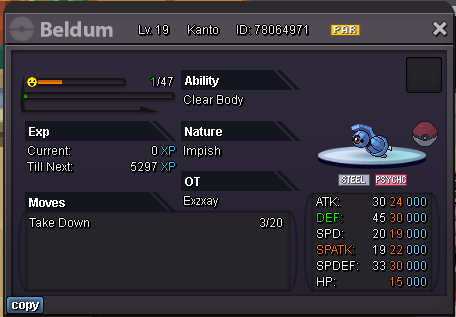
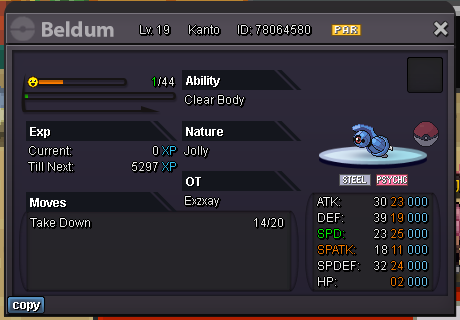
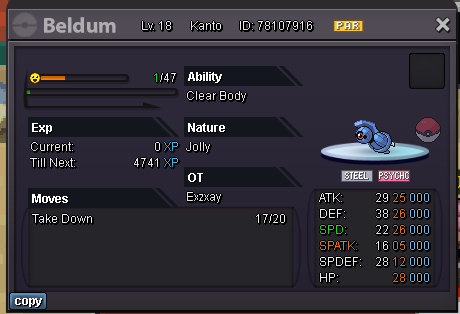
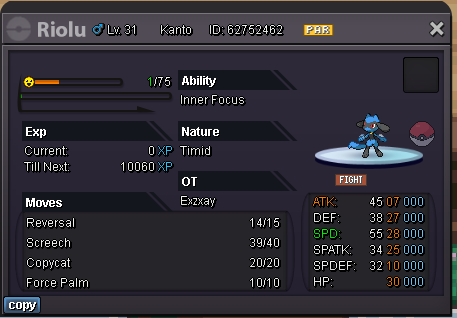
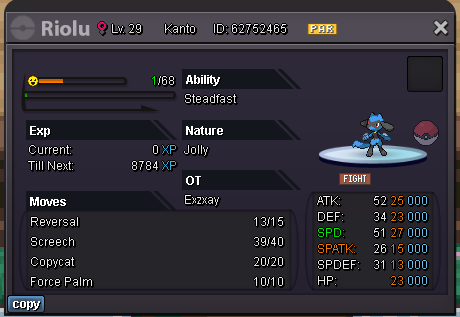
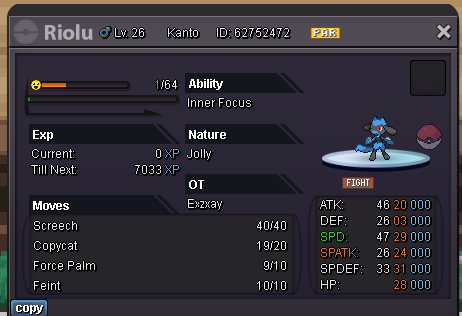
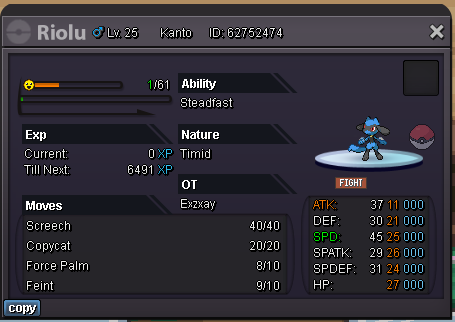
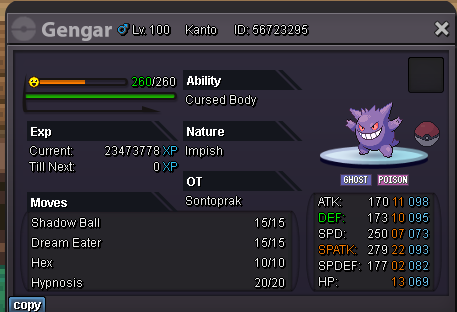
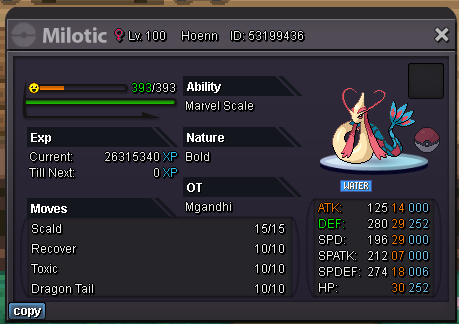
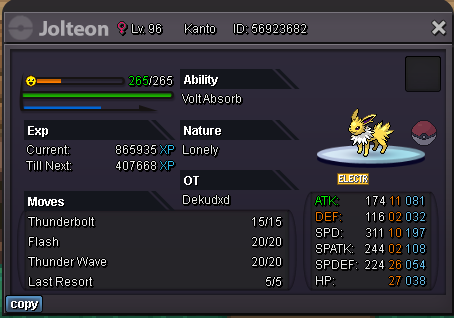
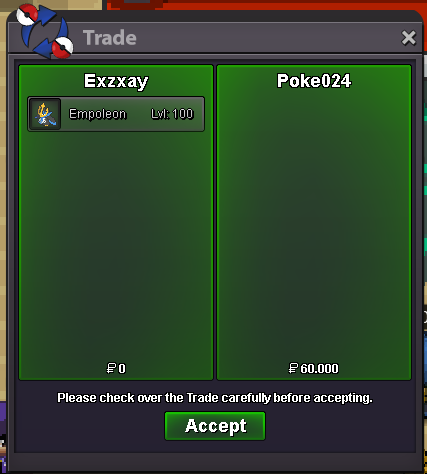
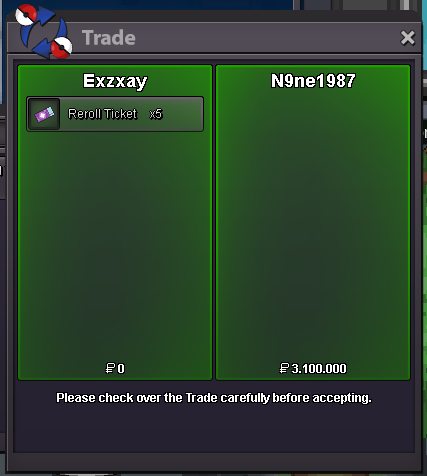
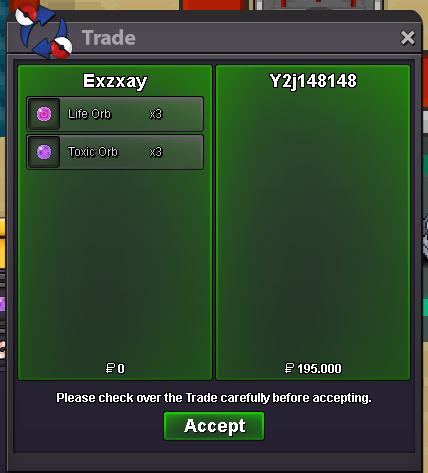
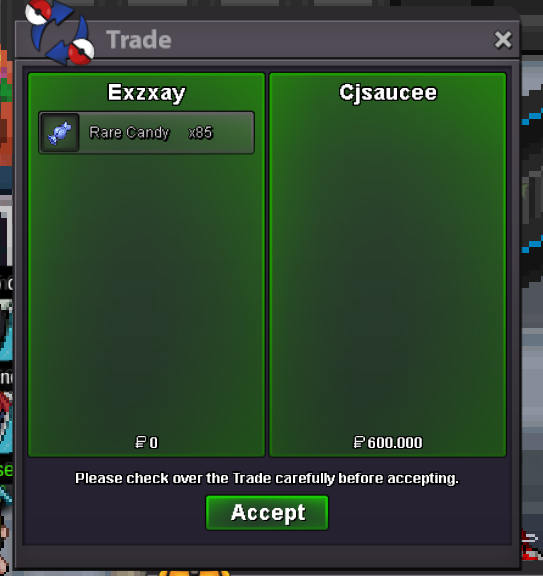
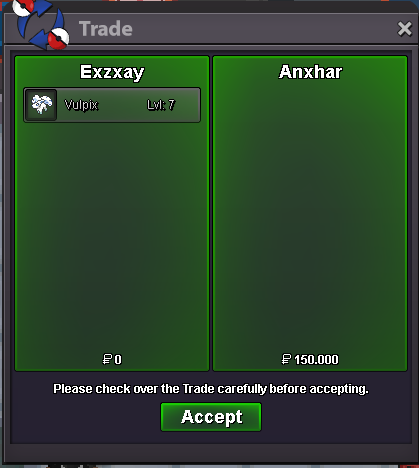
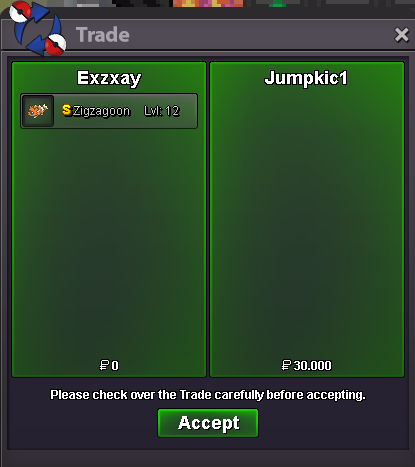
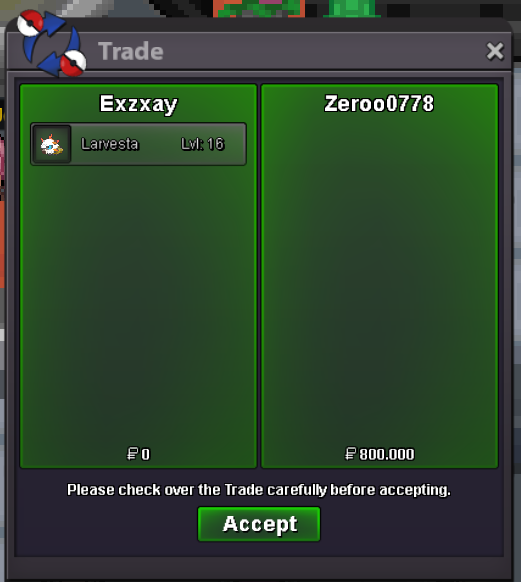
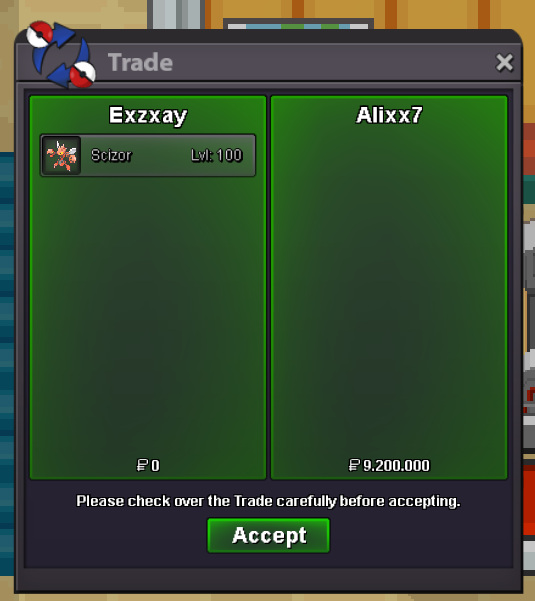
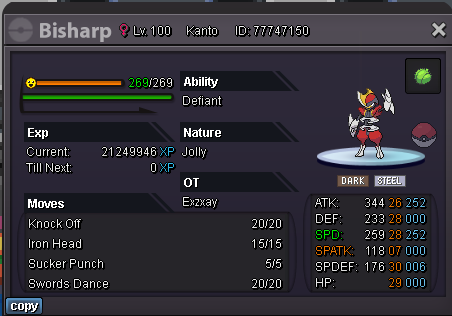 Hi I want to buy a shiny alolan Vulpix or Ninetales. It also needs the abilty snow warning. Budget depends on nature (ivs dont matter). My budget is 35m for a timid one. Feel free to dm me if you have one for sale on Discord: Exzxay#1809. You can also post here or dm me ingame: Exzxay.thats fine. i reserve it for you. If you add me on Discord i pm you when im on silver: Exzxay#1809Im planing to transfer back to silver today. feel free to reserve stuffShop updatesure. it would be nice if you pm me on discord Exzxay#1809 or ingame ExzxayThe shop is now available againHi and welcome to my shop! If you want to buy you can pm me on Discord: Exzxay#1809, ingame: Exzxay or just reply here. Please dont pm me on forum. Payment: You can offer me with cc(350k), rc(7k), rare forms or shinies and cash. All Items held by a mon here are not for sale. You just get the mon without it. If you are also interessted in event forms check out my form shop:https://pokemonrevolution.net/forum/topic/206823-exz-event-form-and-shiny-shop-712023-back-from-silver/ Currently closed! You have to transfer to silver if you want to buy something! Trained Untrained PvP Story mons Untrained PvE Items My Wishlist Update 21.01.2023 Sold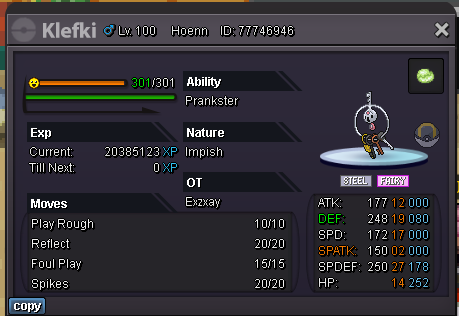
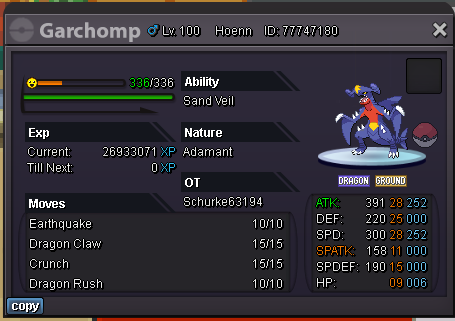
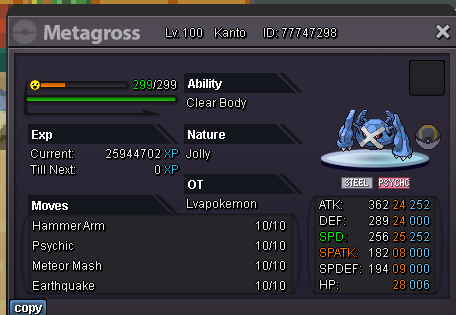
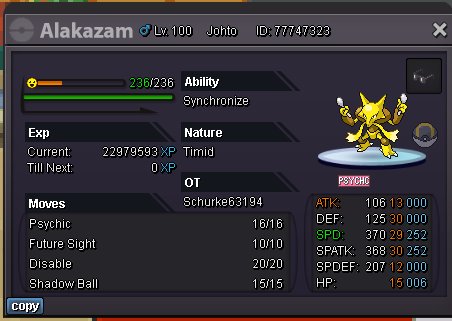
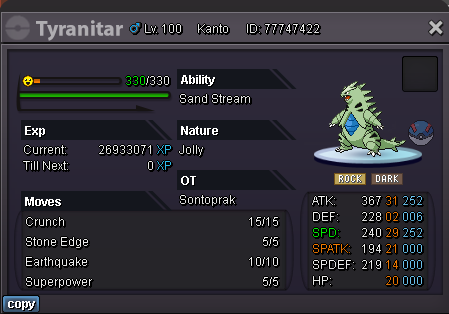
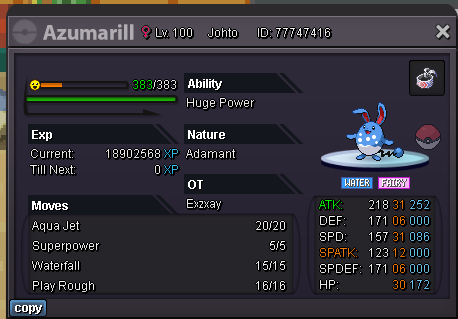
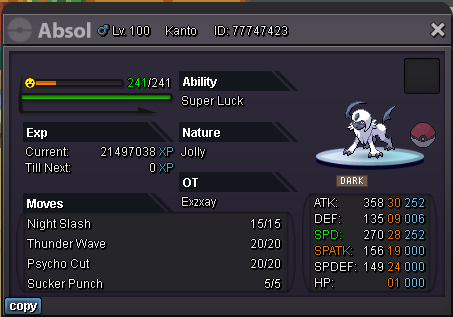
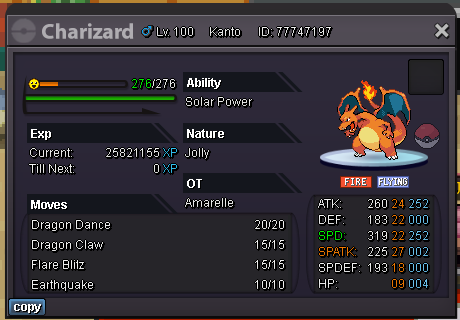
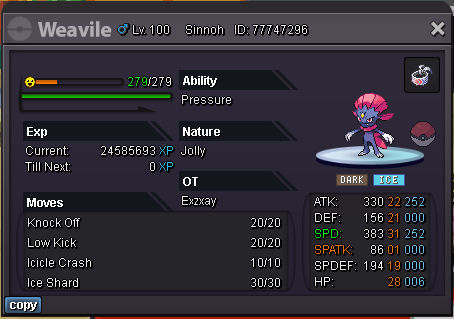
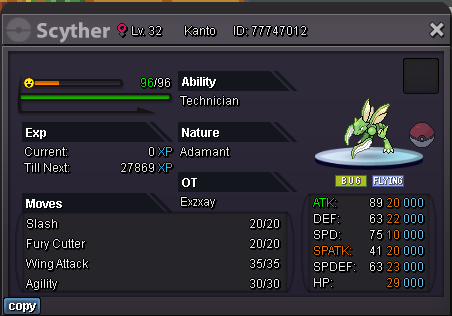
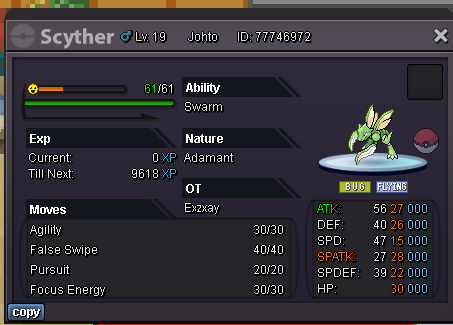
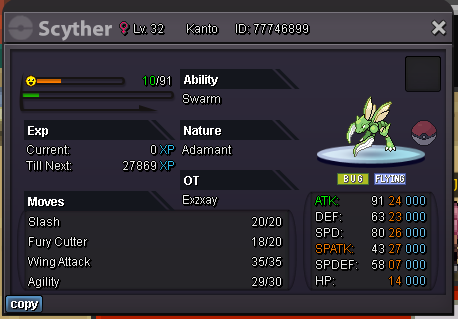
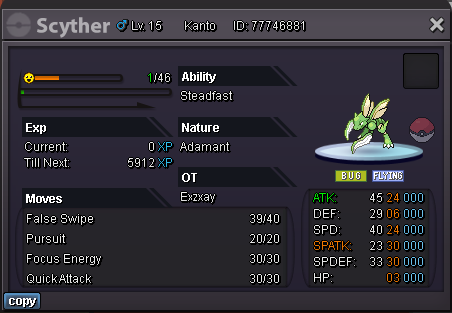
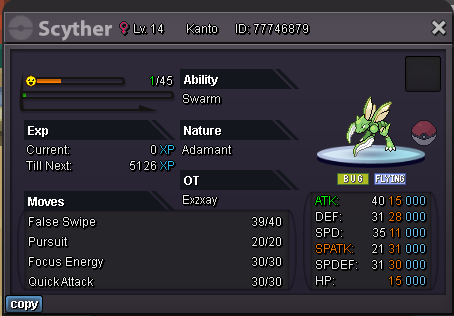
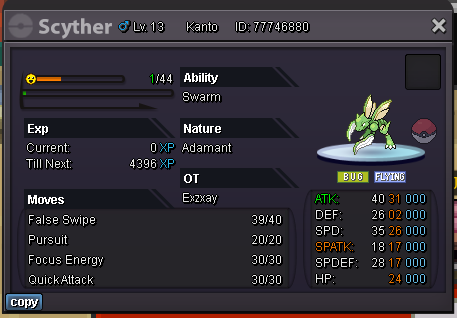
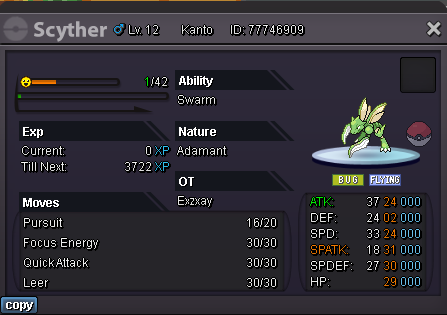
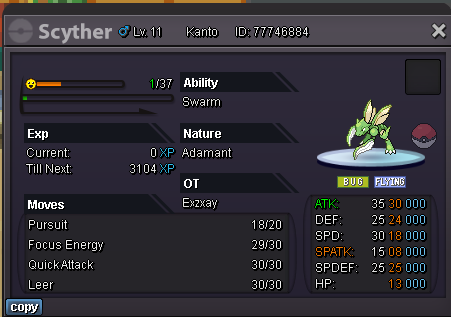

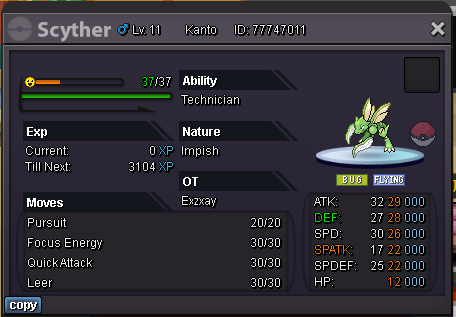
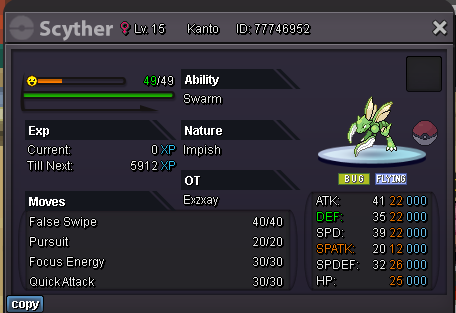
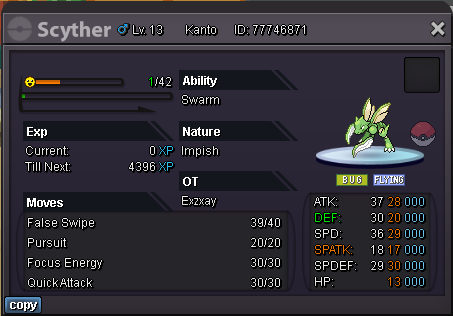
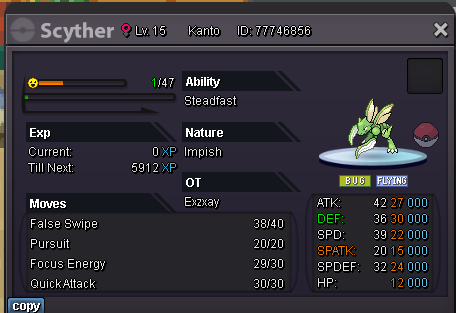
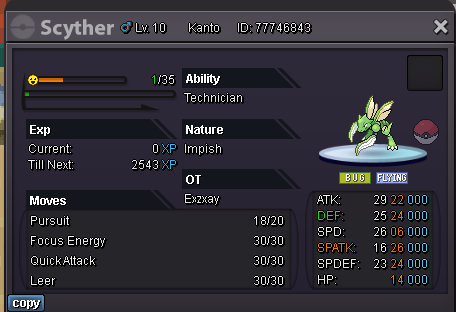
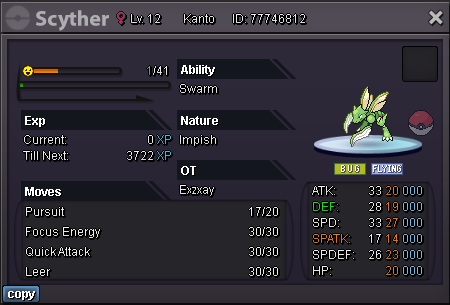
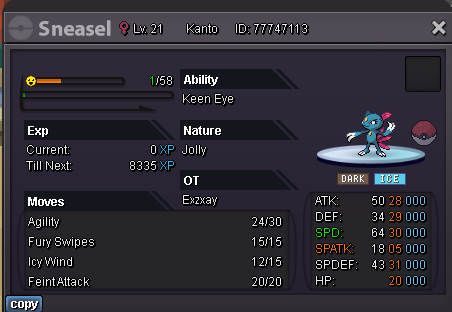
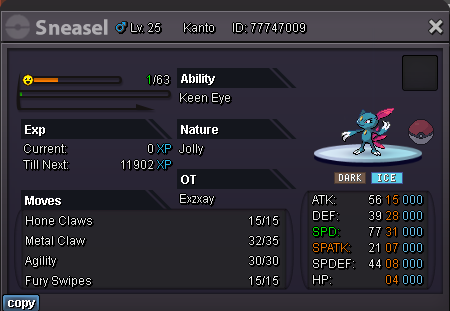
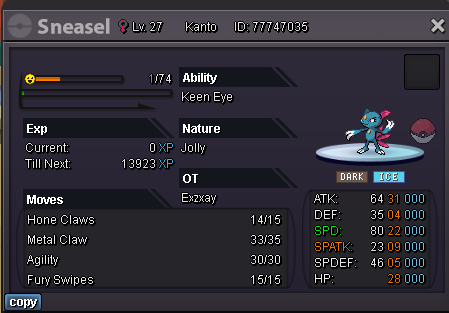
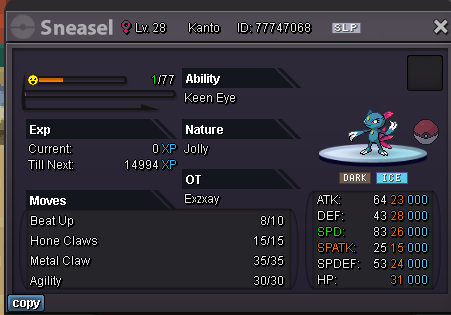
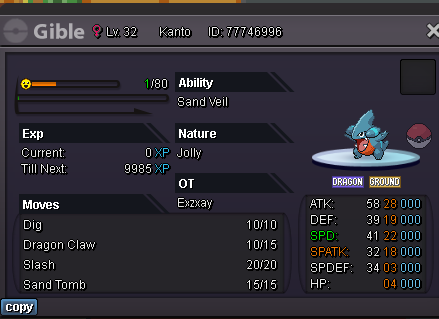
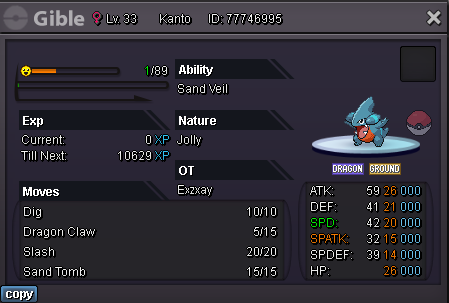
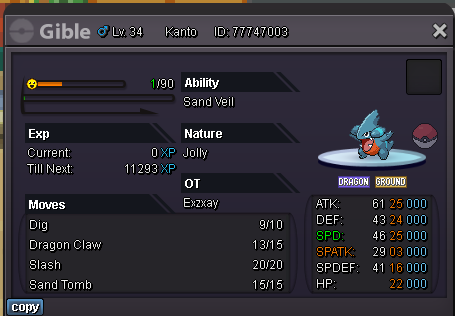
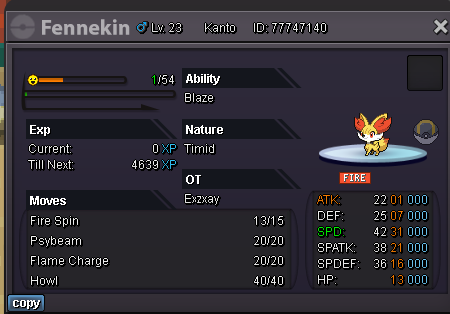
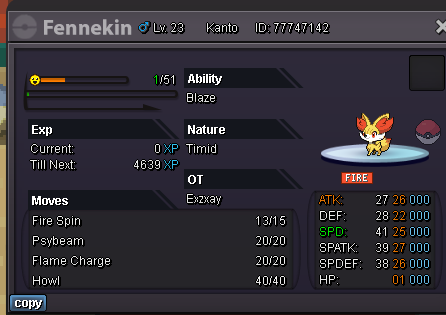
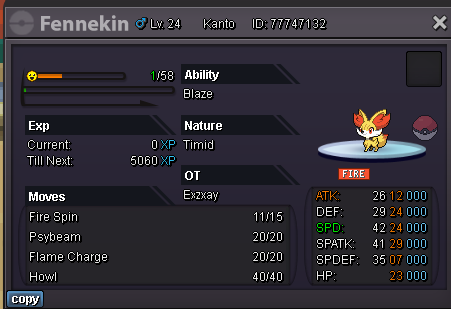
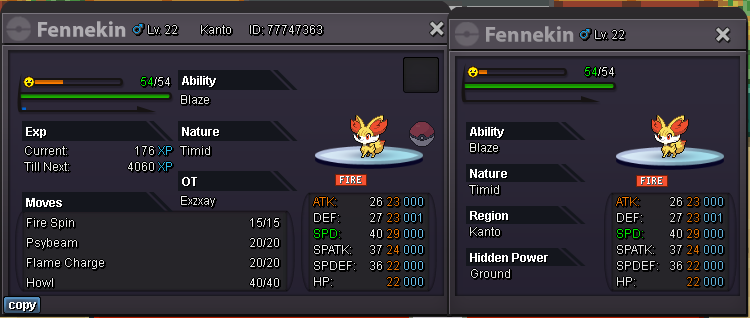
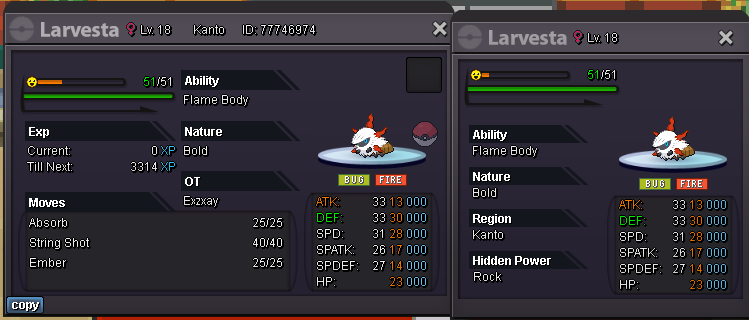
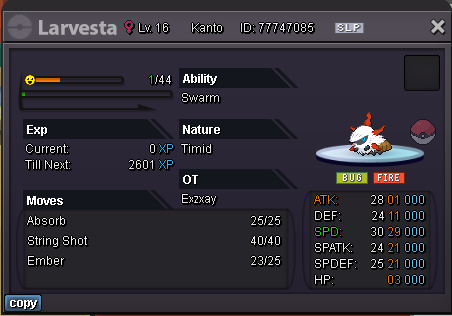
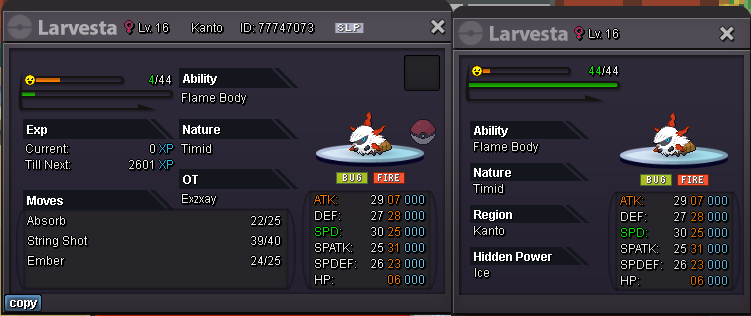
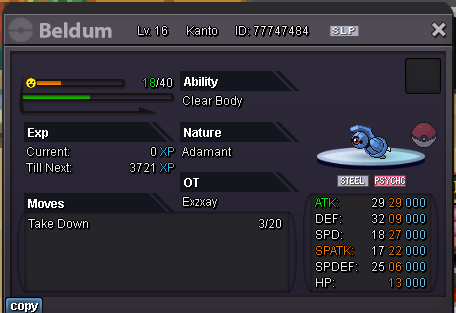
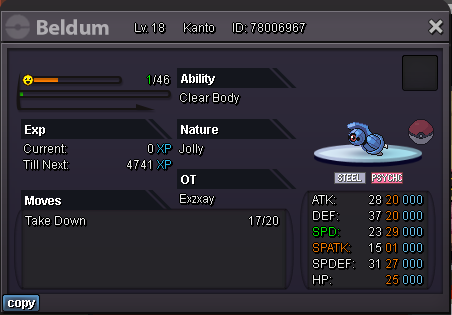


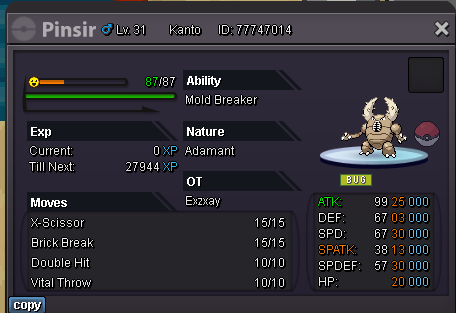
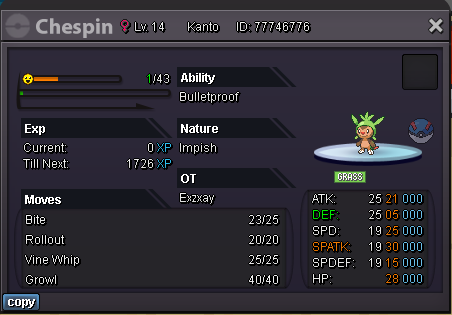


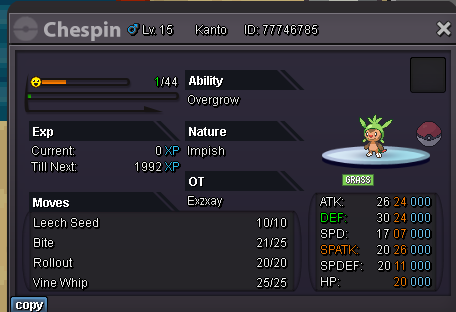
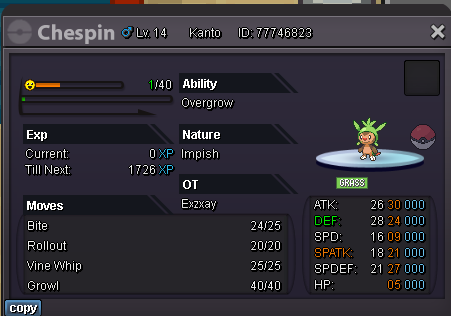

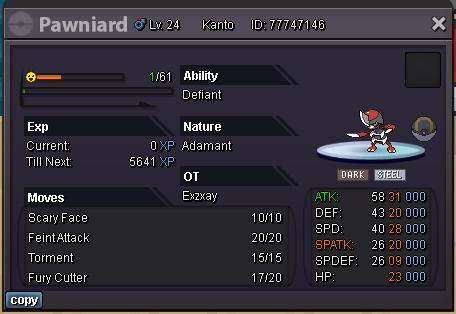
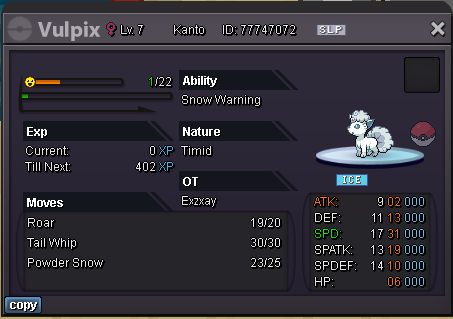

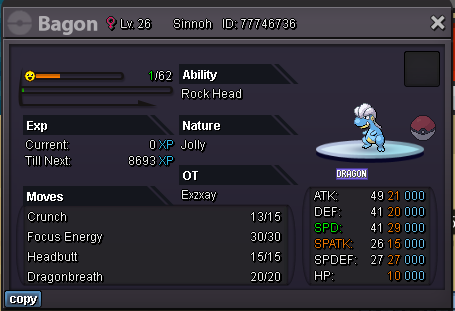
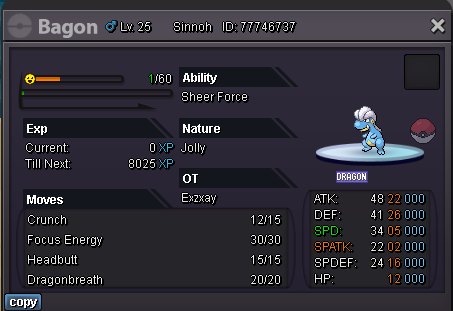
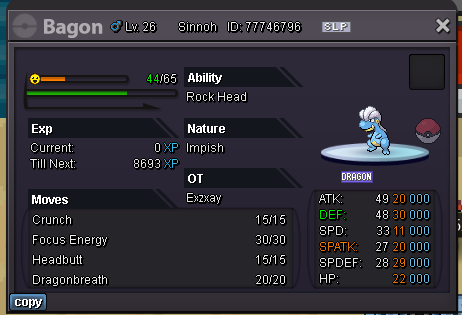
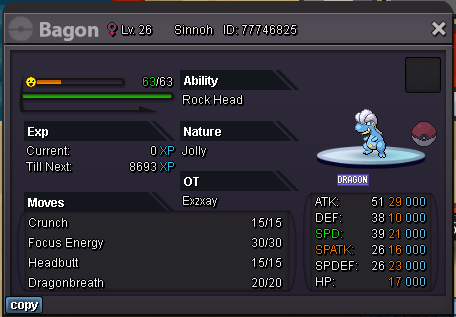
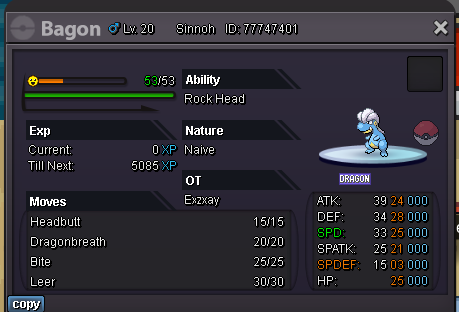
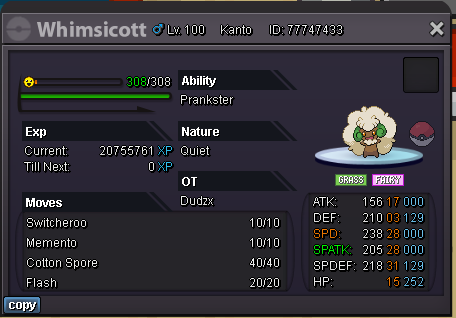
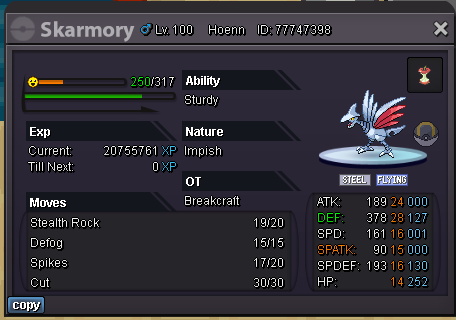
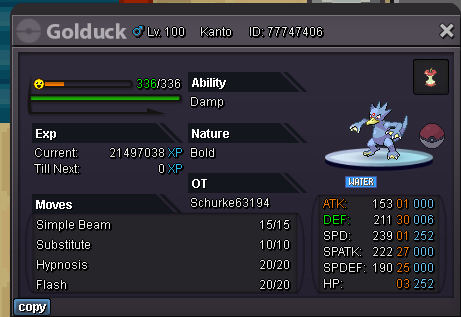
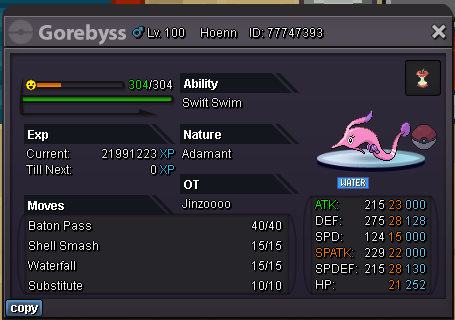
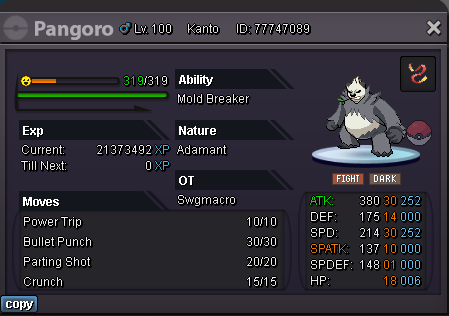
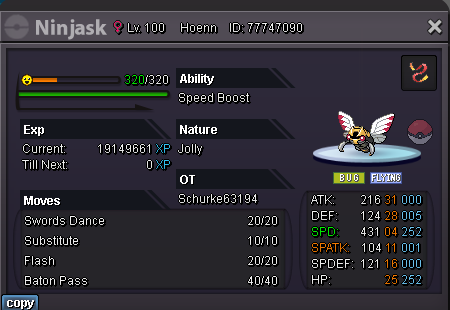
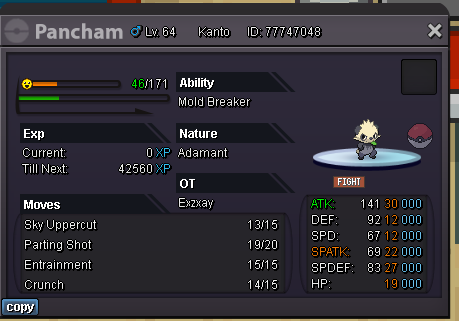
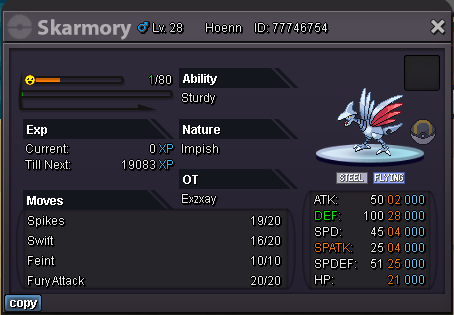


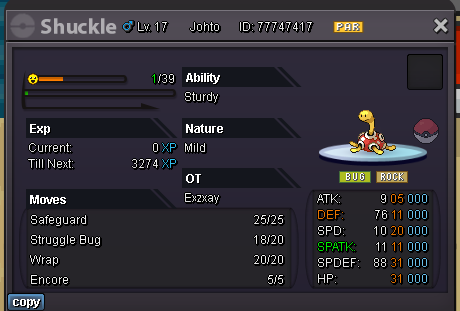
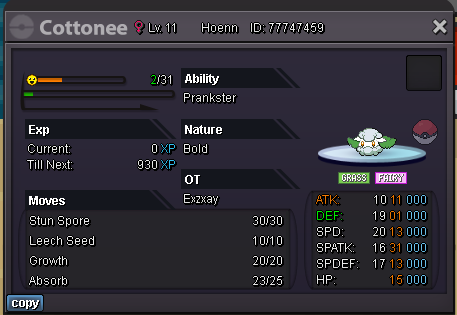
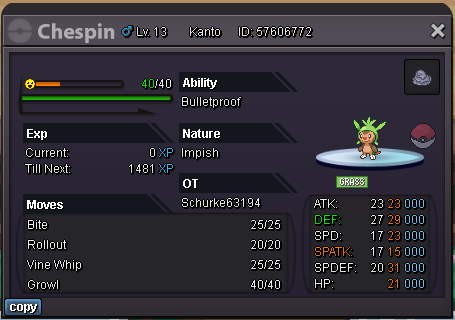
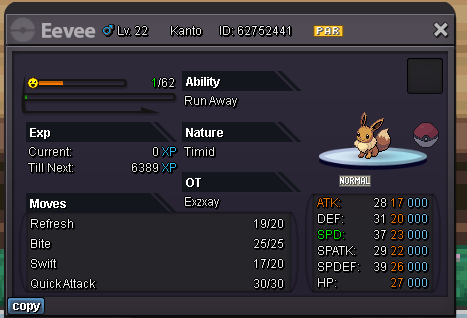
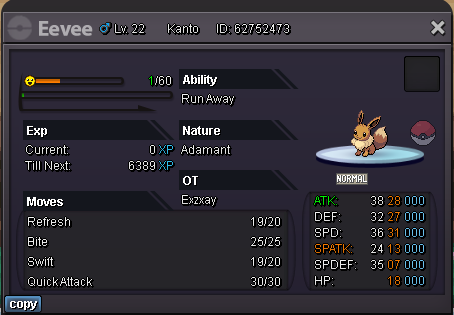
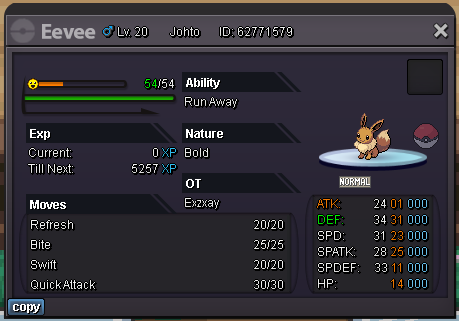
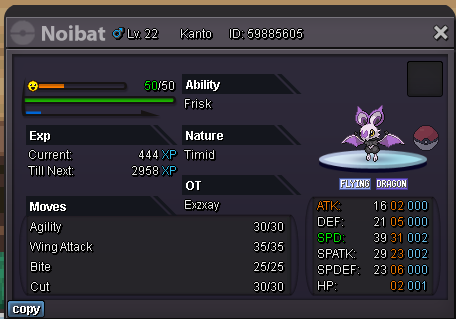
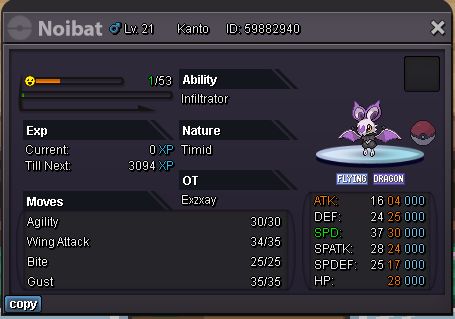
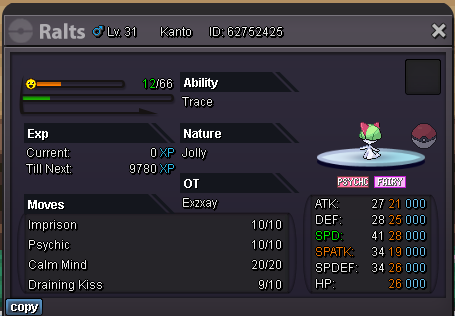
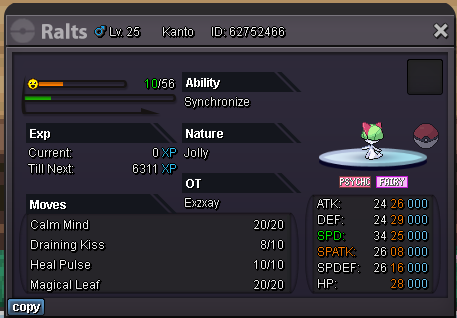
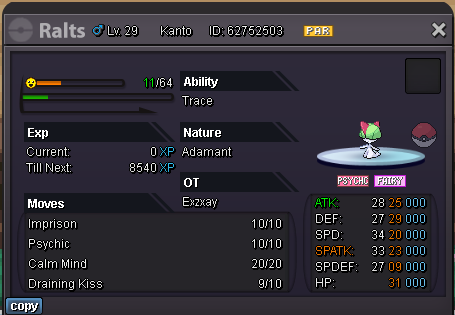
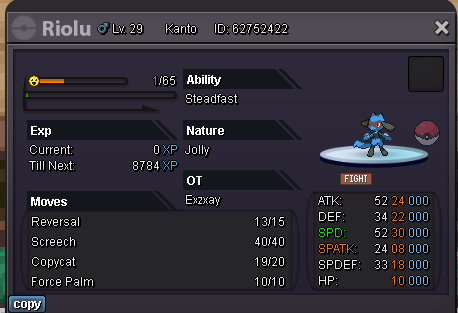

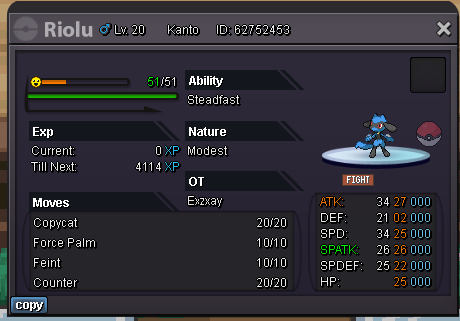
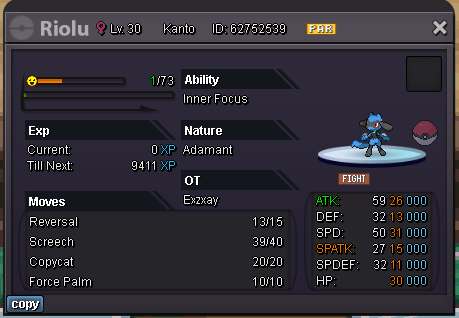
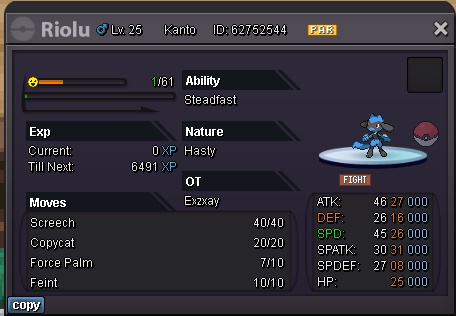
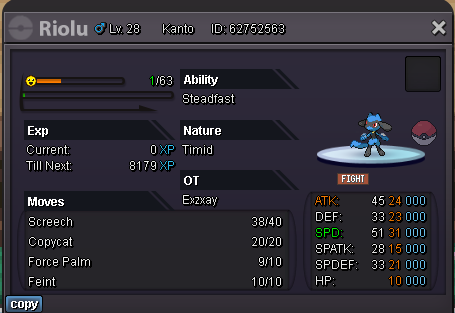
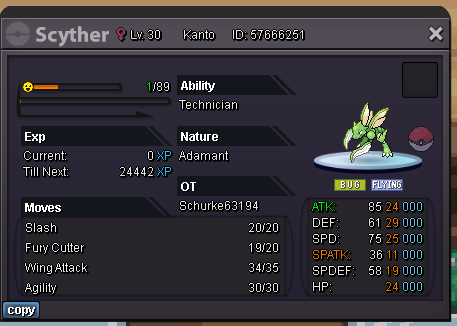


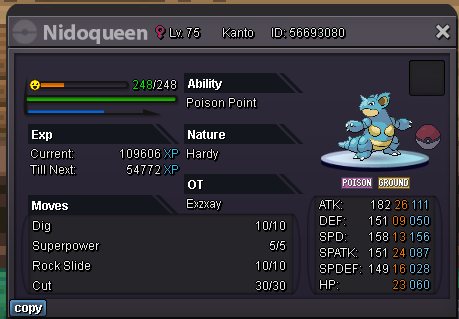
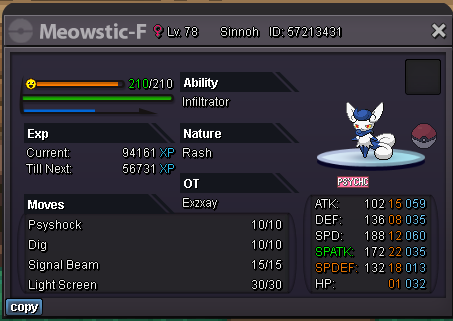
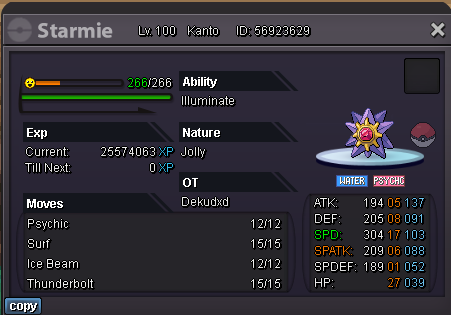
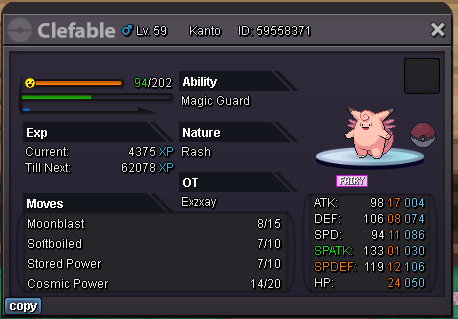
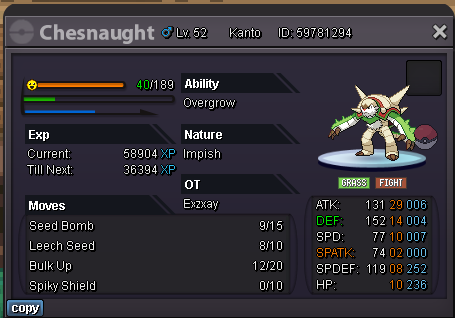
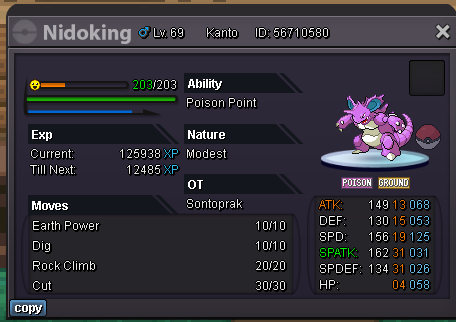
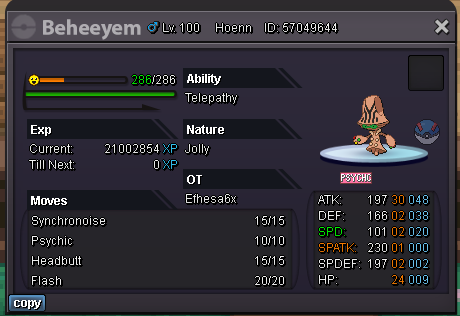
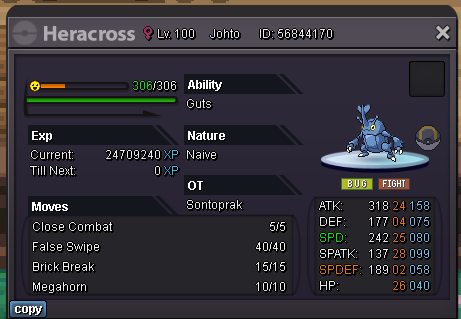
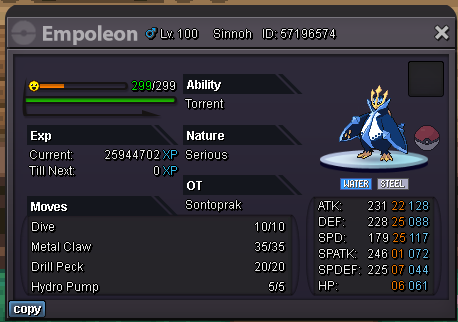
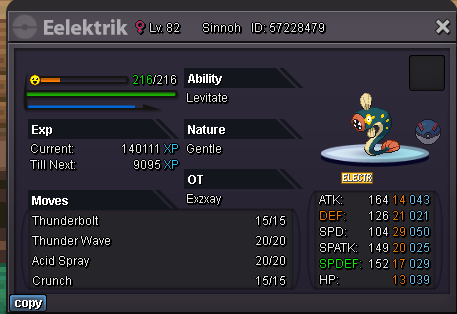
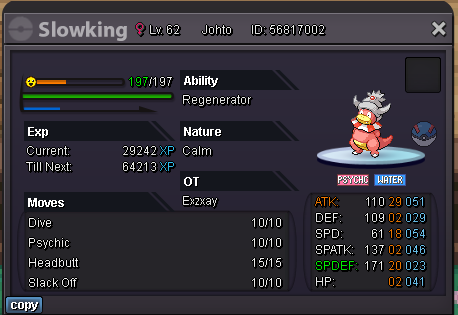
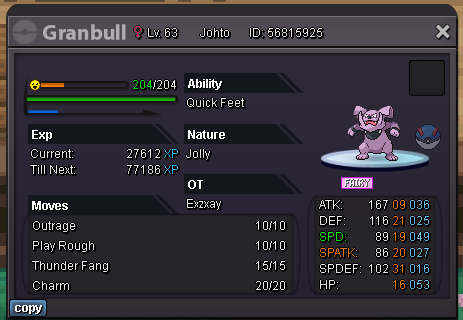
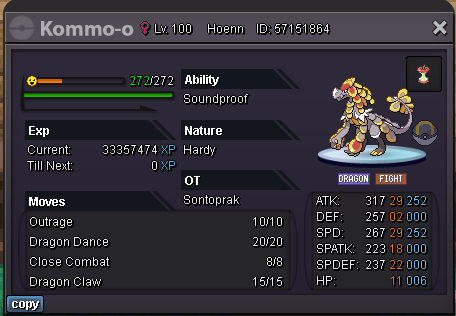
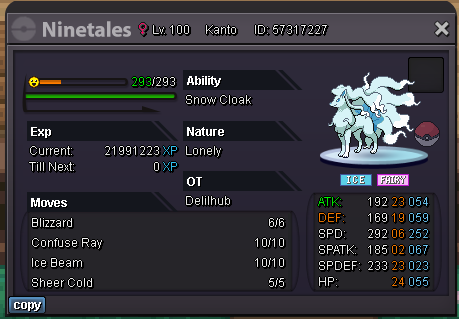
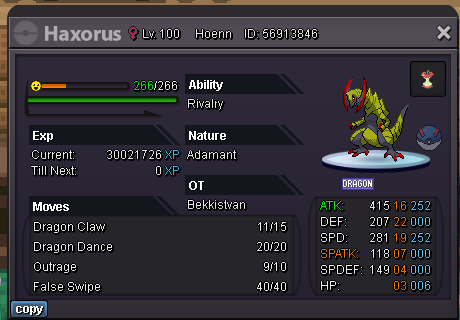
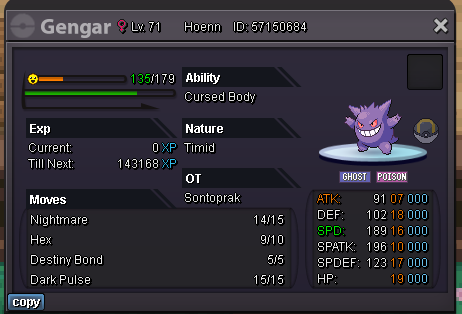
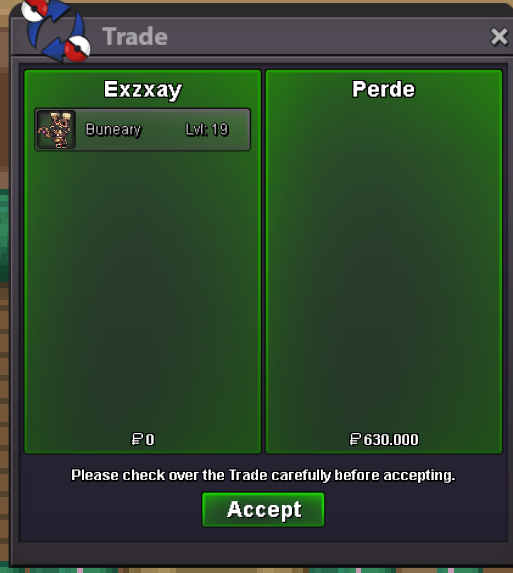
 congratulation you won. i pm you on discordmin bid 200kbtw old deal i forgot to postno i dont accept rr as payment


Account
Navigation
Search
Configure browser push notifications
Chrome (Android)
- Tap the lock icon next to the address bar.
- Tap Permissions → Notifications.
- Adjust your preference.
Chrome (Desktop)
- Click the padlock icon in the address bar.
- Select Site settings.
- Find Notifications and adjust your preference.
Safari (iOS 16.4+)
- Ensure the site is installed via Add to Home Screen.
- Open Settings App → Notifications.
- Find your app name and adjust your preference.
Safari (macOS)
- Go to Safari → Preferences.
- Click the Websites tab.
- Select Notifications in the sidebar.
- Find this website and adjust your preference.
Edge (Android)
- Tap the lock icon next to the address bar.
- Tap Permissions.
- Find Notifications and adjust your preference.
Edge (Desktop)
- Click the padlock icon in the address bar.
- Click Permissions for this site.
- Find Notifications and adjust your preference.
Firefox (Android)
- Go to Settings → Site permissions.
- Tap Notifications.
- Find this site in the list and adjust your preference.
Firefox (Desktop)
- Open Firefox Settings.
- Search for Notifications.
- Find this site in the list and adjust your preference.