




New Trade Zone
Trade Zone is now live
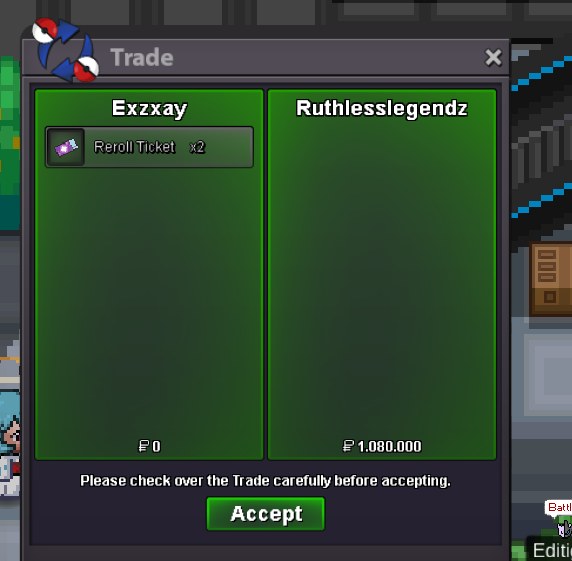
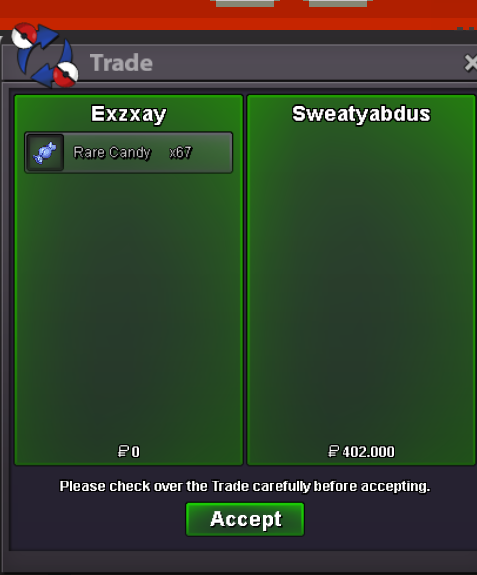
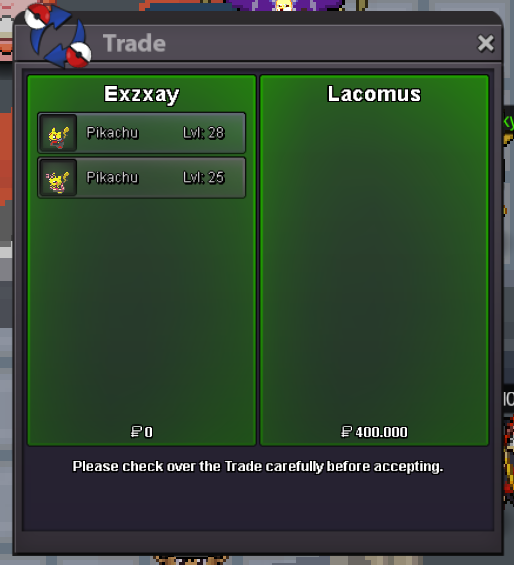
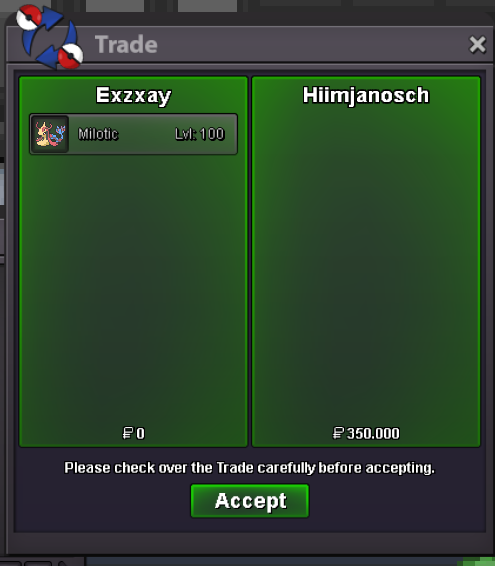
Use the new Trade Zone for auctions and instant-price trades so Pokemon and item offers are easy to find.

Exzxay
Registered User
-
Joined
-
Last visited
Everything posted by Exzxay
-
bump
-
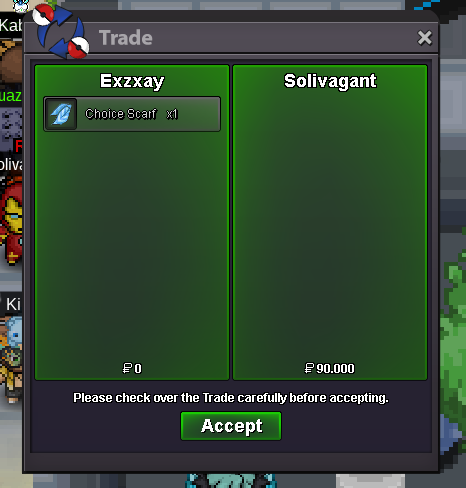
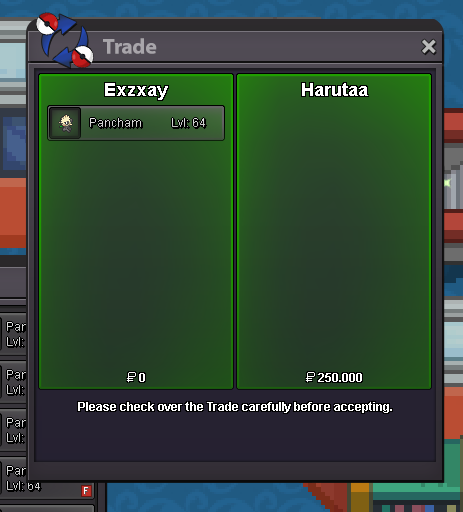
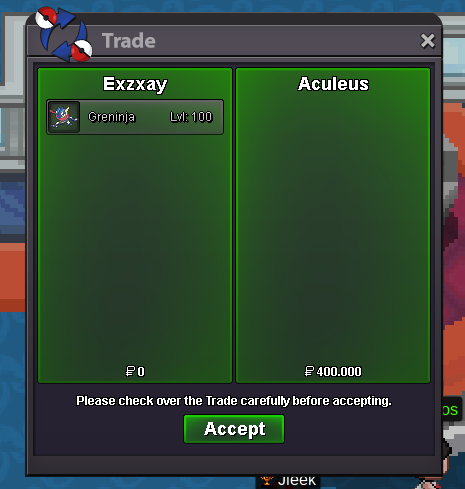
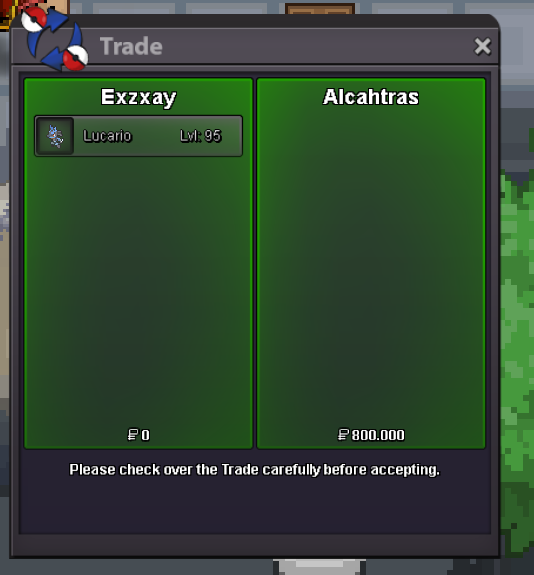
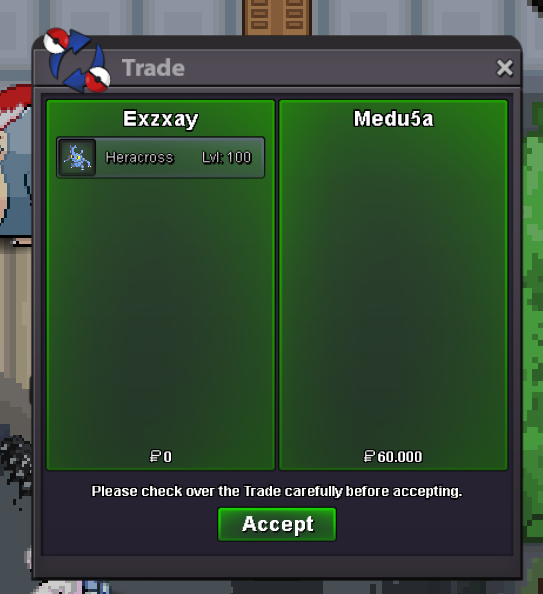
realy? thought the auction would start directly if not stated otherwise by the creator of the post. But if thats the decision of the trade mods I will follow it as promised. @Sanidhya feel free to dm me on discord (Exzxay#1809) when you are able to do the tradebumpsince forum is up again i insta the gren with 5m. but before i trade i will let the trademods decide if i have to pay 5m or 2m.wait a sec. in your post you said it ends after 48h. since you didnt described it more clearly I assume that the auction ended either 48h after creating the first post (even though there was no end time at this point) or after you added the new end time. in both cases the auction has already ended. Since you didnt write something like " 48h after start" there is no way from a buyer to see that you mean it that way.gl im out 🙂6.5m5.6m5m 200kI would start but what is the end time?bumpbumpsure im online right now. in case i go offline pm me on Discord: Exzxay#1809sure. pm me ingame or in case im offline on discord:Exzxay#1809


Account
Navigation
Search
Configure browser push notifications
Chrome (Android)
- Tap the lock icon next to the address bar.
- Tap Permissions → Notifications.
- Adjust your preference.
Chrome (Desktop)
- Click the padlock icon in the address bar.
- Select Site settings.
- Find Notifications and adjust your preference.
Safari (iOS 16.4+)
- Ensure the site is installed via Add to Home Screen.
- Open Settings App → Notifications.
- Find your app name and adjust your preference.
Safari (macOS)
- Go to Safari → Preferences.
- Click the Websites tab.
- Select Notifications in the sidebar.
- Find this website and adjust your preference.
Edge (Android)
- Tap the lock icon next to the address bar.
- Tap Permissions.
- Find Notifications and adjust your preference.
Edge (Desktop)
- Click the padlock icon in the address bar.
- Click Permissions for this site.
- Find Notifications and adjust your preference.
Firefox (Android)
- Go to Settings → Site permissions.
- Tap Notifications.
- Find this site in the list and adjust your preference.
Firefox (Desktop)
- Open Firefox Settings.
- Search for Notifications.
- Find this site in the list and adjust your preference.