New Trade Zone
Trade Zone is now live
Use the new Trade Zone for auctions and instant-price trades so Pokemon and item offers are easy to find.

Exzxay
Registered User
-
Joined
-
Last visited
Everything posted by Exzxay
-
8h and 30min left
-
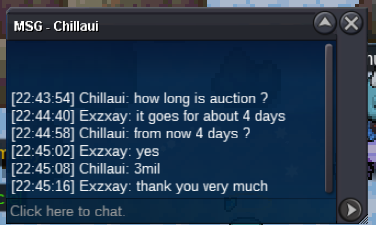
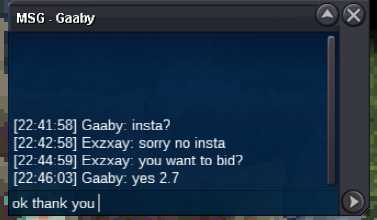
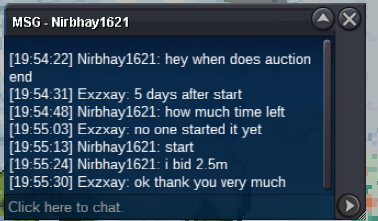
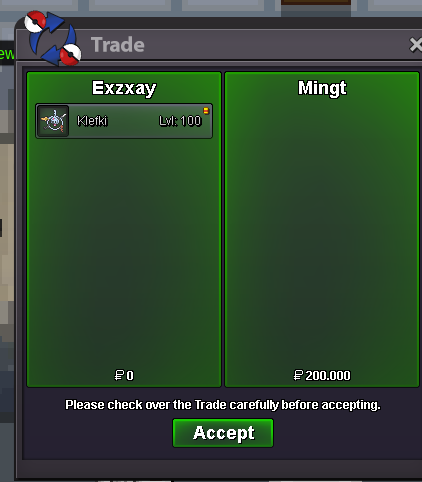
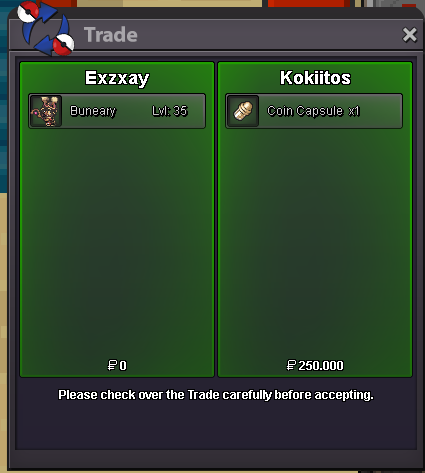
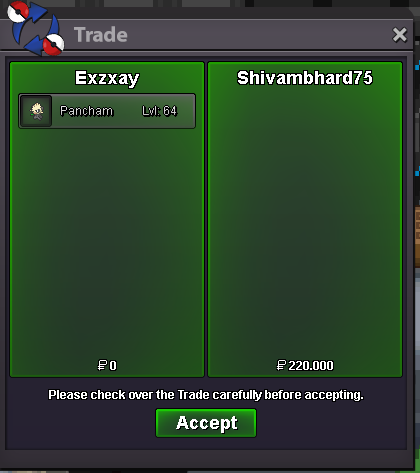
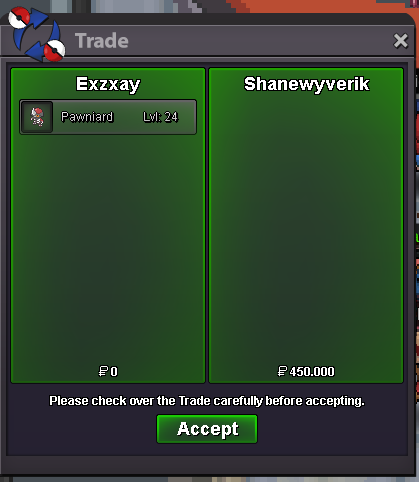
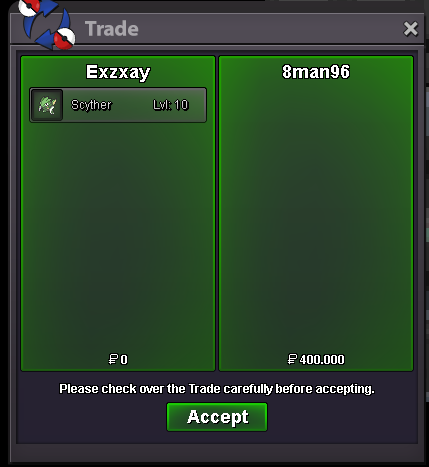
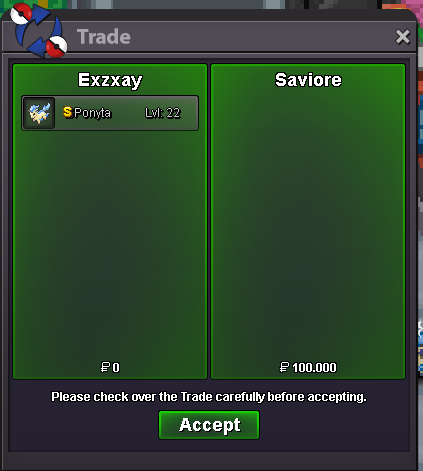
bumpbumpauction ends at 19.01.2023 19:55 gmt+1 (7:55 pm)Hi and welcome to my auction! Start bid: 2.5m Min Bid: 200k End date: 5 days after first bid Payments: iv rr 600k, cc 350k and cash No Insta You can contact me ingame: Exzxay or on Discord: Exzxay#1809 (note, that discord bids aren't valid) I also change the EVs if the winner wants to for free.
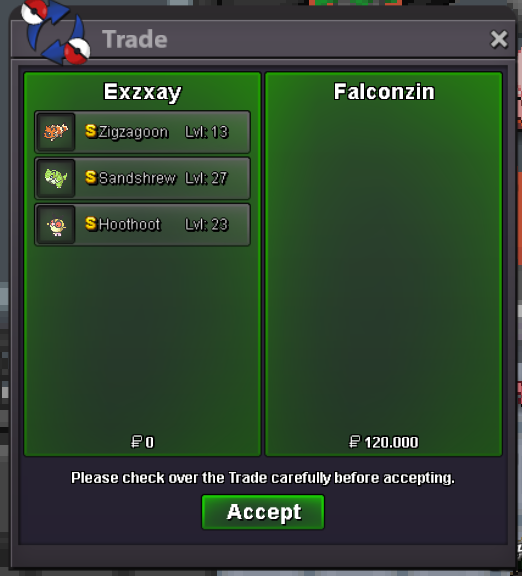
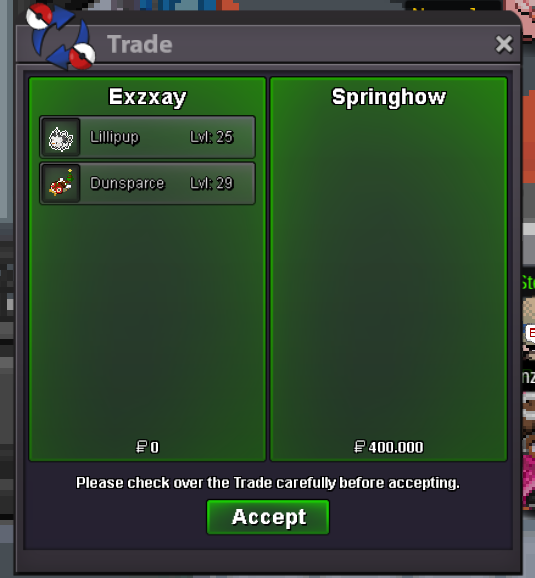
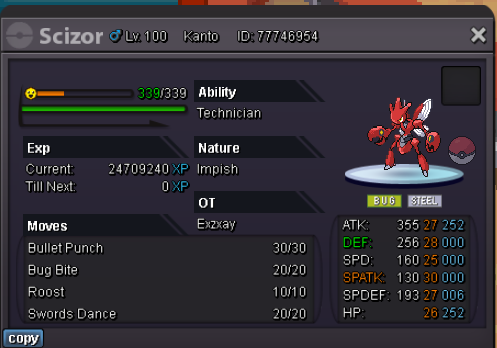 pangoro also sold to him/her(300k). forgot to take a screenshot
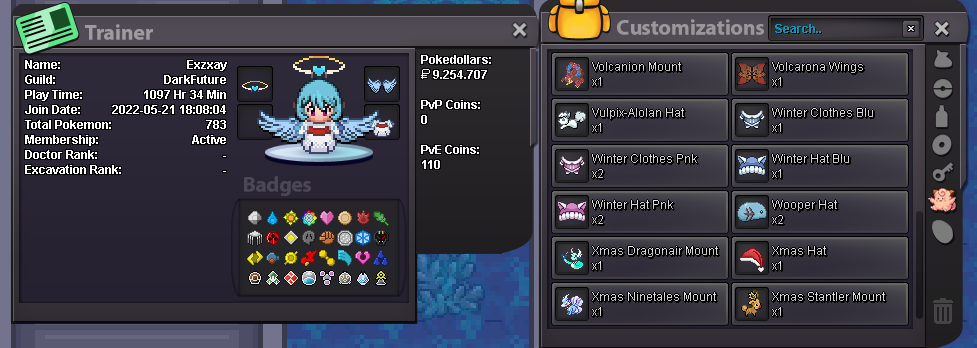
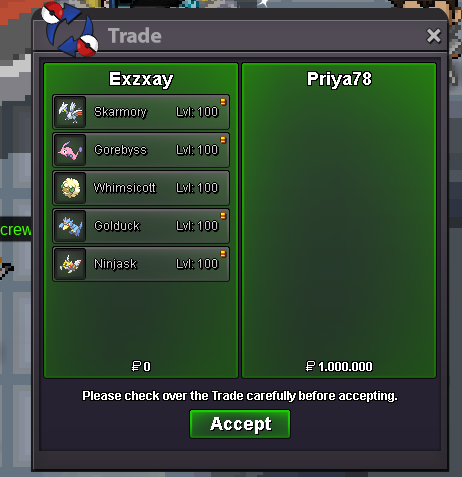 bumpbumpbumpThank you very much 🙂I was wondering why my main Account didnt have the metagross mount, but my second account has it. i just saw, that there might be a bug if you transfer to another server. So my Gold account now has the mount but my silver account is missing it. Would be great if you can transfer the mount from my gold to my silver account.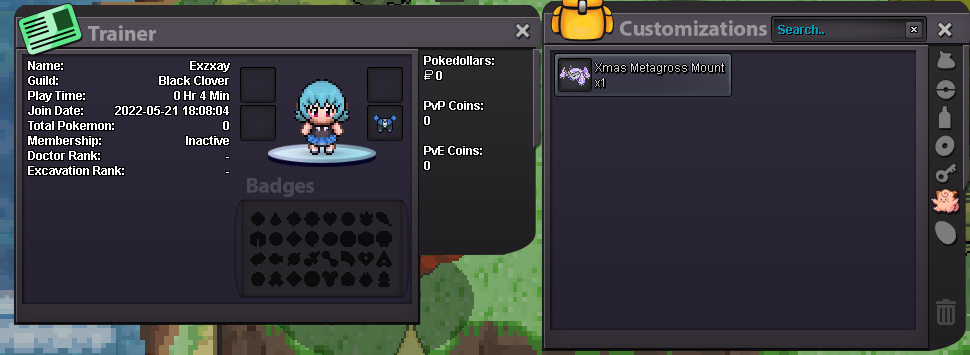
 bumpbumpbump
Account
Navigation
Search
Configure browser push notifications
Chrome (Android)
- Tap the lock icon next to the address bar.
- Tap Permissions → Notifications.
- Adjust your preference.
Chrome (Desktop)
- Click the padlock icon in the address bar.
- Select Site settings.
- Find Notifications and adjust your preference.
Safari (iOS 16.4+)
- Ensure the site is installed via Add to Home Screen.
- Open Settings App → Notifications.
- Find your app name and adjust your preference.
Safari (macOS)
- Go to Safari → Preferences.
- Click the Websites tab.
- Select Notifications in the sidebar.
- Find this website and adjust your preference.
Edge (Android)
- Tap the lock icon next to the address bar.
- Tap Permissions.
- Find Notifications and adjust your preference.
Edge (Desktop)
- Click the padlock icon in the address bar.
- Click Permissions for this site.
- Find Notifications and adjust your preference.
Firefox (Android)
- Go to Settings → Site permissions.
- Tap Notifications.
- Find this site in the list and adjust your preference.
Firefox (Desktop)
- Open Firefox Settings.
- Search for Notifications.
- Find this site in the list and adjust your preference.