




New Trade Zone
Trade Zone is now live
Use the new Trade Zone for auctions and instant-price trades so Pokemon and item offers are easy to find.


Shashwat01
Registered User
-
Joined
-
Last visited
Everything posted by Shashwat01
-
Last 6 hours left bid fast as u can...!
-
Bump Last 38 hours left!
-
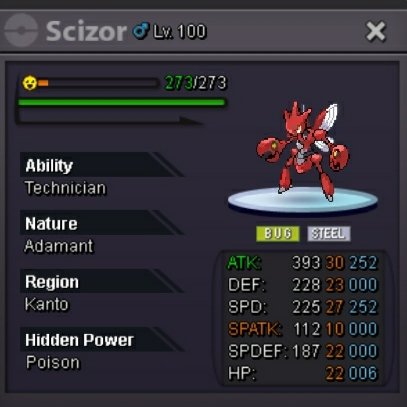
https://pokemonrevolution.net/forum/topic/212524-auction-epic-adamant-tech-scizor-iv-22/ If ur intrested check it out!
-
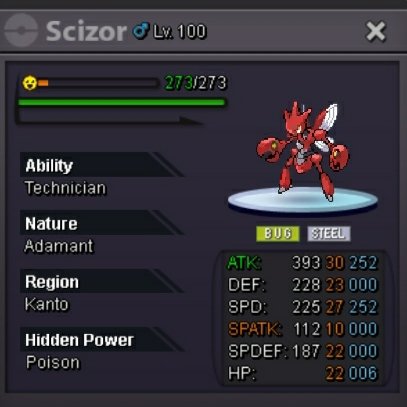
I dont have a godly one but have this . https://pokemonrevolution.net/forum/topic/212524-auction-epic-adamant-tech-scizor-iv-22/
-
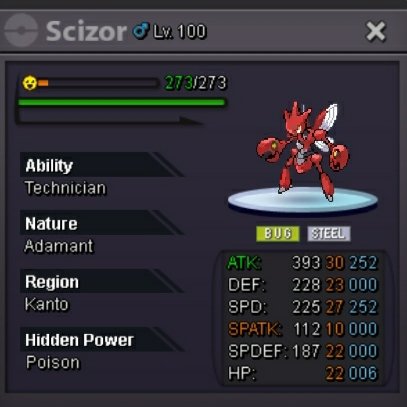
https://pokemonrevolution.net/forum/topic/212524-auction-epic-adamant-tech-scizor-iv-22/ If ur intrested check it out!
-
EPIC SCIZOR All ivs 22+ ,s.o - 1.5m, min bid- 200k, No insta , auction ends in 72 hours after first bid... https://pokemonrevolution.net/forum/topic/212524-auction-epic-adamant-tech-scizor-iv-22/ Im doing auction for it if ur intrested check it out!
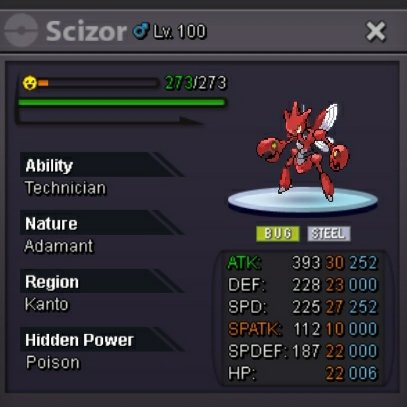 https://pokemonrevolution.net/forum/topic/212524-auction-epic-adamant-tech-scizor-iv-22/https://pokemonrevolution.net/forum/topic/212524-auction-epic-adamant-tech-scizor-iv-22/
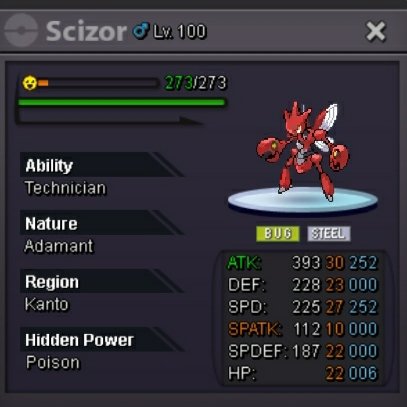 C.o - 1.5m Min bid - 200k No Insta Auction ends in 72 hours after first bid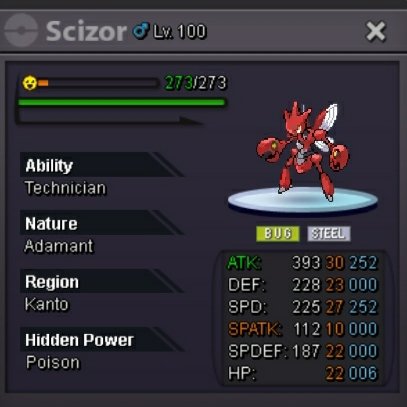
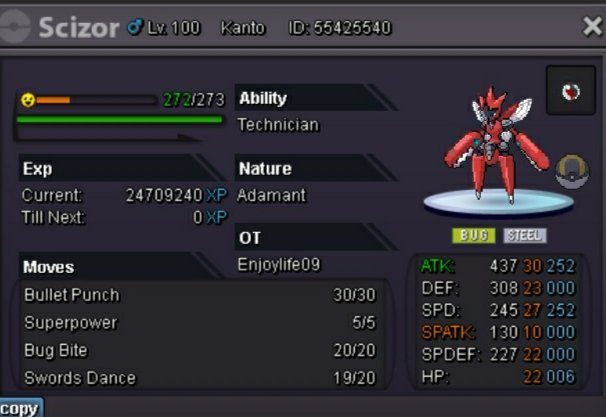 Auction completed !Congratulations u won the auction.! Come to Vermilion city to recive the price...!C.o - 100k Min bid - 50k No insta Auction ends in 24 hours after start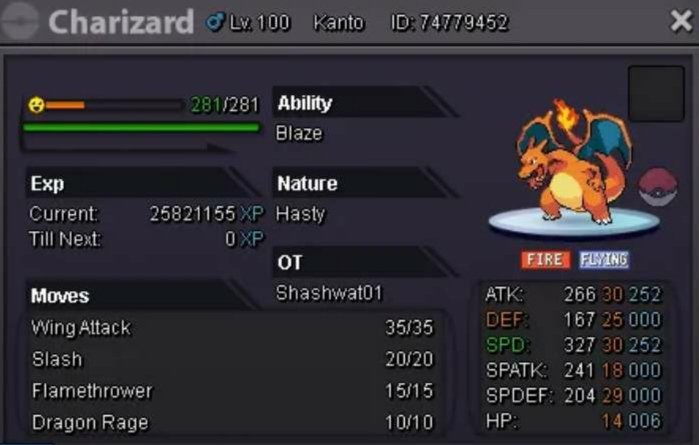
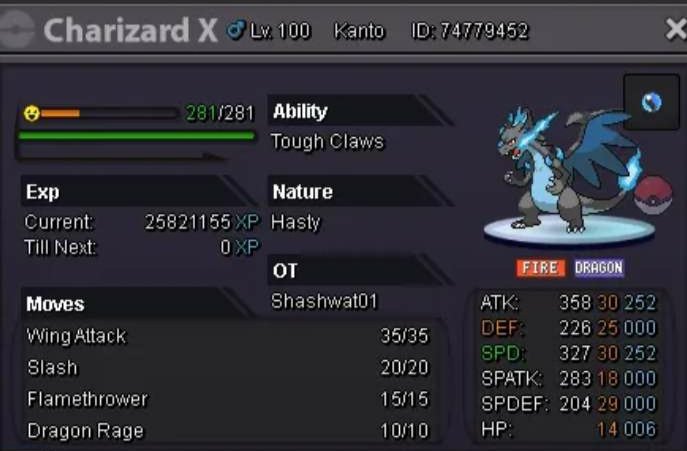 Can u link chestnaught and feraglitr.!Dont u have any adamant technician epic syther! I m ready to pay 2m for that!61146330CLOSED
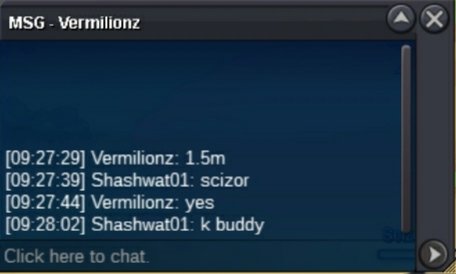
 U won Meet me in game


Account
Navigation
Search
Configure browser push notifications
Chrome (Android)
- Tap the lock icon next to the address bar.
- Tap Permissions → Notifications.
- Adjust your preference.
Chrome (Desktop)
- Click the padlock icon in the address bar.
- Select Site settings.
- Find Notifications and adjust your preference.
Safari (iOS 16.4+)
- Ensure the site is installed via Add to Home Screen.
- Open Settings App → Notifications.
- Find your app name and adjust your preference.
Safari (macOS)
- Go to Safari → Preferences.
- Click the Websites tab.
- Select Notifications in the sidebar.
- Find this website and adjust your preference.
Edge (Android)
- Tap the lock icon next to the address bar.
- Tap Permissions.
- Find Notifications and adjust your preference.
Edge (Desktop)
- Click the padlock icon in the address bar.
- Click Permissions for this site.
- Find Notifications and adjust your preference.
Firefox (Android)
- Go to Settings → Site permissions.
- Tap Notifications.
- Find this site in the list and adjust your preference.
Firefox (Desktop)
- Open Firefox Settings.
- Search for Notifications.
- Find this site in the list and adjust your preference.