




New Trade Zone
Trade Zone is now live
Use the new Trade Zone for auctions and instant-price trades so Pokemon and item offers are easy to find.


Lacomus
Registered User
-
Joined
-
Last visited
Everything posted by Lacomus
-
-
666,666
-
I could swing both ways on this. Does it really matter if it isn’t your OT? And are people usually dishonest about it? For a stamp to be put here. The two core questions. I don’t think players are that insecure in general to say “no it isn’t my OT”. The truth comes out in the end, regardless. IMO
-
Updated 07/11/2023
-
Removed
-
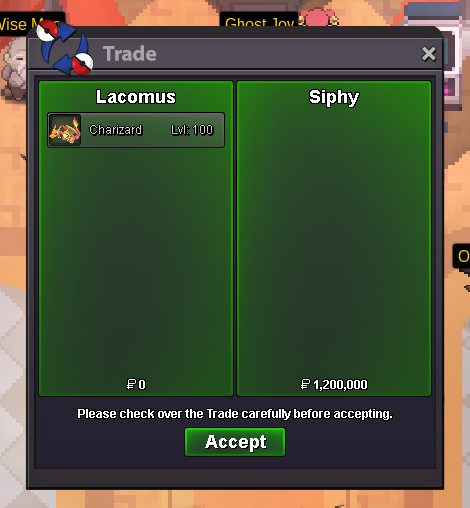
Enjoy @Siphy
-
You win @Siphy
-
Start (100k)
-
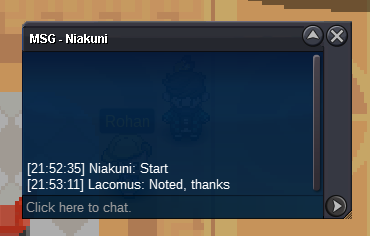
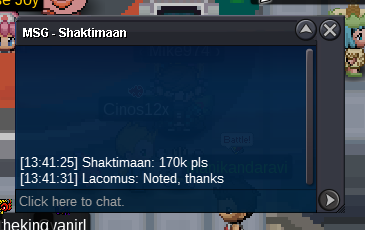
@Mrsjackson Yes, confirmed. Appreciate the business
-
Start: 1m Min bid: 100k Duration: 5 hours (after the first bid) Payment: Pokedollars, Coin Capsules (380k), IV Rerolls (500k) Insta: N/A Note: Gold Server Closed: @Siphy 1.2m
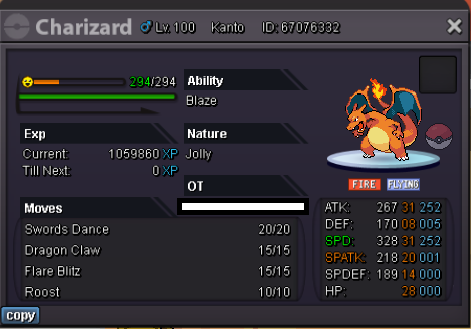
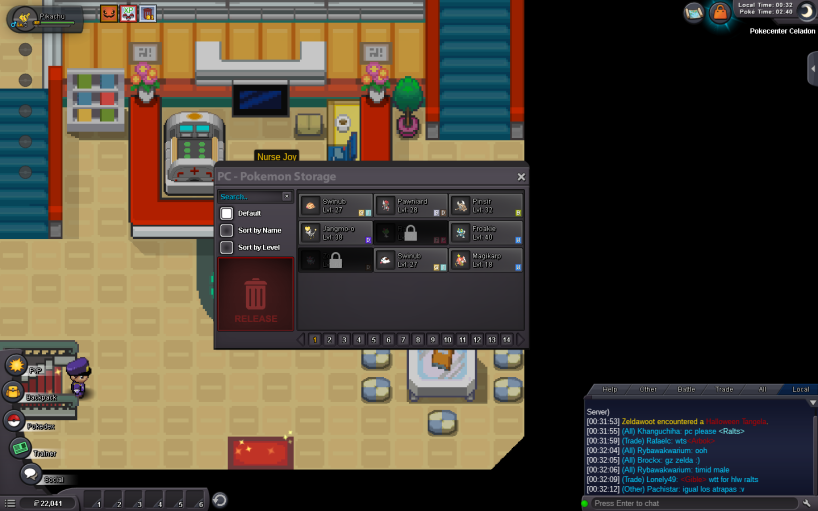
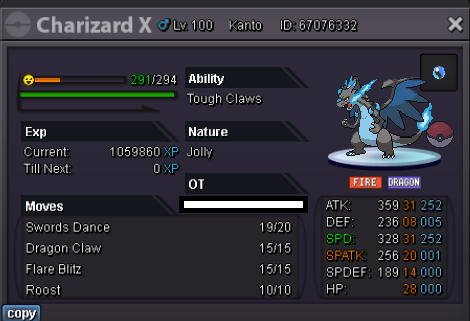 200kBump@Mrsjackson I'm in Murky. I can see you here right now, if this is a good placeWe're done, congrats @MrsjacksonApprox 4 minutes leftUpdate 06/11/2023Main account: Lacomus (Gold) Alt account: Sumocal (Silver) Account above is my alt, Sumocal. If possible, looking to have the region locked pokes put on "Lacomus" (Gold). In an ideal world, I'd like to have all transferred to Lacomus (all within the account), but no big deal. I keep Sumocal on Silver for trades. If the request isn't possible, I'll just have to do story on Sumocal, and figure it out from there, but no problem as I said. Just checking if something can be done. Appreciated guys! Zoruami: Sadly we cannot recover pokemon that were traded between you and your alt account. You will have to finish the story to get those pokemon back.
 BumpSee you when you wake up @Tofu2




Account
Navigation
Search
Configure browser push notifications
Chrome (Android)
- Tap the lock icon next to the address bar.
- Tap Permissions → Notifications.
- Adjust your preference.
Chrome (Desktop)
- Click the padlock icon in the address bar.
- Select Site settings.
- Find Notifications and adjust your preference.
Safari (iOS 16.4+)
- Ensure the site is installed via Add to Home Screen.
- Open Settings App → Notifications.
- Find your app name and adjust your preference.
Safari (macOS)
- Go to Safari → Preferences.
- Click the Websites tab.
- Select Notifications in the sidebar.
- Find this website and adjust your preference.
Edge (Android)
- Tap the lock icon next to the address bar.
- Tap Permissions.
- Find Notifications and adjust your preference.
Edge (Desktop)
- Click the padlock icon in the address bar.
- Click Permissions for this site.
- Find Notifications and adjust your preference.
Firefox (Android)
- Go to Settings → Site permissions.
- Tap Notifications.
- Find this site in the list and adjust your preference.
Firefox (Desktop)
- Open Firefox Settings.
- Search for Notifications.
- Find this site in the list and adjust your preference.