




New Trade Zone
Trade Zone is now live
Use the new Trade Zone for auctions and instant-price trades so Pokemon and item offers are easy to find.

Zuiyue
Registered User
-
Joined
-
Last visited
Everything posted by Zuiyue
-
-
dump
-
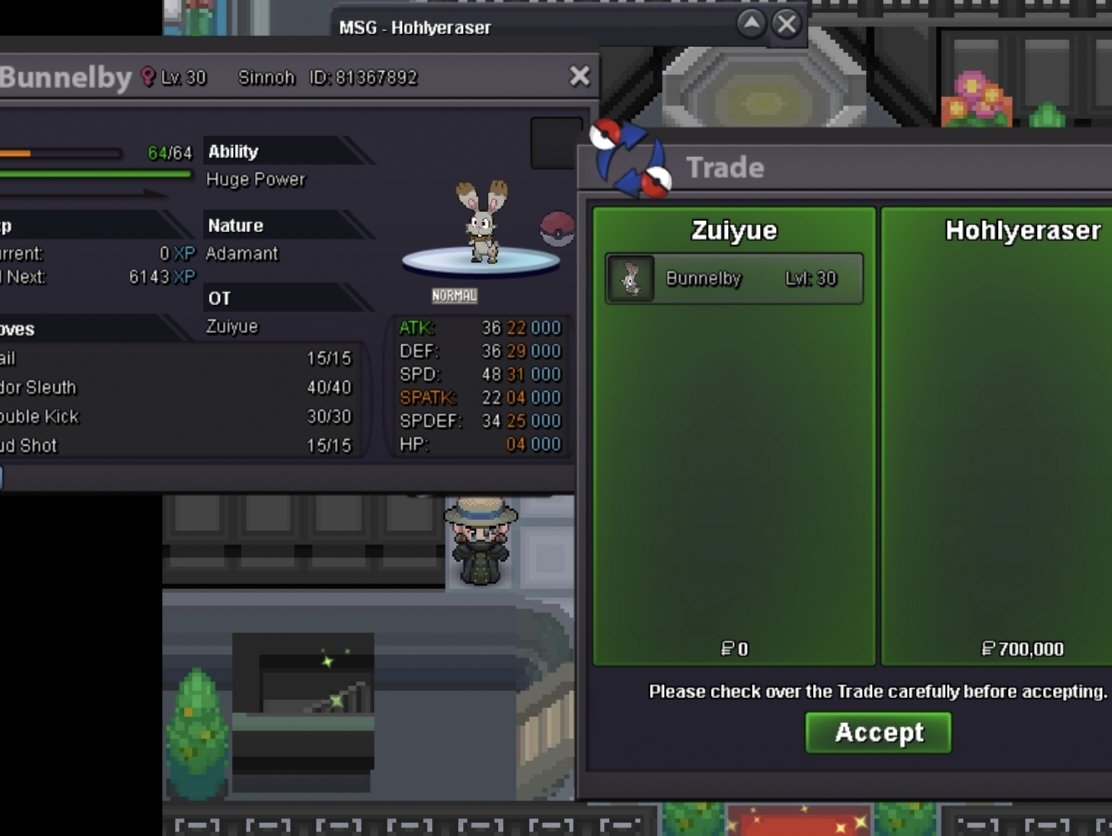
450k
-
dump
-
I'm talking about bunnelby
-
bump
-
I contacted him on the first day, but he went offline without making a deal with me. Until now, I have not contacted him again. Can you help me @Manbat
-
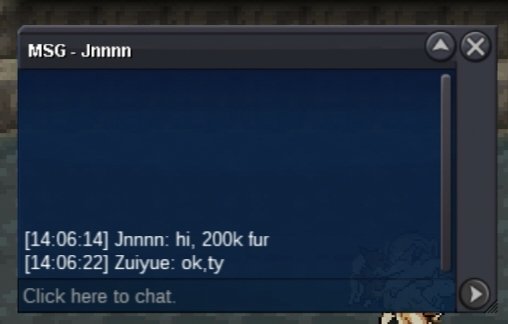
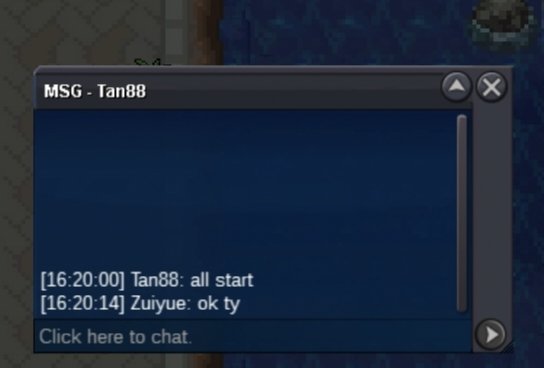
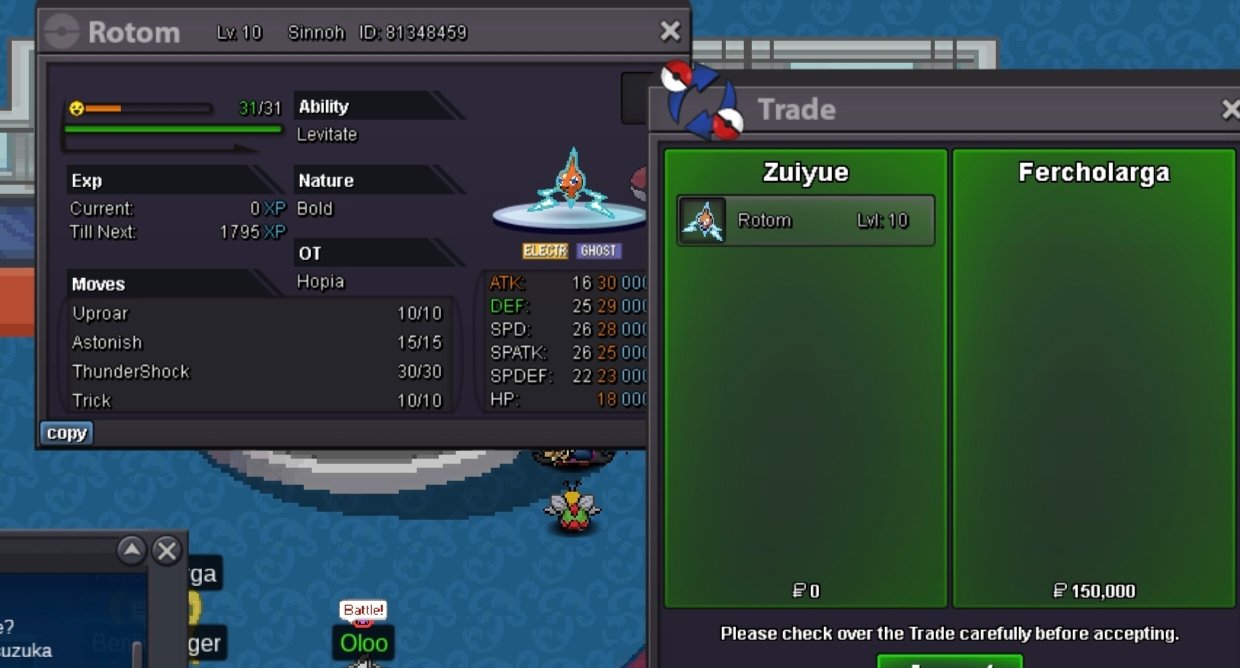
upIt ends at 20:20:00 on May 16(gmt+8)start bid 100k each end 28 hours after the 1st bid min bid 50k each no insta
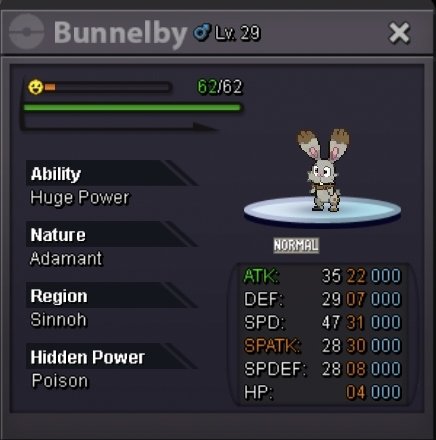
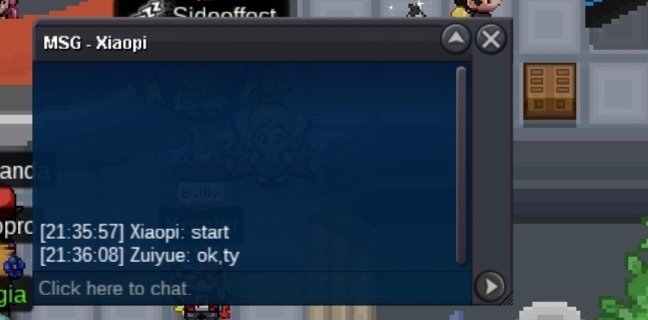
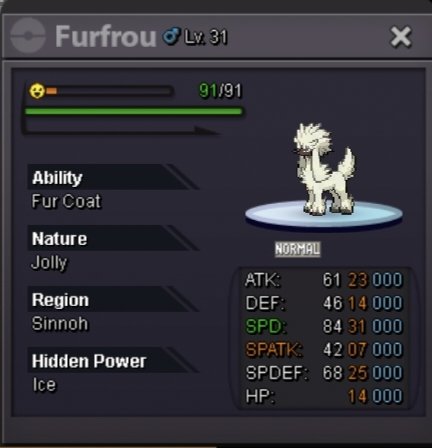 45 54 67 76 88When to tradeyou wintyHello, I've already got a 600k bidIt ends at 20:35:00 on May 9(gmt+8)start bid 100k end 23 hours after the 1st bid min bid 50k no insta accept cc 370k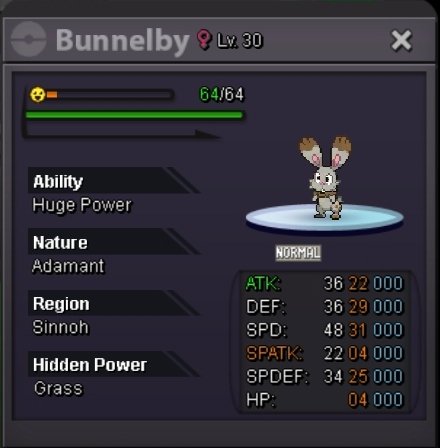

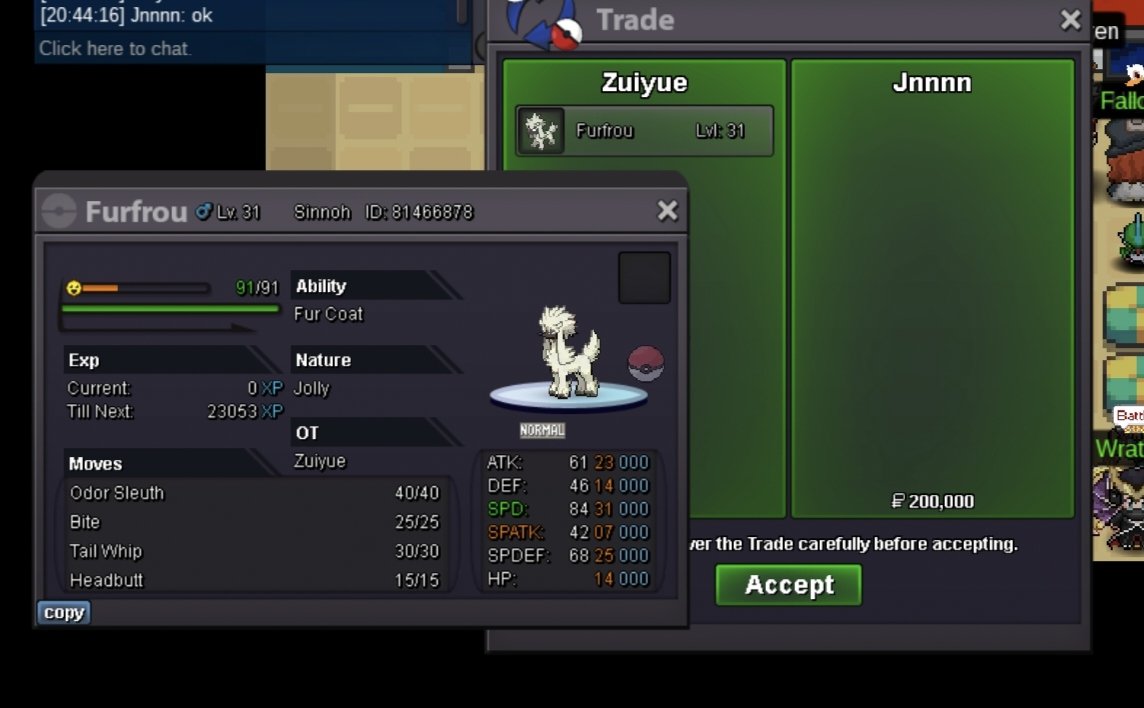
KAC@@I3K3U.png.aeff5cfee5bcd07c568efcb31662db7c.png)
Account
Navigation
Search
Configure browser push notifications
Chrome (Android)
- Tap the lock icon next to the address bar.
- Tap Permissions → Notifications.
- Adjust your preference.
Chrome (Desktop)
- Click the padlock icon in the address bar.
- Select Site settings.
- Find Notifications and adjust your preference.
Safari (iOS 16.4+)
- Ensure the site is installed via Add to Home Screen.
- Open Settings App → Notifications.
- Find your app name and adjust your preference.
Safari (macOS)
- Go to Safari → Preferences.
- Click the Websites tab.
- Select Notifications in the sidebar.
- Find this website and adjust your preference.
Edge (Android)
- Tap the lock icon next to the address bar.
- Tap Permissions.
- Find Notifications and adjust your preference.
Edge (Desktop)
- Click the padlock icon in the address bar.
- Click Permissions for this site.
- Find Notifications and adjust your preference.
Firefox (Android)
- Go to Settings → Site permissions.
- Tap Notifications.
- Find this site in the list and adjust your preference.
Firefox (Desktop)
- Open Firefox Settings.
- Search for Notifications.
- Find this site in the list and adjust your preference.