




New Trade Zone
Trade Zone is now live
Use the new Trade Zone for auctions and instant-price trades so Pokemon and item offers are easy to find.


Sayan12345678
Suspended
-
Joined
-
Last visited
Everything posted by Sayan12345678
-
5643
-
5674
-
Lol @Yavu25elim
-
all try but n0t w0rking any
-
i just redownload client now.still mine pc crashed when login
-
i can login on laptop as usual i do.but after few second mine whole pc crashed .then i have to power of mine pc .again have to power on for use my laptop the same hhappens on phn also..just caan login after a litttle bit second it also crasshed on phn.it all happening after new halloween event update
-
Hi.It is very important issue for me that i can't play on phone and laptop this pro.I just redownload every file but still not working.It become crashed when i try to play on laptop. For phone when goign to install apk it said can't open file.If it happens i can't continue this game anymore.Almost 1.5yrs+journey have to stop then.I play many apk games before,it not like pro.Where every update there reamain at least a prblm on this game. So i don't know wht to do at this moment .
-
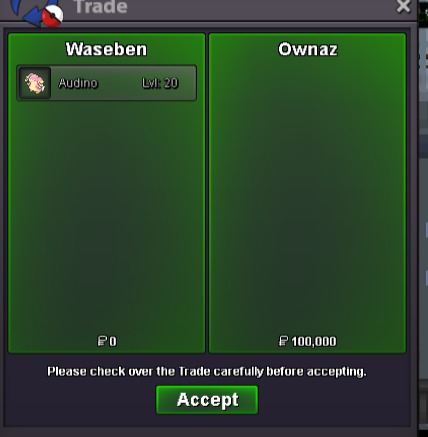
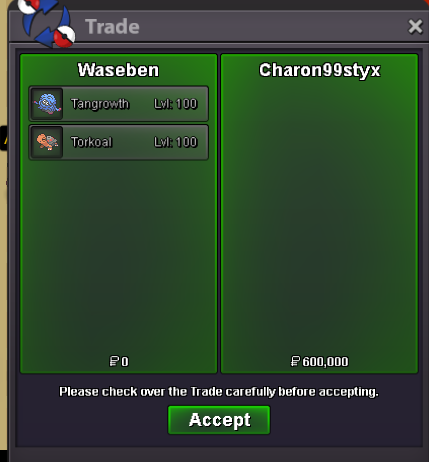
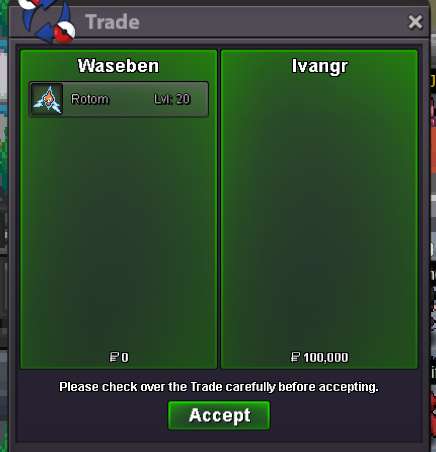
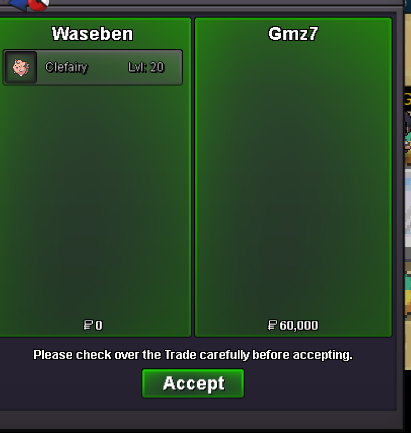
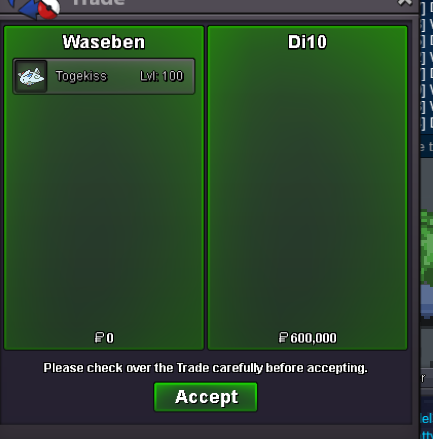
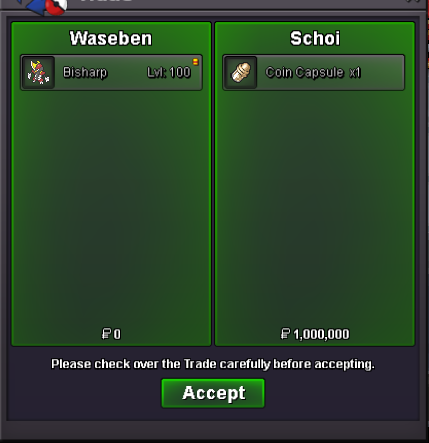
nice shop100kBump..discord name pls bro.this is way we can contacthey i need item.when u will c0mesureBuying rocky helmet... Reveal glass..whish washi hat..qufish hat Ign:wasebenclampearl was sold to bhimosos.ty@Bhimosome will be now online every time.ign:waseben300k @Bhimosobump...

Account
Navigation
Search
Configure browser push notifications
Chrome (Android)
- Tap the lock icon next to the address bar.
- Tap Permissions → Notifications.
- Adjust your preference.
Chrome (Desktop)
- Click the padlock icon in the address bar.
- Select Site settings.
- Find Notifications and adjust your preference.
Safari (iOS 16.4+)
- Ensure the site is installed via Add to Home Screen.
- Open Settings App → Notifications.
- Find your app name and adjust your preference.
Safari (macOS)
- Go to Safari → Preferences.
- Click the Websites tab.
- Select Notifications in the sidebar.
- Find this website and adjust your preference.
Edge (Android)
- Tap the lock icon next to the address bar.
- Tap Permissions.
- Find Notifications and adjust your preference.
Edge (Desktop)
- Click the padlock icon in the address bar.
- Click Permissions for this site.
- Find Notifications and adjust your preference.
Firefox (Android)
- Go to Settings → Site permissions.
- Tap Notifications.
- Find this site in the list and adjust your preference.
Firefox (Desktop)
- Open Firefox Settings.
- Search for Notifications.
- Find this site in the list and adjust your preference.