




New Trade Zone
Trade Zone is now live
Use the new Trade Zone for auctions and instant-price trades so Pokemon and item offers are easy to find.

Luckytea
Registered User
-
Joined
-
Last visited
Everything posted by Luckytea
-
Sure as you said. So if I want to have any actions for this activity I need to discuss with Eon in detail. I'm glad there's a few one like you believe that my kind of auction could work.
-
that's what I intended, ty for understand. Anyway, GM Eon has given his words so I have to follow the rule
-
This is the 2nd time u make mistake, please watch the amount of berries of the others carefully
-
C.O leading is 200 berries
-
This is a bundle - 1 hour auction Accept only: Leppa or Oran berries Start: 1 Min: 1 End: 21:52 (GMT+7) Have fun bidding
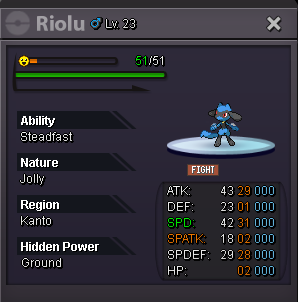
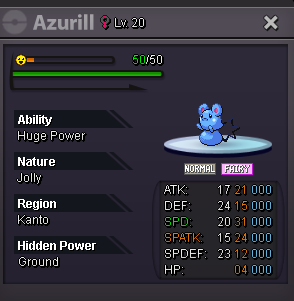

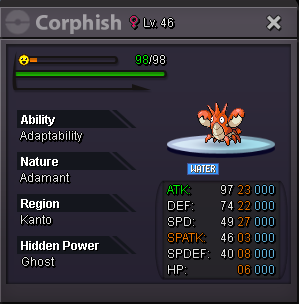
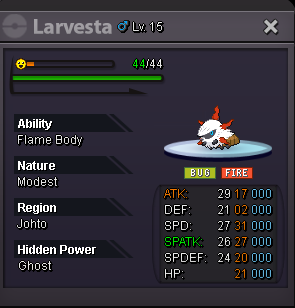
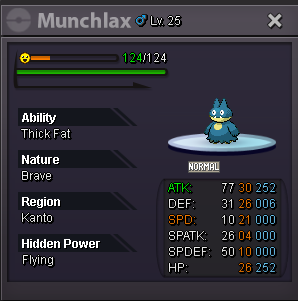 Congrats. Please contact me4 hours remainingThis is a bundle - 12 hours starts from first bid Accept only: Lum or Oran berries Start: 1 Min: 1 No insta - No cancel End: 13:05 26/07/2023 (GMT+7)
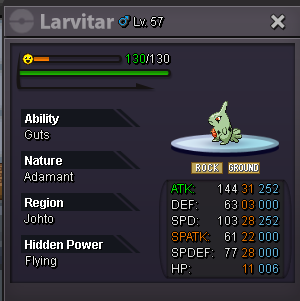
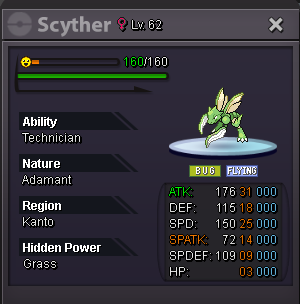
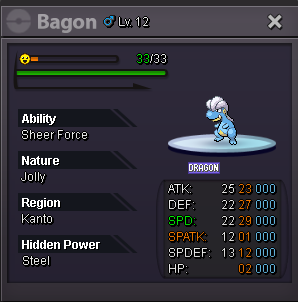
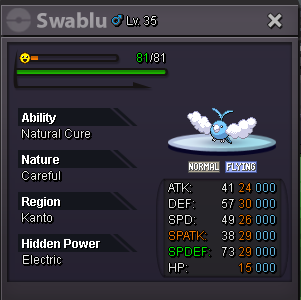
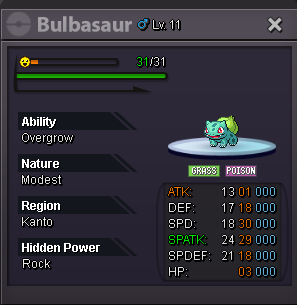 Done
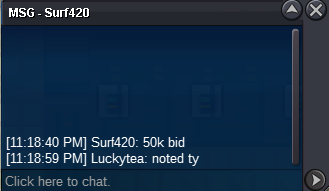
Done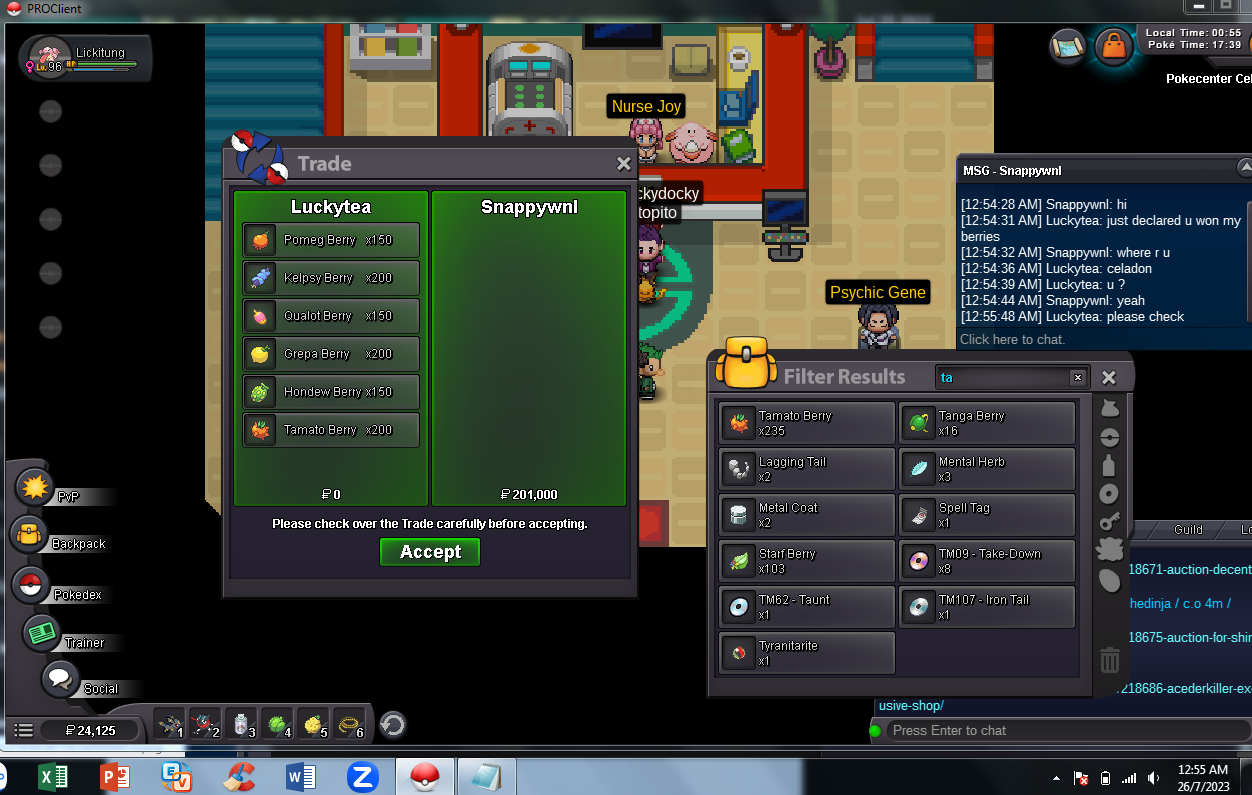 @SnappyWNL won15 mins rule: u need a whole 15 minutes without new bid so u can win, otherwise time will be expanded 15 mins more for every last bid Based on your post time it will take about 8 mins more1 min left and there will be 15 mins rule if bids keep goingRaise
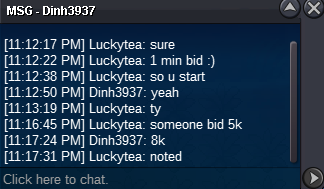 START
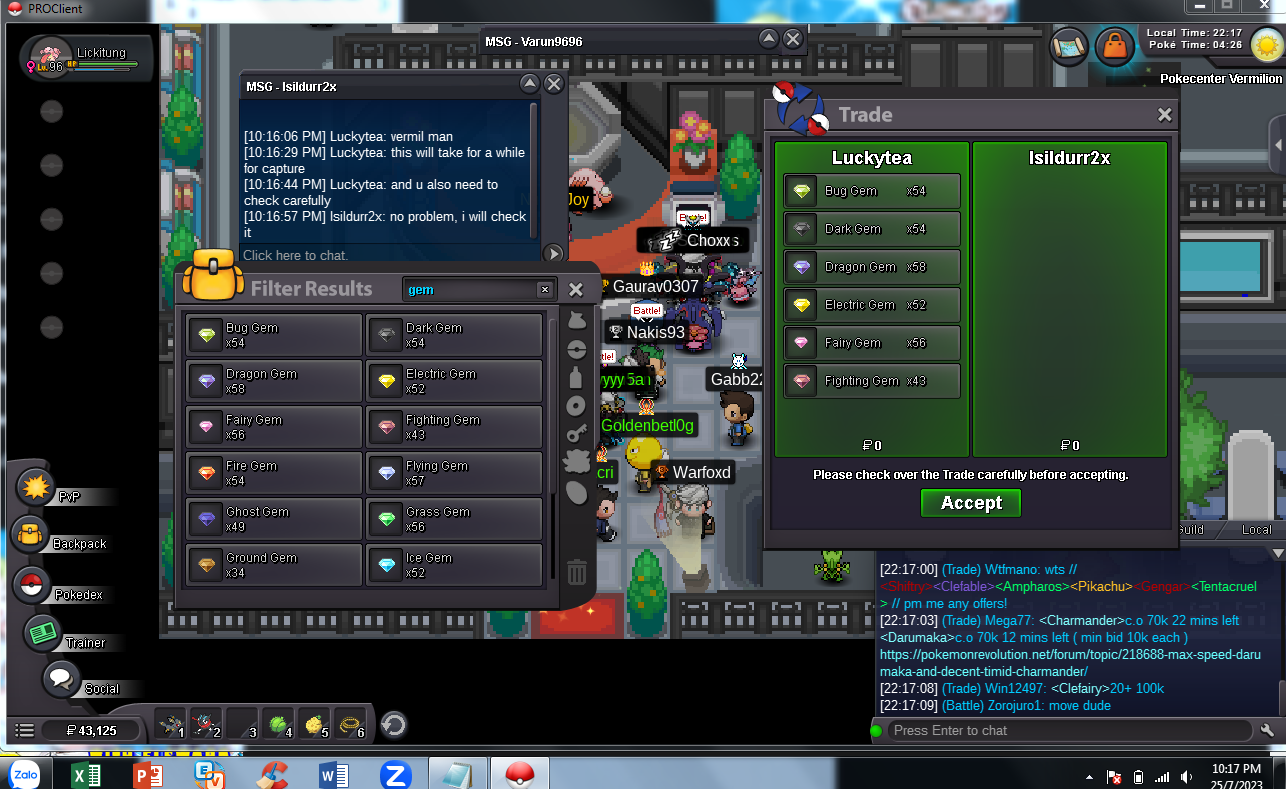
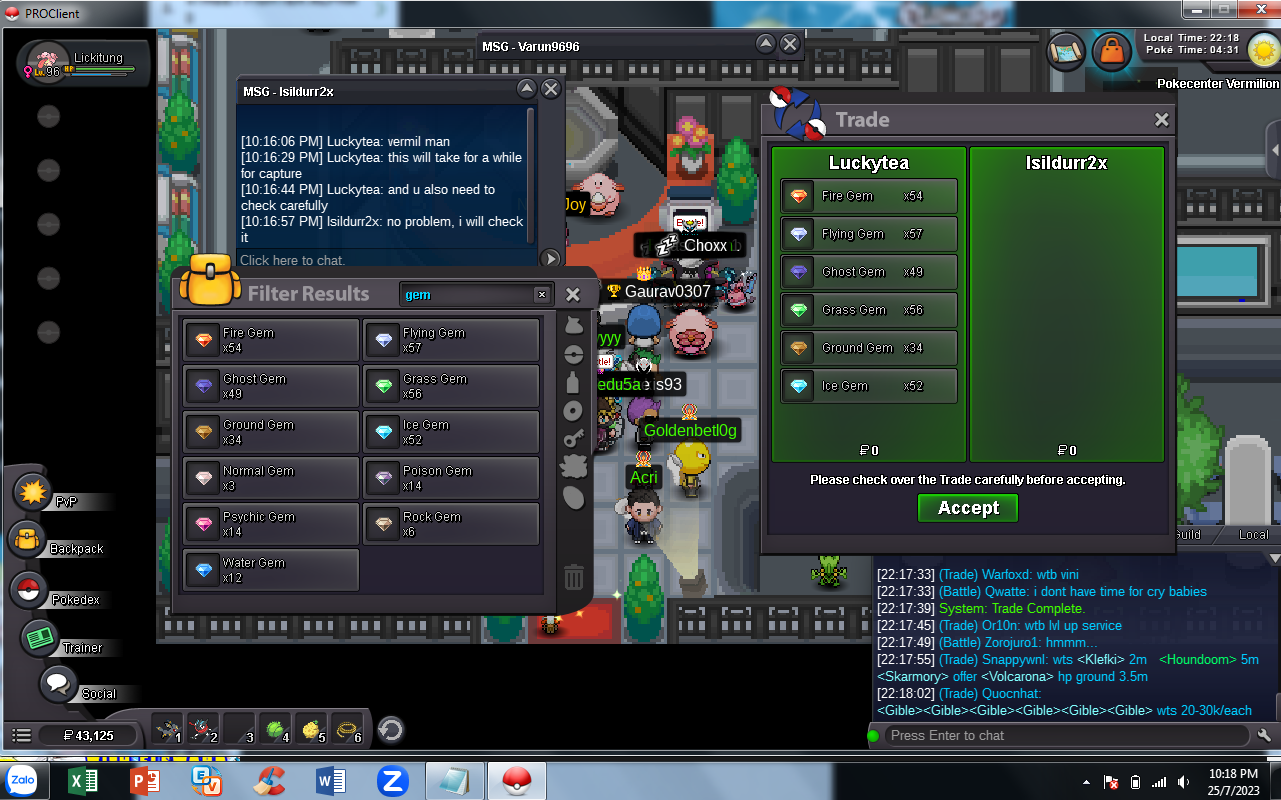
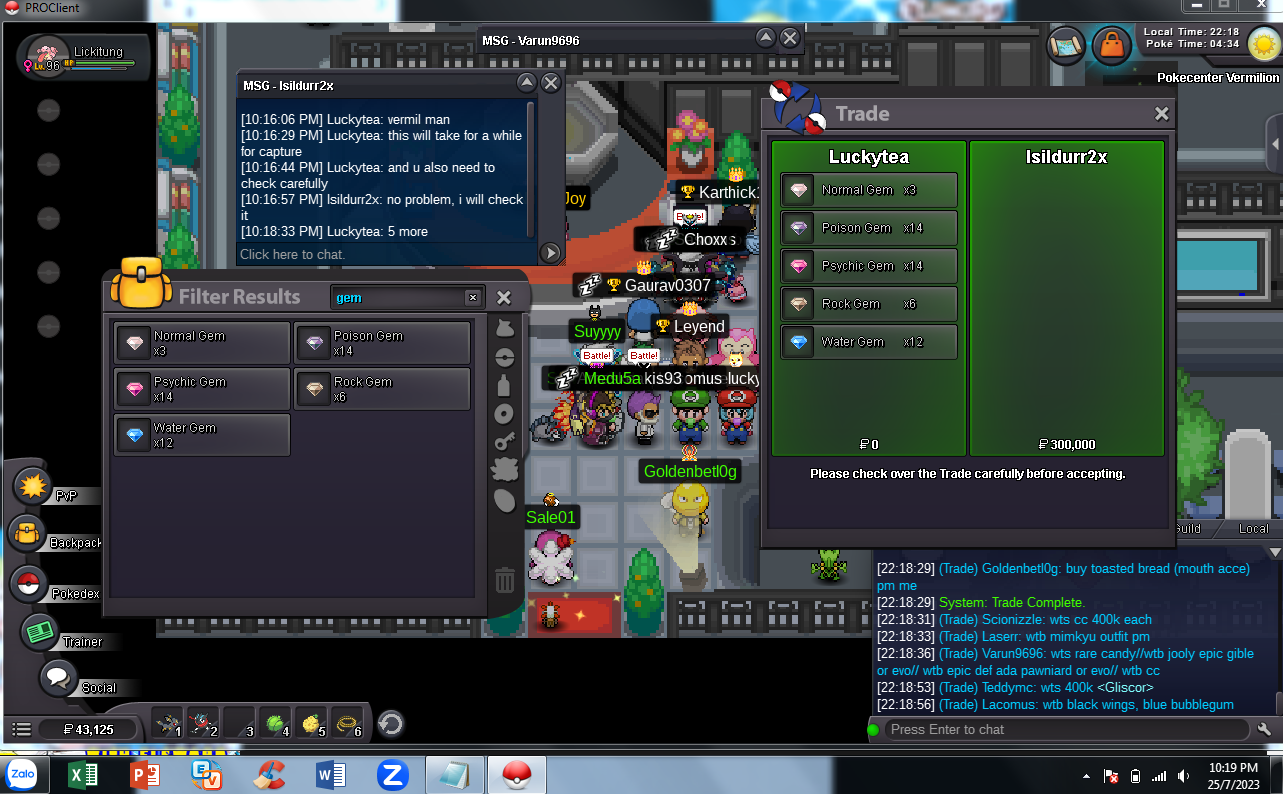
START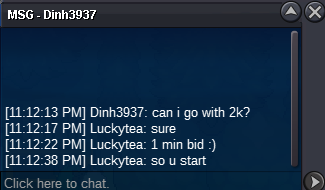 I want to sell all 6 kinds of berries with the quantity: 150 Pomeg - HP 200 Kelpsy - ATK 150 Qualot - DEF 200 Grepa - SPD 150 Hondew - SPA 200 Tamato - SPE Bundle auction - 1 hour from first bid No cancel - No insta END: 00:12 (GMT+7) Start: 1 Min: 1 Accept pokedollar



Account
Navigation
Search
Configure browser push notifications
Chrome (Android)
- Tap the lock icon next to the address bar.
- Tap Permissions → Notifications.
- Adjust your preference.
Chrome (Desktop)
- Click the padlock icon in the address bar.
- Select Site settings.
- Find Notifications and adjust your preference.
Safari (iOS 16.4+)
- Ensure the site is installed via Add to Home Screen.
- Open Settings App → Notifications.
- Find your app name and adjust your preference.
Safari (macOS)
- Go to Safari → Preferences.
- Click the Websites tab.
- Select Notifications in the sidebar.
- Find this website and adjust your preference.
Edge (Android)
- Tap the lock icon next to the address bar.
- Tap Permissions.
- Find Notifications and adjust your preference.
Edge (Desktop)
- Click the padlock icon in the address bar.
- Click Permissions for this site.
- Find Notifications and adjust your preference.
Firefox (Android)
- Go to Settings → Site permissions.
- Tap Notifications.
- Find this site in the list and adjust your preference.
Firefox (Desktop)
- Open Firefox Settings.
- Search for Notifications.
- Find this site in the list and adjust your preference.