




New Trade Zone
Trade Zone is now live
Use the new Trade Zone for auctions and instant-price trades so Pokemon and item offers are easy to find.

Luckytea
Registered User
-
Joined
-
Last visited
Everything posted by Luckytea
-
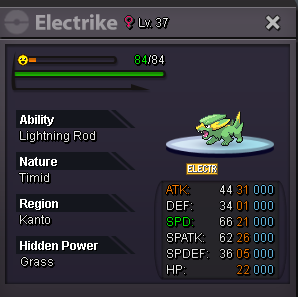
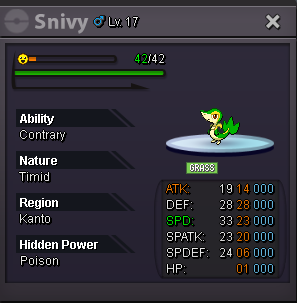
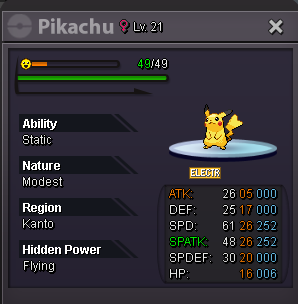
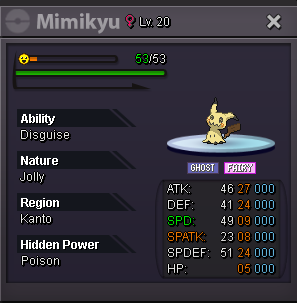
This is a bundle - 1 hour auction Accept only: Sitrus berries Start: 1 Min: 1 End point: 21:09 (GMT+7) Have fun bidding
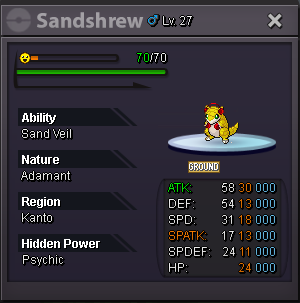
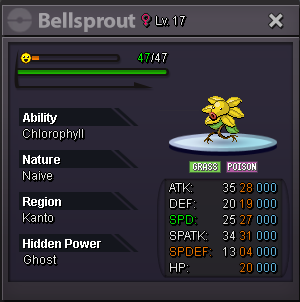
-
-
-
-
both so creative and lmao with the pics 👍 gallade 75k electrive 90k
-
Surely you won. Let's tradeTy for letting me know, it was my mistake copying & pasting the old linkThis is a bundle - 1 hour auction Accept only: Leppa berries Start: 1 Min: 1 End point: 10:04 AM (GMT+7) Have fun bidding
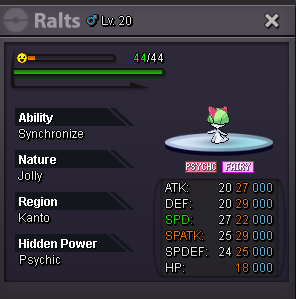
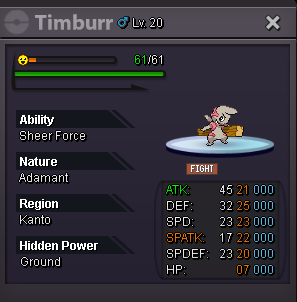
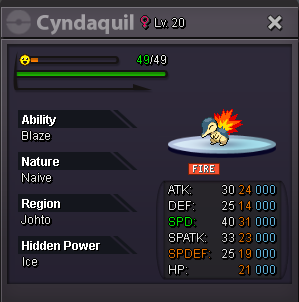
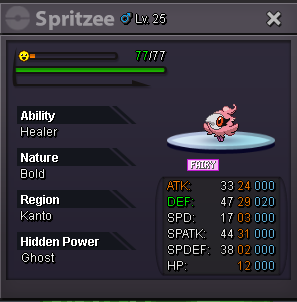
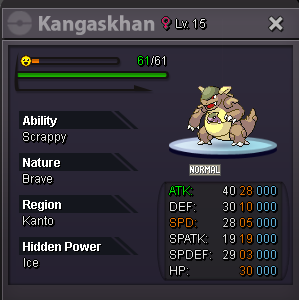
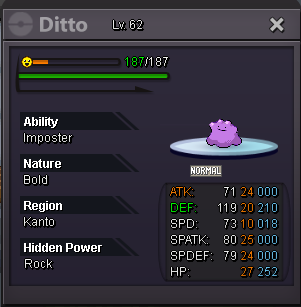 💟💟💟 Appreciate. Everyone loves give away as well as sharing. I would like to include @Lacomus - the pika lover.startYou started. You won finally 😉This is a bundle - 1 hour auction Accept only: Leppa Oran berries Start: 1 Min: 1 End: 07:43 (gmt+7) Have fun bidding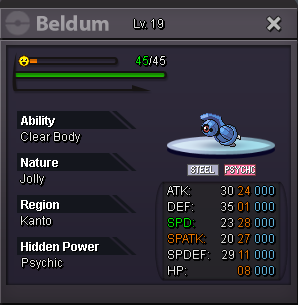
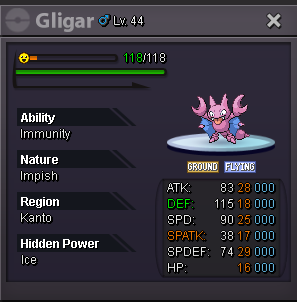
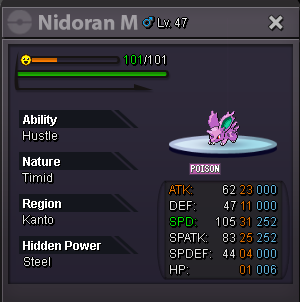

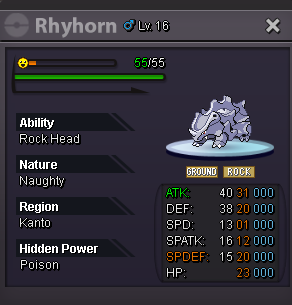
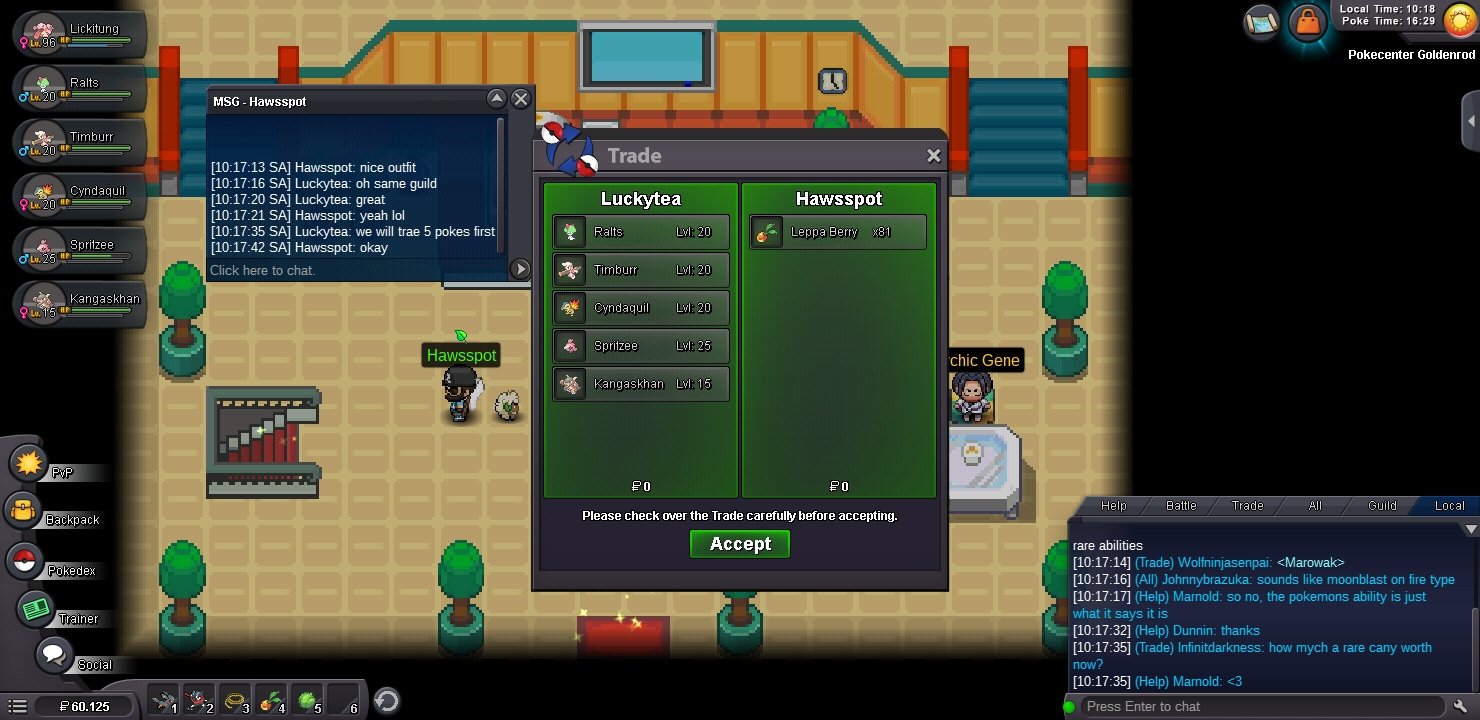
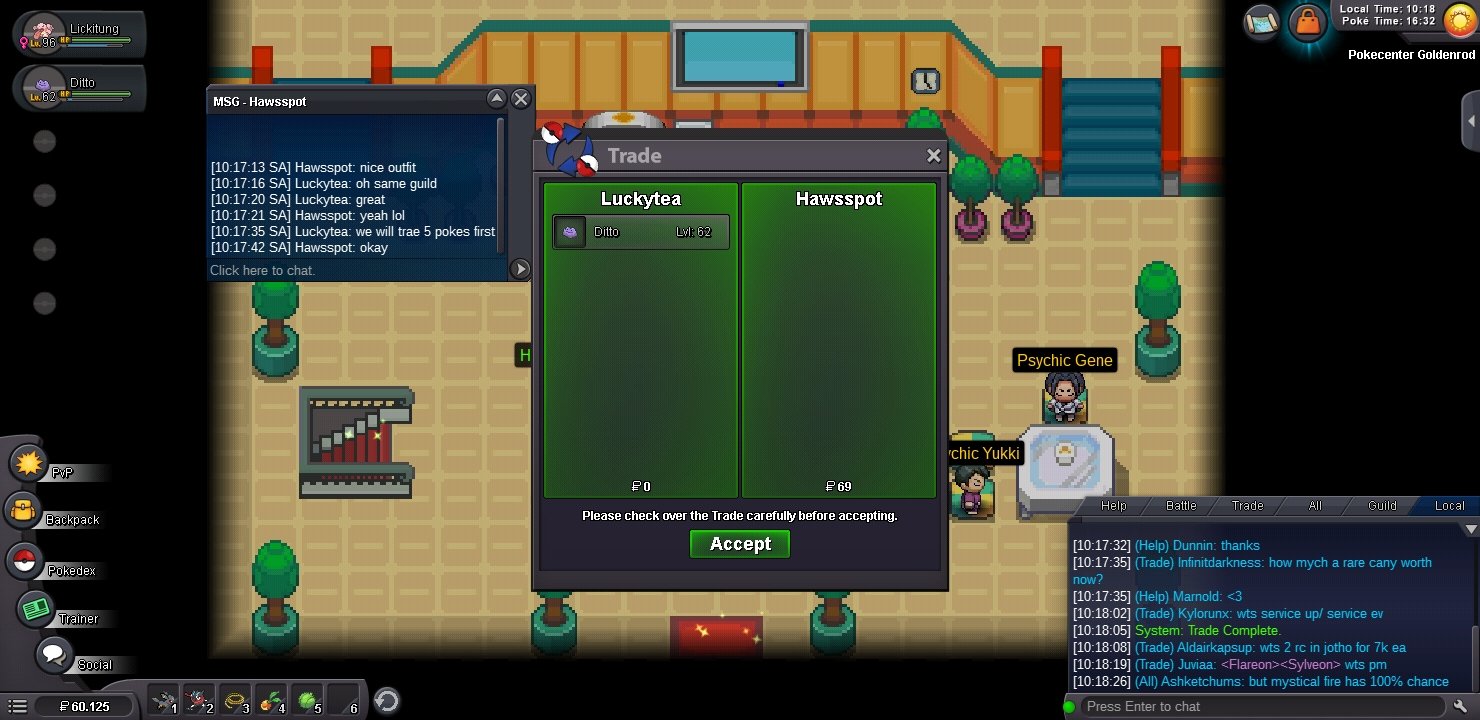
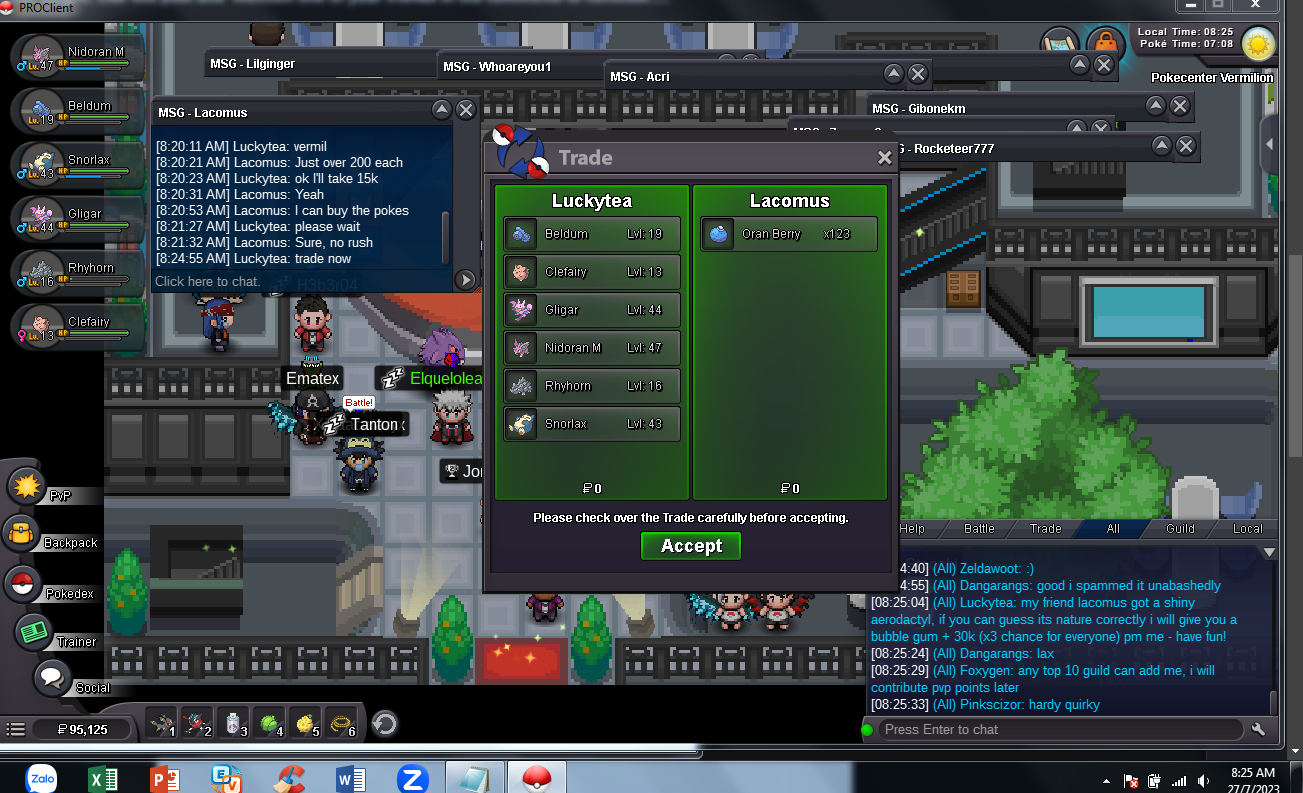
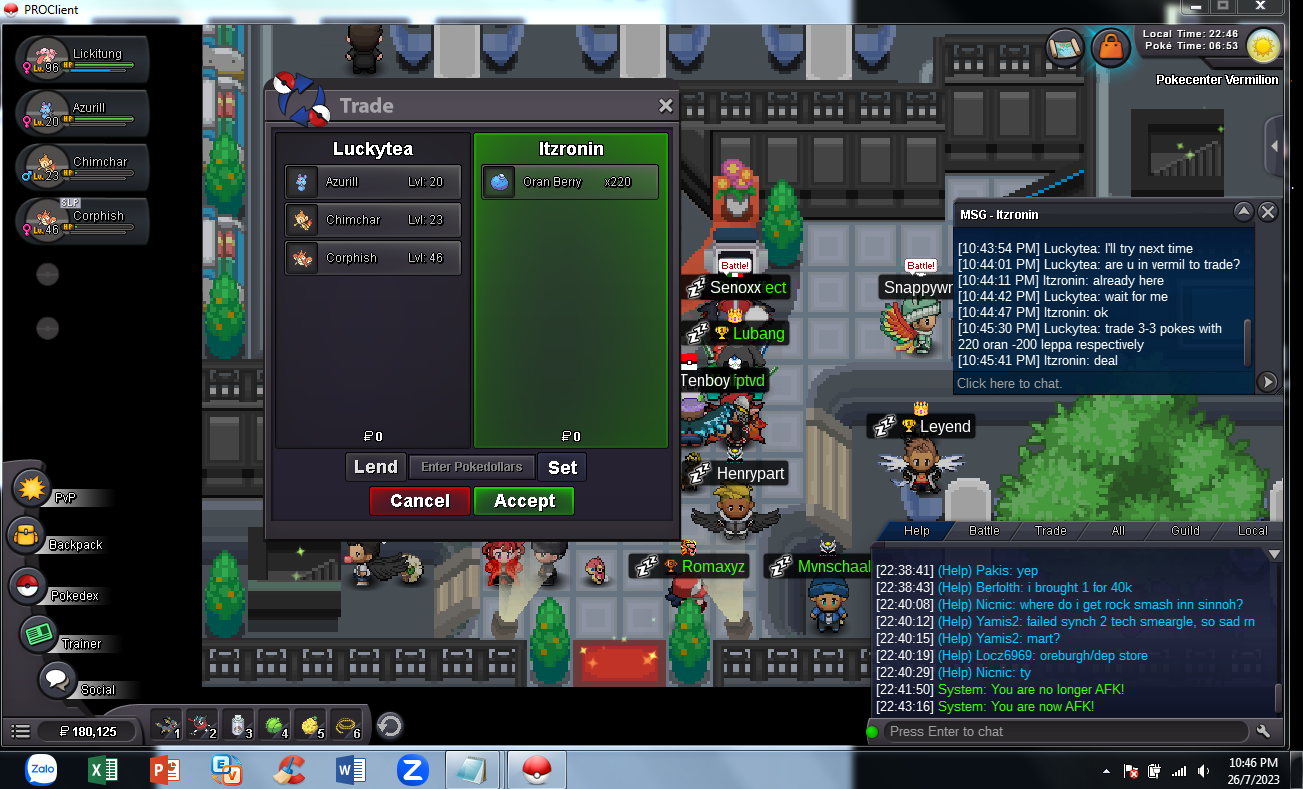
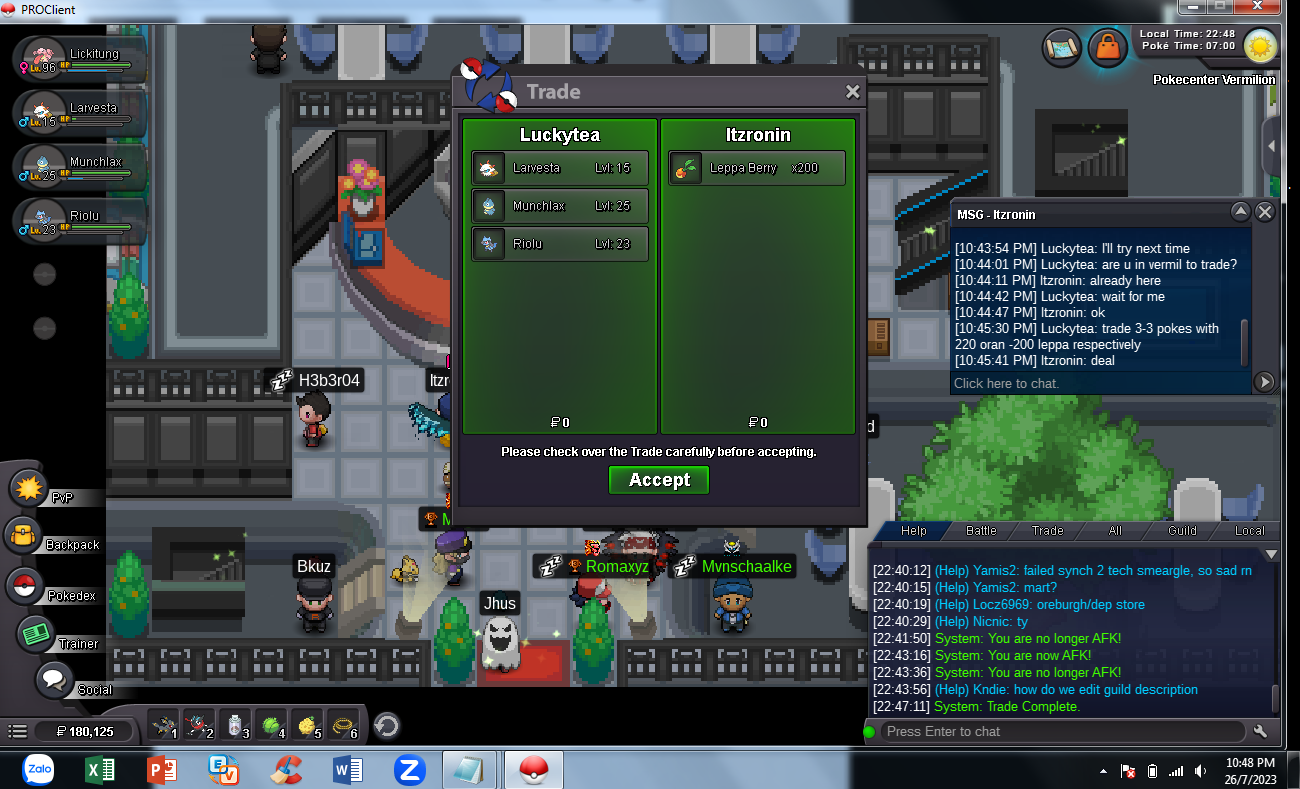
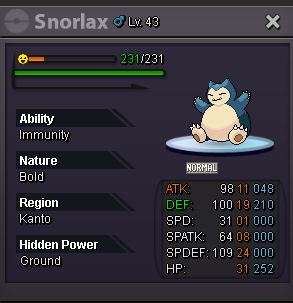 Appreciate so much. I was afraid making trouble for you guys. So declaring Itzronin has wonSorry for taking so long. I'm not good at dealing with 15 mins rule but @Itzronin bid was valid I wanna know if I made any interupt of bidding due to this? @Harutaa Cause Itzronin might have won this auction for time left already. So what's your words? Should I include Trade Mod here to help?Wait for I check because I think Harutaa could have full 15 mins extend without new bidObviously you made last bid at the same time with end point15 mins rule apply I'm glad there are many fruitarian here :v


Account
Navigation
Search
Configure browser push notifications
Chrome (Android)
- Tap the lock icon next to the address bar.
- Tap Permissions → Notifications.
- Adjust your preference.
Chrome (Desktop)
- Click the padlock icon in the address bar.
- Select Site settings.
- Find Notifications and adjust your preference.
Safari (iOS 16.4+)
- Ensure the site is installed via Add to Home Screen.
- Open Settings App → Notifications.
- Find your app name and adjust your preference.
Safari (macOS)
- Go to Safari → Preferences.
- Click the Websites tab.
- Select Notifications in the sidebar.
- Find this website and adjust your preference.
Edge (Android)
- Tap the lock icon next to the address bar.
- Tap Permissions.
- Find Notifications and adjust your preference.
Edge (Desktop)
- Click the padlock icon in the address bar.
- Click Permissions for this site.
- Find Notifications and adjust your preference.
Firefox (Android)
- Go to Settings → Site permissions.
- Tap Notifications.
- Find this site in the list and adjust your preference.
Firefox (Desktop)
- Open Firefox Settings.
- Search for Notifications.
- Find this site in the list and adjust your preference.