




New Trade Zone
Trade Zone is now live
Use the new Trade Zone for auctions and instant-price trades so Pokemon and item offers are easy to find.

Luckytea
Registered User
-
Joined
-
Last visited
Everything posted by Luckytea
-
*20k 4th rotom
-
If so, I apologize for my [heck]
-
@Refandra did u report me as a false offer? I made mistake (1 instead 1k) but why didnt u tell me to edit my bid then?
-
Hey. I have got trade banned until 2nd Sep. So sorry about this inconvenience. So shall we wait or include GM to proceed?
-
Start 4th
-
Avoid spamming bro!
-
Totally interested in only if I changed server 😉
-
Bisharp 1.000.001
-
I believe I have won
-
100k Bis
-
15k Bisharp
-
55555
-
45454
-
Huge congrats! 👏 and looking forward to be given away 🤑
-
120k
-
It also happened to me with the Bright Powder
-
-
555 Will transfer to meet my friend
-
Appreciate and much love Always follow every guides of yours since I started PRO
-
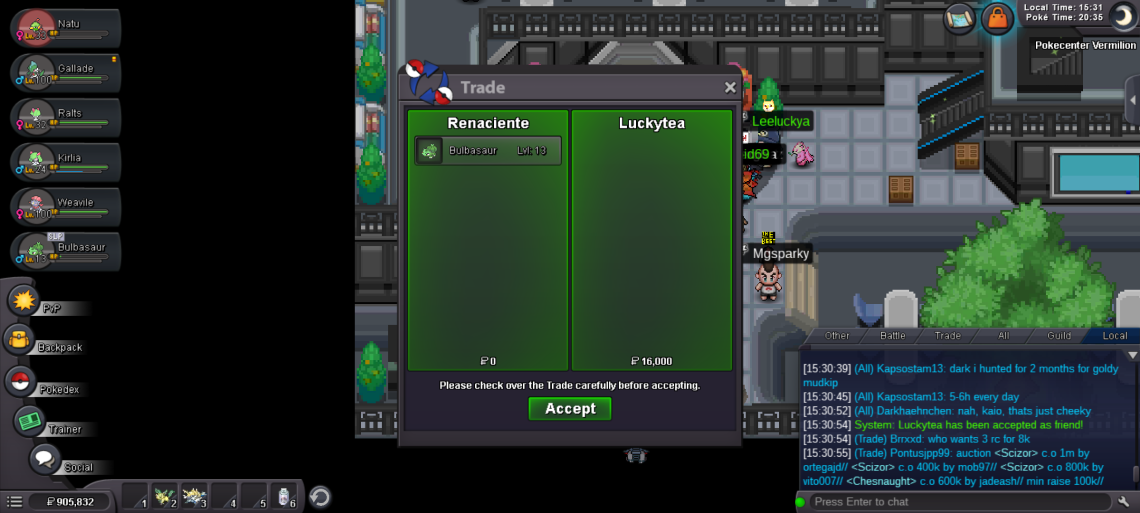
Up for @Renaciente, thanks for the trade
-
-
150k
-
-
Start
-
@Renaciente pm me here or ingame for our trade please

