New Trade Zone
Trade Zone is now live
Use the new Trade Zone for auctions and instant-price trades so Pokemon and item offers are easy to find.

Nightfurry
Registered User
-
Joined
-
Last visited
Everything posted by Nightfurry
-
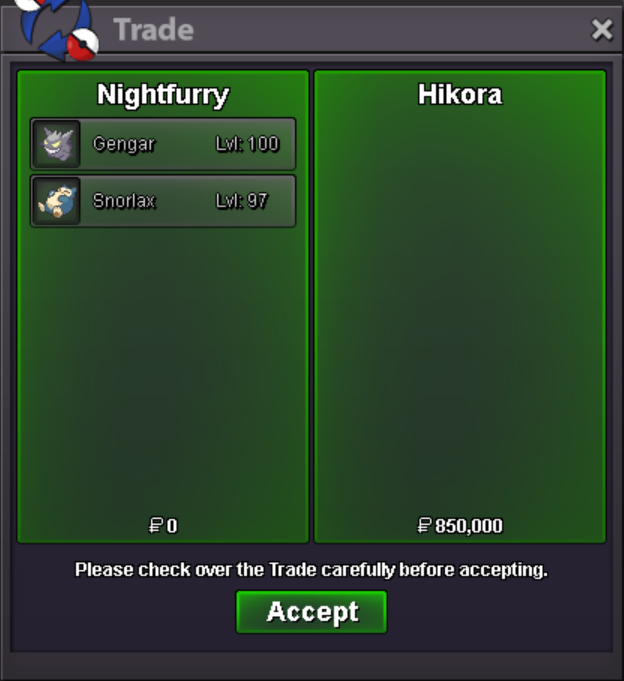
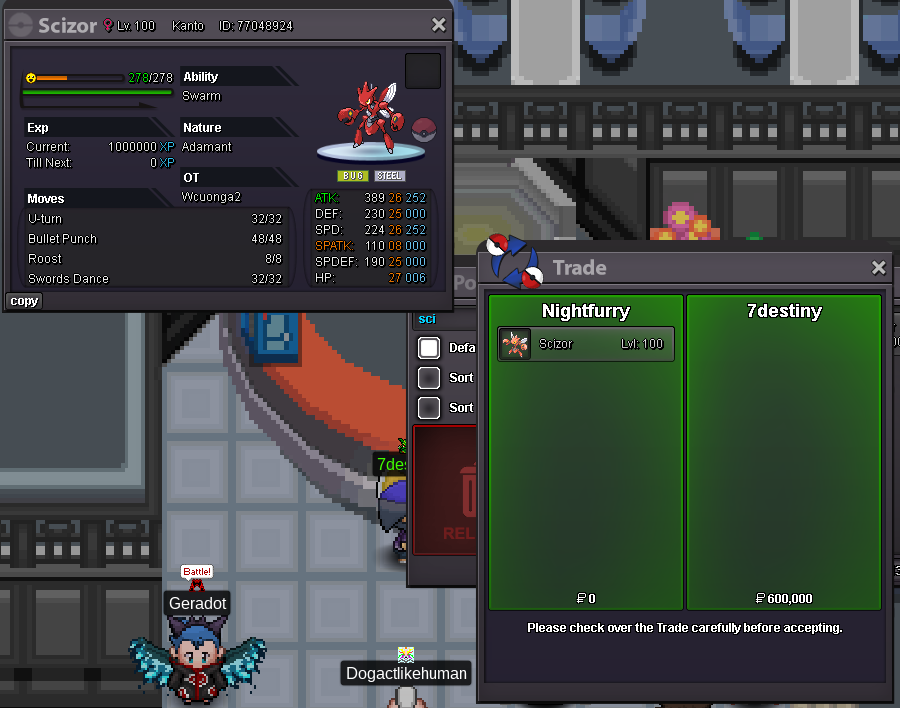
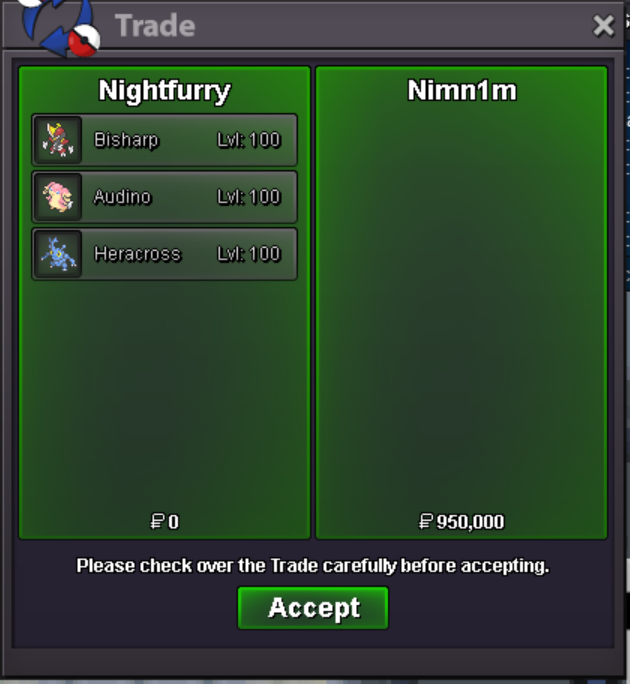
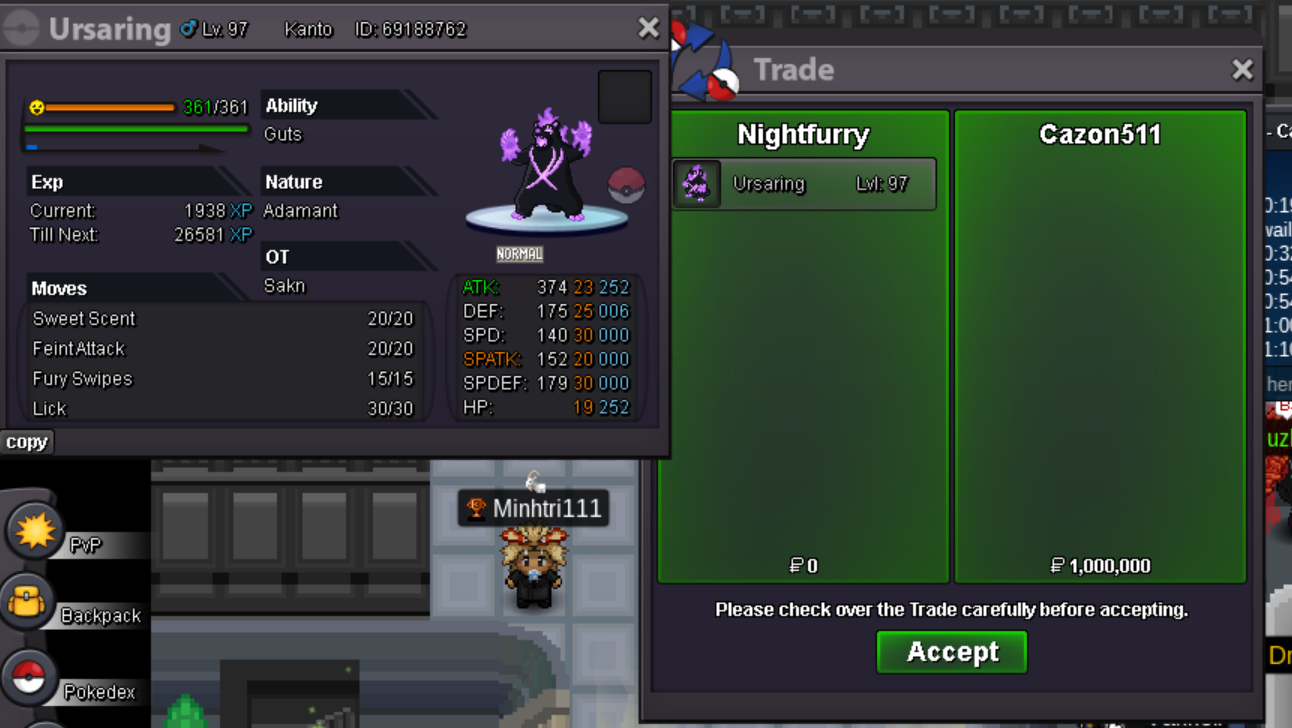
add discord me _tfranxi or pm me in game ign: nightfurrywtb these
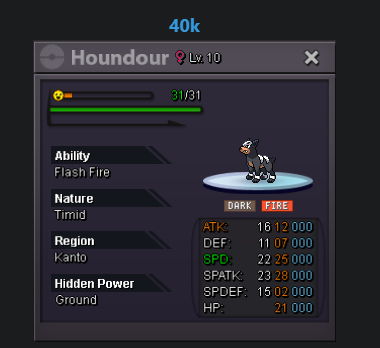
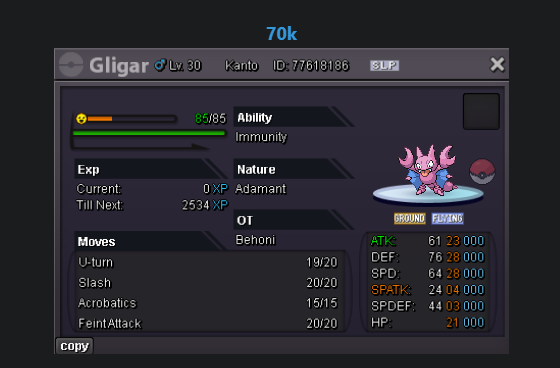
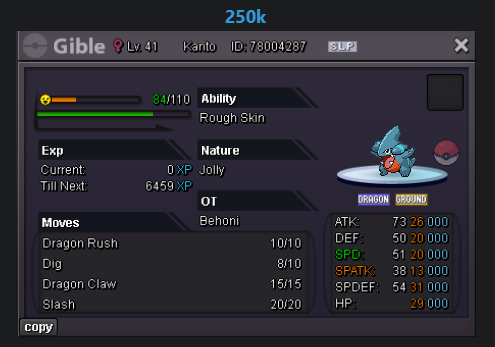
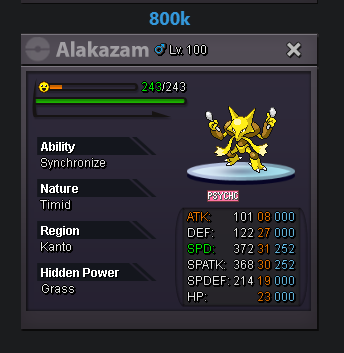 wtb this
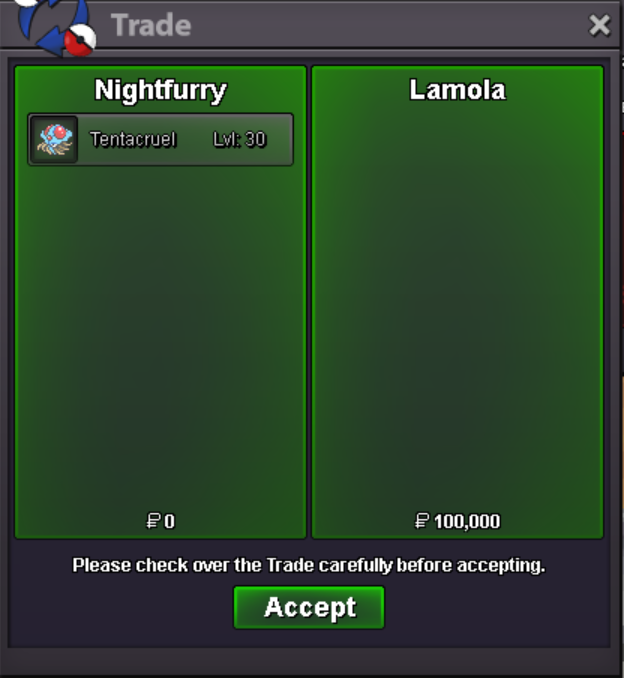
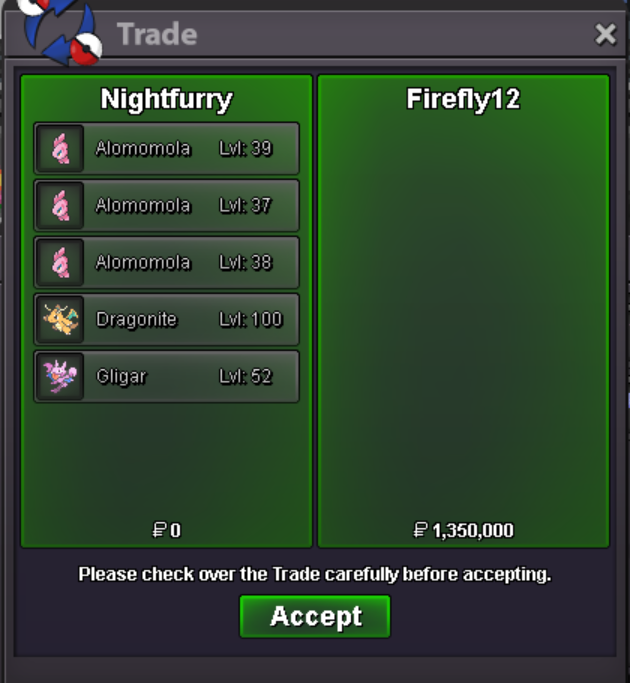
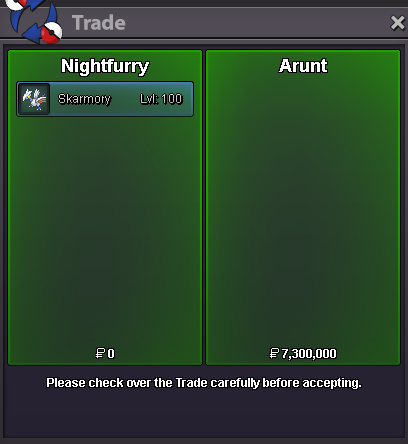
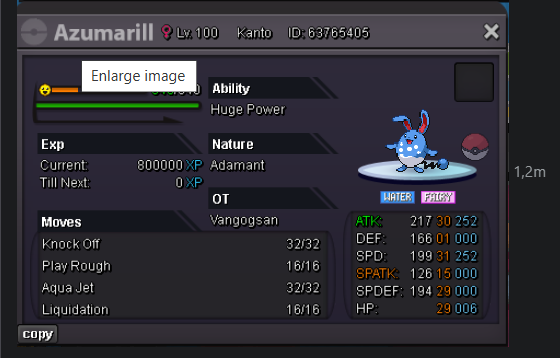 already online siralready online sirwelcome to my shopPokedollar Coin Capsule = 500k Reroll Ticket = 650k Nature Reroll Ticket = 275k Rare Candy = 5k IGN = Nightfurry Discord = _tfranxi List Pokemon A B C D E F G H I J K L M N O P Q R S T U V W X Y Z ....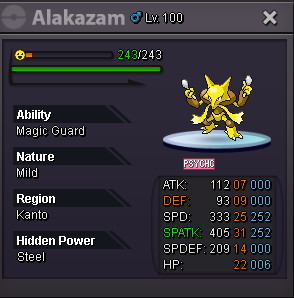
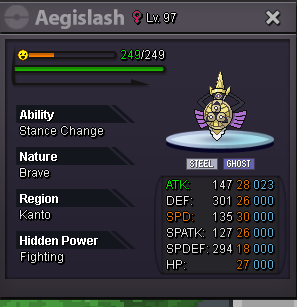
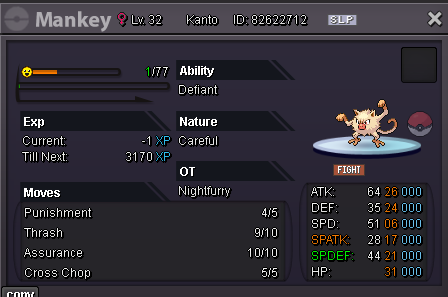
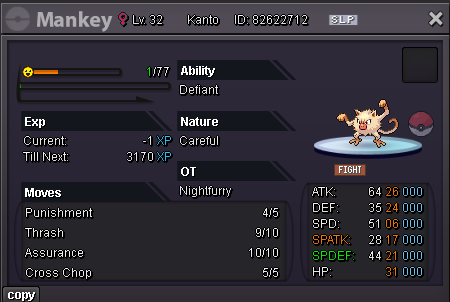
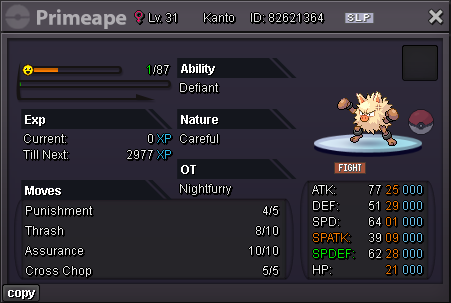
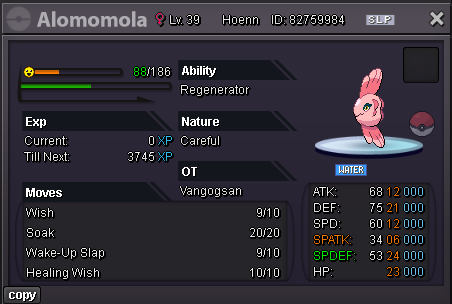
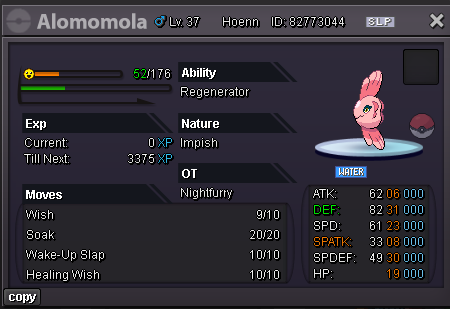
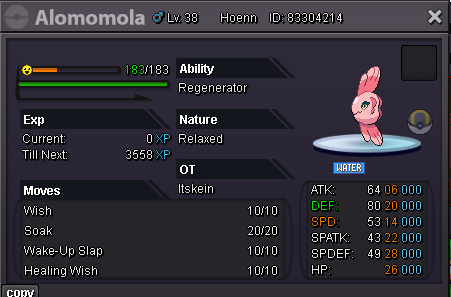
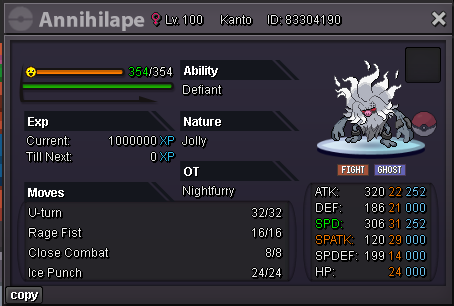
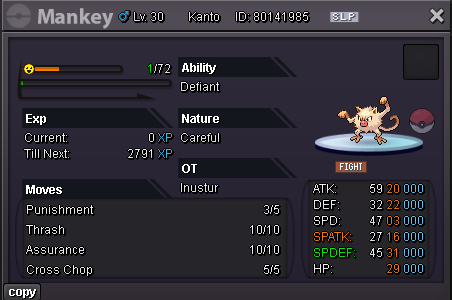
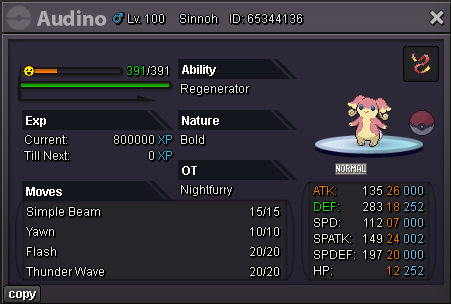
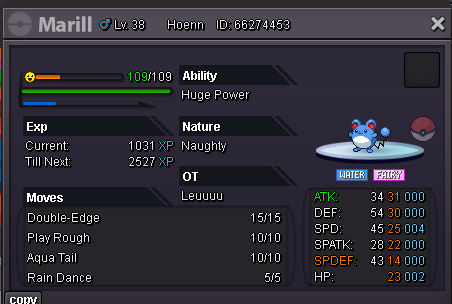
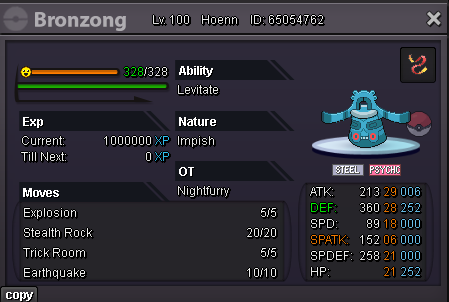
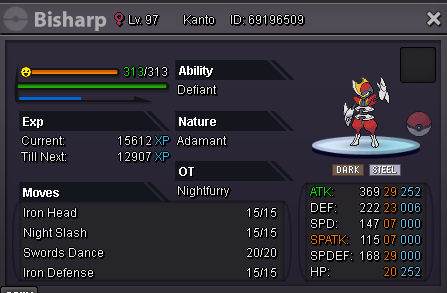
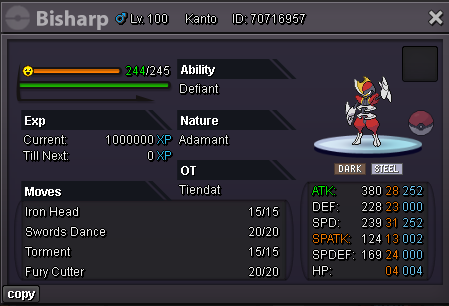
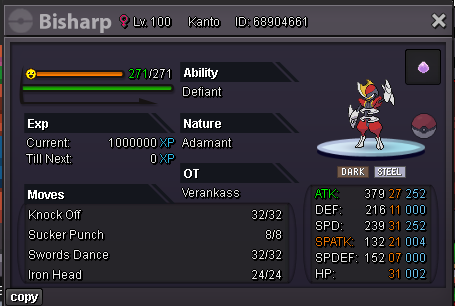
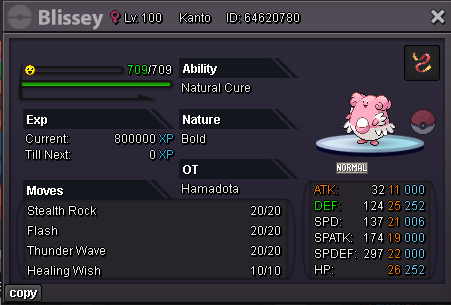
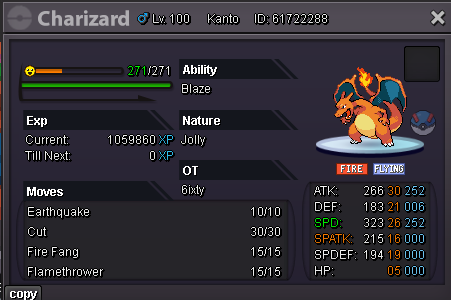
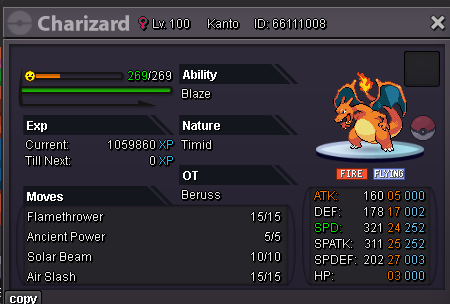
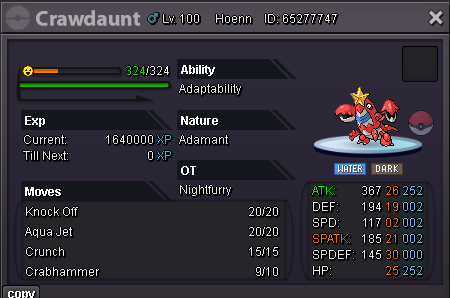
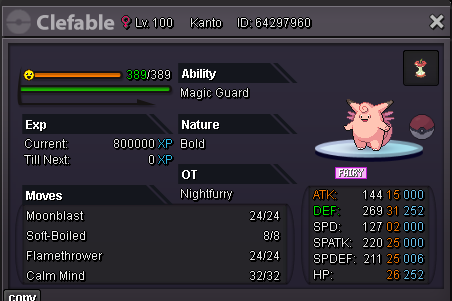
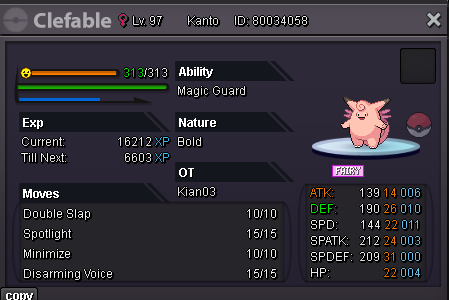
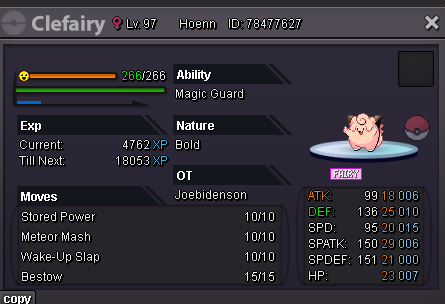
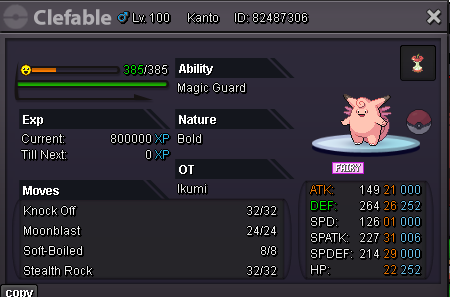
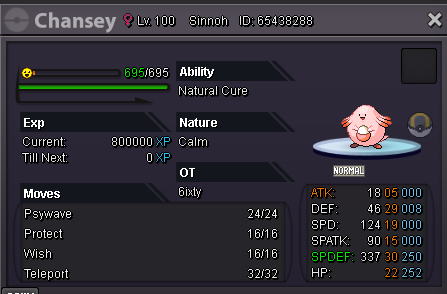
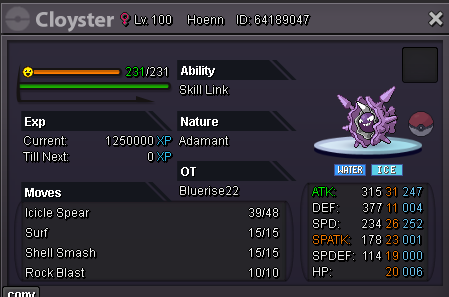
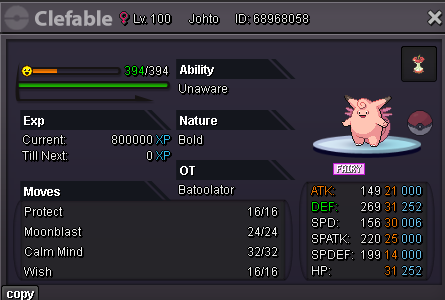
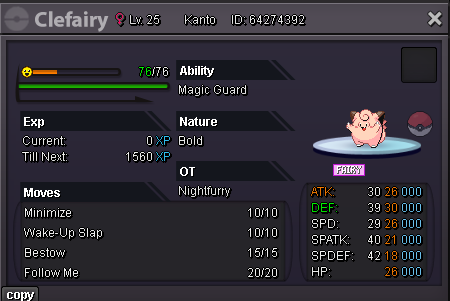
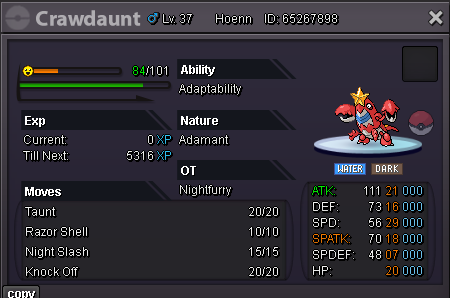
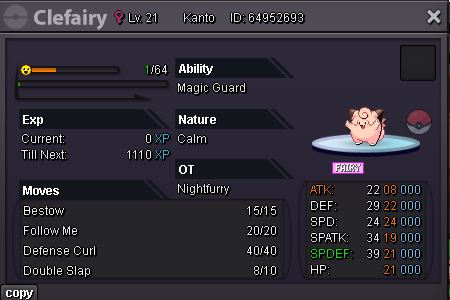
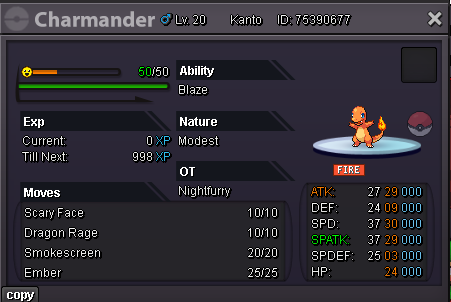
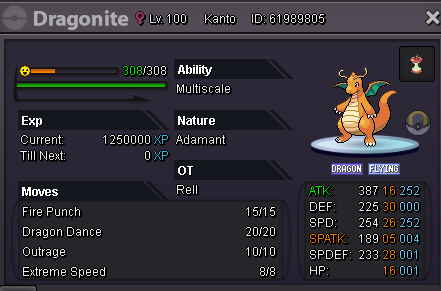
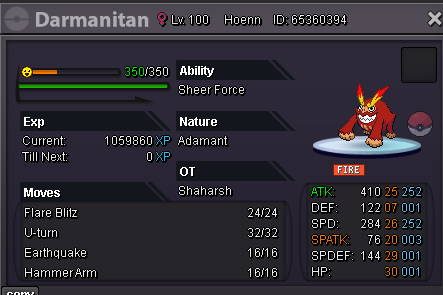
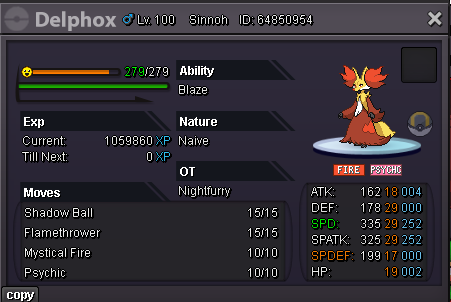
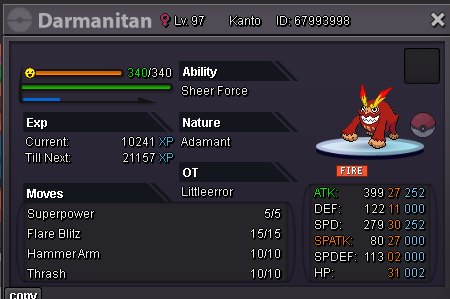
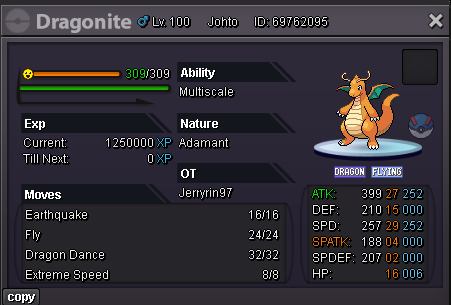
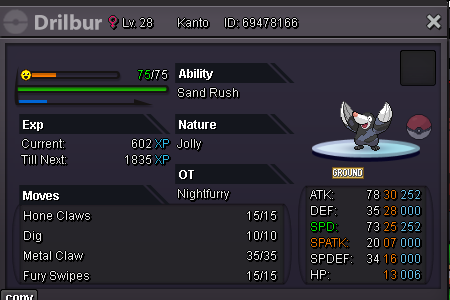
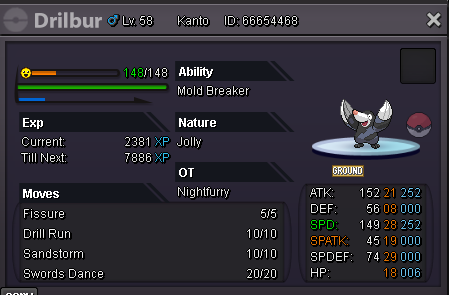
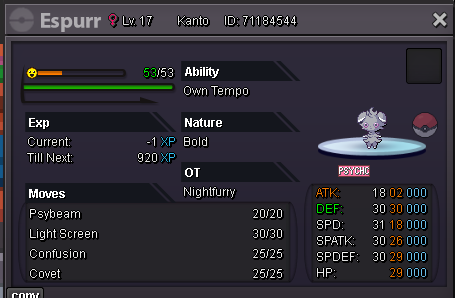
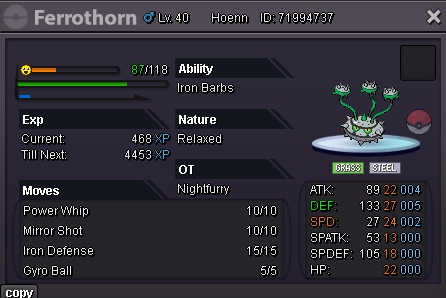
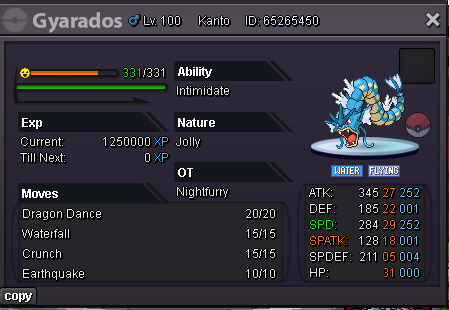
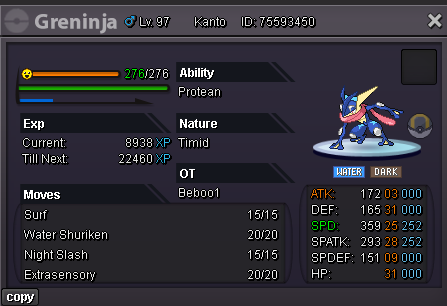
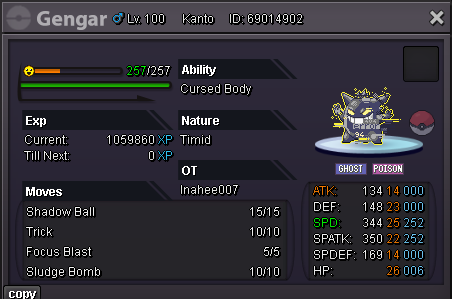
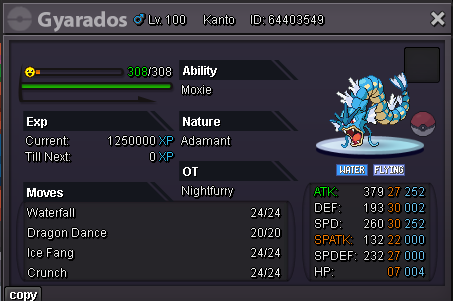
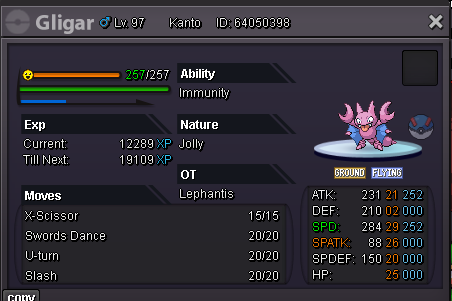
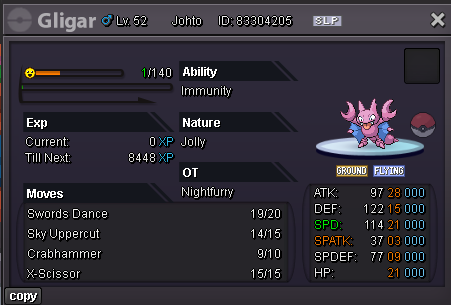
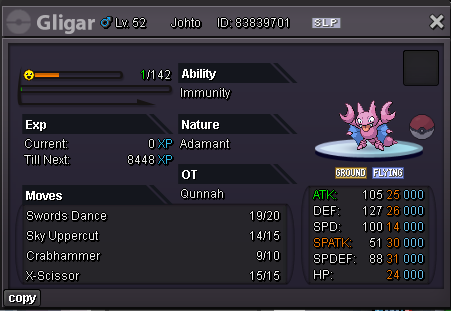
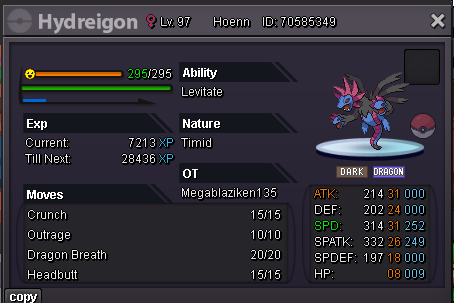
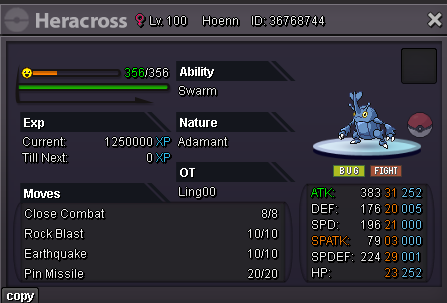
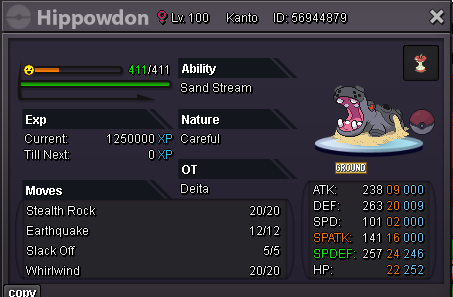
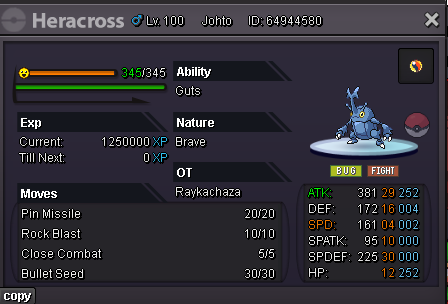
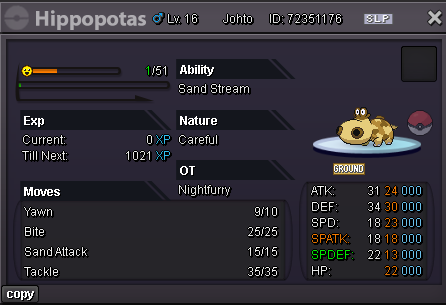
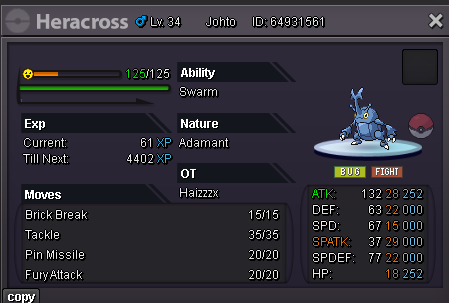
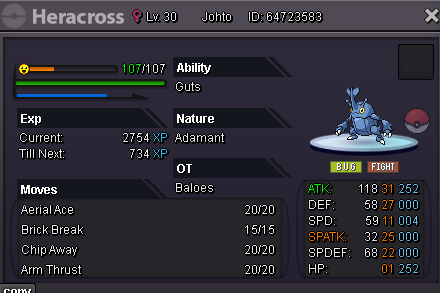
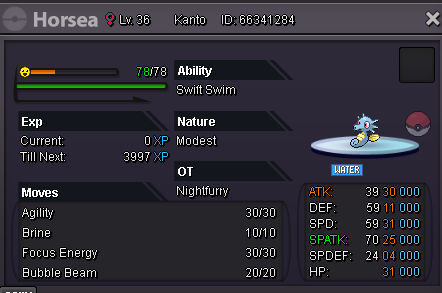
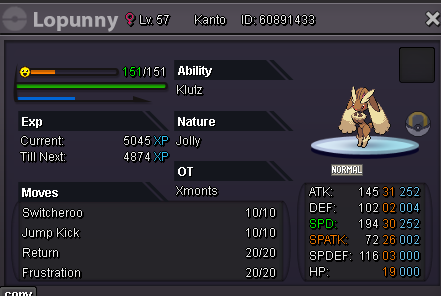
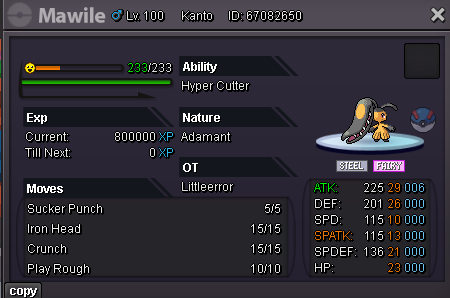
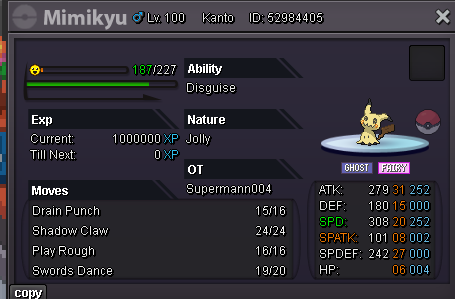
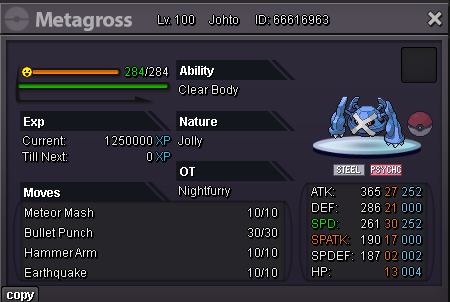
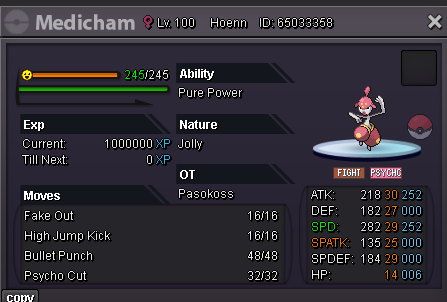
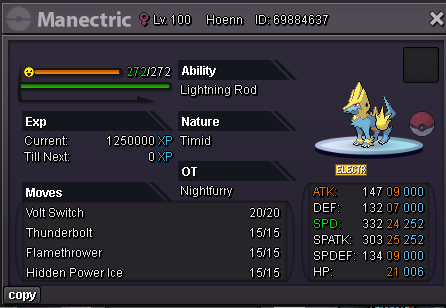
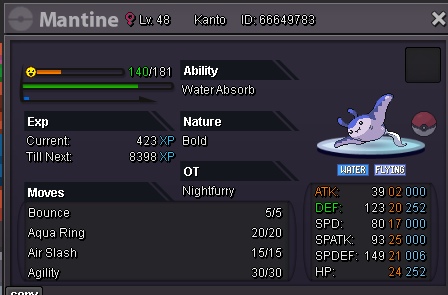
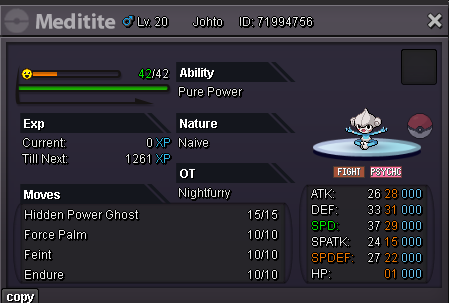
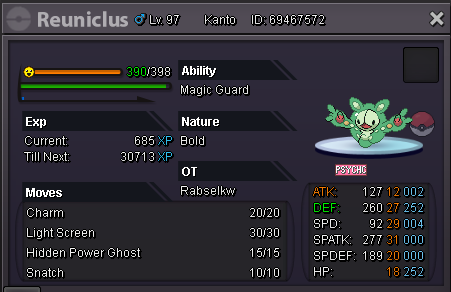
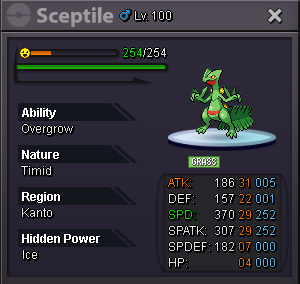
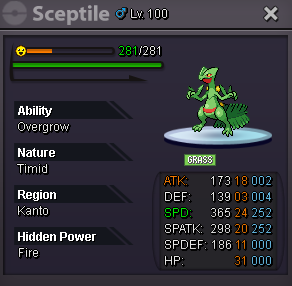
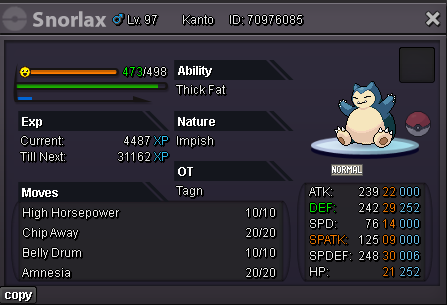
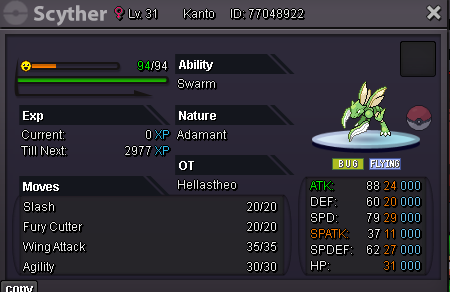
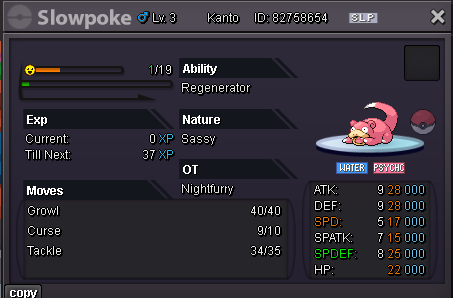
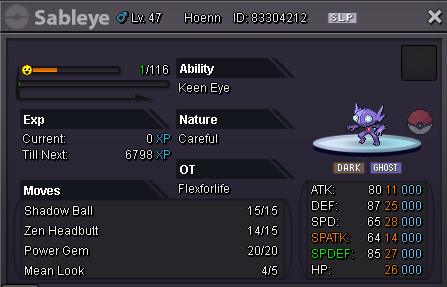
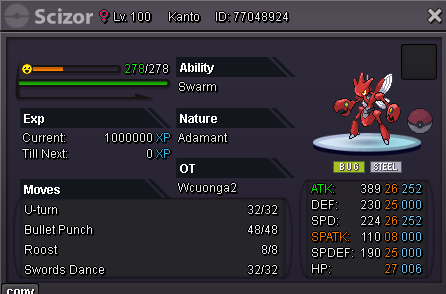
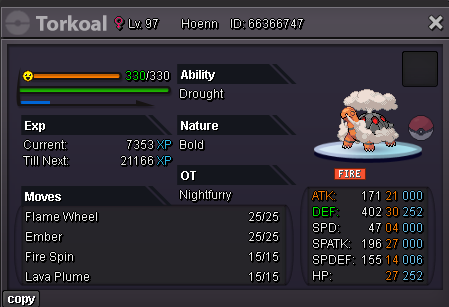
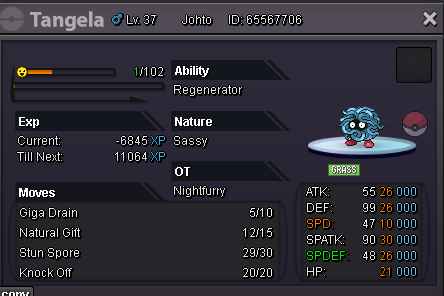
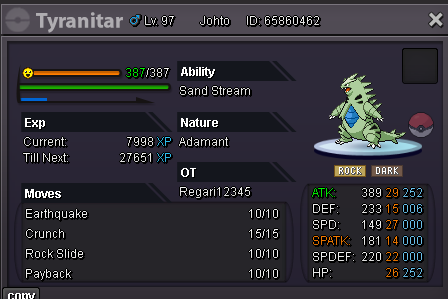
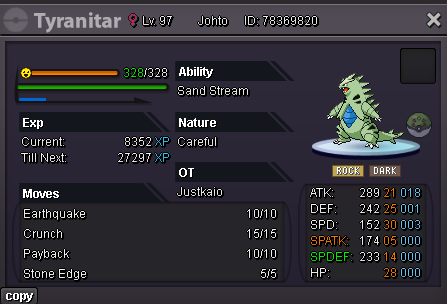
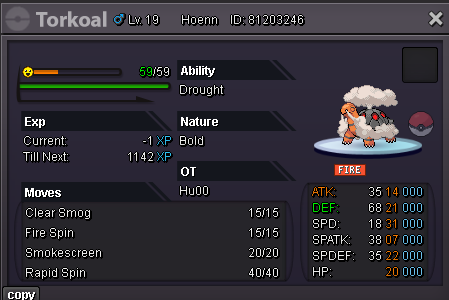
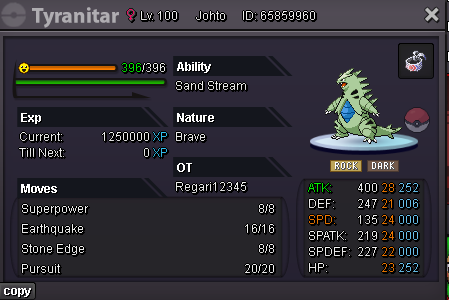
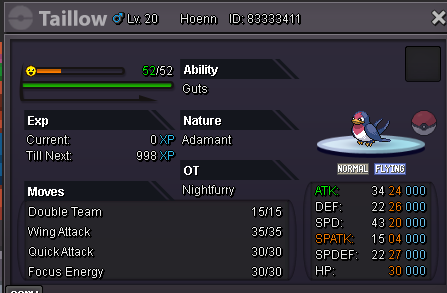
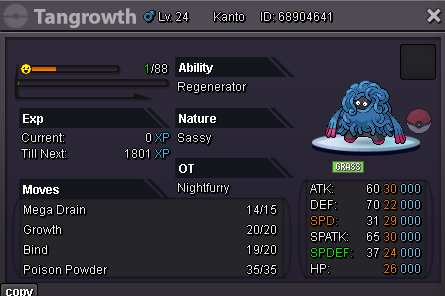
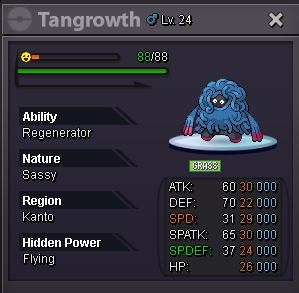
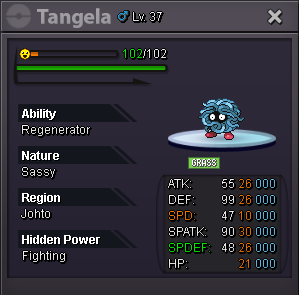
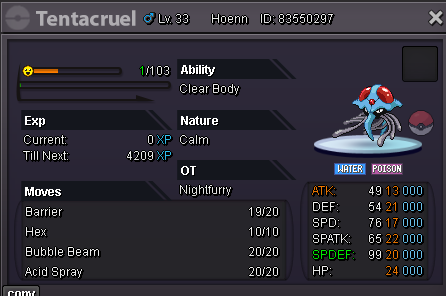
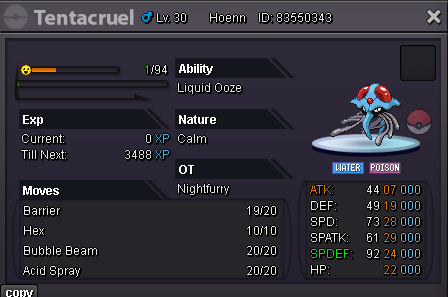
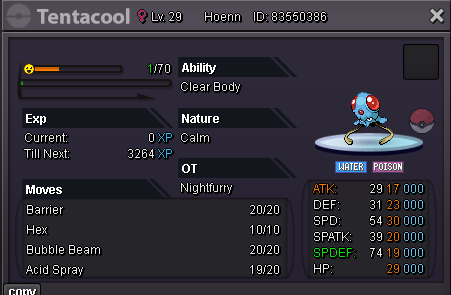
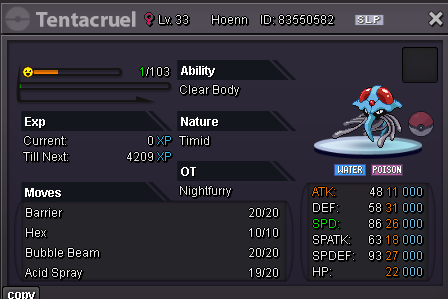
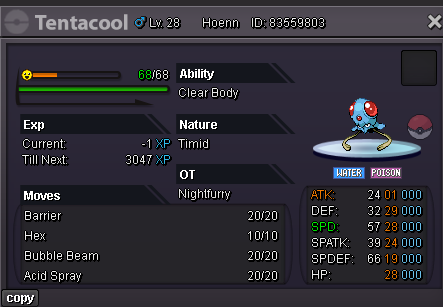
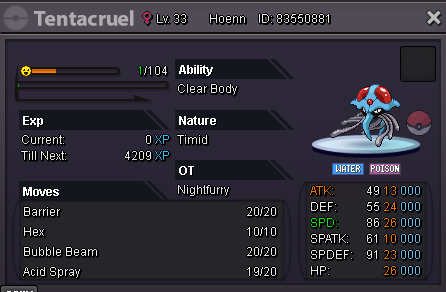
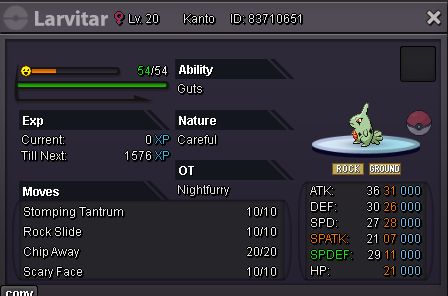
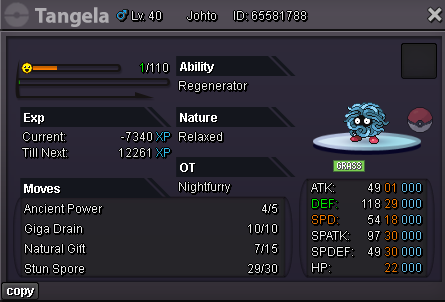
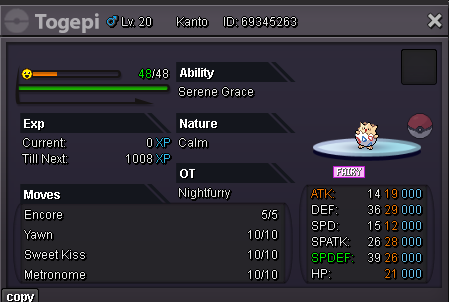
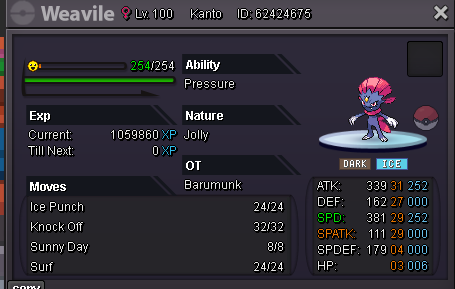
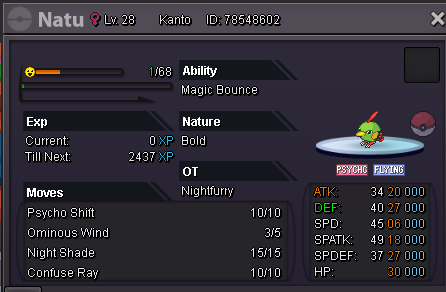
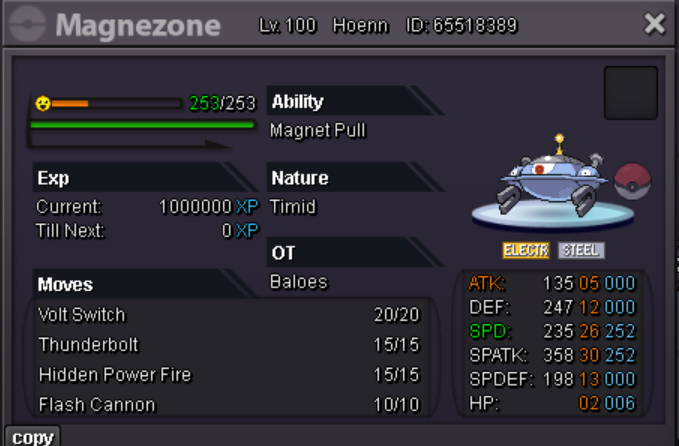
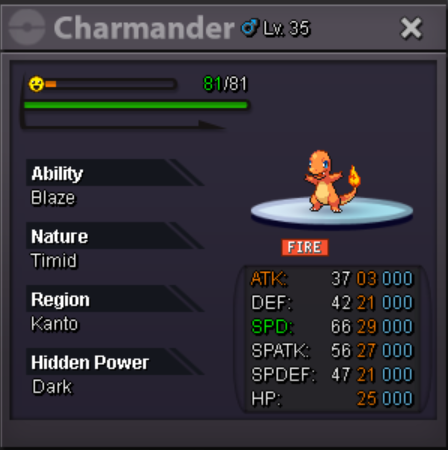
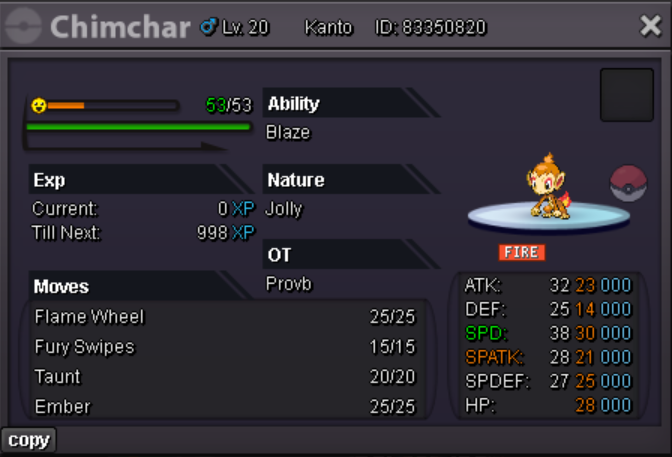
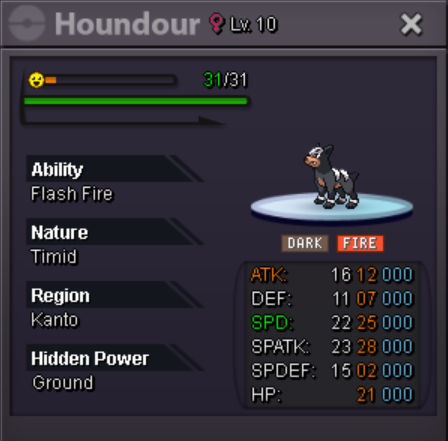
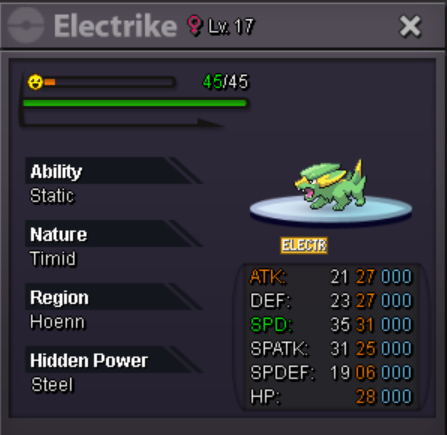
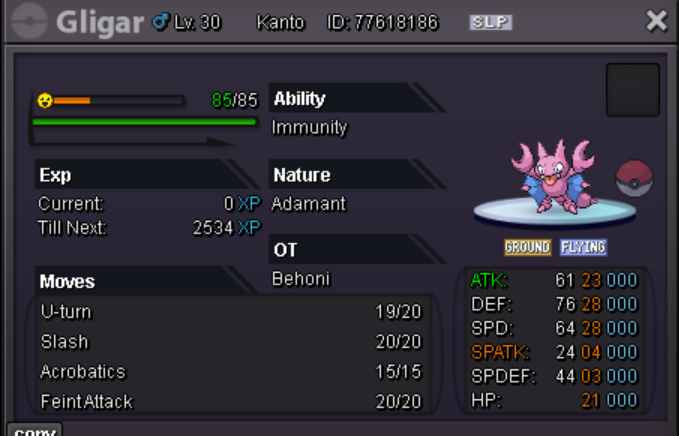
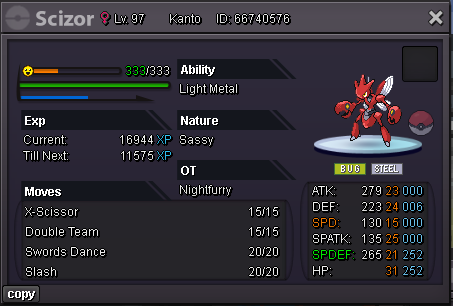
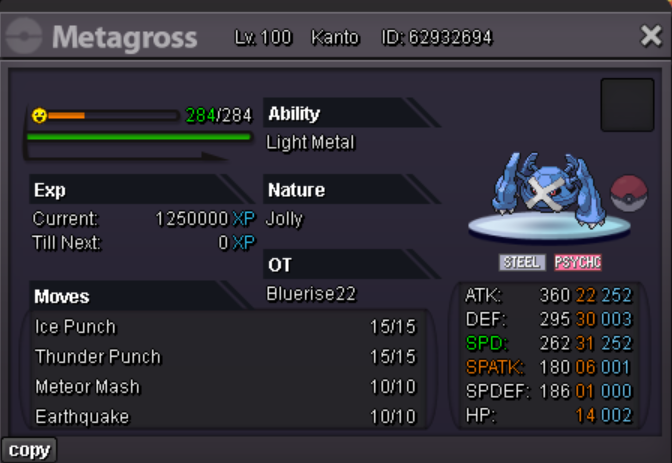
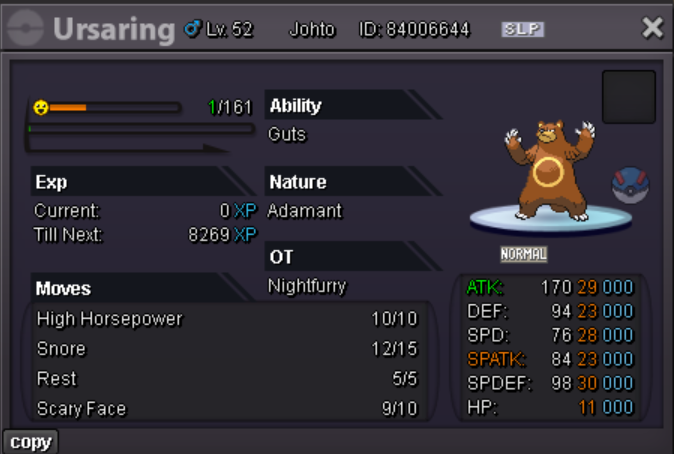
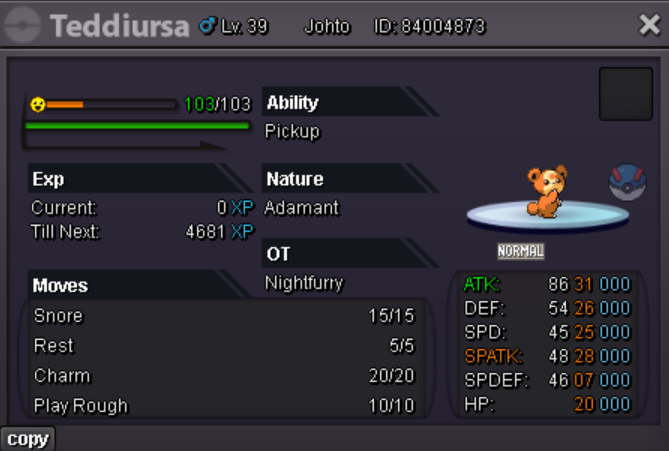
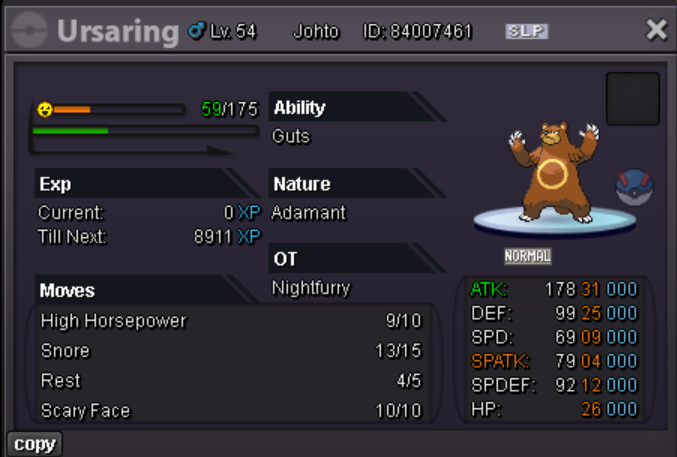
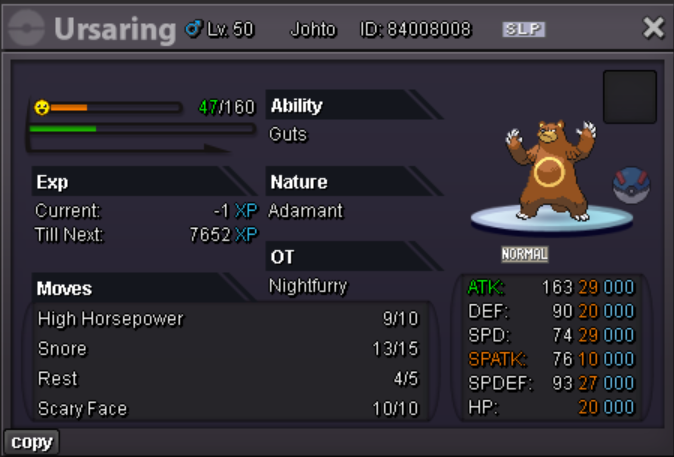
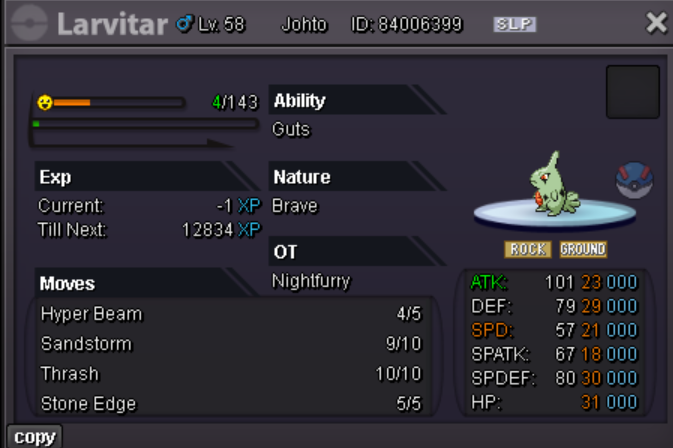 6.8 glis1m6 glisbump 4hr leftStart offer: 1m Min bid: 100k Duration: 72hrs after 1st bid Accept: +CC: 480k +IVs rr: 700k +Cash 15mins rule is accepted.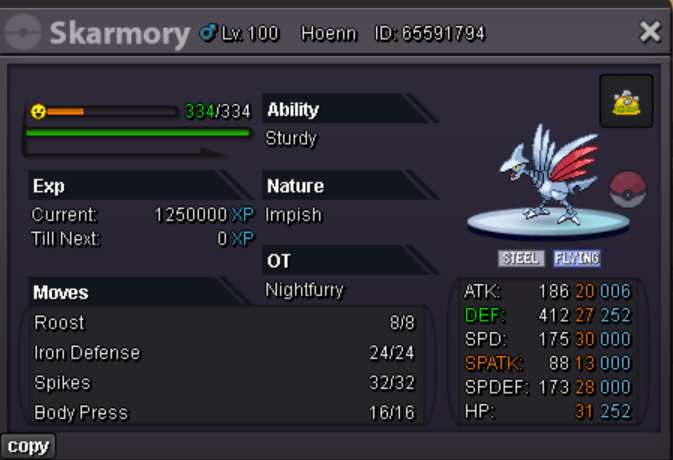
Account
Navigation
Search
Configure browser push notifications
Chrome (Android)
- Tap the lock icon next to the address bar.
- Tap Permissions → Notifications.
- Adjust your preference.
Chrome (Desktop)
- Click the padlock icon in the address bar.
- Select Site settings.
- Find Notifications and adjust your preference.
Safari (iOS 16.4+)
- Ensure the site is installed via Add to Home Screen.
- Open Settings App → Notifications.
- Find your app name and adjust your preference.
Safari (macOS)
- Go to Safari → Preferences.
- Click the Websites tab.
- Select Notifications in the sidebar.
- Find this website and adjust your preference.
Edge (Android)
- Tap the lock icon next to the address bar.
- Tap Permissions.
- Find Notifications and adjust your preference.
Edge (Desktop)
- Click the padlock icon in the address bar.
- Click Permissions for this site.
- Find Notifications and adjust your preference.
Firefox (Android)
- Go to Settings → Site permissions.
- Tap Notifications.
- Find this site in the list and adjust your preference.
Firefox (Desktop)
- Open Firefox Settings.
- Search for Notifications.
- Find this site in the list and adjust your preference.