




New Trade Zone
Trade Zone is now live
Use the new Trade Zone for auctions and instant-price trades so Pokemon and item offers are easy to find.
.jpg.eaaac264707ad781dc781d2186d19ecc.jpg)

Ash14122003
Registered User
-
Joined
-
Last visited
Everything posted by Ash14122003
-
Yeda (silver server)
-
Apocalypse stands as the pinnacle of excellence in PRO. "where legends are made, battles are mastered, and loyalty runs deeper than any storyline" 🔥
-
Hii , u can join our guild emperor. @Tgbnamishif u interested u can invite him.
-
-
@Ruhmcan u help?
-
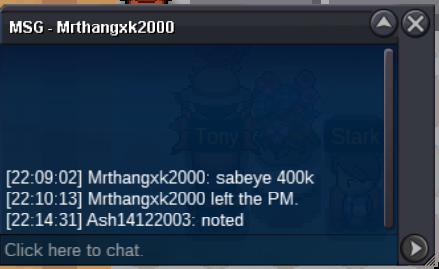
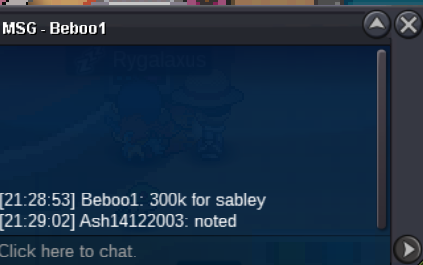
I bidded on 14:39:38 as per time in provided screenshot from @Teefamiliaand someone bid on 14:55:36 as per provided screenshot from @Teefamilia.
-
Any moderator can u check the time ? I won or not? Like someone bid on 15 min. I am still gonna bid but If I won let it clear here.
-
550k
-
510k
-
480k
-
460k
-
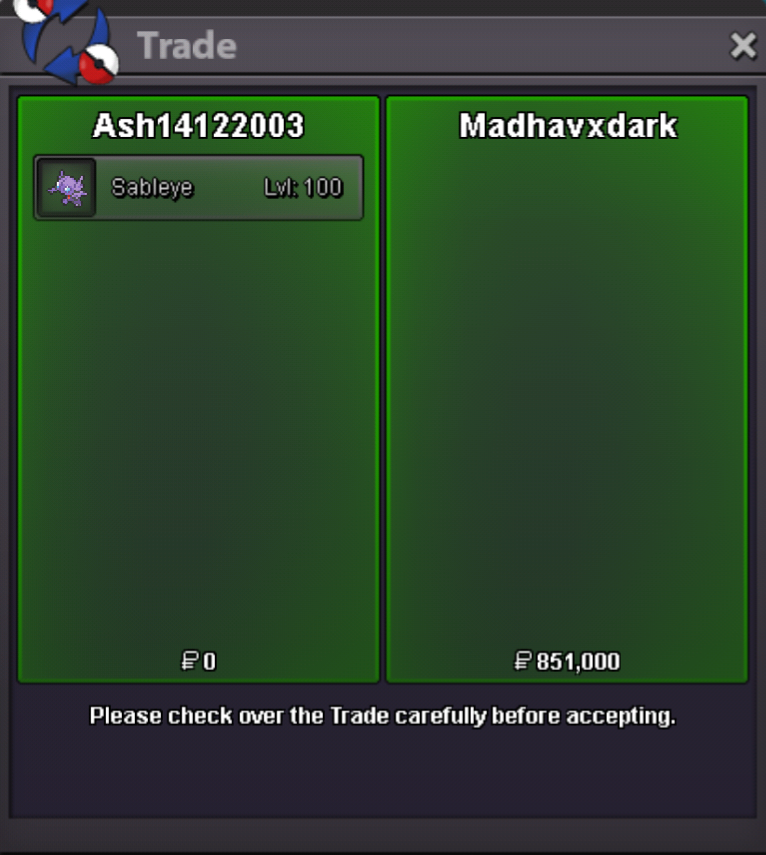
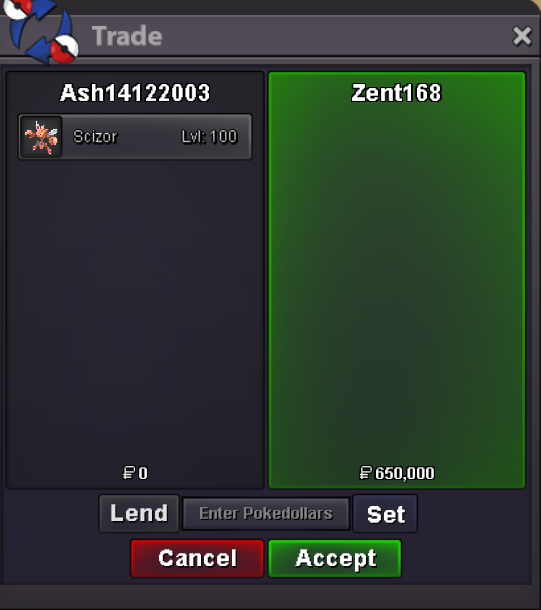
Trade completed
-
auction won by @Madhavxdark u can contact me in-game or discord #blackyedaop
-
last hour
-
update
-
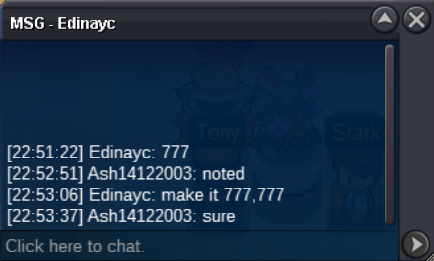
bump 6 hr left1.6mStartStart 10k Min bid 50k Auction end 24hr after first bid no insta Payment way: Pokedollers CC - 480k BMS - 240k Iv RR - 500K NATURE RR - 250K RARE CANDY - 5K EACH started on 2:55 am (GMT -4) Important Reminders: This is a Gold Server auction. If bidding from an alternative server, state that you will transfer upon winning. If you intend to purchase with an alt account, specify the account alongside your bid. If a bid is received in the final 15 minutes of the auction, the end point will be delayed by 15 minutes from that bid, and will be delayed by 15 minutes for each new bid thereafter, until the current offer has been held for a full 15 minutes.
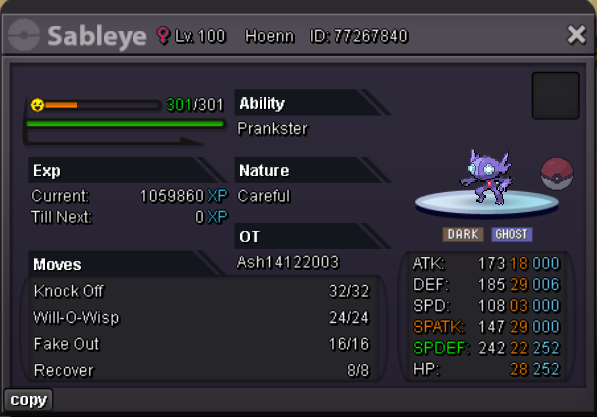 @Zent168 contact me in game as well as i have discord #blackyedaopAuction won by @Zent168


Account
Navigation
Search
Configure browser push notifications
Chrome (Android)
- Tap the lock icon next to the address bar.
- Tap Permissions → Notifications.
- Adjust your preference.
Chrome (Desktop)
- Click the padlock icon in the address bar.
- Select Site settings.
- Find Notifications and adjust your preference.
Safari (iOS 16.4+)
- Ensure the site is installed via Add to Home Screen.
- Open Settings App → Notifications.
- Find your app name and adjust your preference.
Safari (macOS)
- Go to Safari → Preferences.
- Click the Websites tab.
- Select Notifications in the sidebar.
- Find this website and adjust your preference.
Edge (Android)
- Tap the lock icon next to the address bar.
- Tap Permissions.
- Find Notifications and adjust your preference.
Edge (Desktop)
- Click the padlock icon in the address bar.
- Click Permissions for this site.
- Find Notifications and adjust your preference.
Firefox (Android)
- Go to Settings → Site permissions.
- Tap Notifications.
- Find this site in the list and adjust your preference.
Firefox (Desktop)
- Open Firefox Settings.
- Search for Notifications.
- Find this site in the list and adjust your preference.