Skip to content
View in the app

A better way to browse. Learn more.

Pokemon Revolution Online

A full-screen app on your home screen with push notifications, badges and more.

To install this app on iOS and iPadOS
  1. Tap the Share icon in Safari
  2. Scroll the menu and tap Add to Home Screen.
  3. Tap Add in the top-right corner.
To install this app on Android
  1. Tap the 3-dot menu (⋮) in the top-right corner of the browser.
  2. Tap Add to Home screen or Install app.
  3. Confirm by tapping Install.
New Trade Zone
Trade Zone is now live
Use the new Trade Zone for auctions and instant-price trades so Pokemon and item offers are easy to find.
Open Trade Zone

Tjdj

Registered User
  • Joined

  • Last visited

Everything posted by Tjdj

  1. Tjdj replied to Desumi's topic in Playground
    3615 💨
  2. Tjdj replied to Desumi's topic in Playground
    3604 go go go
  3. Tjdj replied to Desumi's topic in Playground
    3594
  4. Tjdj replied to Desumi's topic in Playground
    3590
  5. Tjdj replied to Desumi's topic in Playground
    3588
  6. Tjdj replied to Desumi's topic in Playground
    3521
  7. Tjdj replied to Desumi's topic in Playground
    3519
  8. Basculegion
  9. EDIT:- Turns out i missed the only npc that started the quest and i thought the unexpected error caused it I am so sorry for wasting the time and for false complaint 🥺
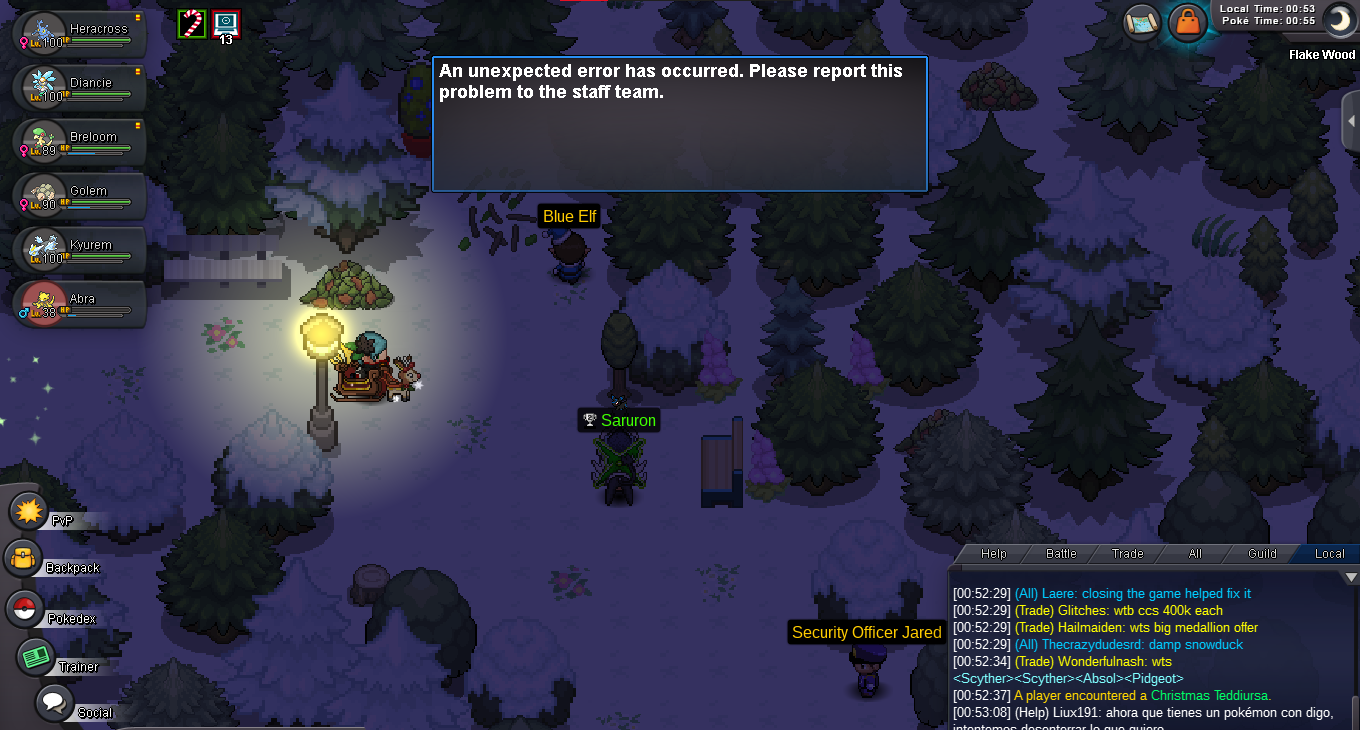
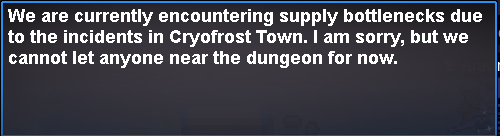
  10. Hey! I wanted to do the new xmas dungeon. but when i tried entering it the guard said this When i was going to cryofrost town a message popped up saying When i reached cryfrost city everything was normal and no quest started I hope it gets fixed soon Thank you in advance ign:- TjDj server :- Gold
  11. Tjdj replied to Desumi's topic in Playground
    3361
  12. Tjdj replied to Desumi's topic in Playground
    3295
  13. Tjdj replied to Desumi's topic in Playground
    3262
  14. S.O: - 300k Min BID:- 10K C.O: - Time Left:- Auction ends 48hrs after 1st bid Ign:-TjDj
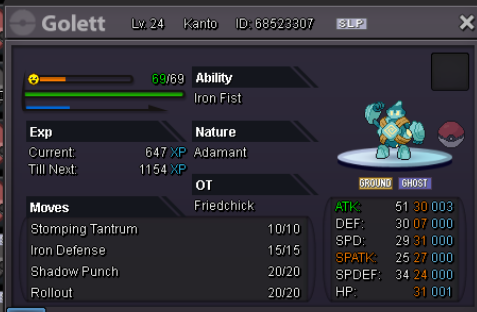
  15. yes sir u won CONGRATZ!

Account

Navigation

Search

Search

Configure browser push notifications

Chrome (Android)
  1. Tap the lock icon next to the address bar.
  2. Tap Permissions → Notifications.
  3. Adjust your preference.
Chrome (Desktop)
  1. Click the padlock icon in the address bar.
  2. Select Site settings.
  3. Find Notifications and adjust your preference.