




New Trade Zone
Trade Zone is now live
Use the new Trade Zone for auctions and instant-price trades so Pokemon and item offers are easy to find.

Schaar
Registered User
-
Joined
-
Last visited
Everything posted by Schaar
-
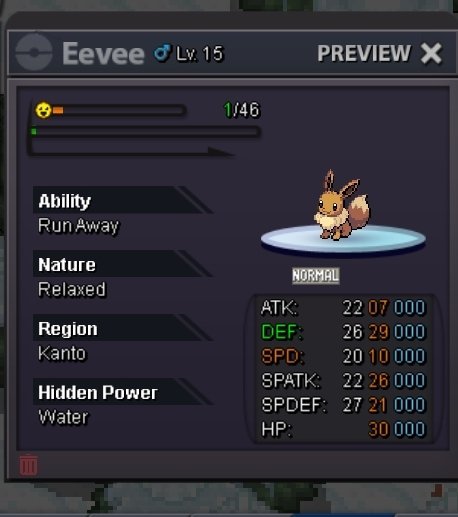
Start: 49k pokedollar Min. Bid: 1k pokedollar Dur.: 24hr after first bid Insta: N/A End: 10.20 pm (gmt+5.30)[13.12.23] Accepted payments: Pokedollars, IV reroll-499k, Cc-379k, Rc-not accepted
-
51k scyther 51k drilbur
-
69k
-
29k
-
-
-
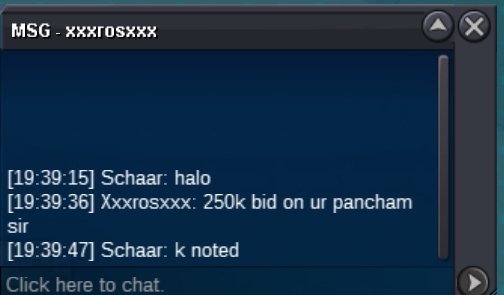
Start 2 9 pokedollar+139kStart^_^bump*Bzzt auction end winner-Xxxrosxx *Deducted 5k for inability to properly deliver mon
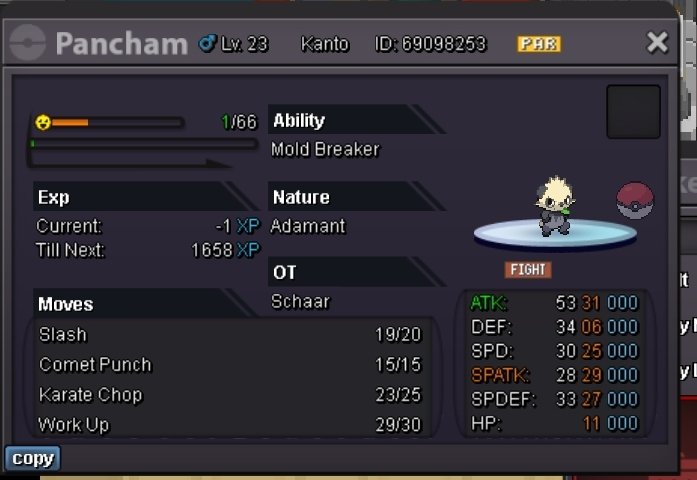
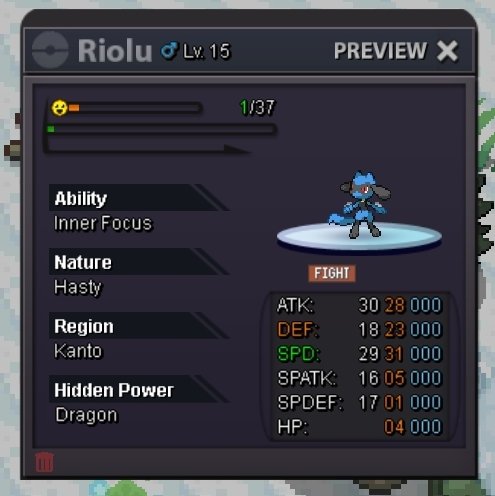
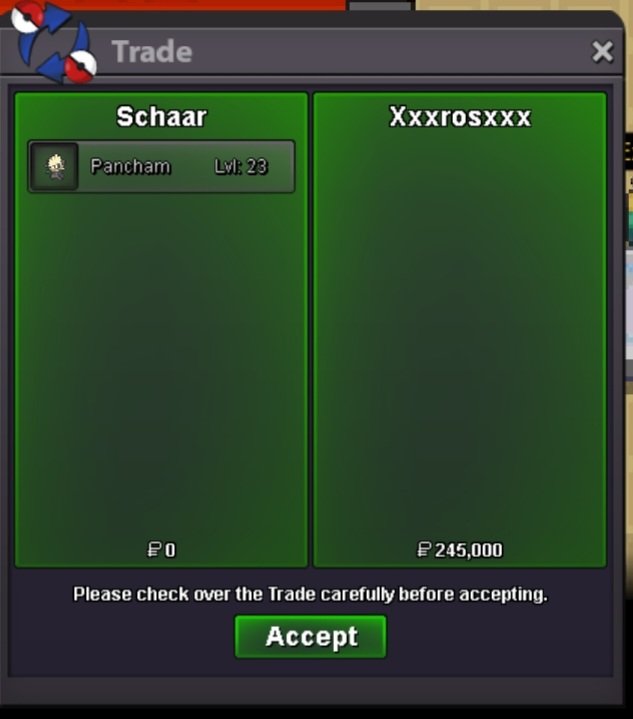 bump^_^21k69kStart: 149k pokedollar Min. Bid: 10k pokedollar Dur.: 24hr after first bid Insta: 1.98 m End: in 4 days if no bids Accepted payments: Pokedollars, IV reroll-499k, Cc-379k, Rc-not accepted, Choice scarf/specs-99k
 Halo Welcome to my Pokeshop. Here, u can buy untrained but decent budget friendly pokes. [Please follow shop rules] Rules to follow: 1. An offer once made can't be withdrawn. So, think before u speak. 2. All pokes under 49k in price are non-negotiable 3. All prices above 49k are negotiable 4. Pranks are not encouraged. Fake offers will be reported Accepted Payments: Pokedollars Rare candy- 6.9k Choice scarf/specs- 99k IV reroll- 519k Nature reroll- 279k C.C.- 379k 19k 49k 98k 149k 198k Custom: Trades are to be made in I) 5.00pm to 6.00pm (UTC+5.30) II) 10.00pm to 11.pm (UTC+5.30) Happy Trading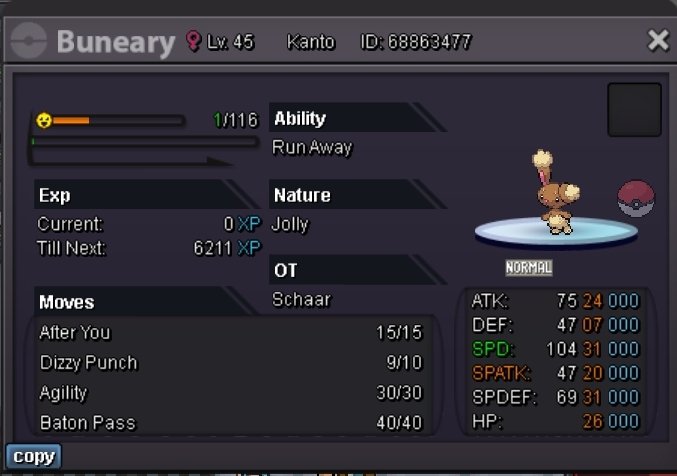
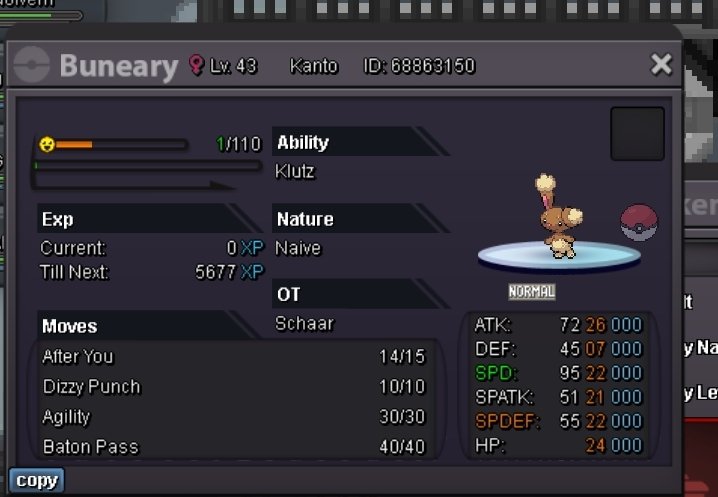
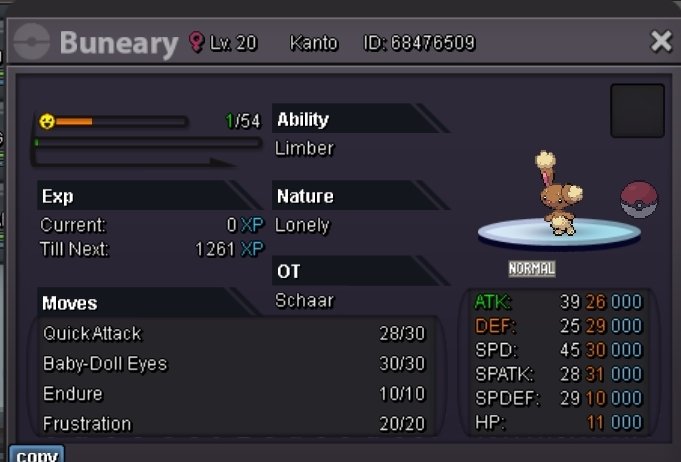
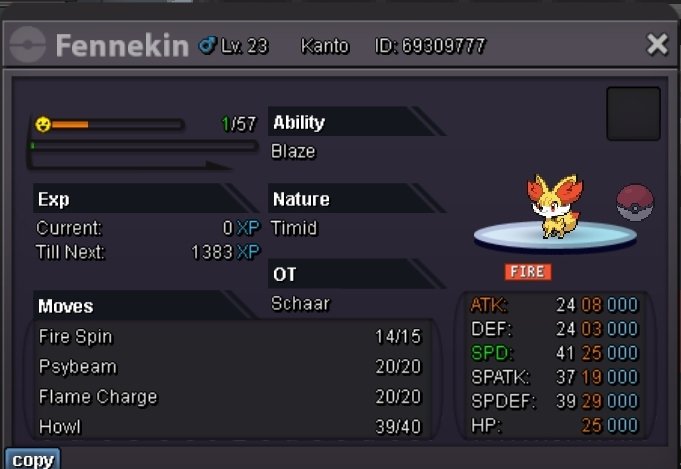
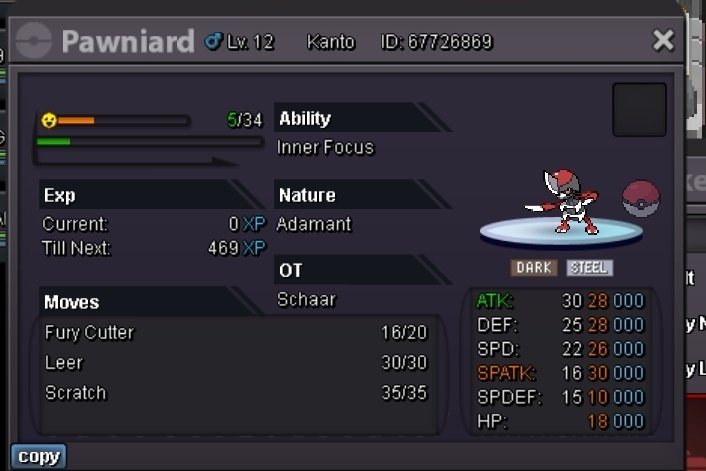
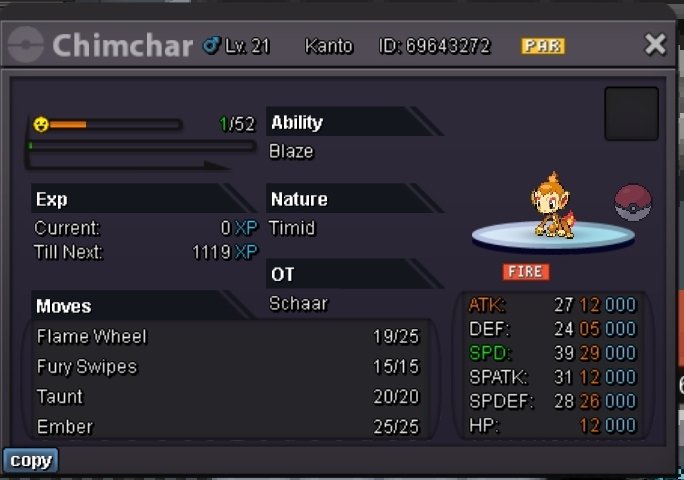
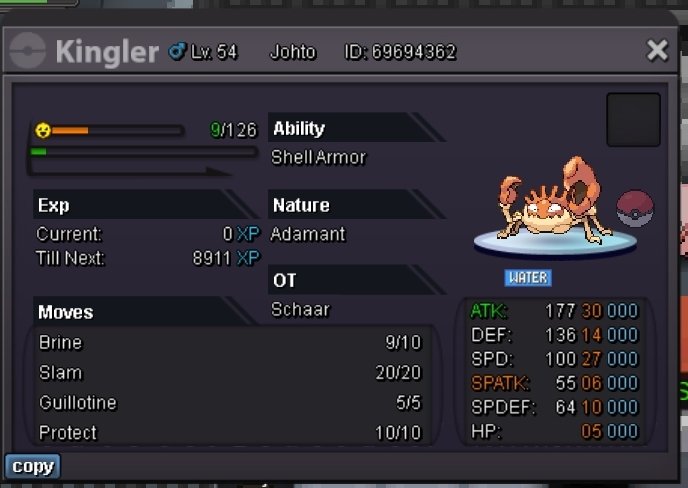
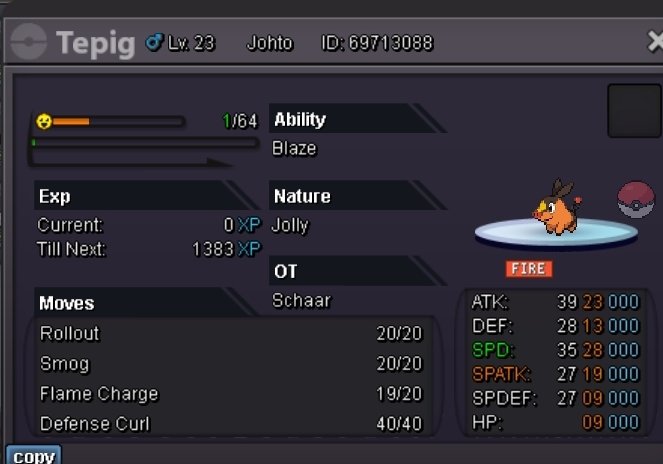
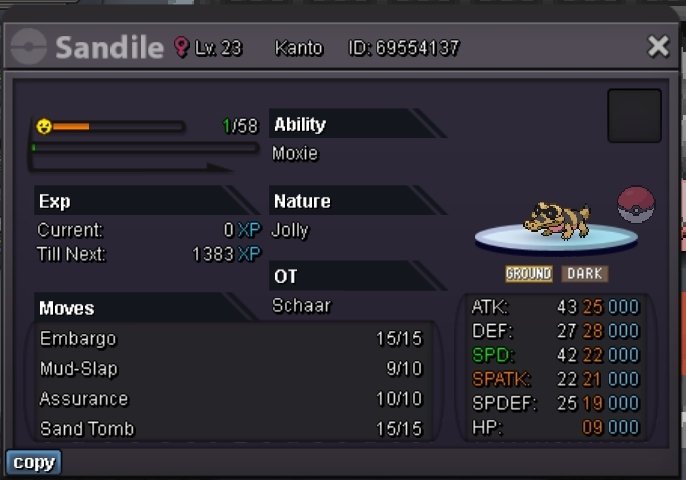
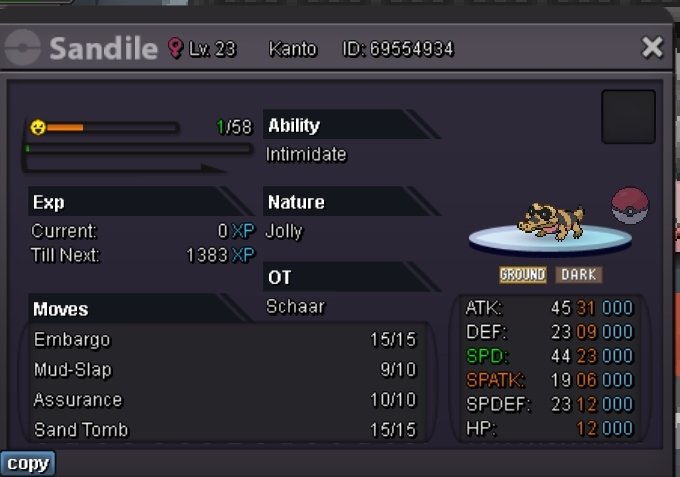
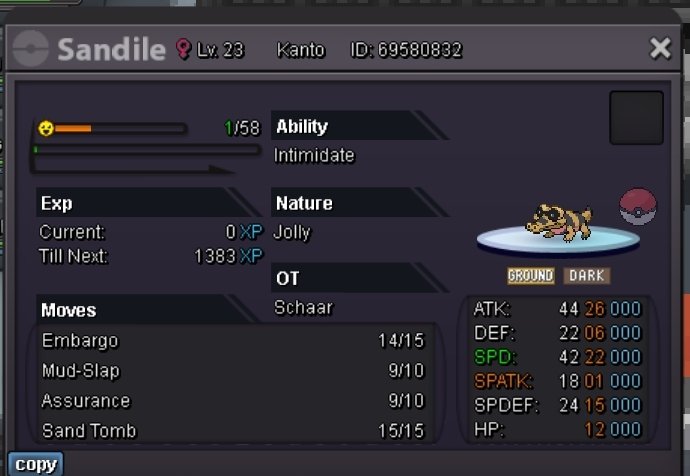

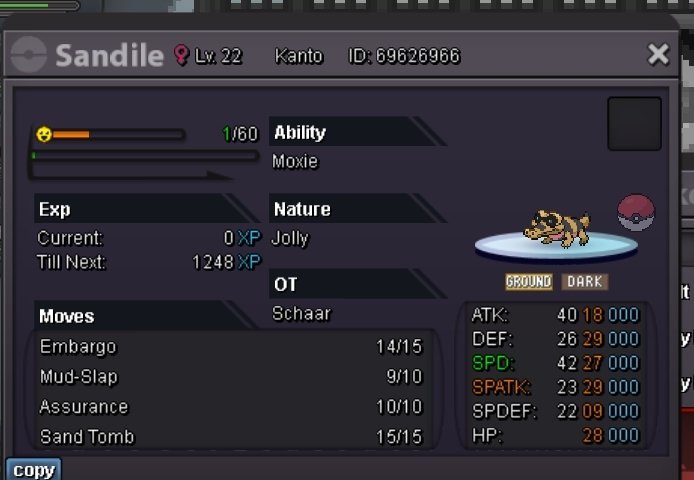

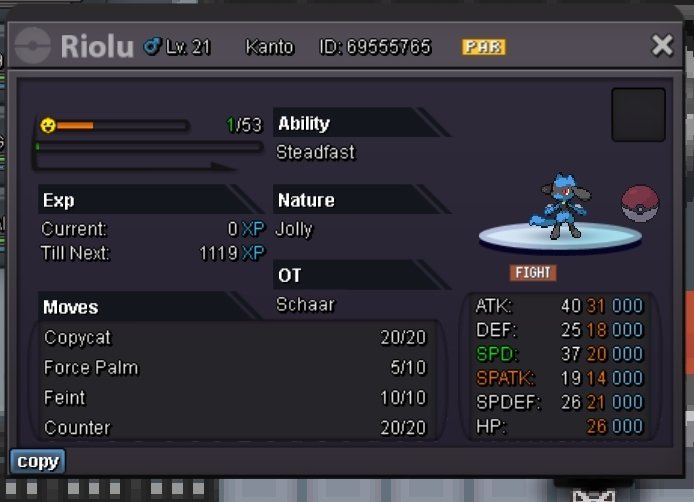
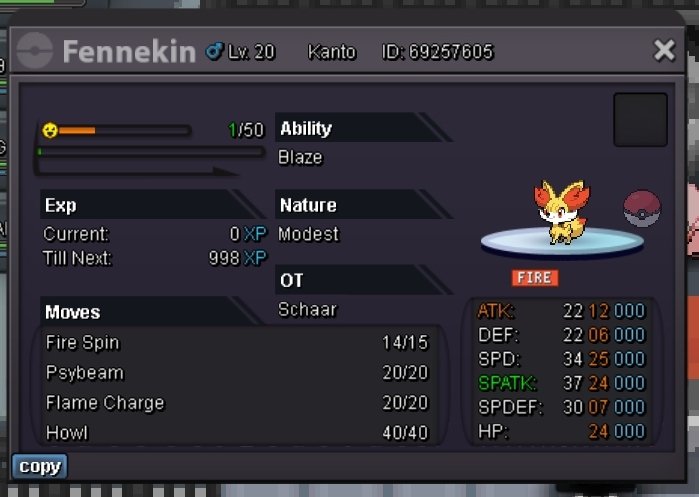
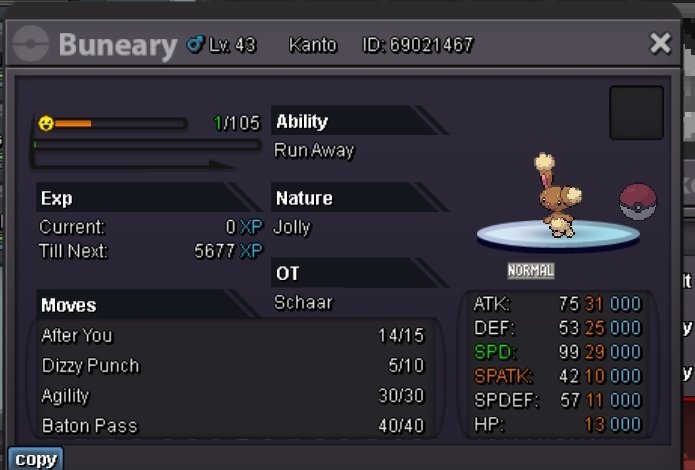
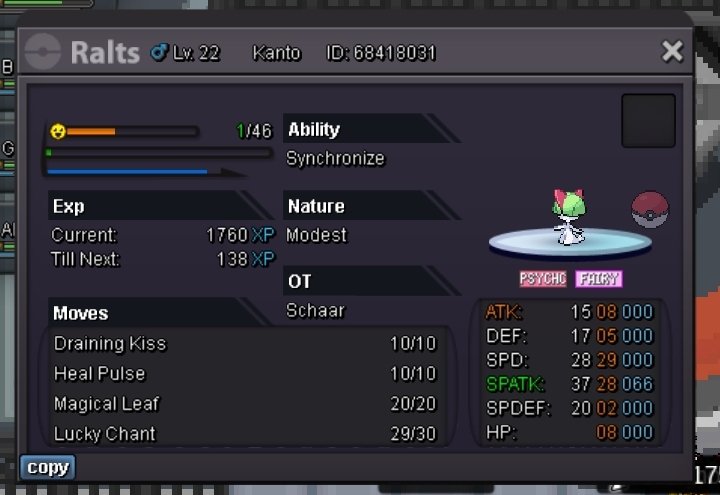
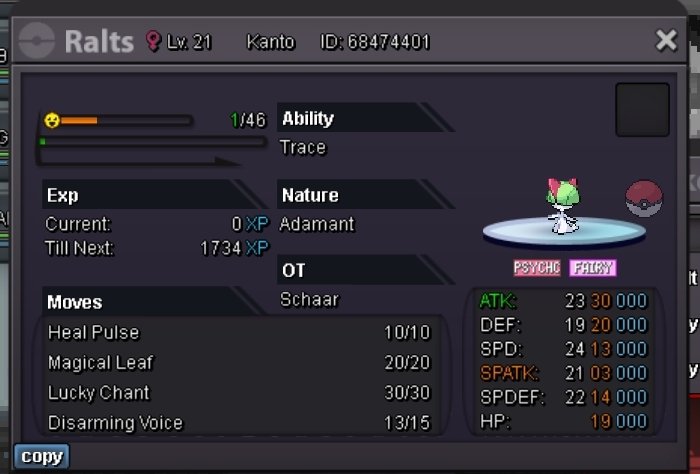
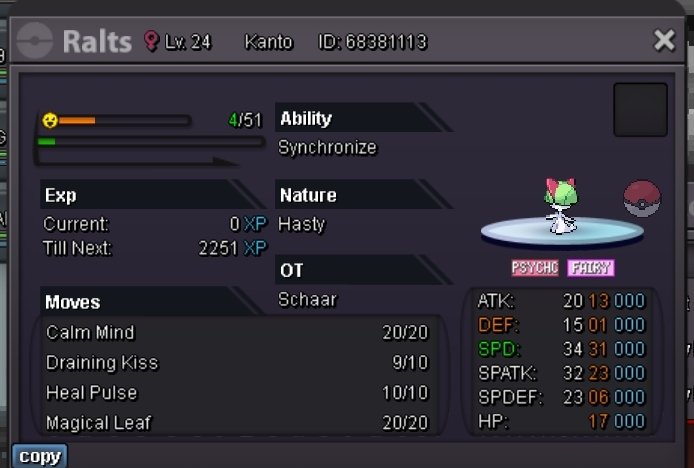
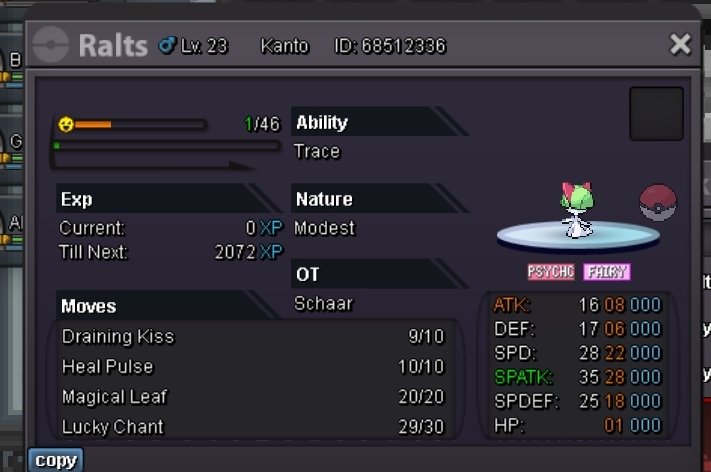
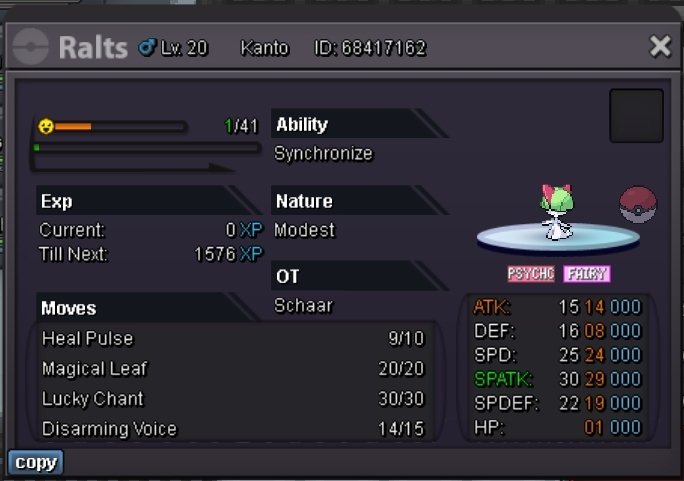
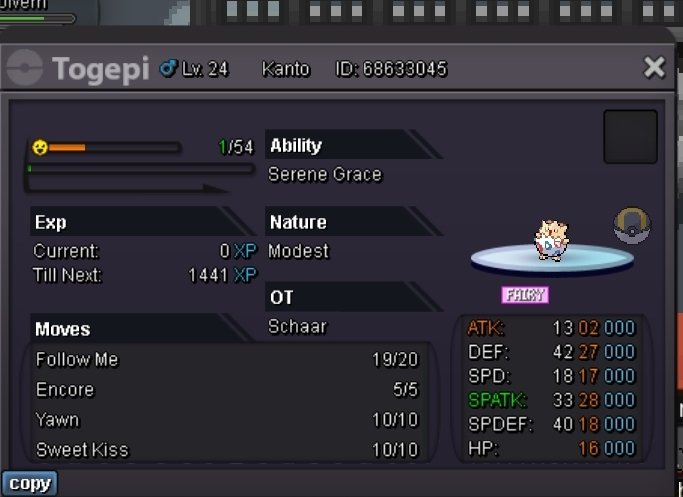
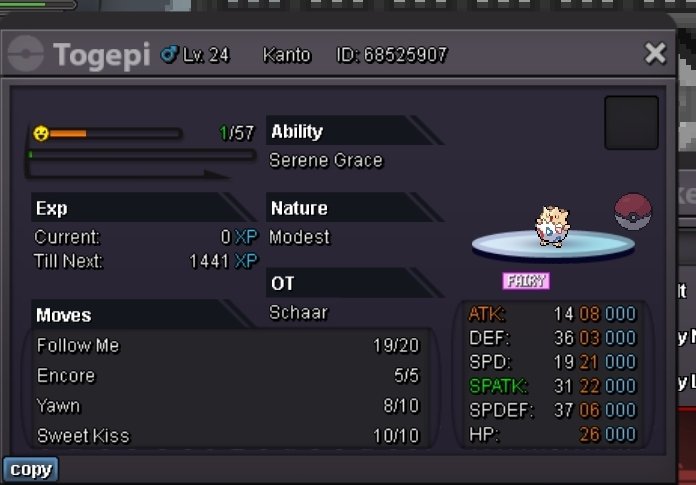
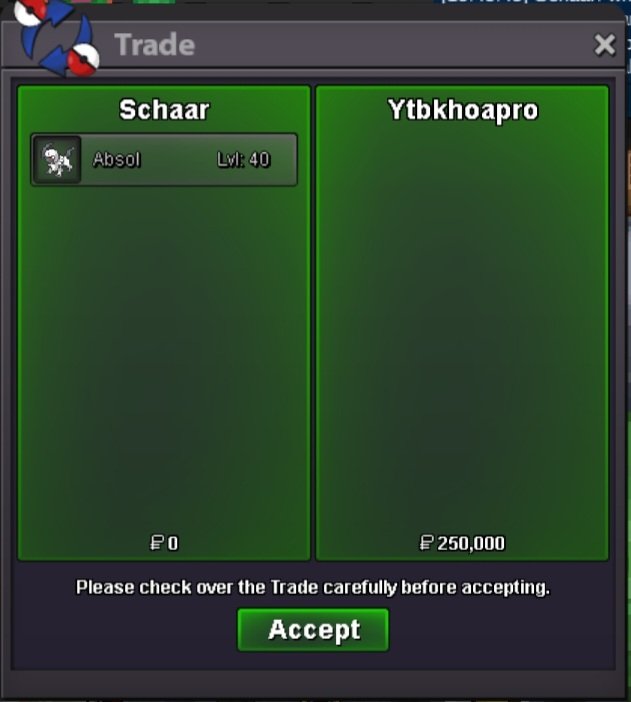
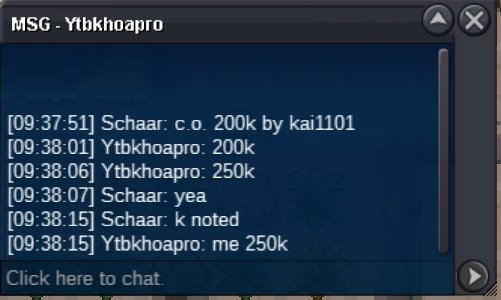
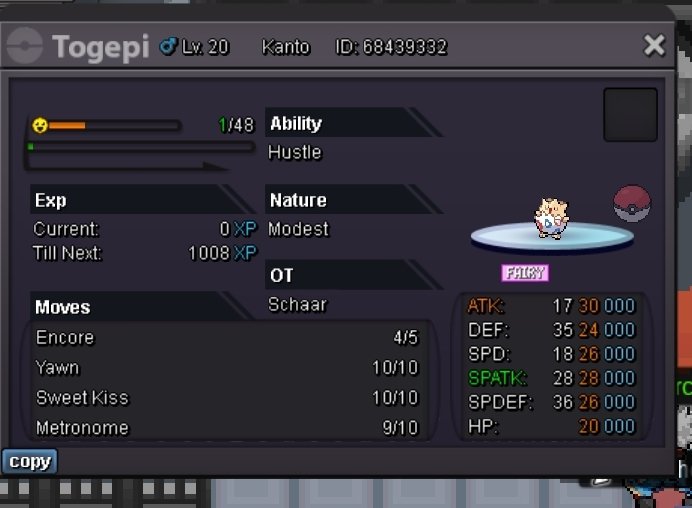 189k51k49k*Bzzt auction end Winner- Ytbkhaopro



Account
Navigation
Search
Configure browser push notifications
Chrome (Android)
- Tap the lock icon next to the address bar.
- Tap Permissions → Notifications.
- Adjust your preference.
Chrome (Desktop)
- Click the padlock icon in the address bar.
- Select Site settings.
- Find Notifications and adjust your preference.
Safari (iOS 16.4+)
- Ensure the site is installed via Add to Home Screen.
- Open Settings App → Notifications.
- Find your app name and adjust your preference.
Safari (macOS)
- Go to Safari → Preferences.
- Click the Websites tab.
- Select Notifications in the sidebar.
- Find this website and adjust your preference.
Edge (Android)
- Tap the lock icon next to the address bar.
- Tap Permissions.
- Find Notifications and adjust your preference.
Edge (Desktop)
- Click the padlock icon in the address bar.
- Click Permissions for this site.
- Find Notifications and adjust your preference.
Firefox (Android)
- Go to Settings → Site permissions.
- Tap Notifications.
- Find this site in the list and adjust your preference.
Firefox (Desktop)
- Open Firefox Settings.
- Search for Notifications.
- Find this site in the list and adjust your preference.