




New Trade Zone
Trade Zone is now live
Use the new Trade Zone for auctions and instant-price trades so Pokemon and item offers are easy to find.

Ayanok0ji
Registered User
-
Joined
-
Last visited
Everything posted by Ayanok0ji
-
60m
-
@Skippuh when u onl pm me
-
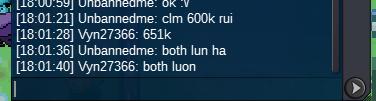
15min end900k for mild
 851k carefull
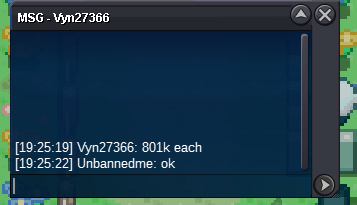
 3.6651k each
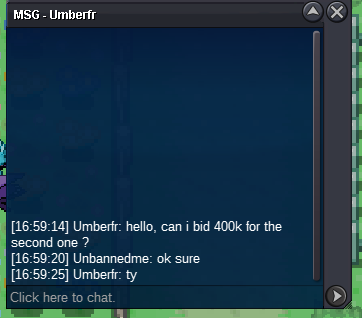
 Start each : 300k End Point: 48 hours (after start price is met) Insta : N/A Min Raise: 50k Accepted : cc(400k),rr(500k)hi i want buy service victini form 😆@Meetbhasi congratulations pm me when u onlStart each : 1k End Point: 48 hours (after start price is met) Insta : N/A Min Raise: 20k Accepted : cc(400k),rr(500k)
 Username: Unbannedme Server : Gold Country/Timezone: VietName /GMT +7Start each : 1k End Point: 48 hours (after start price is met) Insta : N/A Min Raise: 20k Accepted : cc(400k),rr(500k)
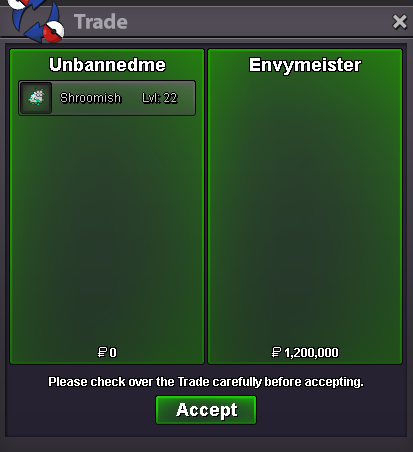
 3.2m tranfer





Account
Navigation
Search
Configure browser push notifications
Chrome (Android)
- Tap the lock icon next to the address bar.
- Tap Permissions → Notifications.
- Adjust your preference.
Chrome (Desktop)
- Click the padlock icon in the address bar.
- Select Site settings.
- Find Notifications and adjust your preference.
Safari (iOS 16.4+)
- Ensure the site is installed via Add to Home Screen.
- Open Settings App → Notifications.
- Find your app name and adjust your preference.
Safari (macOS)
- Go to Safari → Preferences.
- Click the Websites tab.
- Select Notifications in the sidebar.
- Find this website and adjust your preference.
Edge (Android)
- Tap the lock icon next to the address bar.
- Tap Permissions.
- Find Notifications and adjust your preference.
Edge (Desktop)
- Click the padlock icon in the address bar.
- Click Permissions for this site.
- Find Notifications and adjust your preference.
Firefox (Android)
- Go to Settings → Site permissions.
- Tap Notifications.
- Find this site in the list and adjust your preference.
Firefox (Desktop)
- Open Firefox Settings.
- Search for Notifications.
- Find this site in the list and adjust your preference.