New Trade Zone
Trade Zone is now live
Use the new Trade Zone for auctions and instant-price trades so Pokemon and item offers are easy to find.

Scythian22
Registered User
-
Joined
-
Last visited
Everything posted by Scythian22
-
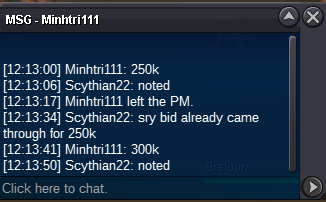
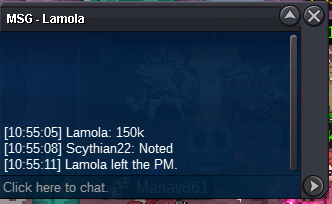
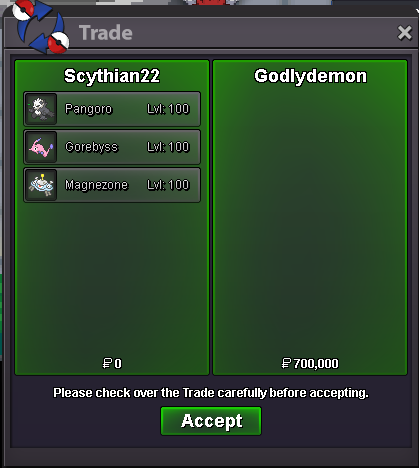
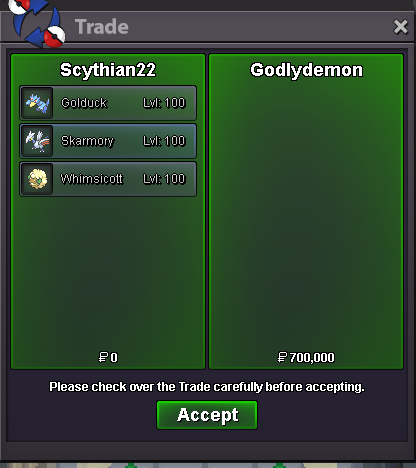
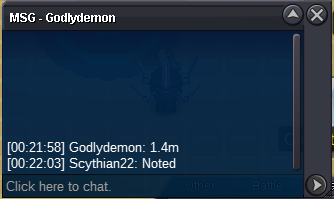
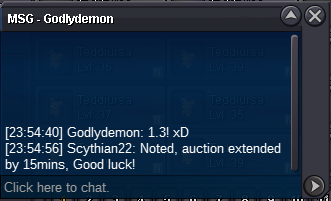
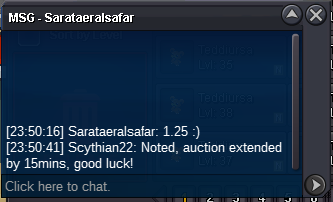
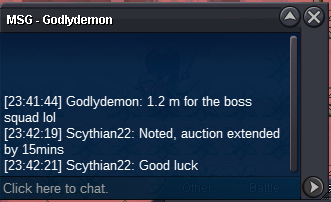
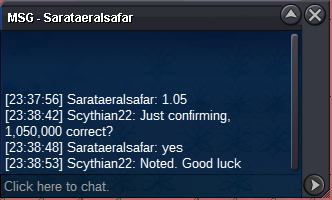
The auction has now finished. @Maskkonurr777 has won with a bid of 800k.
-
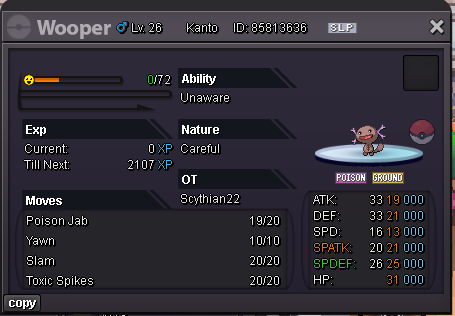
Start 100k min bid 50k No insta ends in 6hrs after first bid accept cc 500k reroll 750k
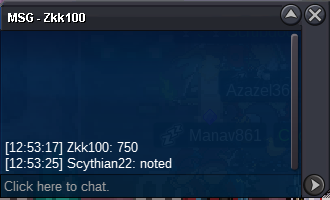
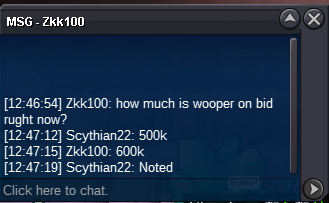
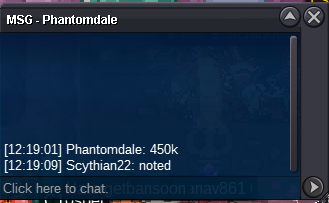
 Ready to recieve110k50kGyarados 250k4.2m● What's your IGN? Scythian22 ● How old are you? 26 ● Where are you from? England ● What's your total playtime? 2598Hr (4000Hr's on all accounts) ● What do you enjoy doing in the game? Mainly hutning but have been doing some PvP and looking to get into dungeoning ● Would you like to offer some kind of service to the guild? To help push PvP ratings and support with dungeon runs And the most important question of them all: Which Bidoof Form do you like the most? -Suidoof, Raidoof or Endoof ? Suidoof! Thank you!Story services. (Under construction) 400k Kanto 350k Johto 450k Hoenn 450k Sinnoh3.6m600kNot sure on exact time that last bid came through
Account
Navigation
Search
Configure browser push notifications
Chrome (Android)
- Tap the lock icon next to the address bar.
- Tap Permissions → Notifications.
- Adjust your preference.
Chrome (Desktop)
- Click the padlock icon in the address bar.
- Select Site settings.
- Find Notifications and adjust your preference.
Safari (iOS 16.4+)
- Ensure the site is installed via Add to Home Screen.
- Open Settings App → Notifications.
- Find your app name and adjust your preference.
Safari (macOS)
- Go to Safari → Preferences.
- Click the Websites tab.
- Select Notifications in the sidebar.
- Find this website and adjust your preference.
Edge (Android)
- Tap the lock icon next to the address bar.
- Tap Permissions.
- Find Notifications and adjust your preference.
Edge (Desktop)
- Click the padlock icon in the address bar.
- Click Permissions for this site.
- Find Notifications and adjust your preference.
Firefox (Android)
- Go to Settings → Site permissions.
- Tap Notifications.
- Find this site in the list and adjust your preference.
Firefox (Desktop)
- Open Firefox Settings.
- Search for Notifications.
- Find this site in the list and adjust your preference.