




New Trade Zone
Trade Zone is now live
Use the new Trade Zone for auctions and instant-price trades so Pokemon and item offers are easy to find.

Ginoisback
Registered User
-
Joined
-
Last visited
Everything posted by Ginoisback
-
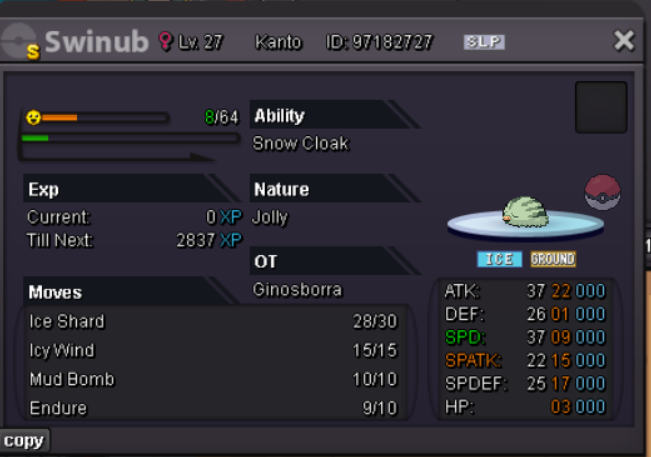
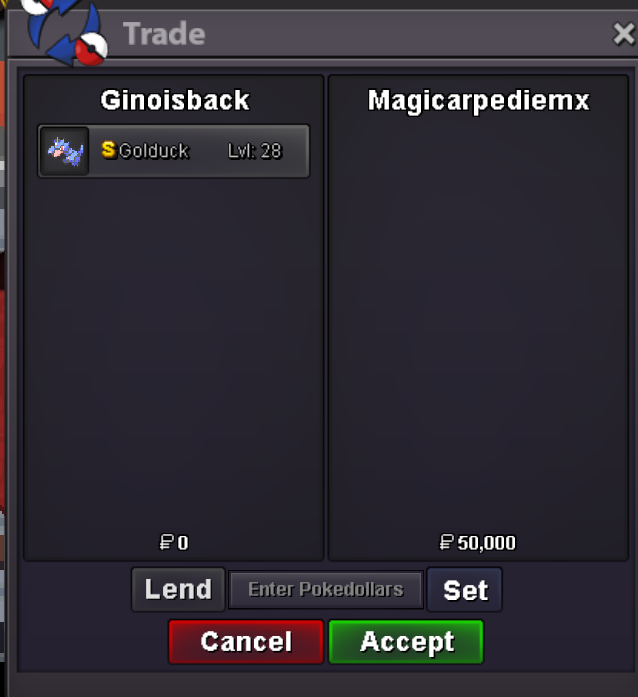
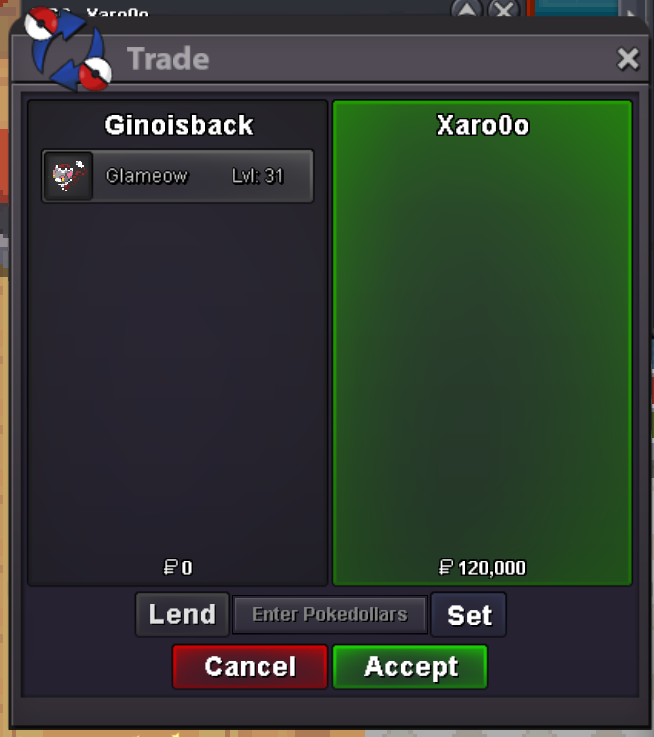
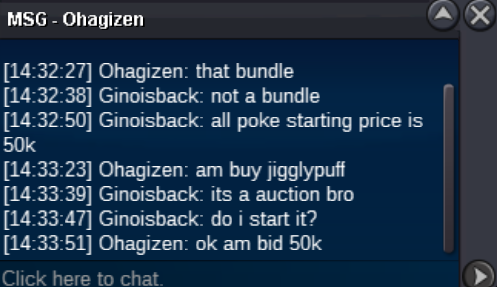
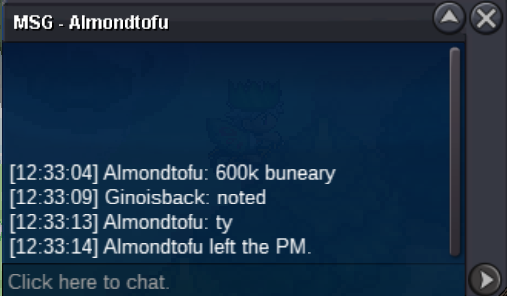
@Magicarpediemyou won the golduck, add me when you're onyessir! if u're on rn add me my nick is Ginoisbacknot a bundle starting price for all is 50k min raise is 10k each auction will end 48h after the first offer comment start and the number of wich pokemon you would like to start in case of pokemons like vulpix and swinub payment accepted are pokedollars and coin capsule(valued as 450k)
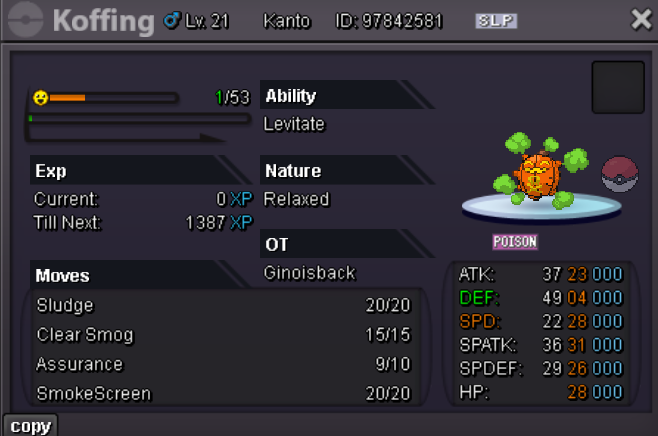
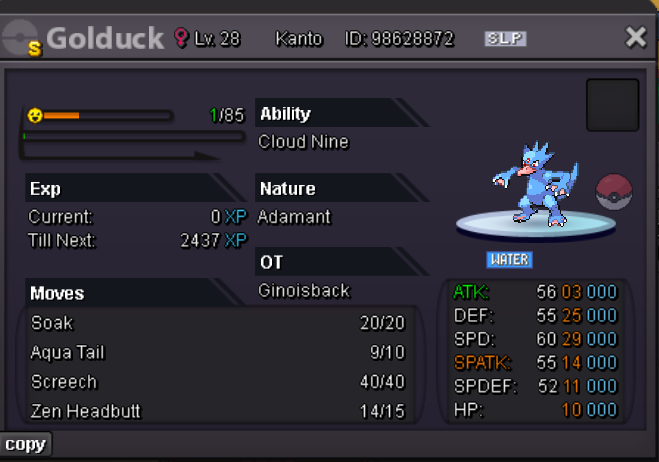
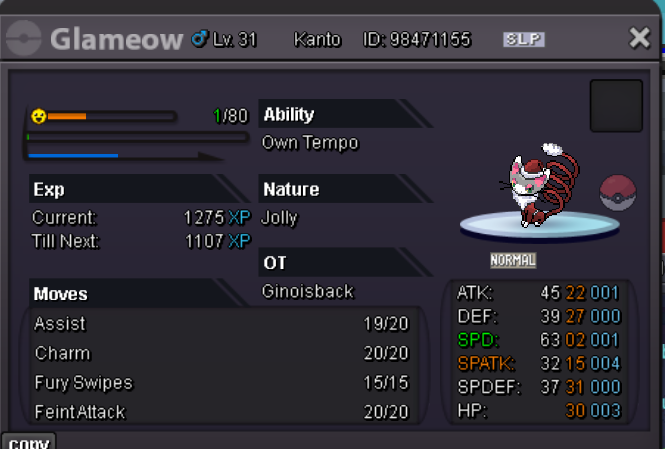
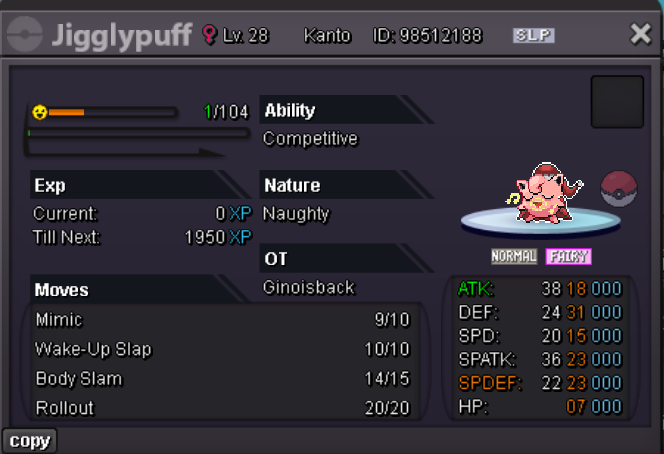
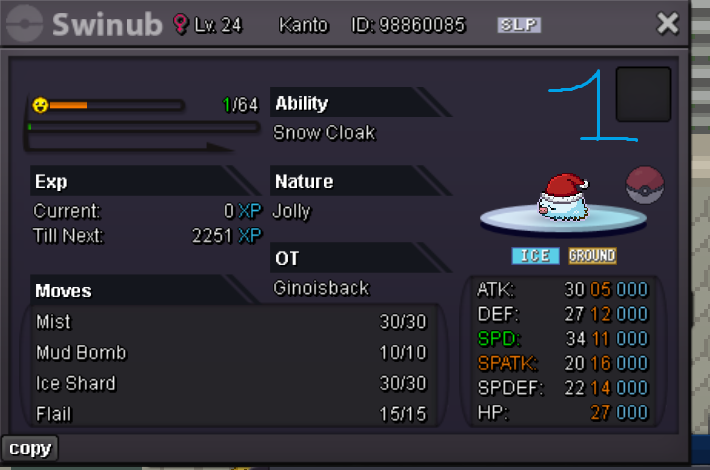

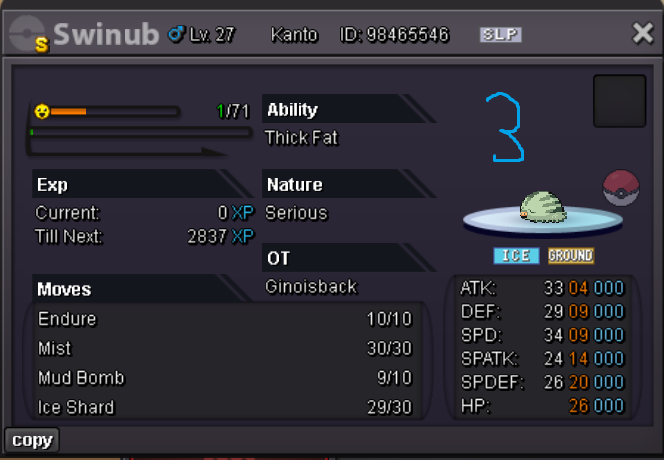
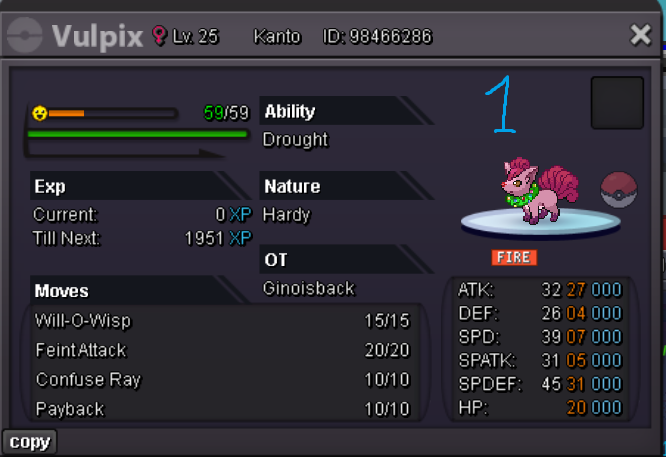
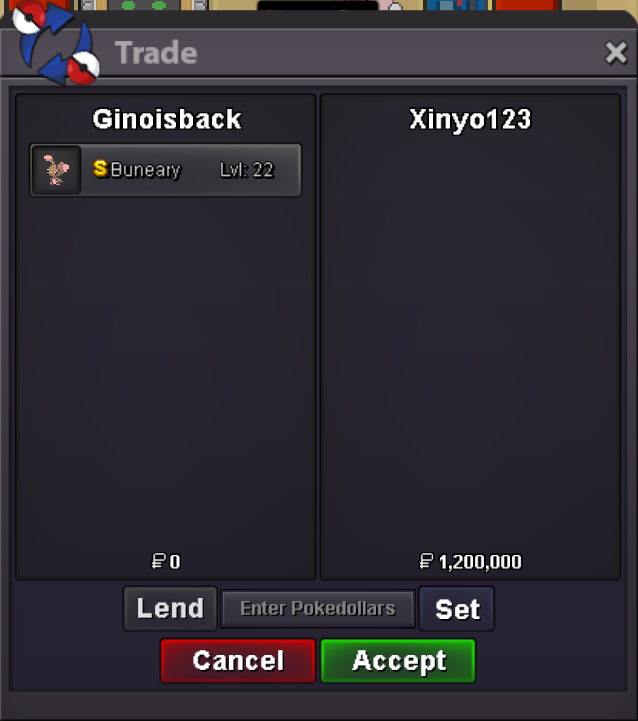
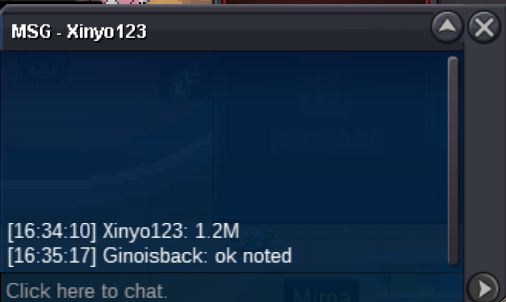
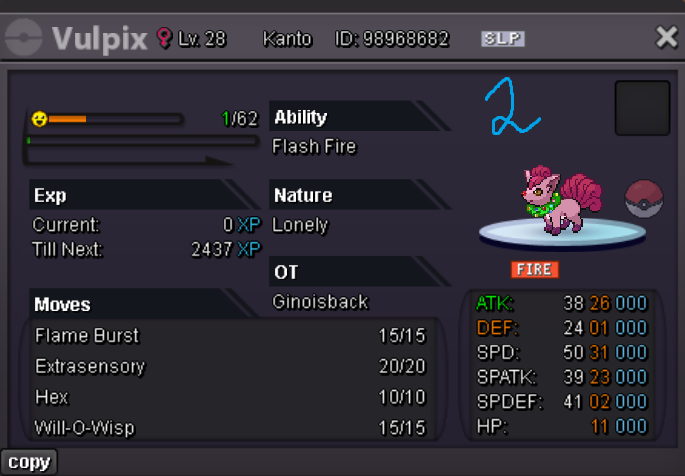 @Xinyo123whenever you're write me and we'll tradeStarting Bid: 500k min offer: 100k Closed after 48h from first offer no insta Payment accepted: Pokedollars and/or coin capsule (valued as 480k)
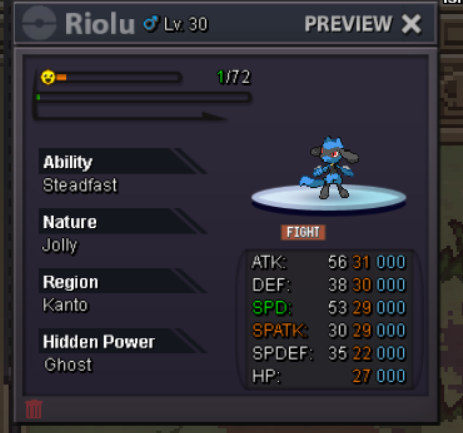
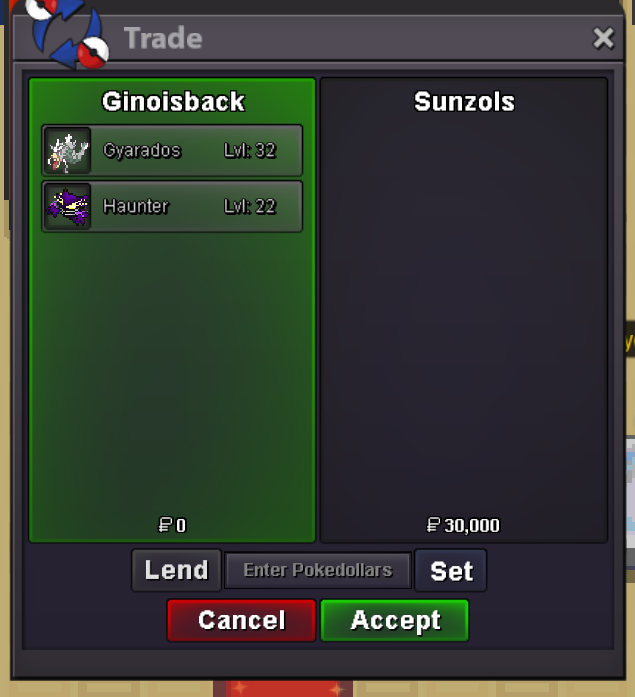
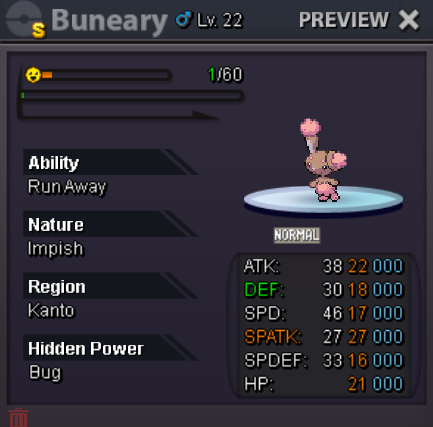 @Sunzols u won dm when u are online@Zncholo is the winner, add me when you're on and we'll trade@Lacomusso i have to keep it as a bundle? in case ill start it at 20k and sorry for the inconveninceyes i thought it would be obvious ahahhahahahaha sorrywich one?Bundle s.o 10k no insta min. raise 10k ends 48h after first offer C.o 30k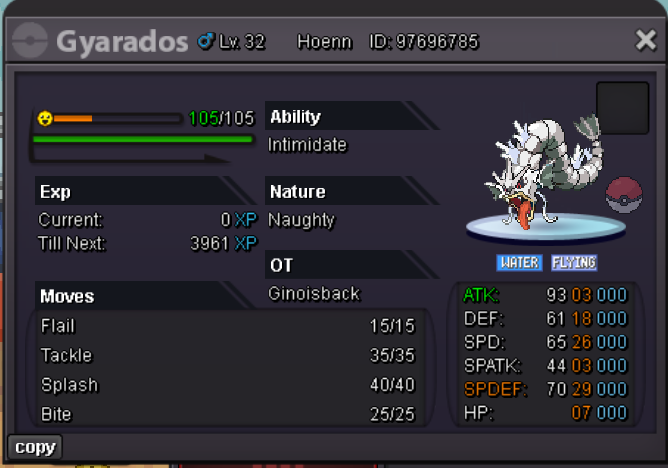
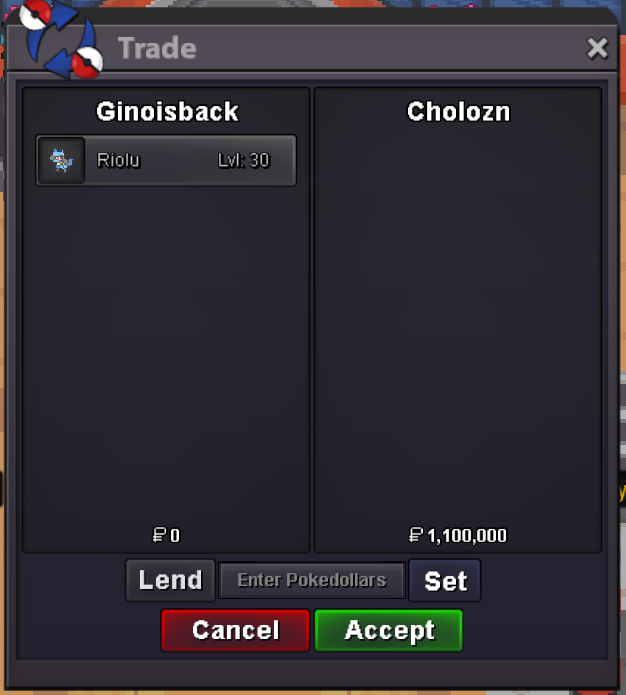
 1)Ginoisback 2) 219h 3) Magcargo 4) hunting 5) since emerald 6) yogurtS.O 1.1m min raise 100k Auction starts after 1st offer and ends 48h after start
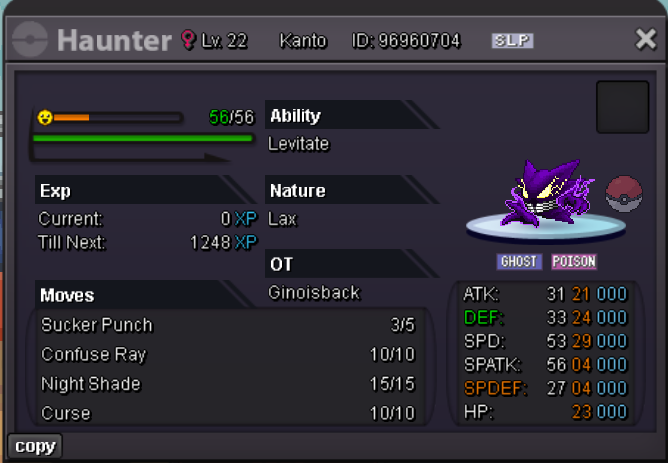
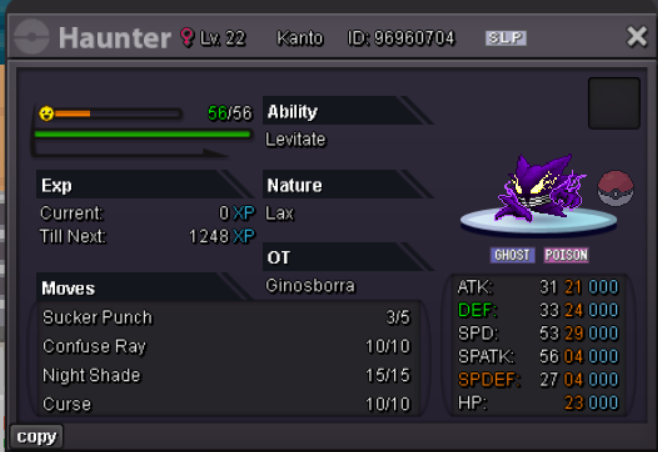
 duration 48h after 1st offer Abra: S.O 500k insta price 5m sold Haunter: S.O 200k insta 2m Swinub: S.O 1m min raise 100k


Account
Navigation
Search
Configure browser push notifications
Chrome (Android)
- Tap the lock icon next to the address bar.
- Tap Permissions → Notifications.
- Adjust your preference.
Chrome (Desktop)
- Click the padlock icon in the address bar.
- Select Site settings.
- Find Notifications and adjust your preference.
Safari (iOS 16.4+)
- Ensure the site is installed via Add to Home Screen.
- Open Settings App → Notifications.
- Find your app name and adjust your preference.
Safari (macOS)
- Go to Safari → Preferences.
- Click the Websites tab.
- Select Notifications in the sidebar.
- Find this website and adjust your preference.
Edge (Android)
- Tap the lock icon next to the address bar.
- Tap Permissions.
- Find Notifications and adjust your preference.
Edge (Desktop)
- Click the padlock icon in the address bar.
- Click Permissions for this site.
- Find Notifications and adjust your preference.
Firefox (Android)
- Go to Settings → Site permissions.
- Tap Notifications.
- Find this site in the list and adjust your preference.
Firefox (Desktop)
- Open Firefox Settings.
- Search for Notifications.
- Find this site in the list and adjust your preference.