New Trade Zone
Trade Zone is now live
Use the new Trade Zone for auctions and instant-price trades so Pokemon and item offers are easy to find.

Monstrebu
Registered User
-
Joined
-
Last visited
Everything posted by Monstrebu
-
I can be online in 5 minutesEnd point is delayed 15 minutes after the last bid, so now end point is 21.59 h UTC+1Sorry, but minimum bid is 50k.Starting price: 100k Minimum bid: 50k Duration: 24 h after starting bid is met Accepted payments: cc (500k) iv rr ticket (750k) End point: 21.44 h UTC+1
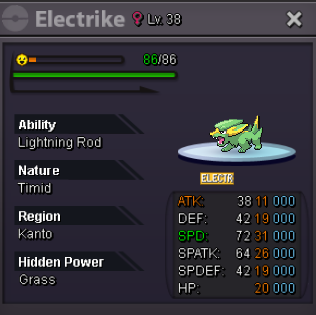 Hi, I wtb this one
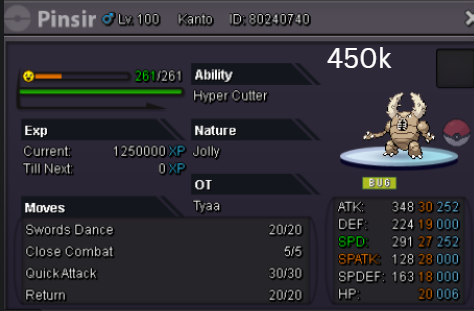 I'll be able in a couple of hours I'll let you know via Discord 😉I'll buy the 31 spd Ribombee if it's still available.
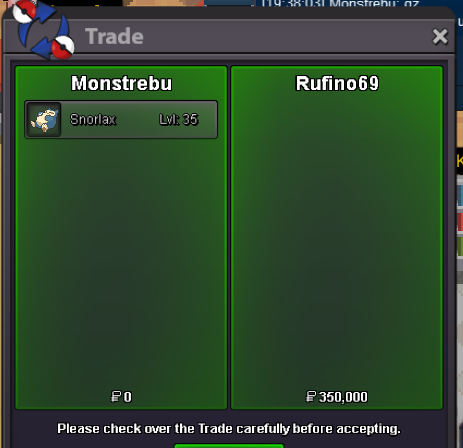
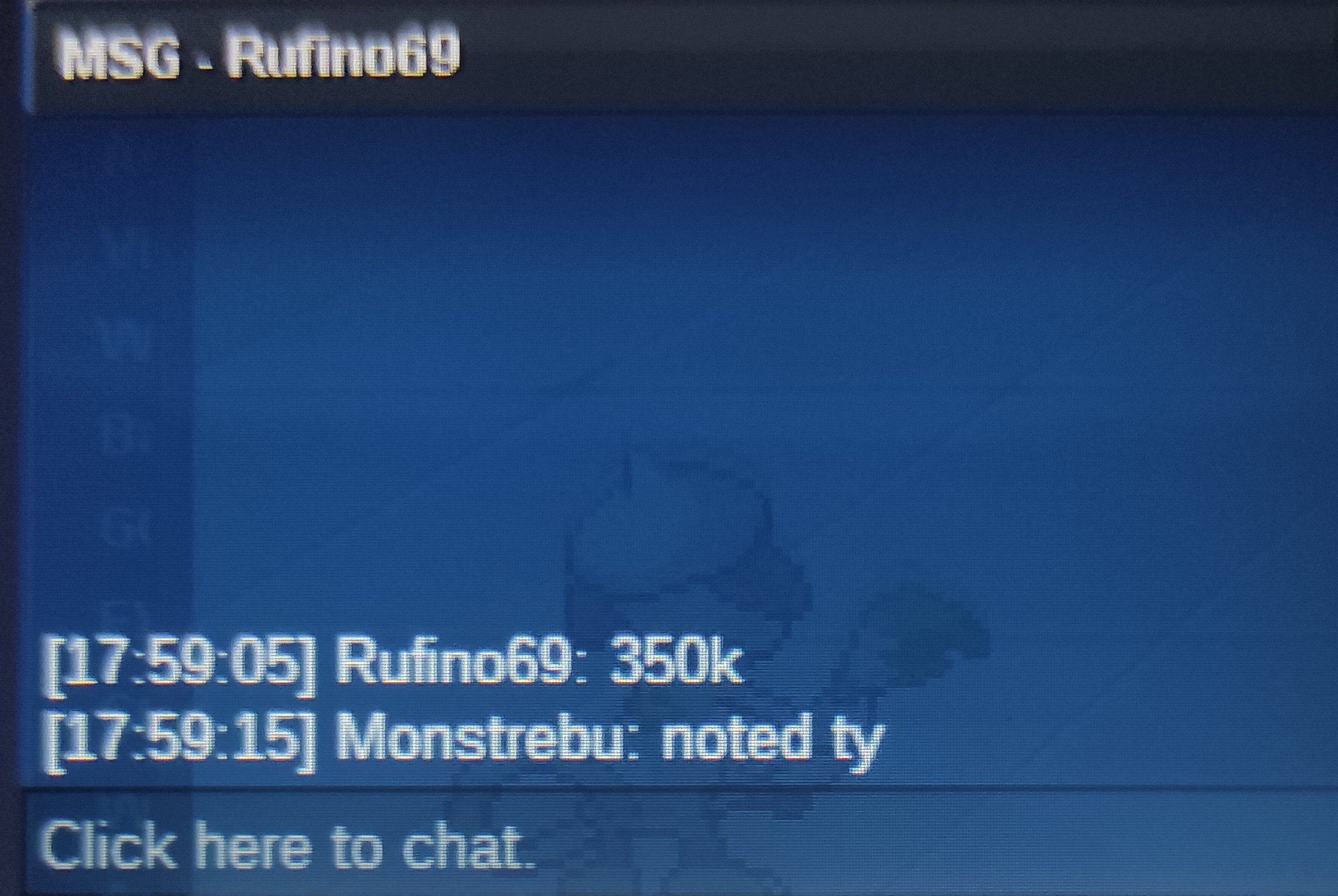
 @Khlyst Sorry to disturb you, but can you force trade? I tried to get in touch with Softstyl via pm, but he didn't answer.350k by Rufino69
 StartBumpBumpStarted by Moose66
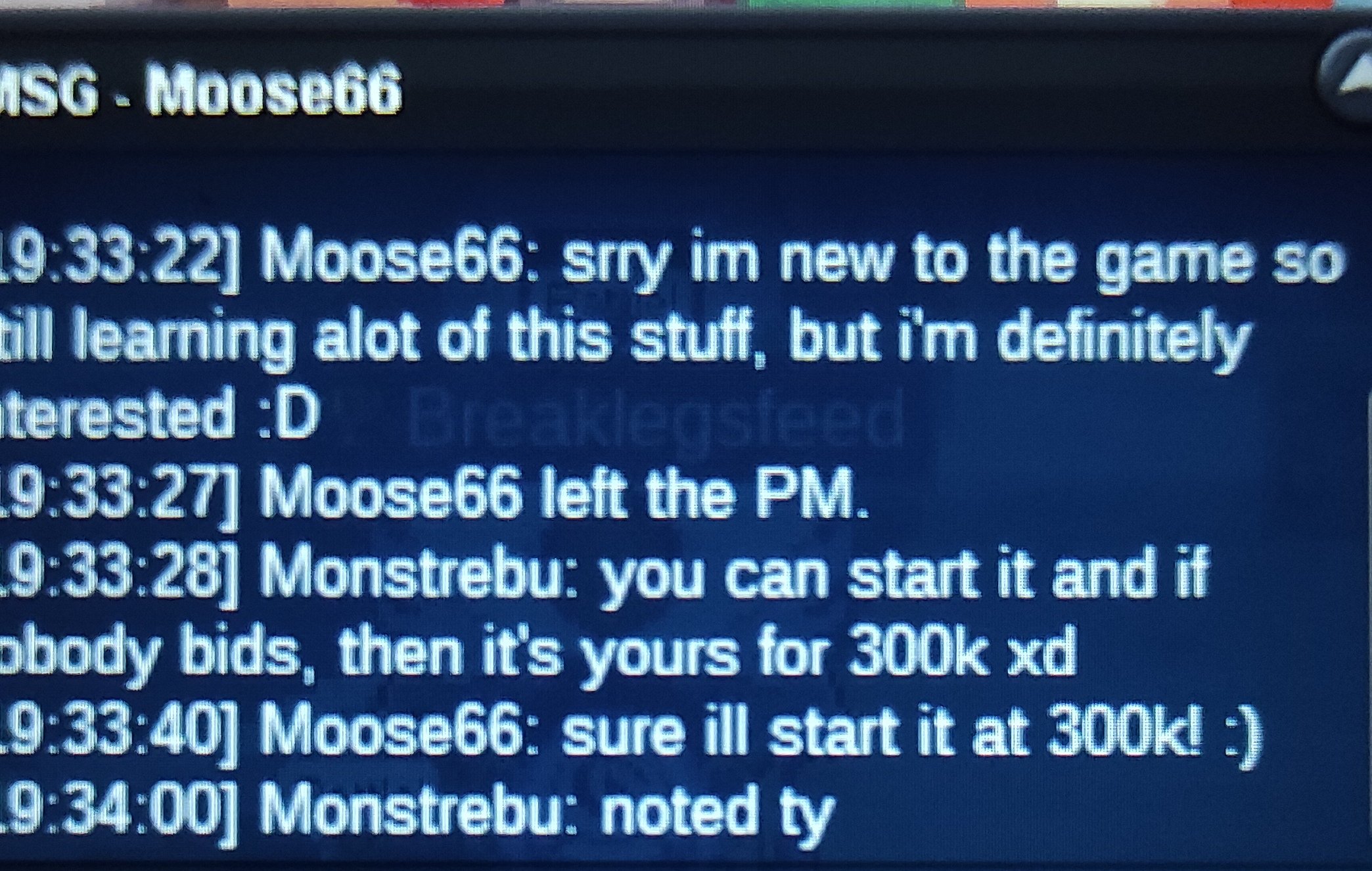 Starting bid: 300k Min raise: 50k Insta: 2m Duration: 48 h after starting bid is met End point: 19.47 h UTC +1 Accepted payments: CC = 500k IV reroll = 700k
 280kIt says 24 h for Metagross, and I started the auction yesterday.
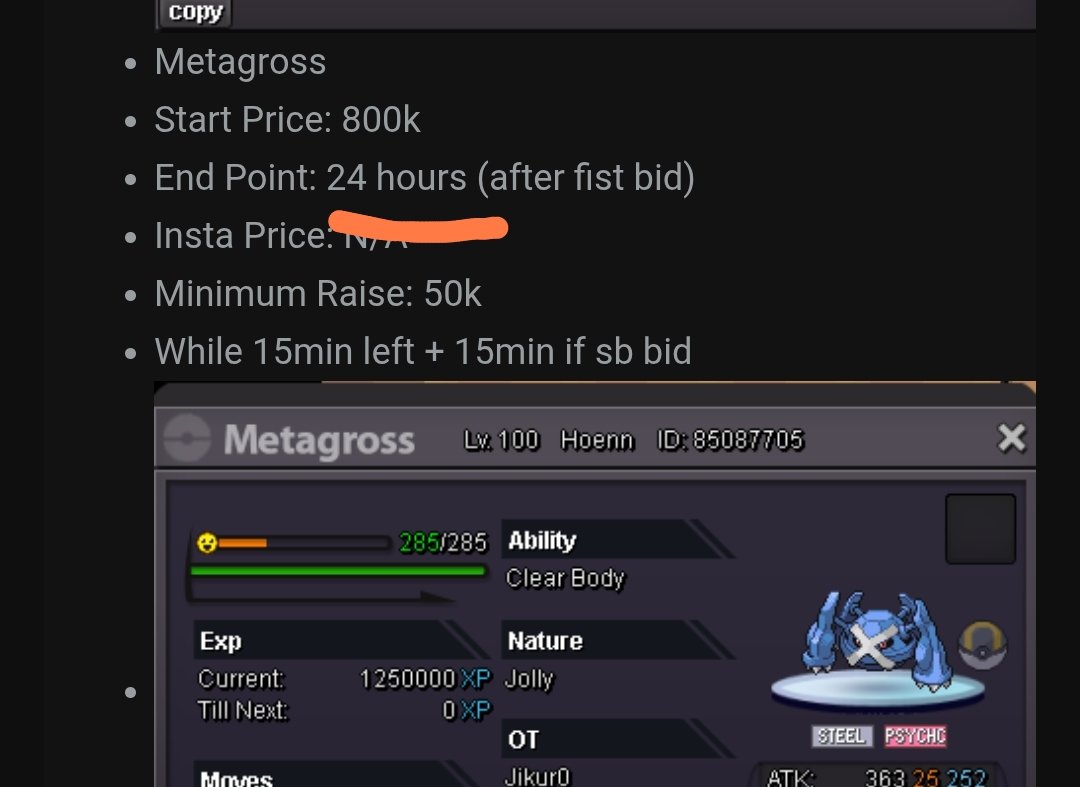 @Phtdng Let me know when can you meet and trade the metagross. Discord: Monstrebu@Softstyl you won the auction, let me know when can you meet and trade. Discord: MonstrebuSorry but if I'm not mistaken this bid is out of time, because end point was 17.42 h UTC+1, and this bid has been made at about 17.50 h UTC+1 (can't see the exact time in my cell phone)950k metagross