




New Trade Zone
Trade Zone is now live
Use the new Trade Zone for auctions and instant-price trades so Pokemon and item offers are easy to find.


Yeda
Registered User
-
Joined
-
Last visited
Everything posted by Yeda
-
Start 500k Min bid- 100k Auction end 48hr after first bid Insta : 10m Payment way: Pokedollers CC - 450k Iv RR - 650K NATURE RR - 300K RARE CANDY - 5K EACH Important Reminders: If a bid is received in the final 15 minutes of the auction, the end point will be delayed by 15 minutes from that bid, and will be delayed by 15 minutes for each new bid thereafter, until the current offer has been held for a full 15 minutes. started on 6:19 pm GMT -4
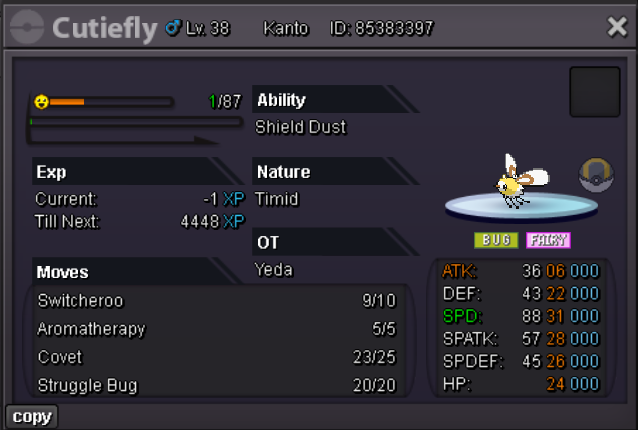
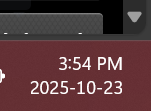
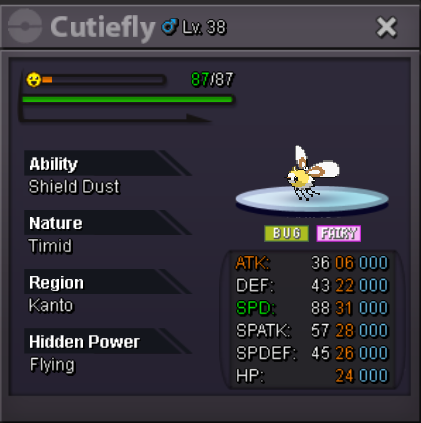 @Kimewcan u look for this auctionLet this handle to moderatorsdear moderators, can u check its closed on right time or not. cause in my region time its 3:54 pm of thursday, and auction created o 6:20pm, and first bid on 6:23pm so approx 2hr 30 mins left for closing auction. so for my satisfaction can u tell its already closed or still have time?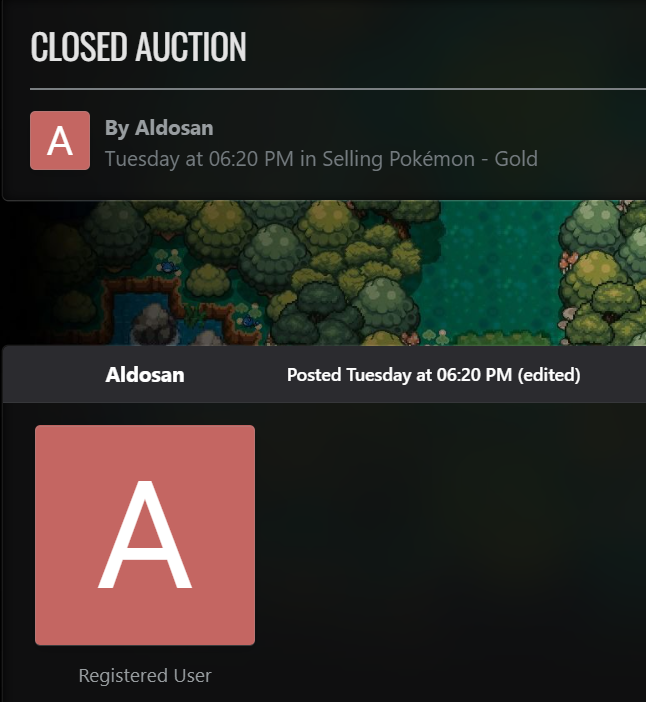
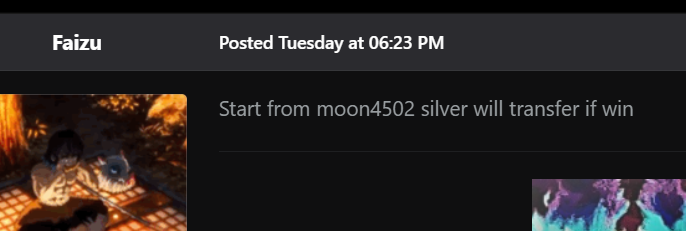
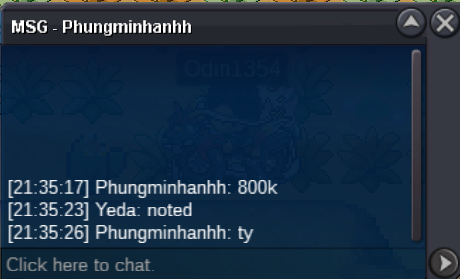
 3.2m@Shravudon't over bump2.4m2.5mWhen u available at that time I am on my work place. So I can't match your time. Since tomorrow I will available full day so hopefully we will trade tomorrow.Yes I know it's impish. So, I will continue my bid.Also do force trade this one can't contact me anymoreAny moderator can u do force trade i can match his time zone. Ty1.1mLast 3 mins left3.5m2.4mShould I know hp?Start

Account
Navigation
Search
Configure browser push notifications
Chrome (Android)
- Tap the lock icon next to the address bar.
- Tap Permissions → Notifications.
- Adjust your preference.
Chrome (Desktop)
- Click the padlock icon in the address bar.
- Select Site settings.
- Find Notifications and adjust your preference.
Safari (iOS 16.4+)
- Ensure the site is installed via Add to Home Screen.
- Open Settings App → Notifications.
- Find your app name and adjust your preference.
Safari (macOS)
- Go to Safari → Preferences.
- Click the Websites tab.
- Select Notifications in the sidebar.
- Find this website and adjust your preference.
Edge (Android)
- Tap the lock icon next to the address bar.
- Tap Permissions.
- Find Notifications and adjust your preference.
Edge (Desktop)
- Click the padlock icon in the address bar.
- Click Permissions for this site.
- Find Notifications and adjust your preference.
Firefox (Android)
- Go to Settings → Site permissions.
- Tap Notifications.
- Find this site in the list and adjust your preference.
Firefox (Desktop)
- Open Firefox Settings.
- Search for Notifications.
- Find this site in the list and adjust your preference.